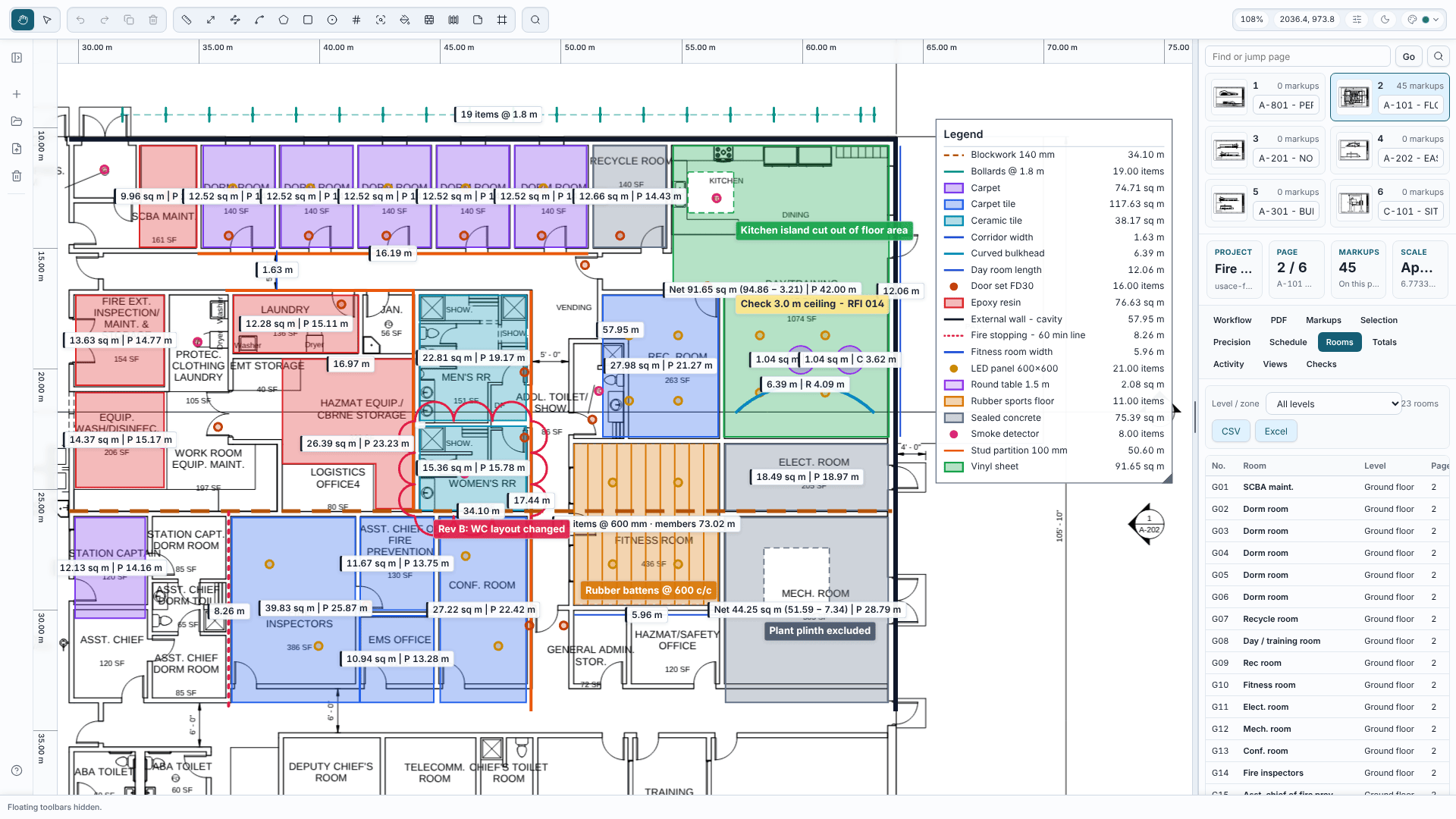
154 apps · Windows and your browser
Software for the job in hand.
Takeoff, estimating, site records, safety, quotes and invoices - plus a few things for when the work's done. Free or free to try, no account needed, and your data stays on your PC.


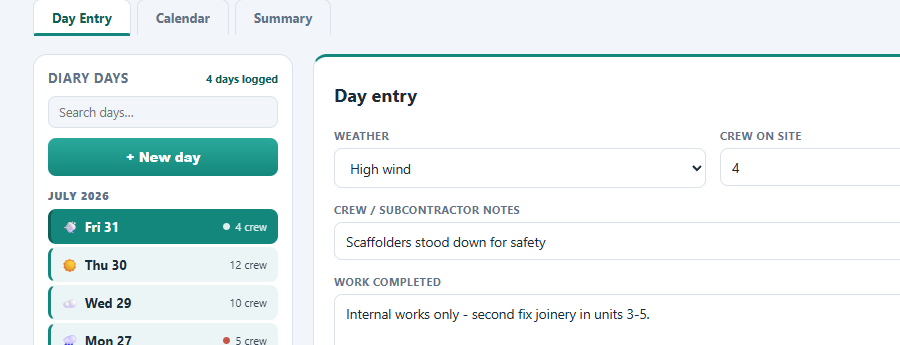
Site diaries, safety, plant, snags and job costs.
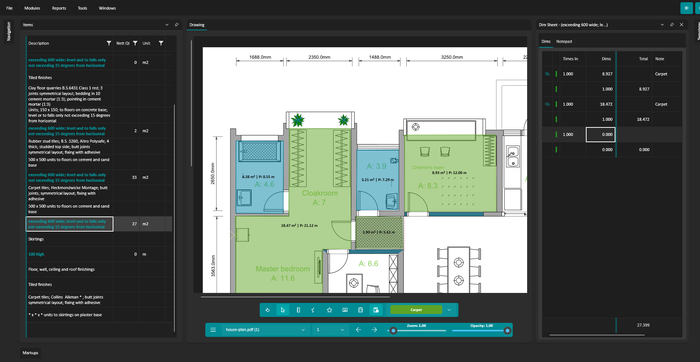
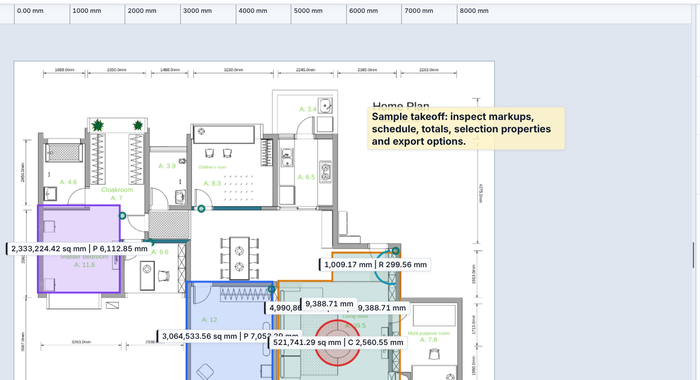
Takeoff, BOQs, BIM and quantity calculators.


Quotes, invoices, cash, staff and compliance.
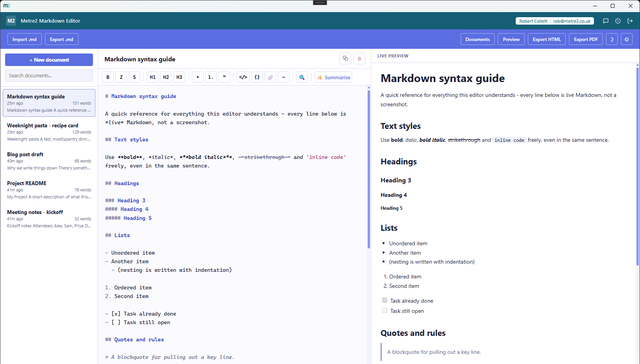
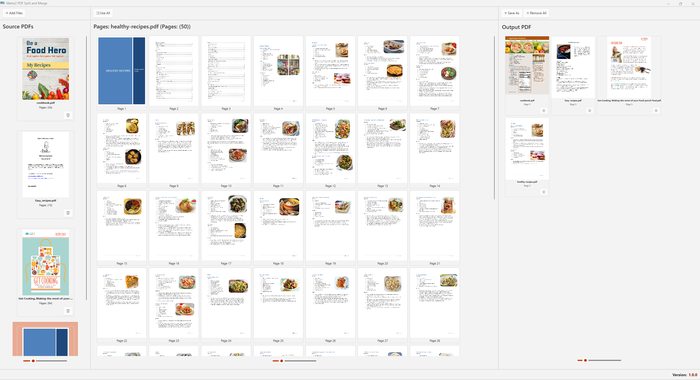
PDFs, notes, images and handy PC utilities.
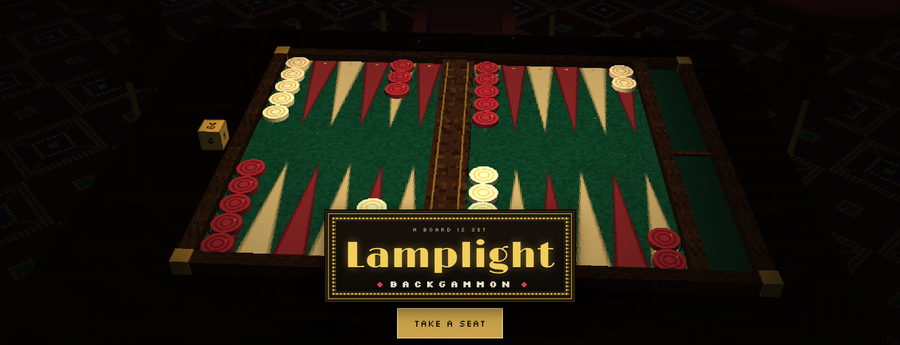


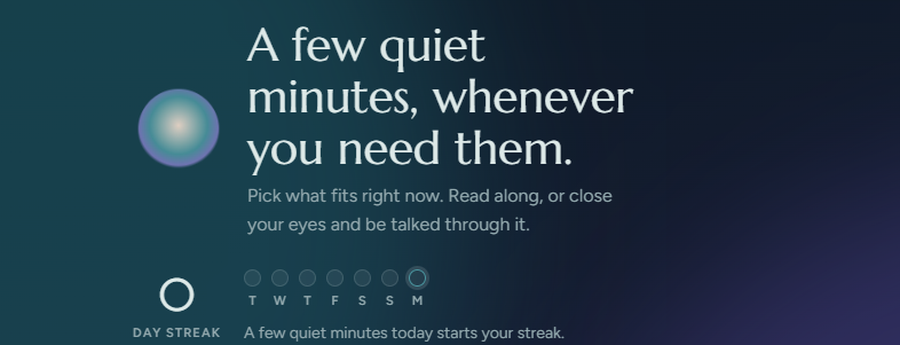
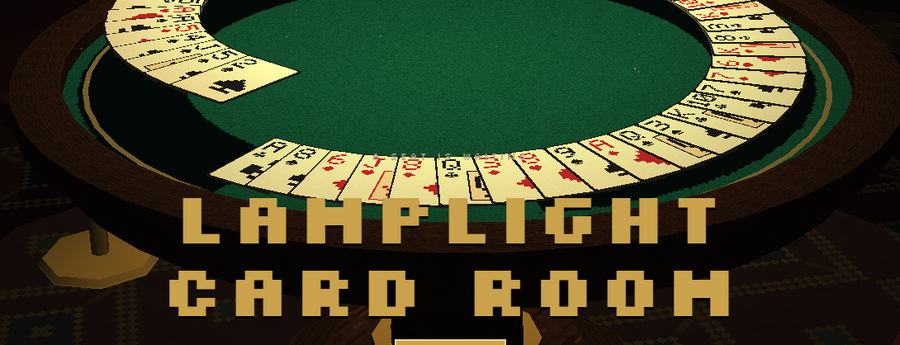
Moving, travel, collections, games and calm.
Find the right tool by where you are on the job - pricing it, planning it, building it or getting paid.
Construction apps →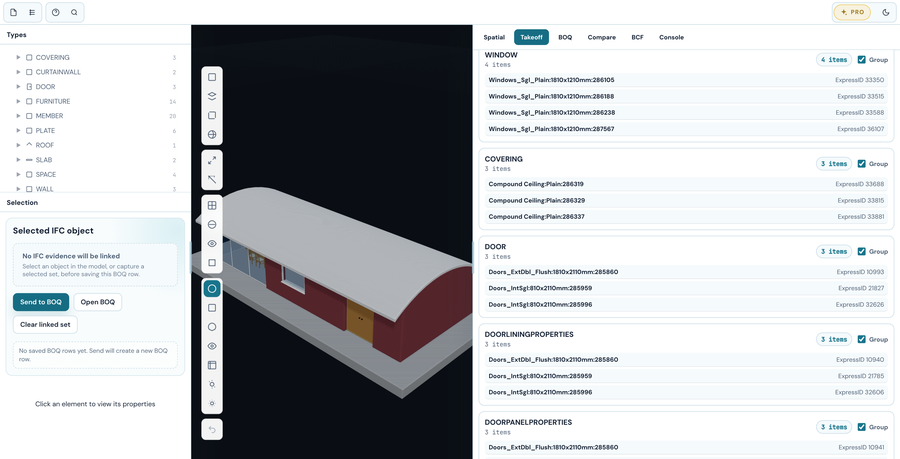
Free IFC viewer in English, French and German: model tree, properties, colour by property, two models together, BCF issues, sections and measuring. BIM Explorer Pro adds IDS checks, clash checks, storey plans to PDF and quantity takeoff with a BOQ linked to the model.
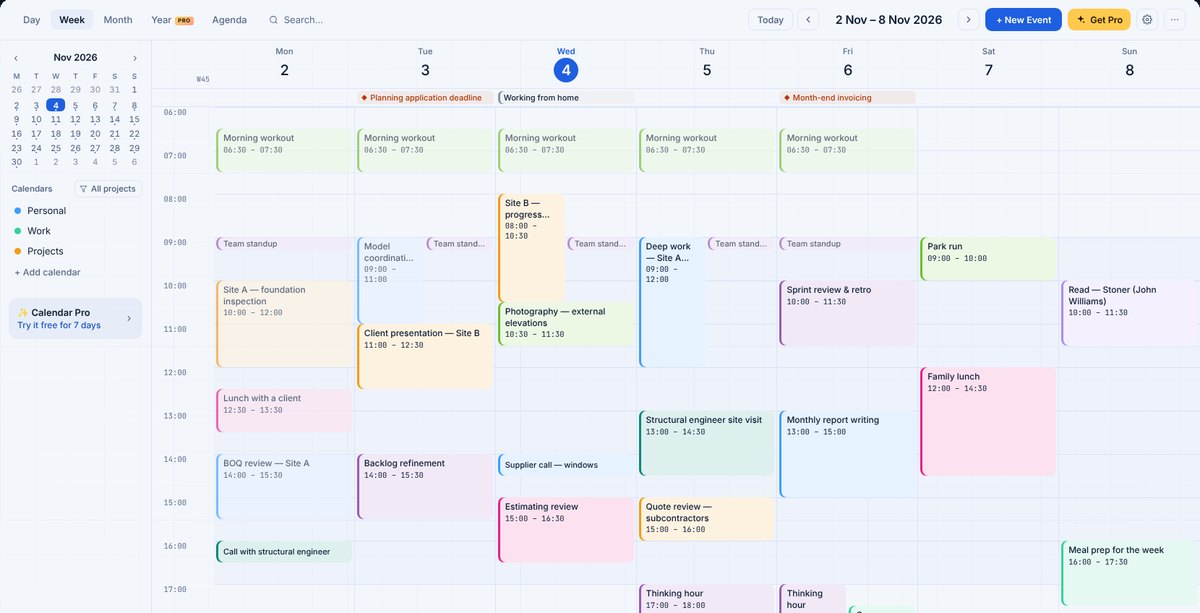
Day, week, timeline, month and agenda views with projects, time tracking and a site diary. Calendar Pro adds reminders, a year view, timesheets and invoices, and backups.
49 apps open in your browser - no install, no sign-up. Here are eight to start with.
Calendar
A calendar for projects and working weeks
Open in browser
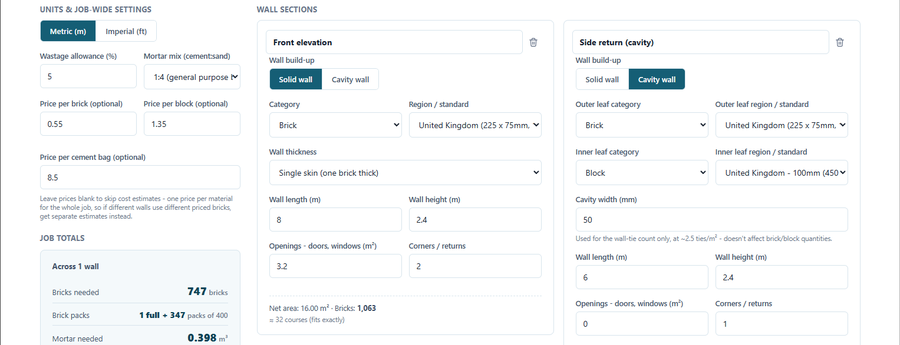
Brick & Block Calculator
Bricks, blocks and mortar for a whole job
Open in browser
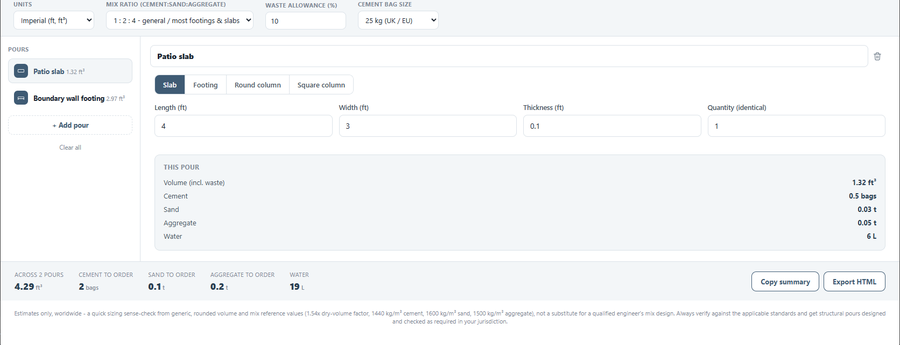 Concrete Volume Calculator
Concrete for slabs, footings and columns
Open in browser
Concrete Volume Calculator
Concrete for slabs, footings and columns
Open in browser
 VAT & Sales Tax Calculator
Add or remove VAT in one click
Open in browser
VAT & Sales Tax Calculator
Add or remove VAT in one click
Open in browser
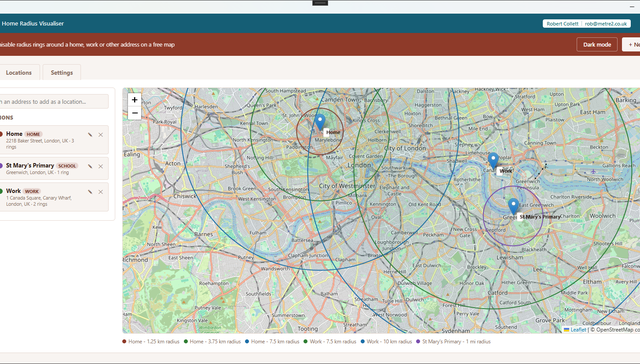 Home Radius Visualiser
Draw walk, cycle and drive rings round an address
Open in browser
Markdown Editor
A three-pane Markdown editor that works offline
Open in browser
Home Radius Visualiser
Draw walk, cycle and drive rings round an address
Open in browser
Markdown Editor
A three-pane Markdown editor that works offline
Open in browser
 Meal Plan Calendar
Plan the week's meals and get the shopping list
Open in browser
Meal Plan Calendar
Plan the week's meals and get the shopping list
Open in browser
 Kingside Chess
Chess against a real engine, in 2D or 3D
Open in browser
Kingside Chess
Chess against a real engine, in 2D or 3D
Open in browser
Card games, cue sports, the night sky and a few quiet minutes. The Lamplight games →
No cloud account to set up. Your projects live where you saved them.
Independently certified, and the Windows apps come through the Microsoft Store.
72 apps are free. The rest have a free trial and a one-off price.

 Takeoff Studio