Add or remove VAT / sales tax on a price, in seconds
VAT & Sales Tax Calculator
Adds or removes VAT / sales tax on a price, with region presets for the UK, Ireland,
Germany, France, Spain, Australia, Canada, New Zealand and US, plus a fully custom mode
for anywhere else. Work forward from a net price or backward from a tax-inclusive gross
price, and keep a running history of what you've worked out.
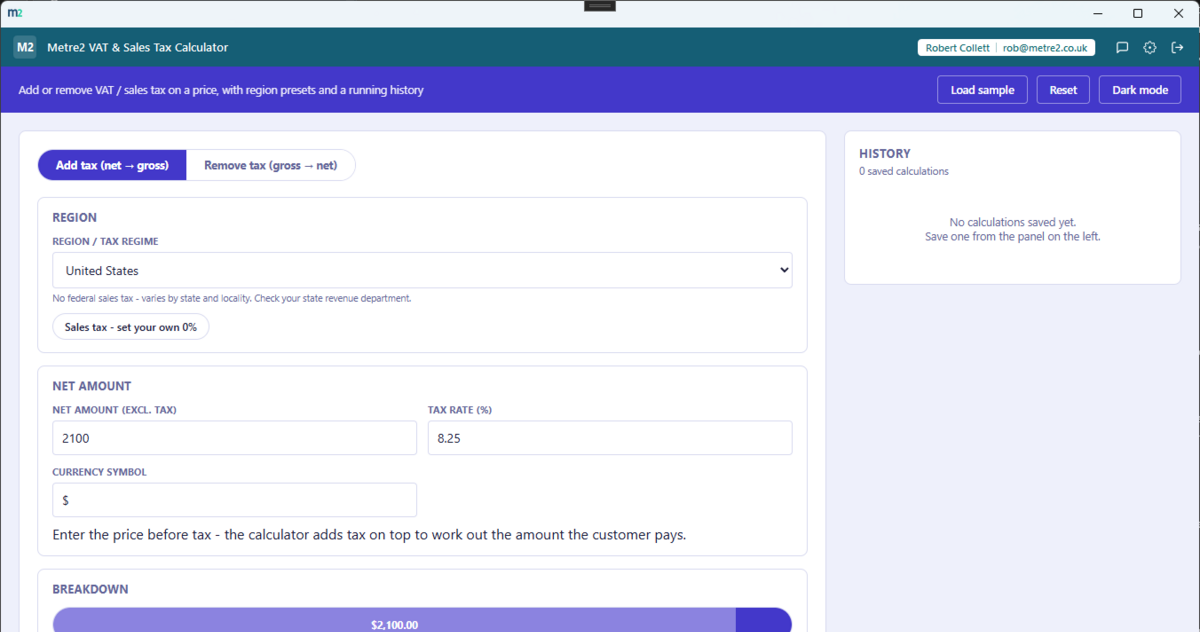
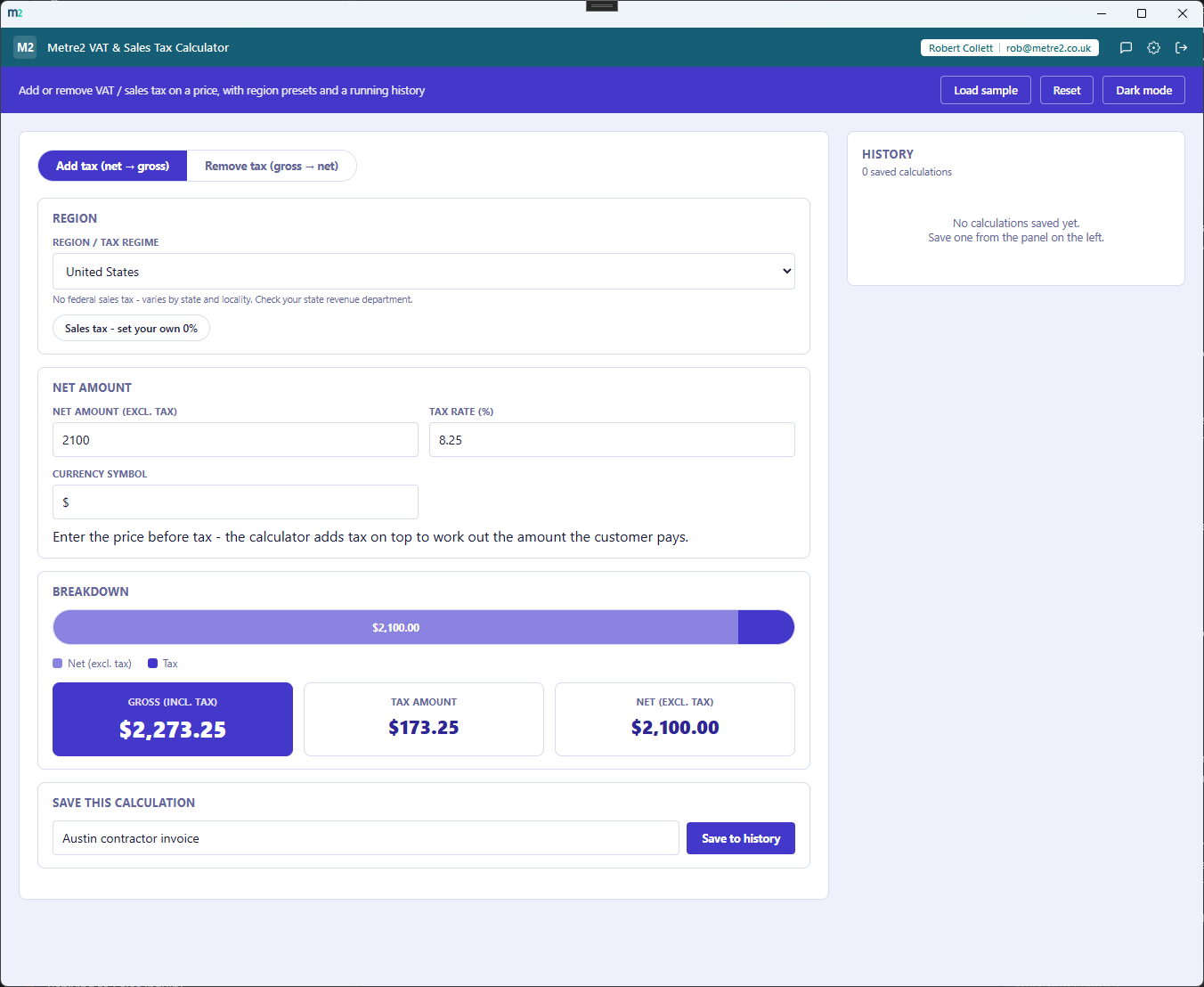
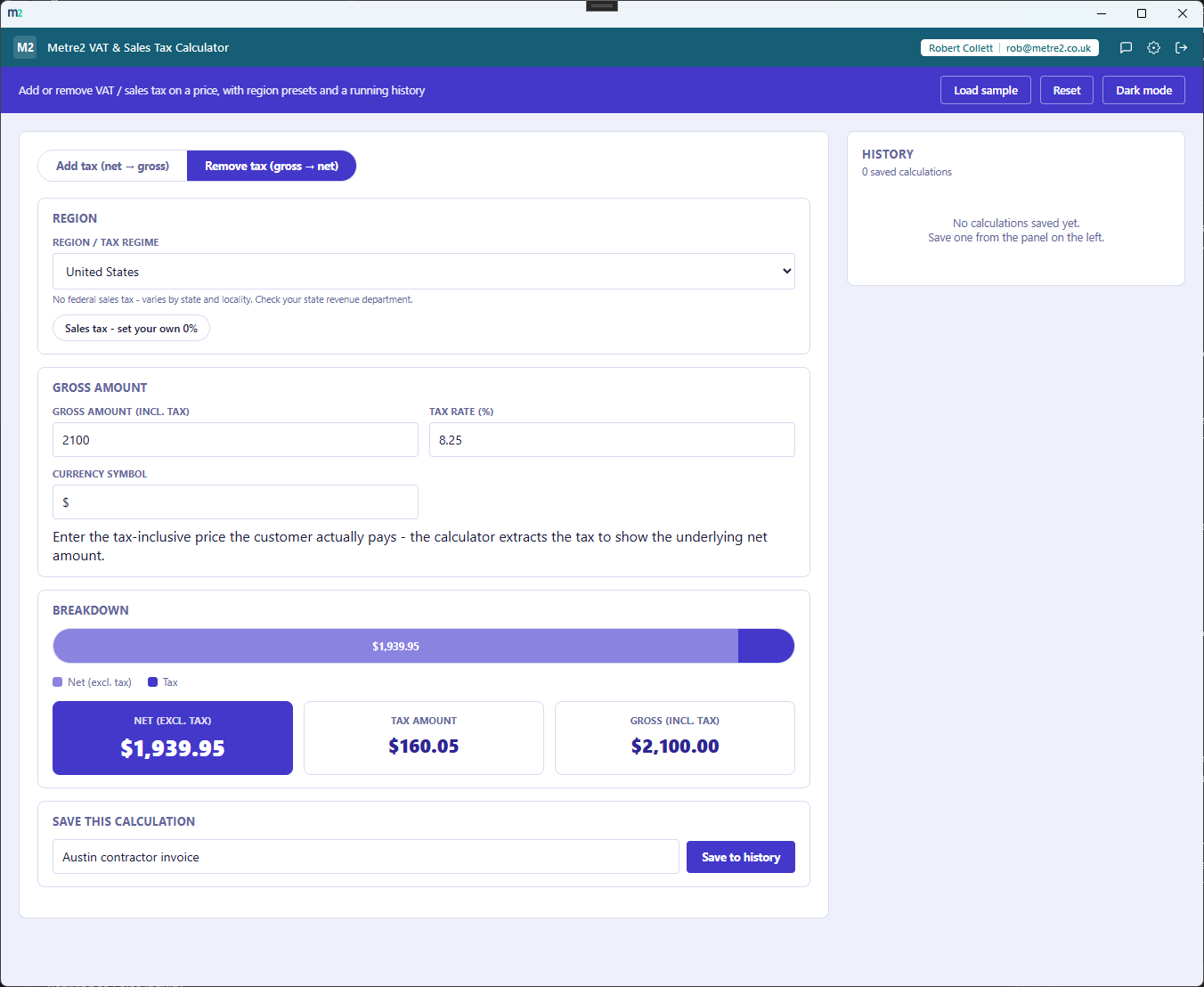
Adding tax to a US sales price, and removing tax from a UK VAT-inclusive price - both with the running history rail alongside.
Add tax - net amount, sales tax rate, and the gross breakdown
Remove tax - gross amount broken back down into net and tax
Region presets, not just the UK
Pick UK, Ireland, Germany, France, Spain, Australia, Canada, New Zealand, US, or a
fully custom region, and the calculator sets sensible default rate options for that
region - every default stays editable so you can correct it against your own current
source.
Add tax or remove tax, one toggle
Add tax mode takes a net price and works out the tax and the gross price the customer
pays. Remove tax mode takes a tax-inclusive gross price - a receipt total, say - and
extracts the tax to show the underlying net amount.
Rate chips for common rates
Each region shows its standard, reduced and zero rates (where it has them) as one-tap
chips, so you don't have to remember or look up the exact percentage for a common
scenario.
A breakdown bar shows the split
Net and tax as two segments of a single bar, so you can see at a glance how much of the
total is the original price and how much is tax, with the exact figures in matching
result cards.
A running history rail, always visible
Save any calculation with a short label and it sits in a running history alongside the
calculator - not a separate tab you have to switch to, and not a heavyweight ledger,
just a quick record of recent figures.
Load any saved calculation back in
Click Load on any history entry to pull its region, rate and amount straight back into
the calculator - useful for re-checking or tweaking a figure you worked out earlier.
Any trade or business
Not construction-gated - works for any business adding or removing VAT, GST or sales
tax on a price, whatever the trade or industry.
Light/dark theme, and sample data
A light/dark toggle that remembers your choice, and "Load sample" fills in a realistic
calculation so you can see it working before entering your own numbers.
How it compares to a free web VAT calculator
Free ad-supported web VAT calculators (calculator.net's VAT calculator and similar sites)
are the obvious alternative for a one-off sum. Here's how a dedicated desktop app compares
for anyone doing this more than once.
Feature
VAT & Sales Tax Calculator
Free web VAT calculator
Pricing model
£0.79 one-off after trial
Free, ad-supported
Works fully offline
✓
✕
Region presets beyond a single flat rate field
✓
✕
Add tax and remove tax, one toggle
✓
✓
Running history of past calculations
✓
✕
No ads, no browser tab to keep finding again
✓
✕
Single-purpose, no unrelated features to learn
✓
✓
Comparison based on typical free web VAT calculator sites as of August 2026 - features and
ad-loads vary by site, so this is a general comparison rather than a specific product
review. Not sponsored by or affiliated with any web calculator site.
Frequently asked questions
Do I need to install anything to use VAT & Sales Tax Calculator?
A Windows desktop app,
VAT & Sales Tax Calculator is built and ready but hasn't been submitted to the Microsoft Store yet - that's planned.
Which regions does this support?
The UK, Ireland, Germany, France, Spain, Australia, Canada, New Zealand and US each have a preset for their typical rate(s), plus a fully custom mode for any other country. Every default stays editable so you can correct it against your own current source.
Can it work backwards from a tax-inclusive price?
Yes - switch to Remove tax mode and enter the price the customer actually paid (including tax). The calculator extracts the tax amount and shows the underlying net price, useful for pulling VAT out of a receipt or a VAT-inclusive quote.
How is the tax amount calculated?
Add tax mode: tax = net amount x rate, gross = net + tax. Remove tax mode: net = gross / (1 + rate), tax = gross - net. Figures are rounded to two decimal places using round-half-up.
What is the History for?
Save any calculation with a short label and it's added to a running history rail alongside the calculator - useful for keeping a quick record of rates and amounts you've worked out recently, without it turning into a full accounting system.
Where does my data go?
Nothing leaves your device - it's all stored locally between sessions, with no cross-device sync yet.
Is this tax or accounting advice?
No - it's a calculator to help you work out a figure quickly, not tax or accounting advice. Rates shown are indicative and can go out of date - always check your region's current rate before relying on a figure for a return or invoice.