Free IFC viewer for Windows
Open any IFC model and explore it - the model tree, every element's properties, display modes, sections, measuring and search. Free, offline, and your models never leave your PC. Need quantities? The optional one-off BIM Explorer Pro upgrade adds quantity takeoff, a BOQ linked to the model, revision compare and BCF issue review.
Drag in an .ifc file or browse for it - large models are prepared in stages with progress shown. Or load the sample building.
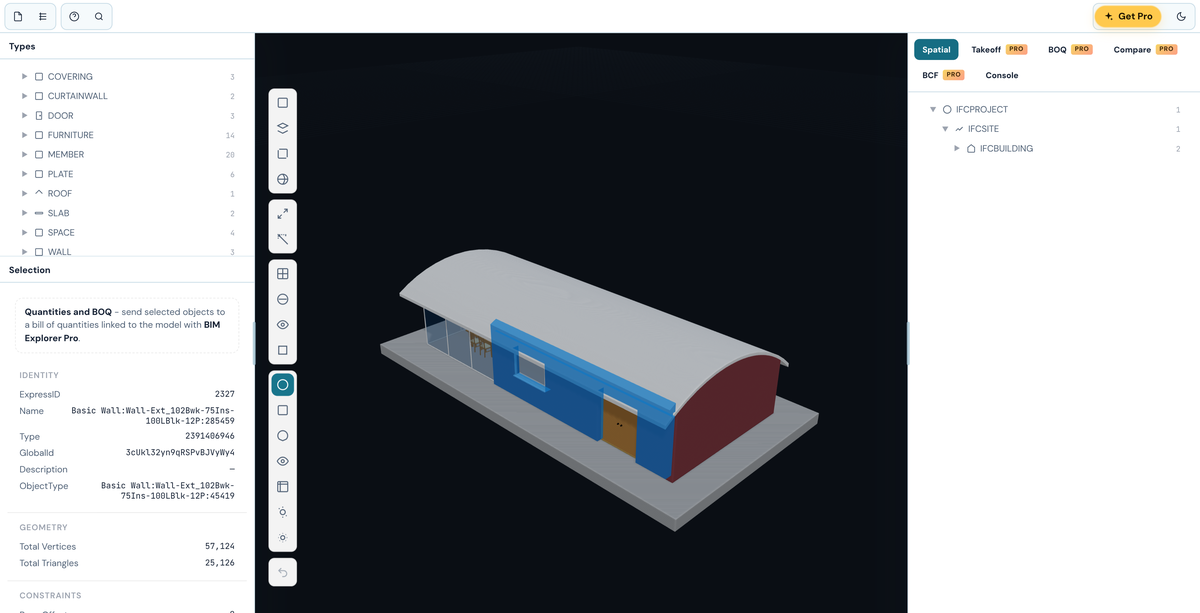
Spatial structure, IFC types and every property of the element you click.
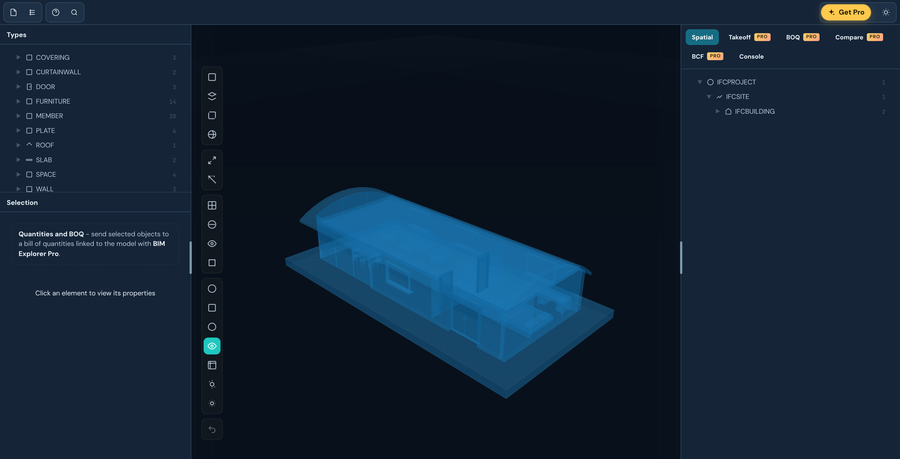
Original, white, clay, x-ray, blueprint, warm and realistic - plus wireframe, transparency and edge highlighting.
Cut through the model with a section plane and measure between points.
Find elements by name or property, filter by type or storey, then highlight or isolate them.
Models you open are kept on your PC so you can reopen them in one click. Saved viewpoints too.
Windows 10/11 · Free · Offline · Microsoft Store
The viewer stays free. For quantity surveyors and estimators, BIM Explorer Pro is a one-off £19.99 upgrade inside the app, bought through the Microsoft Store - no subscription, no account.
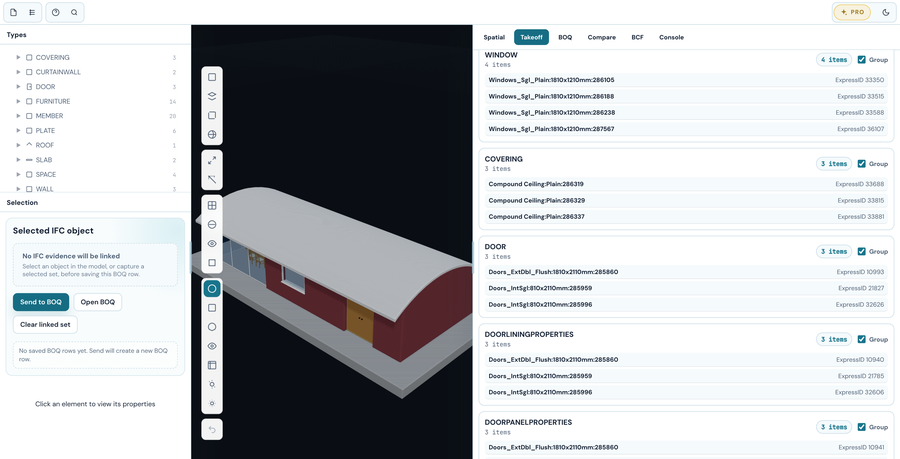
Counts, areas and volumes by IFC type and storey, straight from the model, ready to check.
Build bill rows with rates and totals - every row keeps the IFC objects it came from, one click away.
Open the next issue of a model and see what was added, removed or changed.
Import BCF issue sets and review them against the model.
CSV, JSON and HTML reports of quantities, BOQ and comparisons.
A closer look at the new BIM Explorer.
X-ray and six other display modes
Quantity takeoff with BIM Explorer Pro
Yes. Viewing IFC models is free and always will be - the 3D viewer, model tree, properties, display modes, sections, measuring, search and the model library. BIM Explorer Pro is an optional one-off upgrade (£19.99 through the Microsoft Store) for quantity takeoff, a BOQ linked to the model, revision compare, BCF issue review and exports. No subscription and no account.
IFC models (.ifc), including large ones - BIM Explorer prepares big files in stages and shows its progress. Drag a file onto the window or browse for it, or load the built-in sample building to look around first.
No. Models are opened and kept on your PC, in BIM Explorer's own model library. Nothing is uploaded anywhere.
No. BIM Explorer opens straight to the viewer with no sign-in. You can register your copy for update notices, but it's optional.
BIM Explorer is now built on the same engine as Metre2 Forma. The viewer is free, and Forma's quantity and commercial tools come with BIM Explorer Pro.