Printed to XPS by mistake?
Choose “Microsoft XPS Document Writer” in the print box by mistake and you get a .xps file that nothing but Windows opens - and even Windows has hidden its viewer. Drop it here and get a PDF that opens on anything: the same pages, sharp lines and pictures, and text you can still search and copy.
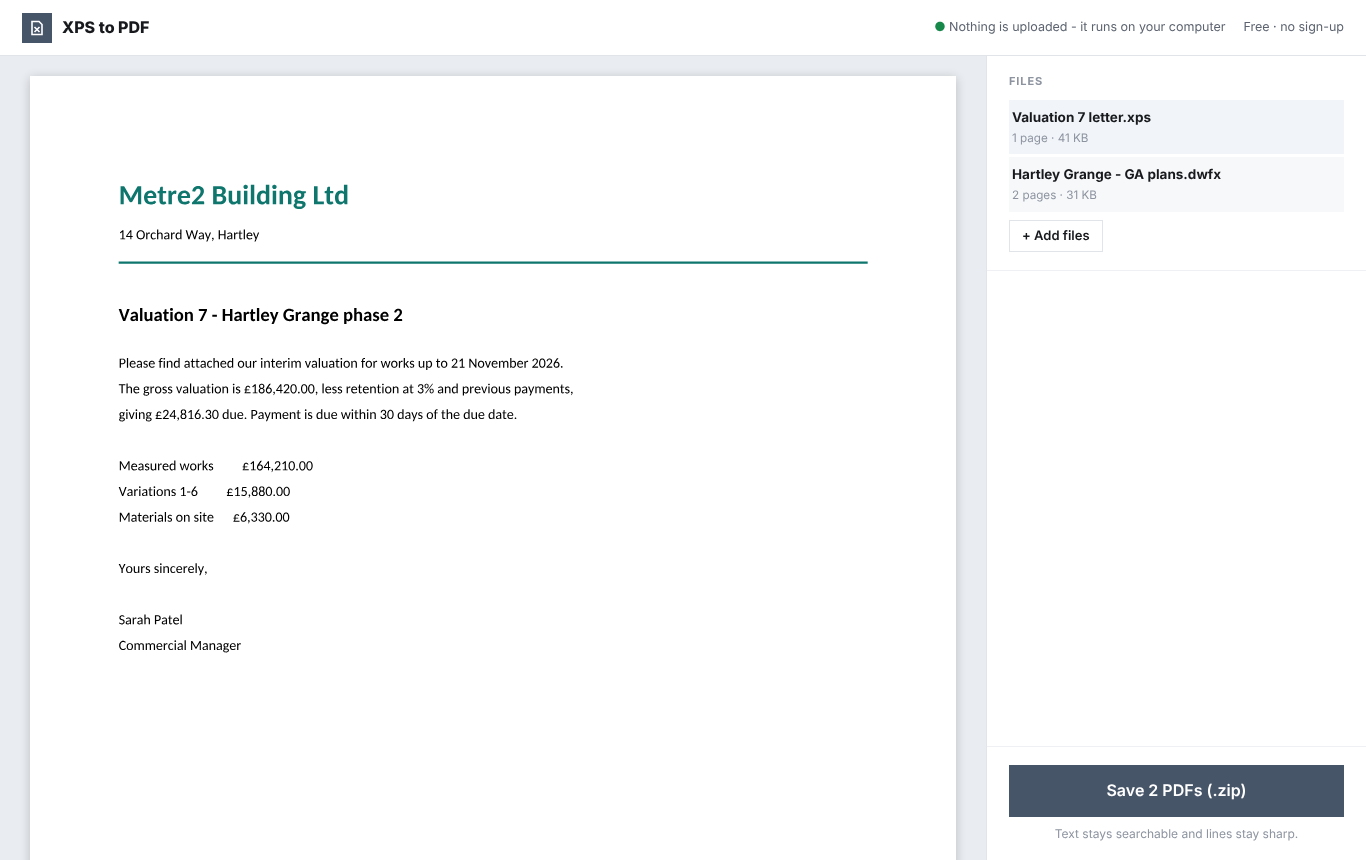
Both kinds - .xps from older Windows, .oxps from Windows 8 and later.
Letters drawn exactly from the file’s own fonts, with searchable text on top.
Lines stay lines; pictures go in as they are.
Several files, one PDF each, in a zip.
Autodesk DWFx drawings open here as well.
Files stay on your computer.
Free · In your browser · Nothing uploaded · .xps, .oxps
A DWFx drawing in the same tool, and the start screen.
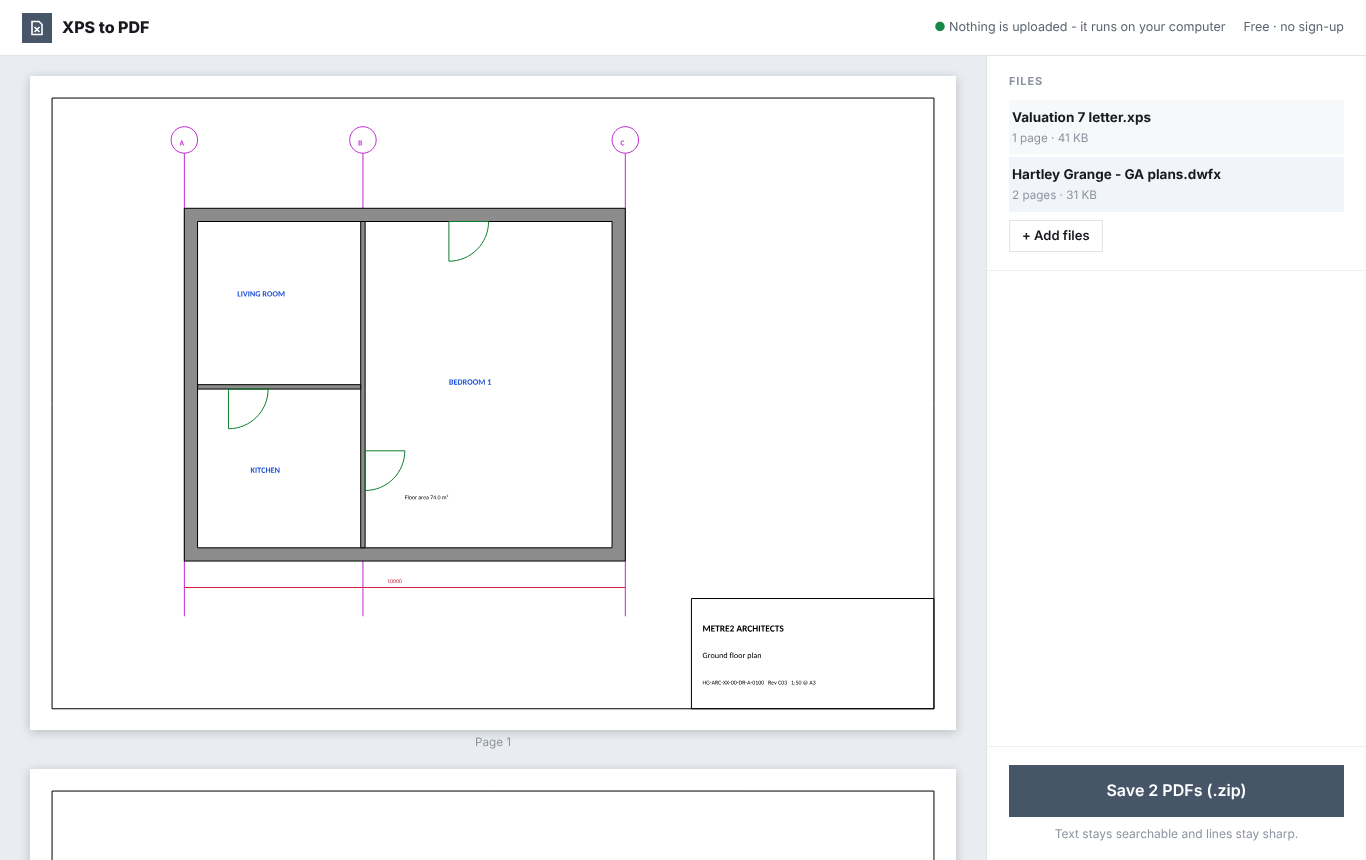
DWFx drawings convert here too.
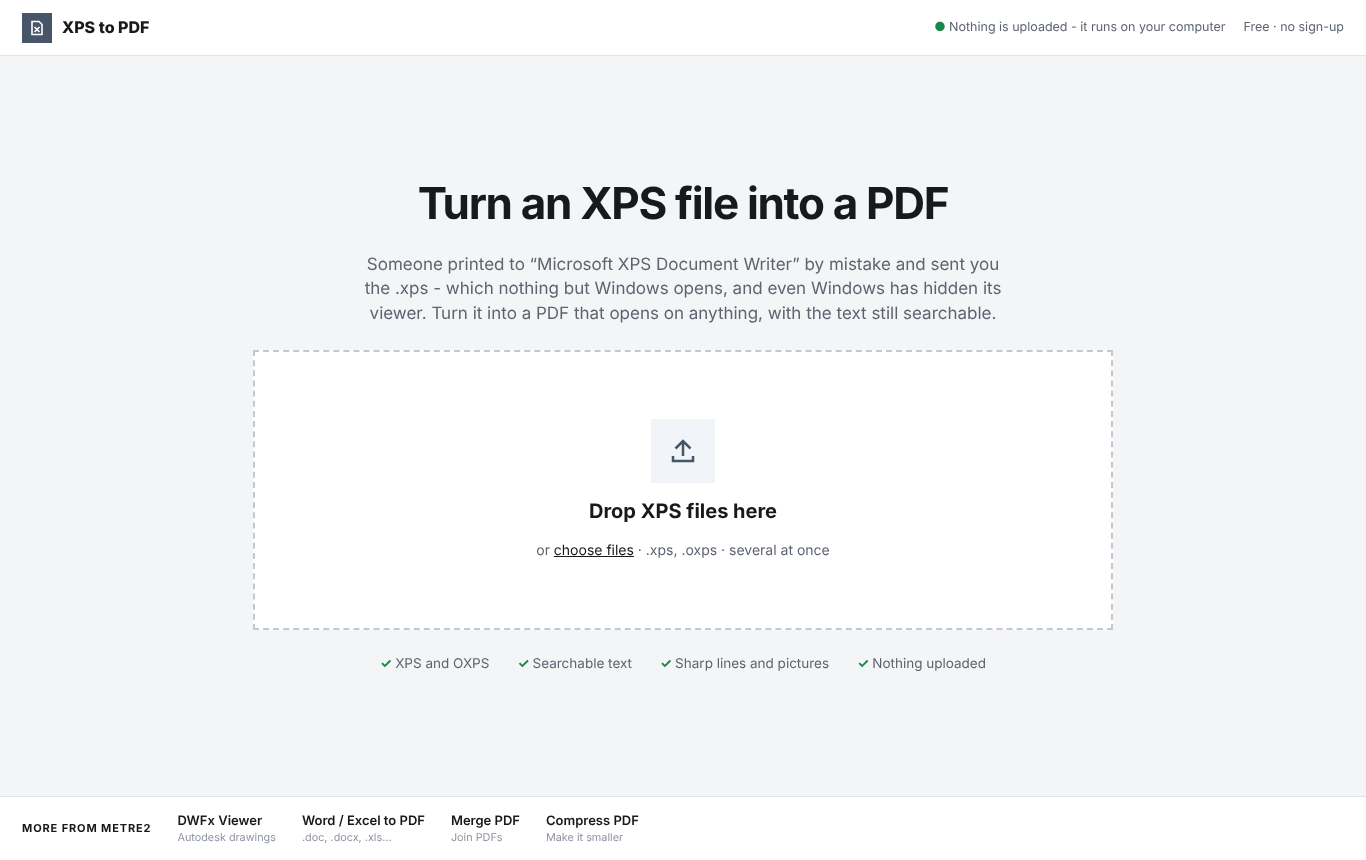
Drop XPS files to start.
Yes - no sign-up, no watermark.
Microsoft’s alternative to PDF. Windows makes one when you print to “Microsoft XPS Document Writer”.
In the print box choose “Microsoft Print to PDF” instead - that makes a PDF straight away.
Yes - the text is put in the PDF as well as drawn, so you can search and copy it.
No - everything happens in your browser.
Free, in your browser, with nothing uploaded. Works best in Chrome or Microsoft Edge on a computer.
Microsoft and the Microsoft Store logo are trademarks of the Microsoft group of companies.
