Combine, split and tidy PDFs
Put several PDFs into one, in the order you want - or take one apart. Drag pages about, turn them the right way up and take out the ones you don't need, then save. Merging and splitting happen in your browser: your files are never uploaded, there's no watermark and no page or size limit.
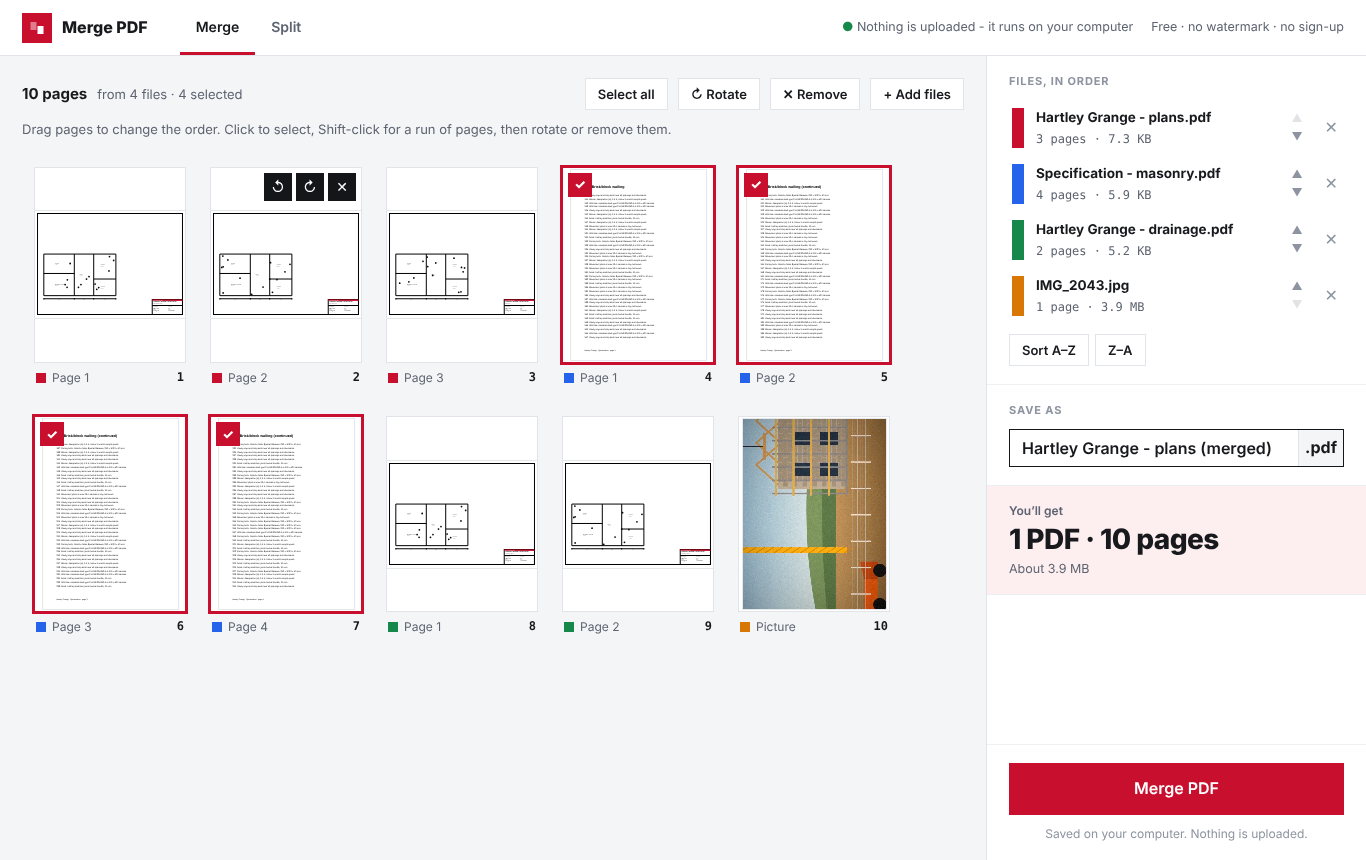
Drop in drawings, specs, reports or scans. Move whole files up and down, sort them A to Z, or drag single pages to exactly where they belong.
Pages are copied from file to file inside your browser. Text stays text and drawings stay sharp, because nothing is re-compressed or sent anywhere.
Every page on its own, equal parts of any size, page ranges like 1-3, 4-10, or exactly where you click the scissors between pages.
Turn a sideways scan the right way up, take out blank or duplicate pages, or select a run of pages with Shift and remove them together.
Drop a JPG, PNG or iPhone photo in with the PDFs and it becomes a page of its own - handy for a signed form or a delivery note.
No page count, file size or daily limit, no sign-up and nothing added to your PDF.
Free · In your browser · Nothing uploaded · PDF, JPG, PNG and HEIC in, PDF out
Splitting a 12-page site report into three PDFs where it's cut, and the start screen.
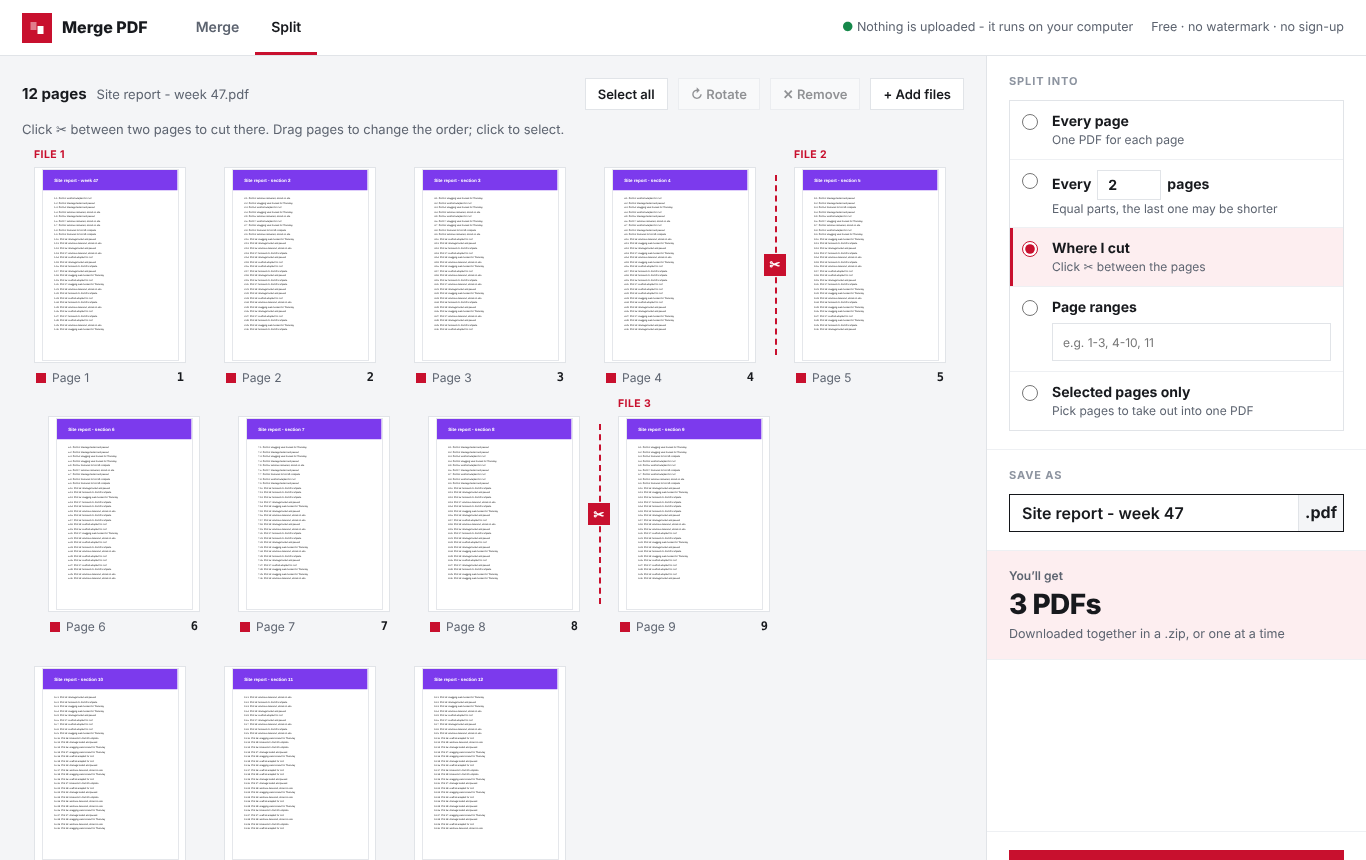
Click the scissors between pages to cut there - or split every page, every few pages or by range.
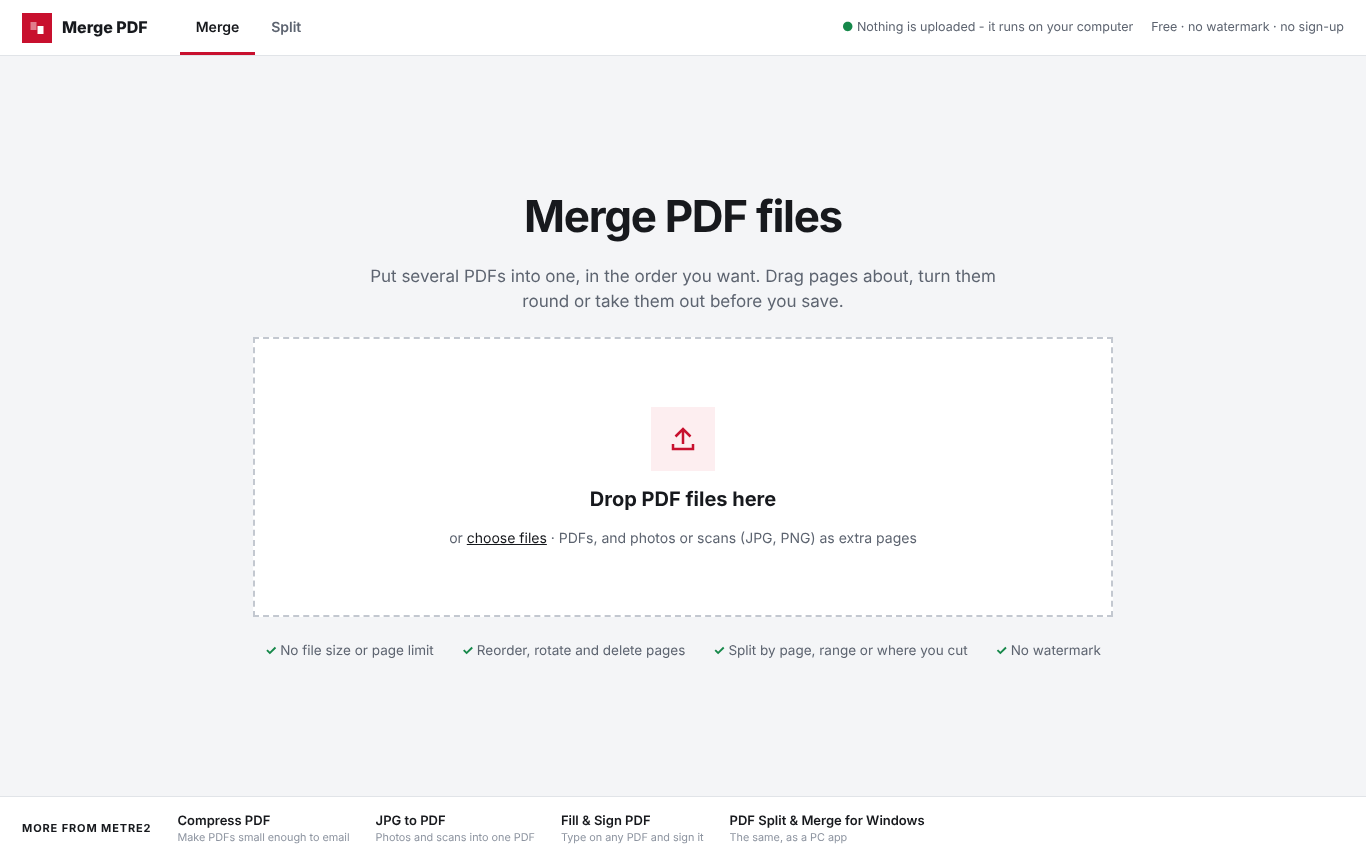
Drop the PDFs in - as many as you like, as big as you like.
Yes, completely - no Pro version, no watermark, no page or file size limit and no sign-up.
No. The pages are copied into the new PDF inside your browser on your own computer. Nothing is sent to Metre2 or anyone else, which matters for contracts, drawings and anything personal.
Drop the PDFs in, put them in order (drag pages, or use the arrows by each file), and press Merge PDF. The merged PDF downloads straight away.
Choose the Split tab, drop the PDF in and pick Every page, then press Split PDF. You get one PDF per page in a single zip. You can also split every few pages, by ranges such as 1-3, 4-10, or by clicking the scissors between two pages.
Drop it in, click the pages you don't want (Shift-click selects a run) and press Remove, then save. To keep only some pages instead, use Split and Selected pages only.
No. Pages are copied as they are - text, lines and pictures are not re-compressed, so the merged PDF looks exactly like the originals. If the result is too big to email, run it through Compress PDF afterwards.
PDFs that are only locked against editing open fine. A PDF that needs a password to open can't be merged - open it in your PDF reader and print it to a new PDF first.
Free, in your browser, with nothing uploaded. Works best in Chrome or Microsoft Edge on a computer.
Microsoft and the Microsoft Store logo are trademarks of the Microsoft group of companies.
