No Design Review needed
Consultants still publish drawings as DWFx from AutoCAD and Revit, and Autodesk’s viewer is a big install. Drop the DWFx here: every sheet shows in your browser, and the set saves as a PDF that anyone can open, print, mark up or measure.
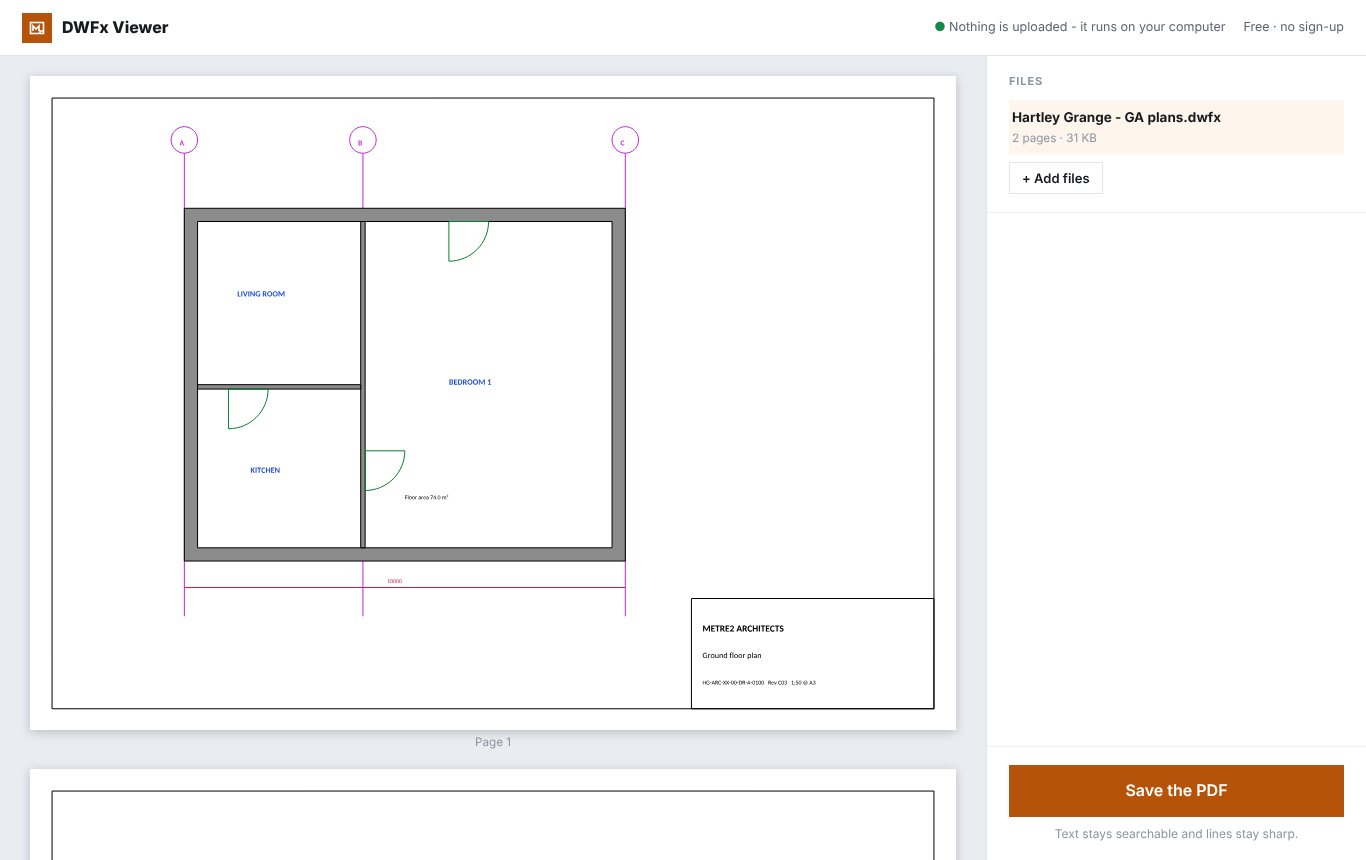
All the sheets in the set, in order.
One PDF for the set - open, print and mark up anywhere.
Linework, hatching, text and images as they were published.
Drawing numbers and notes can be searched in the PDF.
Open the PDF in Takeoff Studio to measure from it.
Drawings stay on your computer.
Free · In your browser · Nothing uploaded · .dwfx
The second sheet of the set, and the start screen.
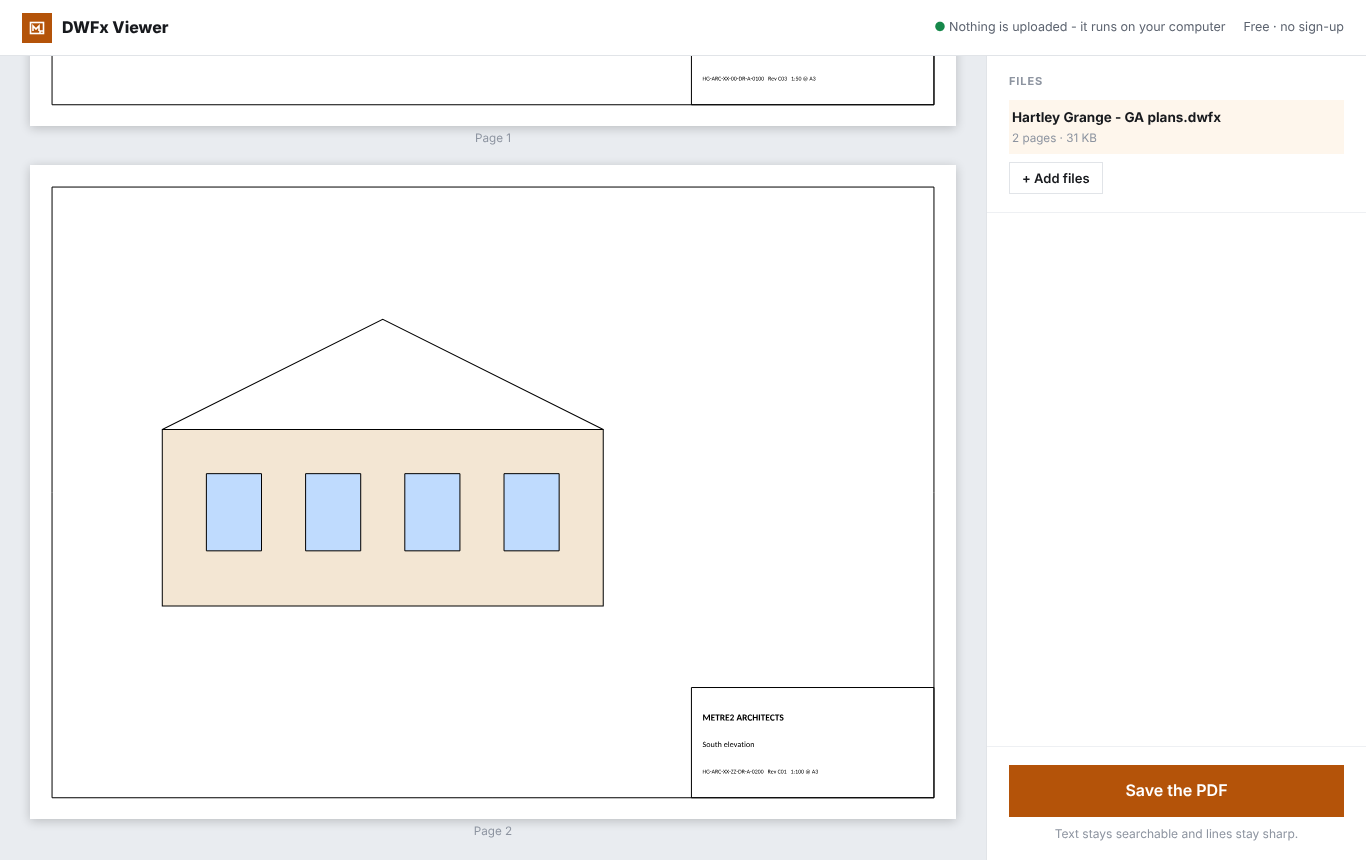
Every sheet in the set.
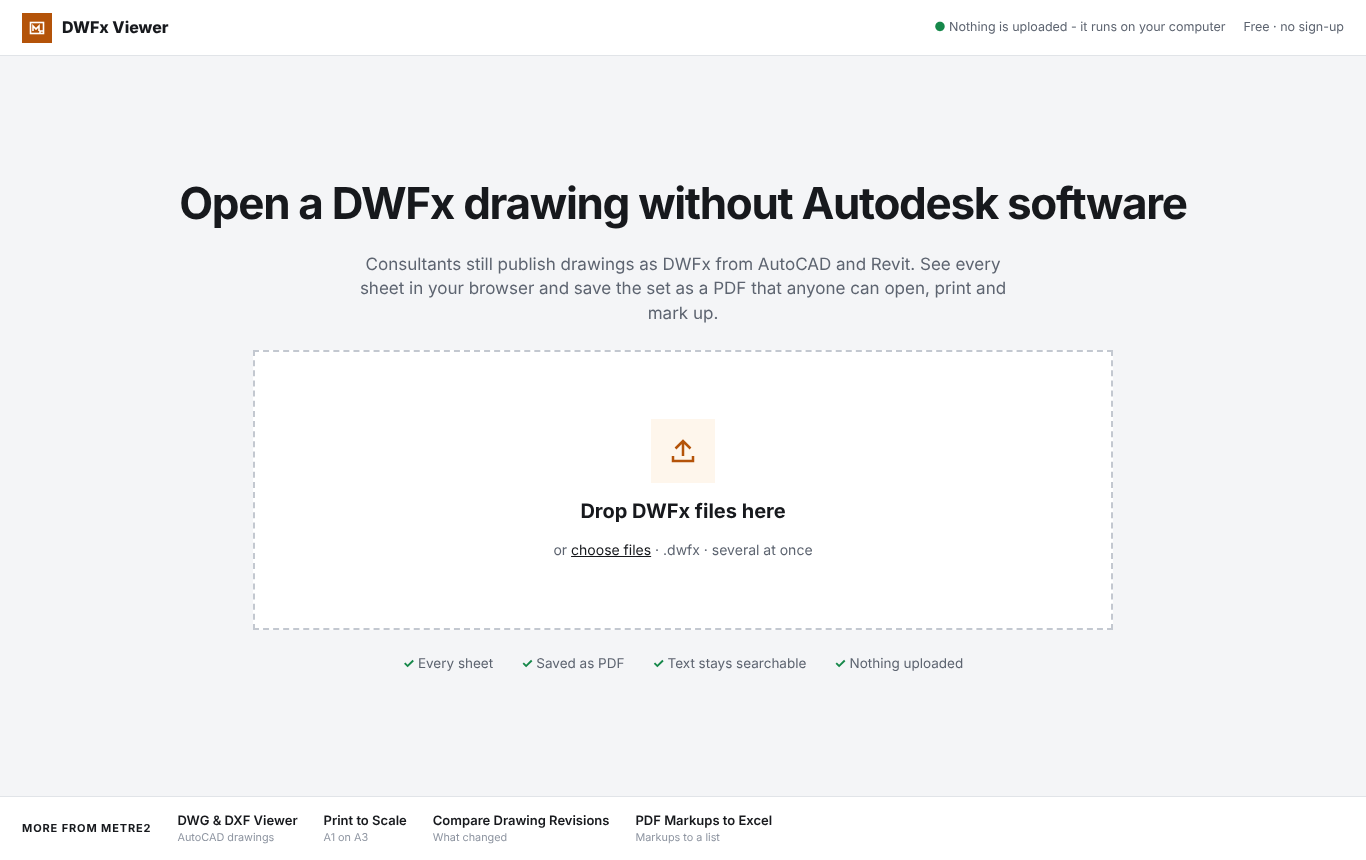
Drop DWFx files to start.
Yes - no sign-up, no limits.
DWFx (since 2007) stores each sheet in the same open page format as XPS, so it can be read here. Older .dwf files use Autodesk’s own format, which only Autodesk’s viewers read - ask for a DWFx or PDF instead.
No - 2D sheets only. A DWFx with only a 3D model shows a message.
Save it as a PDF and open that in Takeoff Studio.
No - everything happens in your browser.
Free, in your browser, with nothing uploaded. Works best in Chrome or Microsoft Edge on a computer.
Microsoft and the Microsoft Store logo are trademarks of the Microsoft group of companies.
