Both ways, no watermark
Turn a few seconds of video into a GIF for a message, an email signature or a how-to: pick the start and end, the size and speed, add a caption, and choose whether it loops. Going the other way, turn a heavy GIF into an MP4 - often a tenth of the size, and it plays in the places GIFs don't.
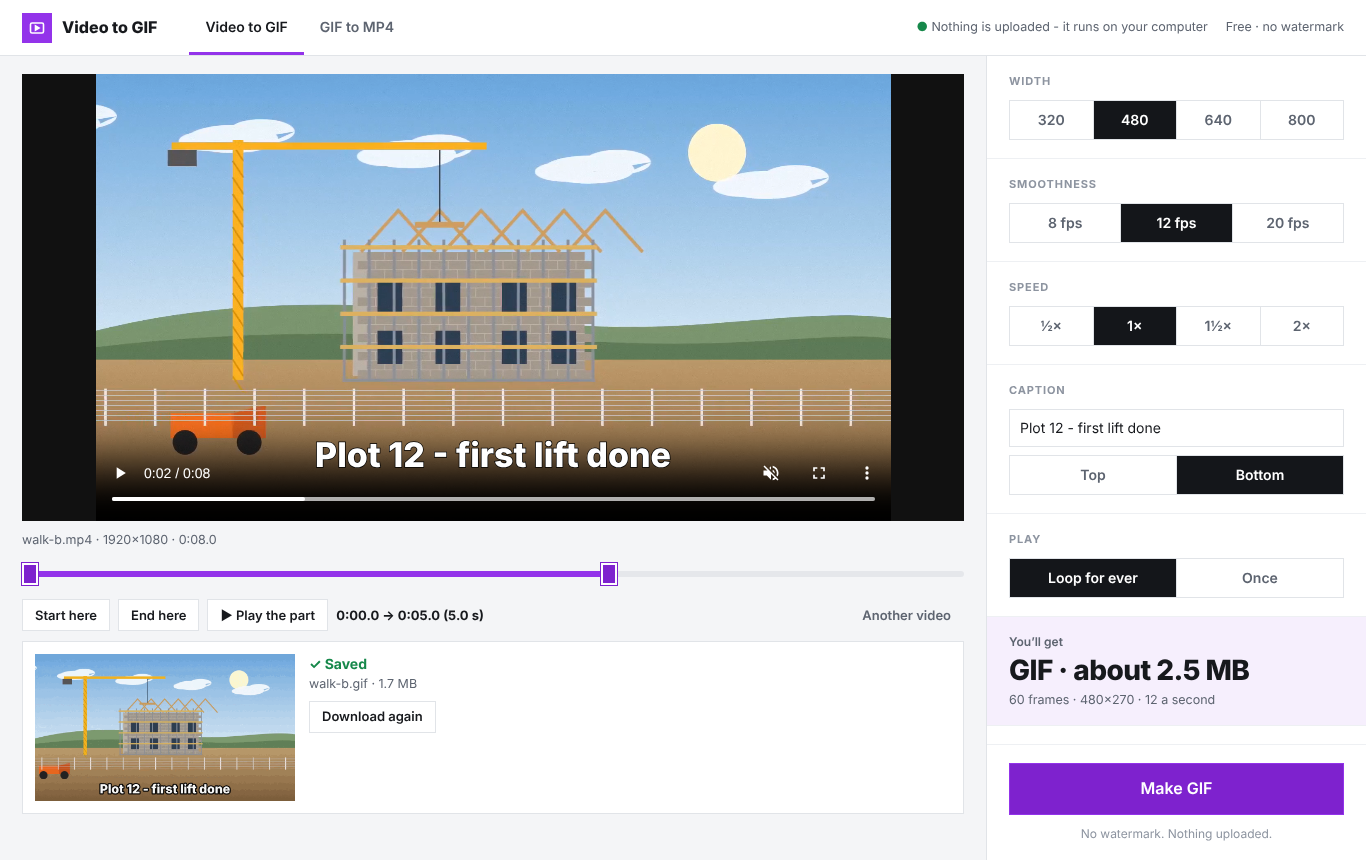
Drag the start and end, or set them while it plays - and play just that part to check.
Bold white text with an outline, at the top or bottom - readable on any picture.
320 to 800 wide, 8 to 20 frames a second, and half to double speed.
Loop for ever, or play once and stop.
Turn GIFs into small MP4s - repeat short ones so they last, and choose white or black behind see-through parts.
Made on your computer, nothing added.
Free · In your browser · No watermark · GIF and MP4
GIFs turned into MP4s, and the start screen.
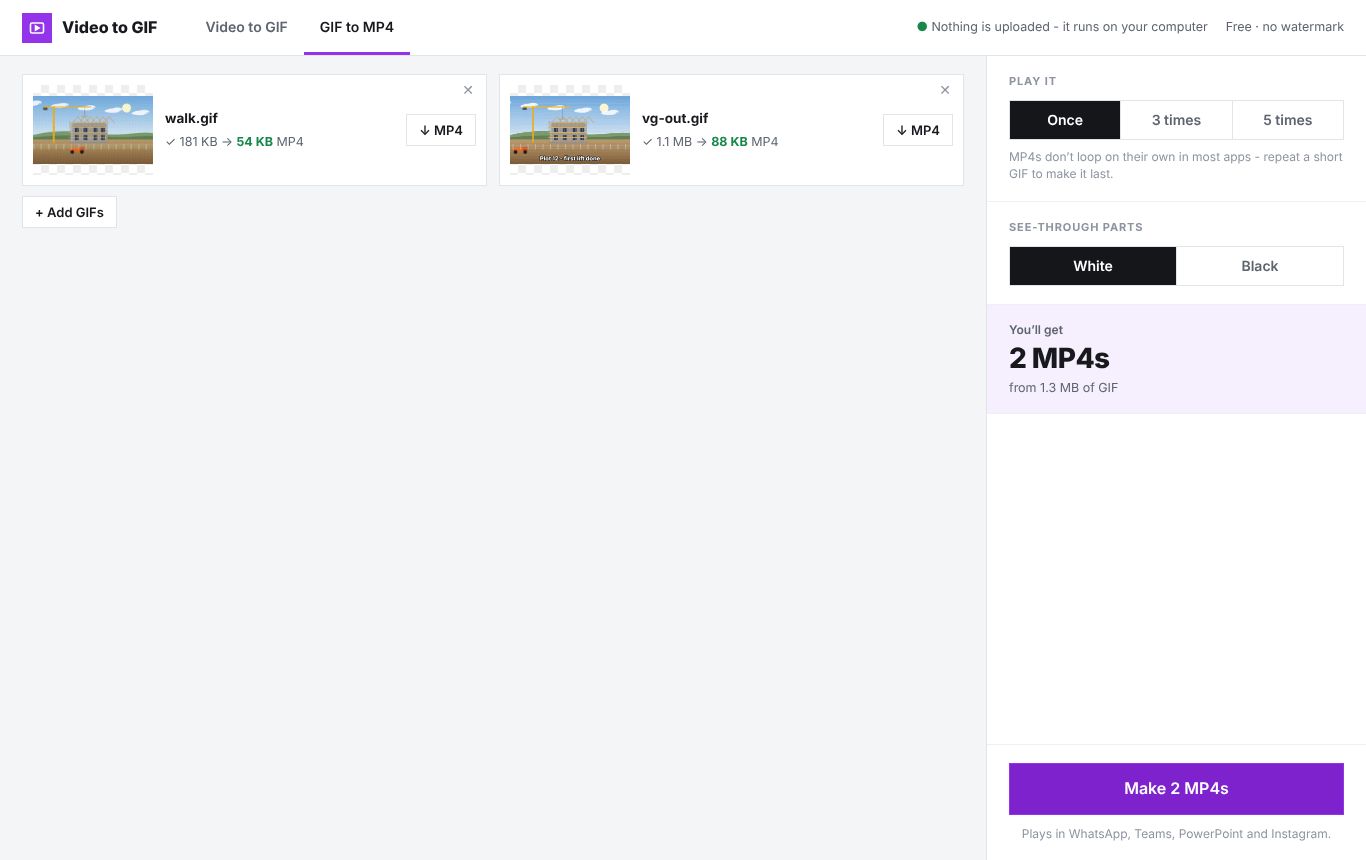
GIF to MP4: a fraction of the size.
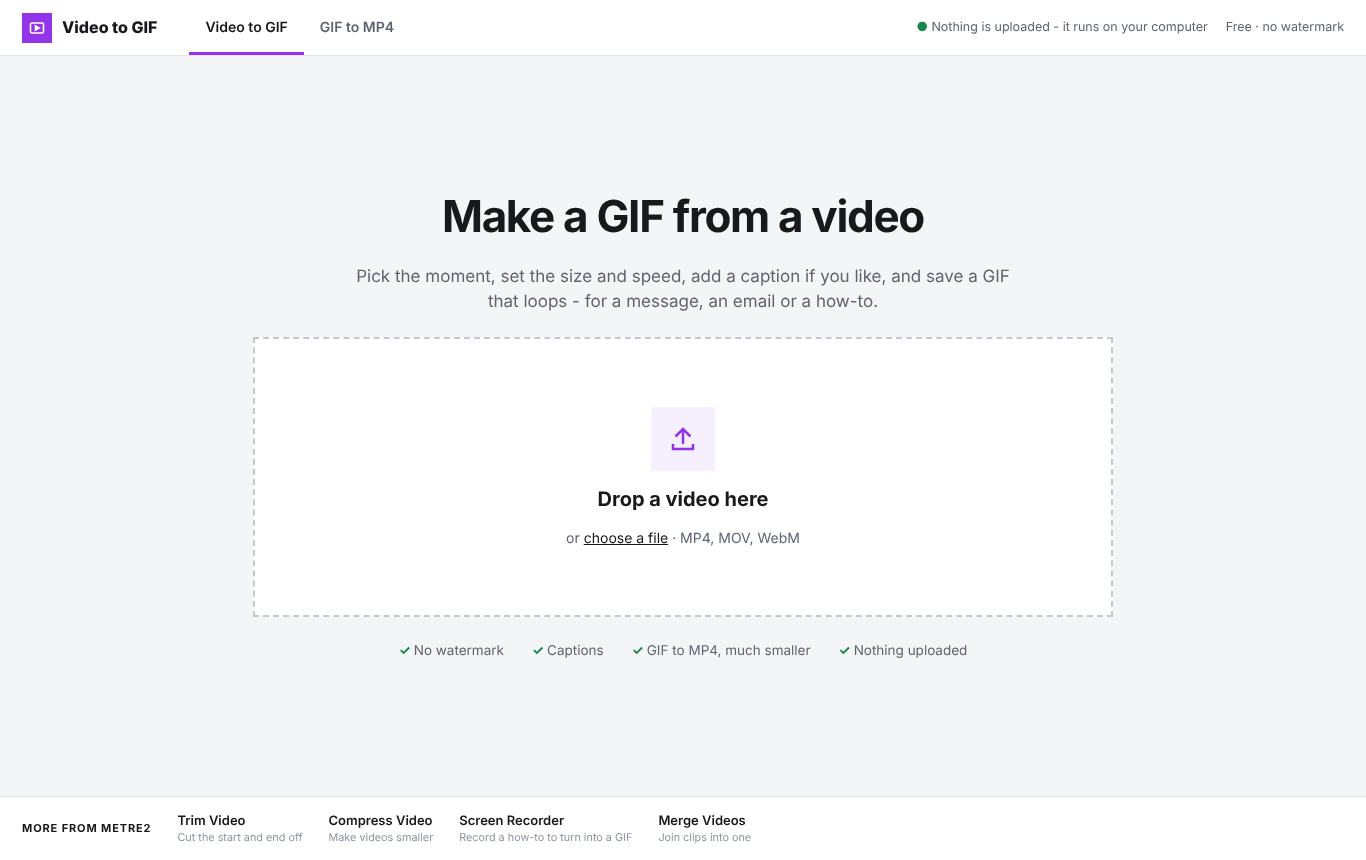
Drop a video - or switch to GIF to MP4.
Yes - nothing is added to your GIF or video and there's no sign-up.
GIFs store every frame as a picture. Make it shorter, narrower (480 is plenty for a message) or fewer frames a second - or send an MP4 instead.
An MP4 of the same animation is usually a tenth of the size, and it plays in WhatsApp, Teams, PowerPoint and Instagram, which often show a GIF as a still or refuse it.
Yes - type a caption and choose top or bottom.
No - everything happens in your browser.
Free, in your browser, with nothing uploaded. Works best in Chrome or Microsoft Edge on a computer.
Microsoft and the Microsoft Store logo are trademarks of the Microsoft group of companies.
