Small enough to send
Make a video small enough to email, message or upload. Type the size you need - 5 MB, 10 MB, 20 MB - and it works out the resolution and quality to hit it. It all happens in your browser: the video is never uploaded, there's no watermark and no length limit.
Type 5 MB, or tap Discord 10 MB or Email 20 MB. It works out the resolution, frame rate and quality to fit, and runs again a little smaller if the first try comes out over.
The video is read and re-encoded inside your browser, using your computer's own video hardware where it has it. It never goes to a server - ours or anyone else's.
No file size cap, no queue, no sign-up and no watermark on the result. Long videos just take a little longer.
Drop in a batch. The same settings go on every video, and you can download them one by one or as a single zip.
Drag the ends to keep only the part you need. Drop to 30 or 24 frames a second, make the sound mono or take it out to save more.
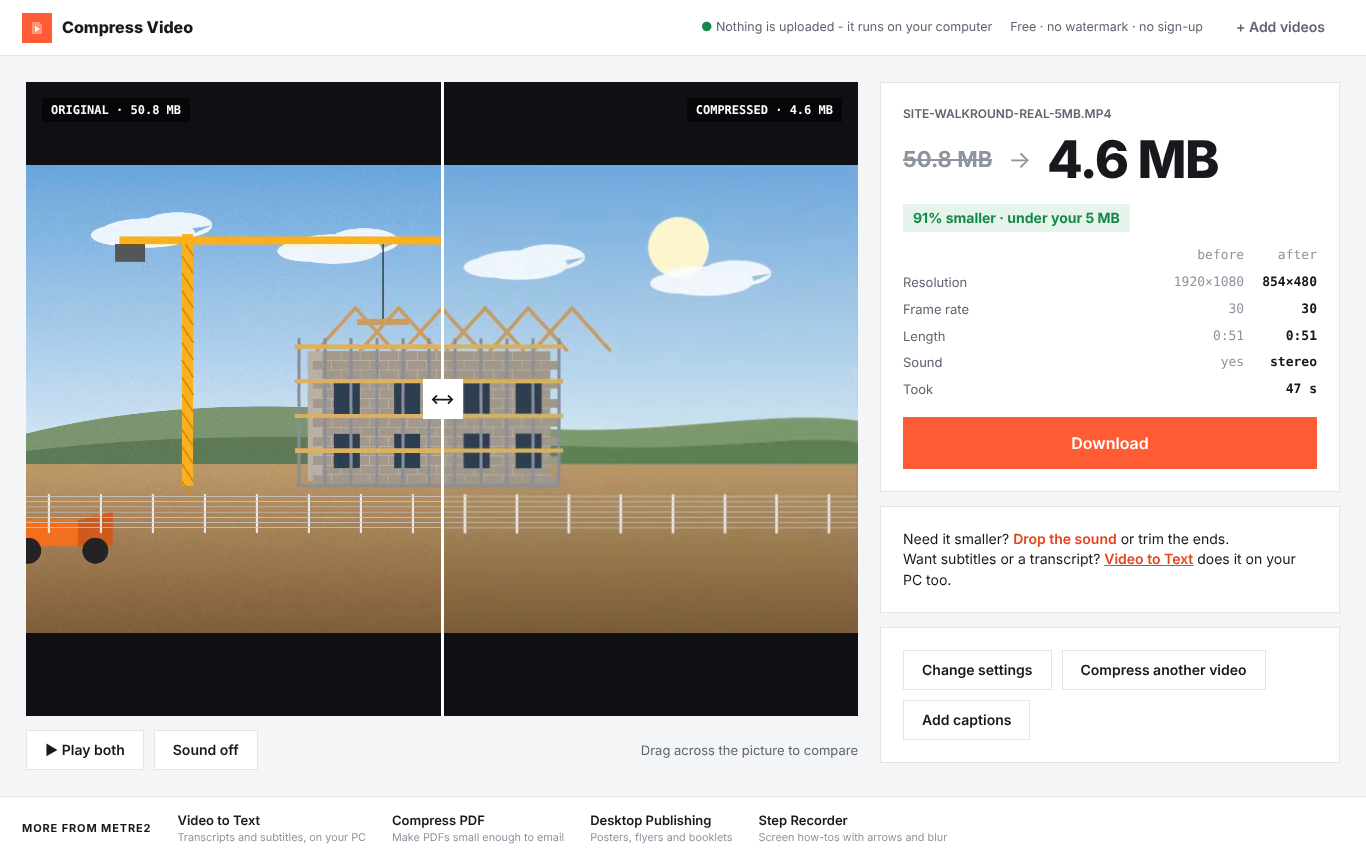
Drag across the picture to see the original and the compressed copy side by side, and play them together.
Free · In your browser · Nothing uploaded · MP4, MOV, MKV and WebM in, MP4 out
Setting a 5 MB target on a 51-second site video, and checking the result against the original.
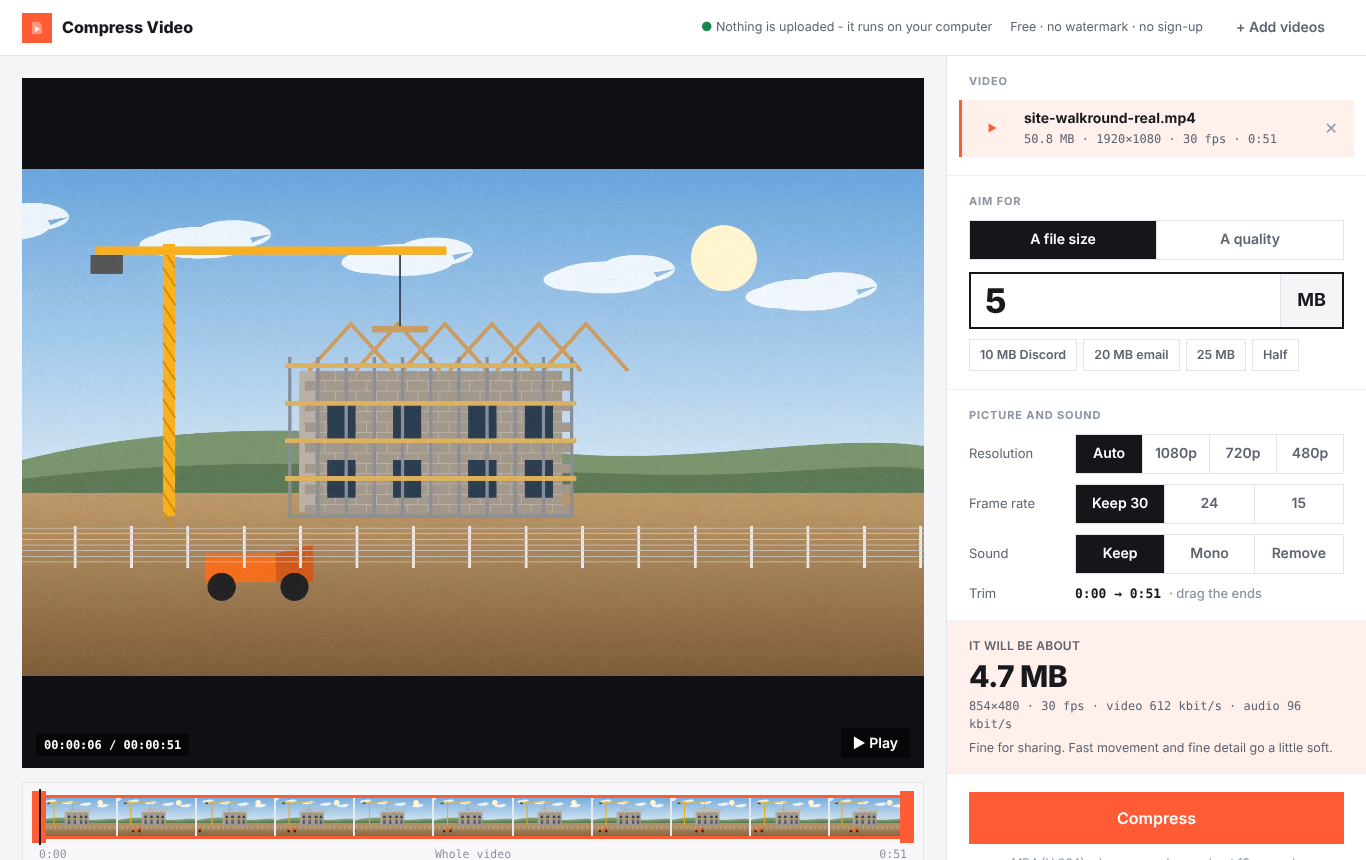
Type the size you need. The estimate shows the resolution and quality it will use.
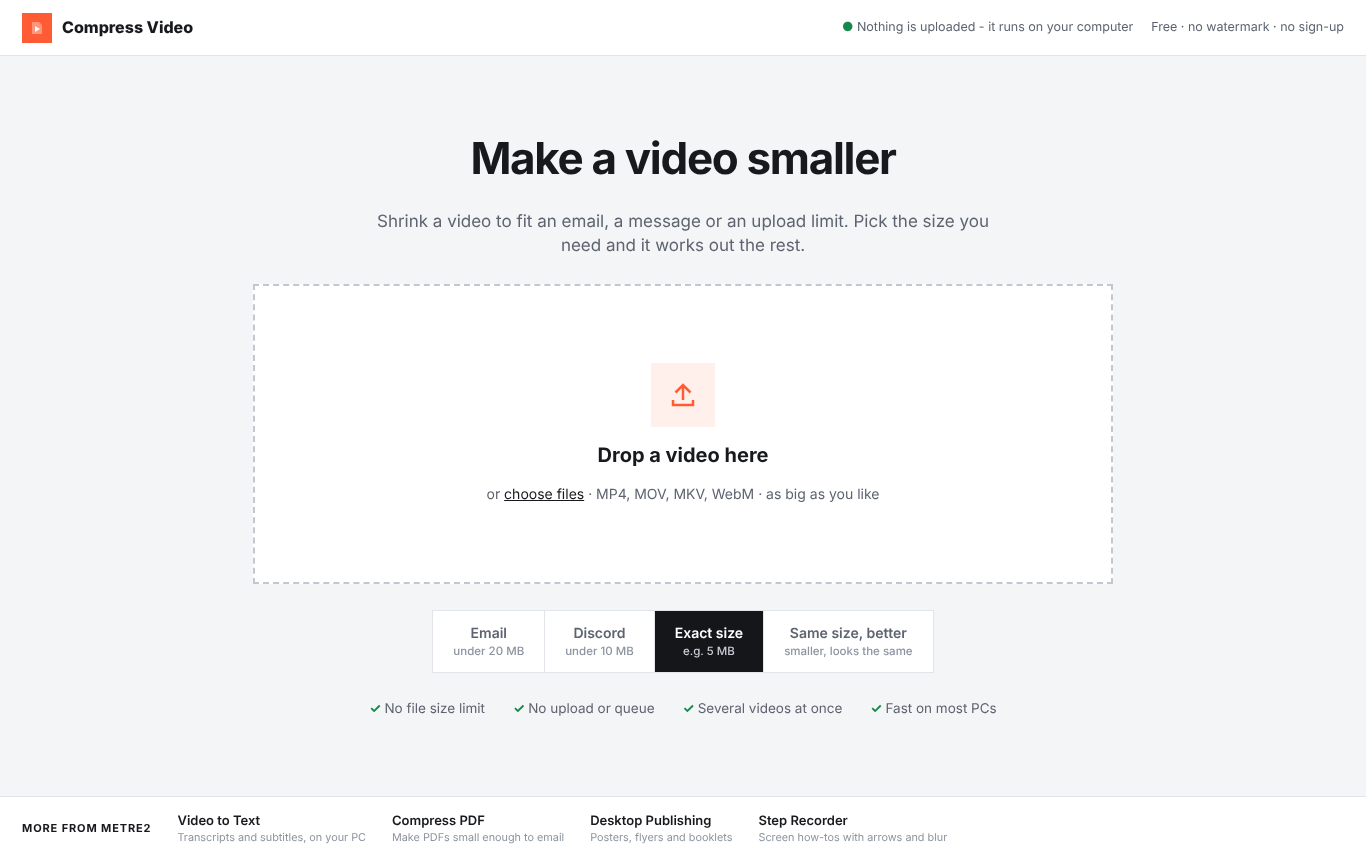
Start with a size: email, Discord, an exact size, or smaller at the same quality.
Yes, completely. There's no Pro version, no watermark, no length or size limit and no sign-up.
No. The video is read and re-encoded inside your browser tab on your own computer. Nothing is sent to Metre2 or anyone else.
Drop the video in, tap 20 MB email (or type the size), and press Compress. It picks a resolution and quality that fit, and if the result comes out a little over, it runs again slightly smaller. Outlook usually allows 20 MB and Gmail 25 MB.
Smaller files always lose some detail, so the estimate tells you what to expect before you start. A minute of video at 5 MB looks fine on a phone; at 1 MB it gets soft. Trimming the ends, dropping the frame rate or removing the sound leaves more of the size for the picture.
MP4, MOV, M4V, MKV and WebM with H.264, H.265 (HEVC), VP9 or AV1 video, as far as your browser can decode them. The result is always an MP4 with H.264 video and AAC sound, which plays everywhere.
iPhones record in HEVC. Microsoft Edge usually opens them; in Chrome on Windows you may need Microsoft's free HEVC Video Extensions. If your browser can't, Compress Video tells you rather than failing part way.
Usually less than the length of the video on a recent computer, because it uses the computer's own video hardware. Big 4K files take longer. Keep the tab open until it finishes.
Free, in your browser, with nothing uploaded. Works best in Chrome or Microsoft Edge on a computer.
Microsoft and the Microsoft Store logo are trademarks of the Microsoft group of companies.
