Show, don't explain
Record your whole screen, one window or a browser tab - with your voice over the top and the computer's own sound - to show someone how to do something, record a walkthrough or capture a bug. No watermark, no time limit, nothing to install, and the recording never leaves your computer. It saves an MP4 that plays everywhere.
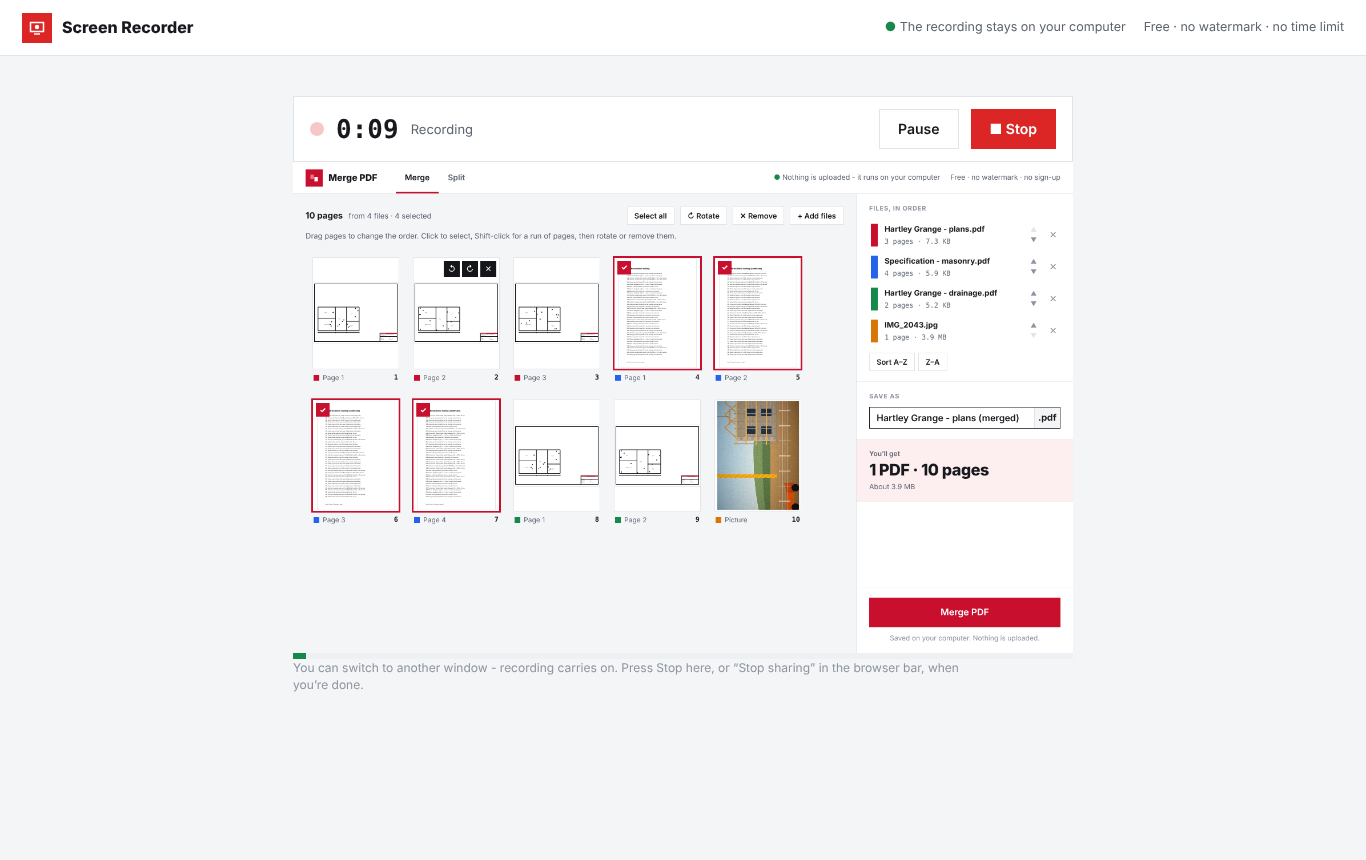
Your browser asks what to share - everything, one window, or a single tab.
Talk over it with your microphone, and include the sound of videos or calls you play.
A small floating camera window you can move about - it's part of the recording.
Record for as long as you like. Nothing is stamped on it.
Saved as H.264 MP4 with its length filled in, so it plays and skips about in any player.
The recording is made and saved on your computer.
Free · Chrome, Edge and Firefox on a computer · Nothing uploaded · MP4
The finished recording ready to download, and the start screen.
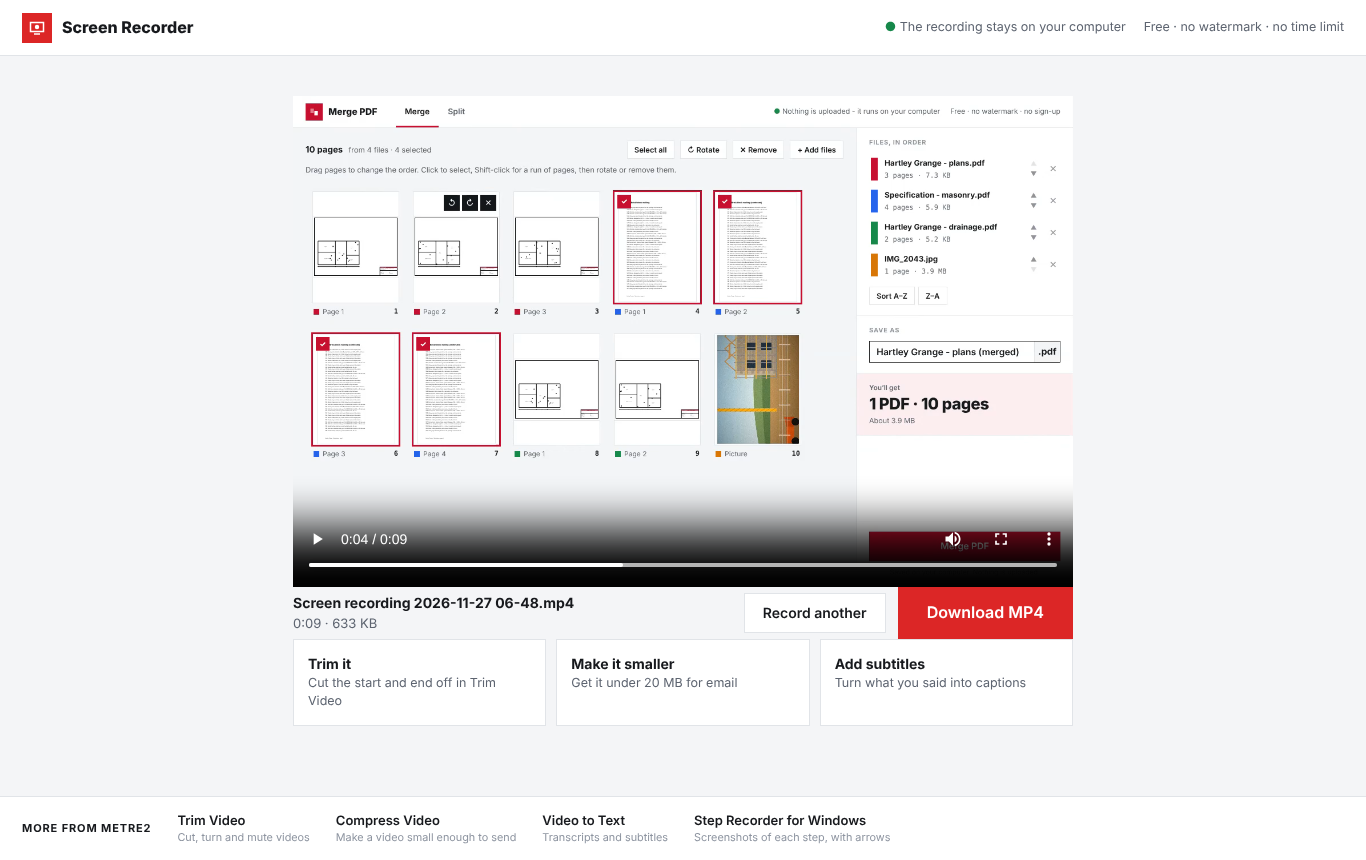
Download the MP4 - or trim it, shrink it or add subtitles.
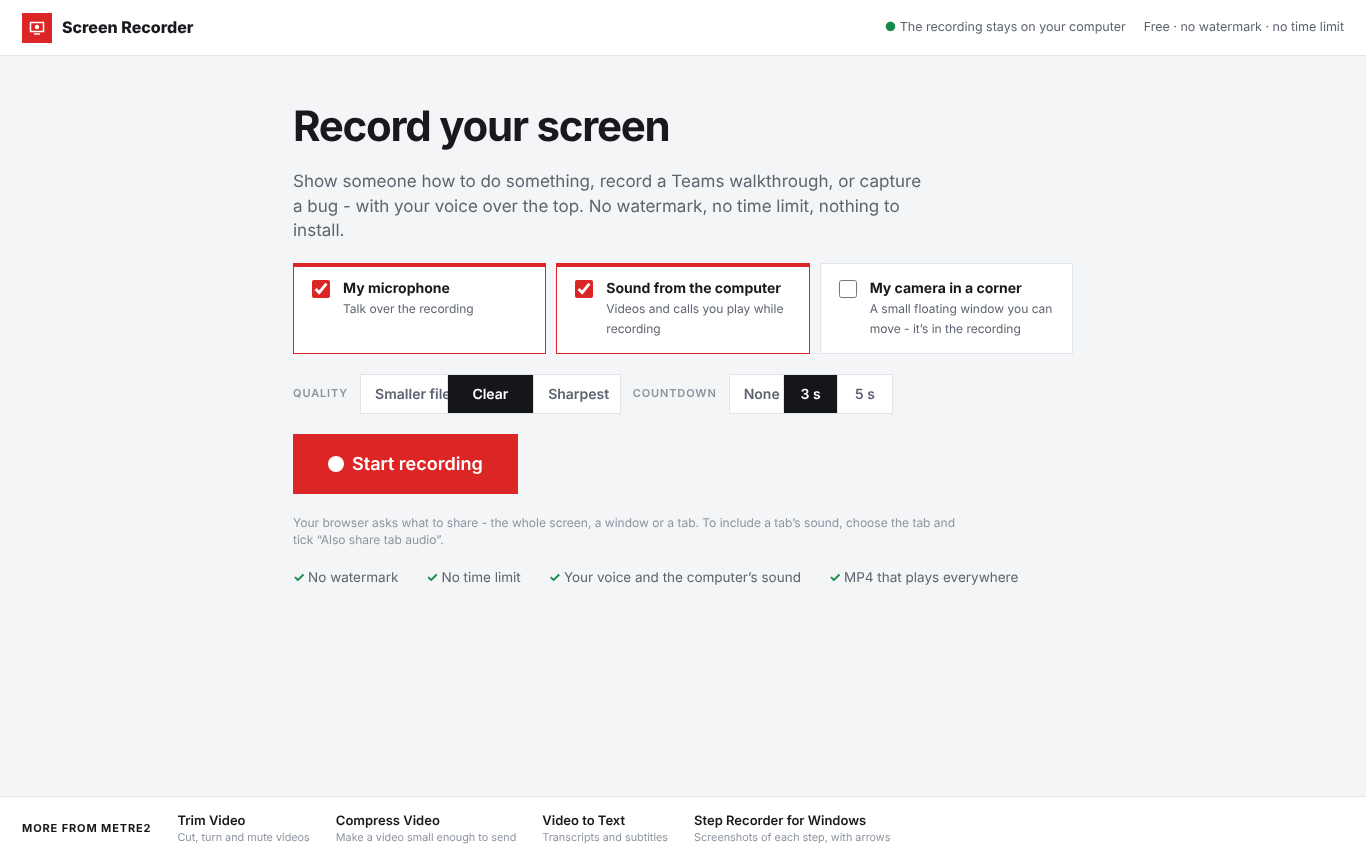
Choose your voice, the computer's sound and the camera, then start.
Yes - no watermark, no time limit, no sign-up, nothing to install.
Yes - your microphone, and the computer's sound if you tick it. In Chrome and Edge, the sound of a single tab can always be recorded (tick “Also share tab audio”); whole-screen sound works on Windows.
No - phones and iPads don't let web pages record the screen. Use their own screen recording.
Yes - it carries on in the background. Stop it here or with Stop sharing in the browser bar.
Use Compress Video afterwards - pick 20 MB and it does the rest.
No. It's recorded and saved on your computer.
Free, in your browser, with nothing uploaded. Works best in Chrome or Microsoft Edge on a computer.
Microsoft and the Microsoft Store logo are trademarks of the Microsoft group of companies.
