One video from many clips
Put a site walk-round, a handover or a holiday together from a handful of clips - drag them into order, choose how portrait clips sit in a landscape video, fade between them and lay music underneath. You get one MP4 that plays everywhere, with no watermark.
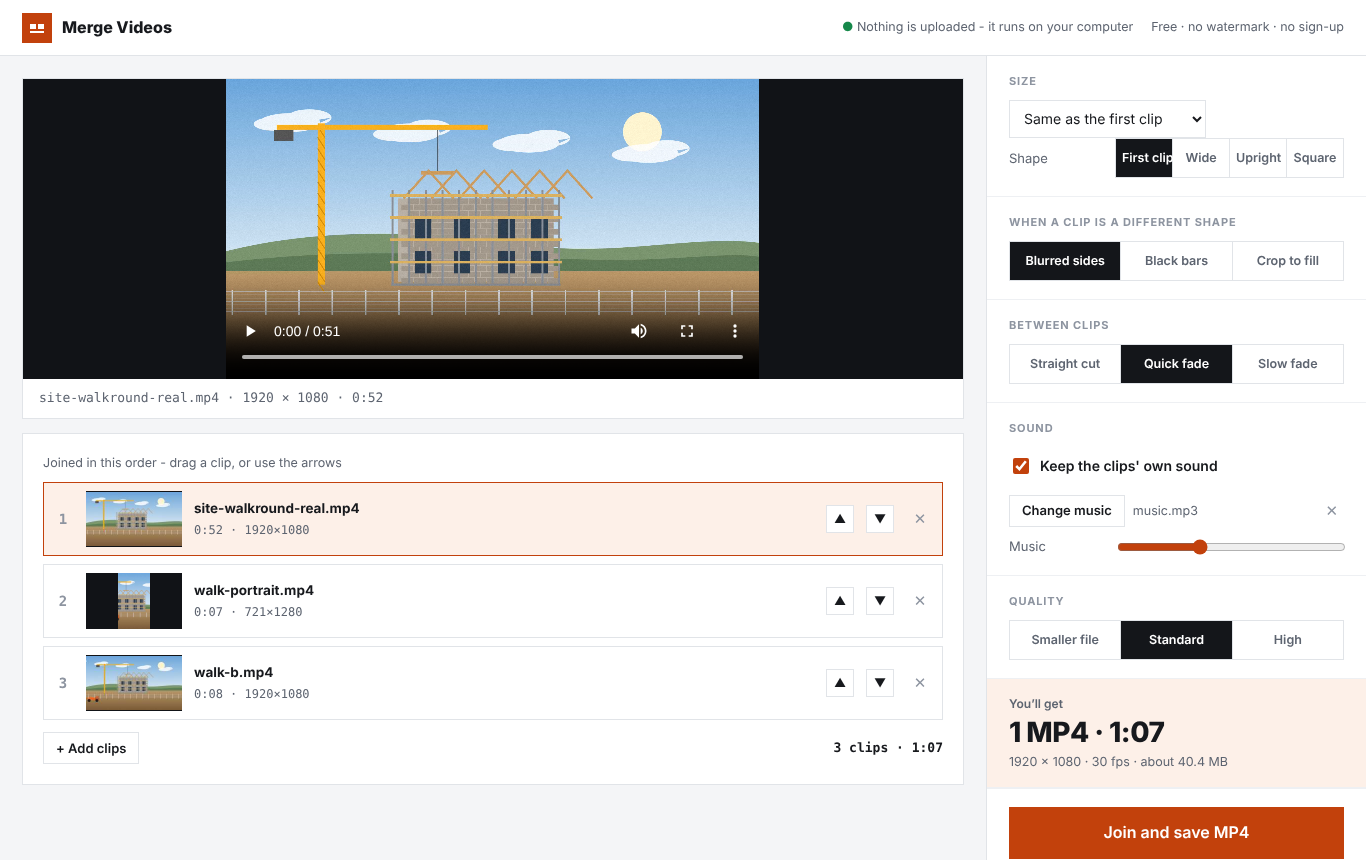
Portrait and landscape, iPhone and Android, 30 and 60 fps - they're all fitted to one frame.
Reorder the clips, trim the start and end of each, and see the total length.
Blurred background, black bars or cropped to fill - your choice.
A short fade between each clip, and in and out at the ends.
Add a track and set how loud it is against the clips' own sound.
Made on your computer, nothing added to the picture.
Free · In your browser · No watermark · MP4
The finished video, and the start screen.
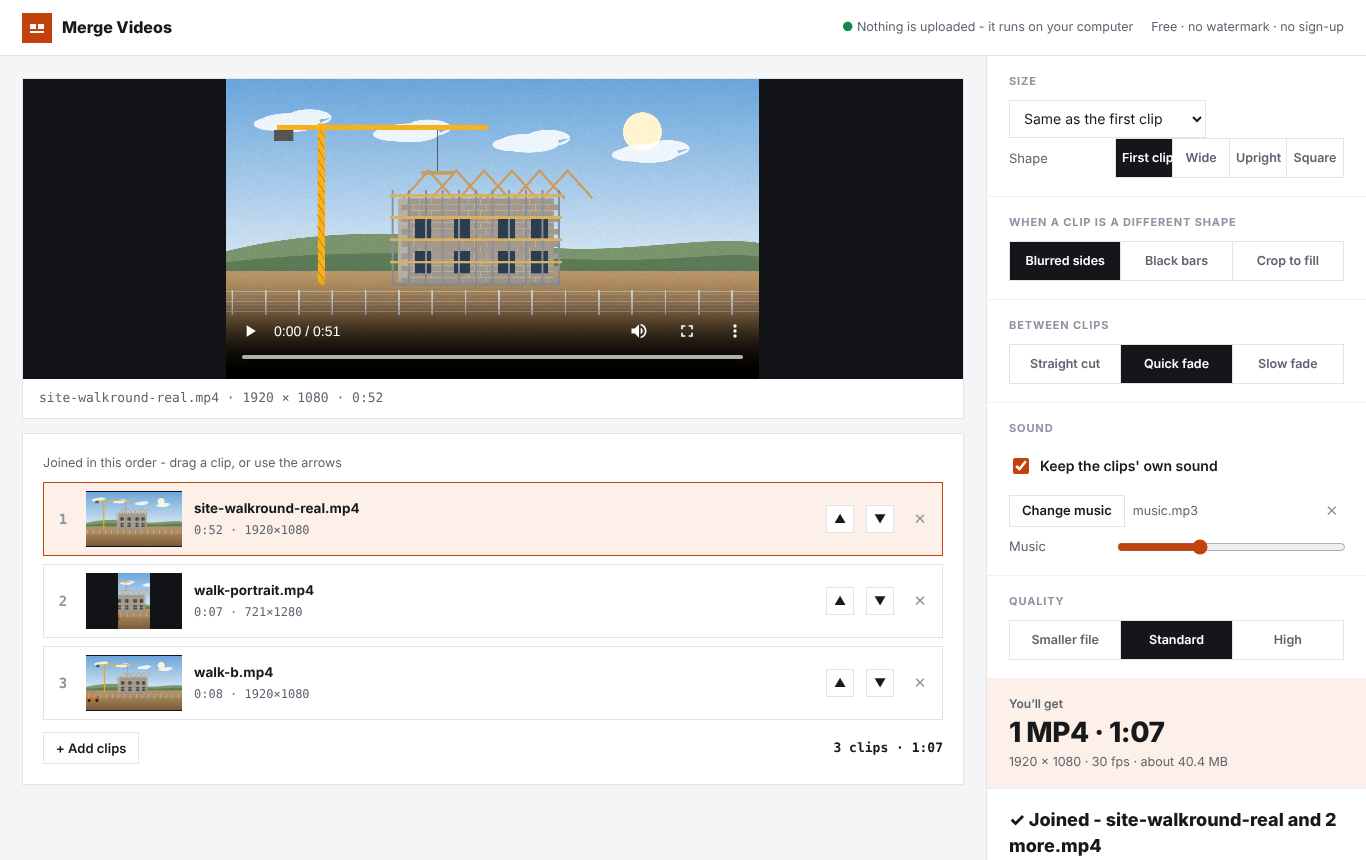
One MP4 out, ready to send or post.

Drop clips to start.
Yes - nothing is added to your video and there's no sign-up.
Yes - pick how portrait clips sit in the frame: blurred background, black bars or cropped to fill.
There's no set limit - long videos take longer, and the computer needs enough memory.
Yes - add an MP3 or M4A and set its volume against the clips' own sound.
No - everything runs in your browser.
Free, in your browser, with nothing uploaded. Works best in Chrome or Microsoft Edge on a computer.
Microsoft and the Microsoft Store logo are trademarks of the Microsoft group of companies.
