Just the part you need
Cut the start and end off a video by dragging the handles, turn a sideways phone video the right way up, take the sound out - then save an MP4 that plays everywhere. Or pick a few seconds and save them as an animated GIF. No watermark, no upload, no size limit.
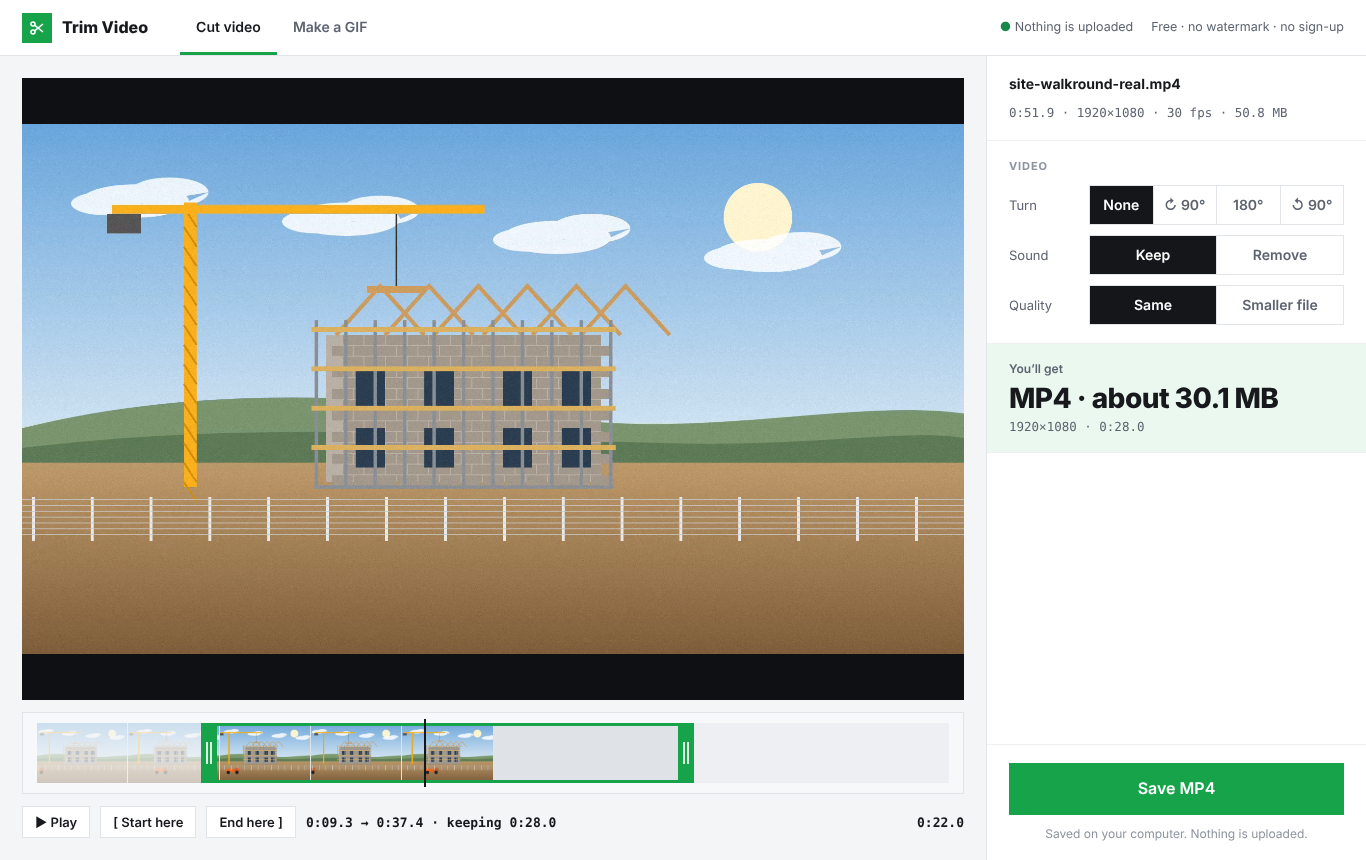
Drag the green handles on the strip of frames, or play it and press [ and ] at the right moments.
Turn sideways phone videos the right way up - 90°, 180° or 270° - baked into the video so every player shows it right.
Take the sound out, or keep it.
Pick a few seconds and save an animated GIF at 320 to 800 pixels wide, 8 to 20 frames a second.
Free, no sign-up, nothing stamped on your video.
Cut inside your browser, using the computer's own video hardware.
Free · In your browser · Nothing uploaded · MP4, MOV, MKV, WebM in, MP4 or GIF out
Saving a few seconds as a GIF, and the start screen.
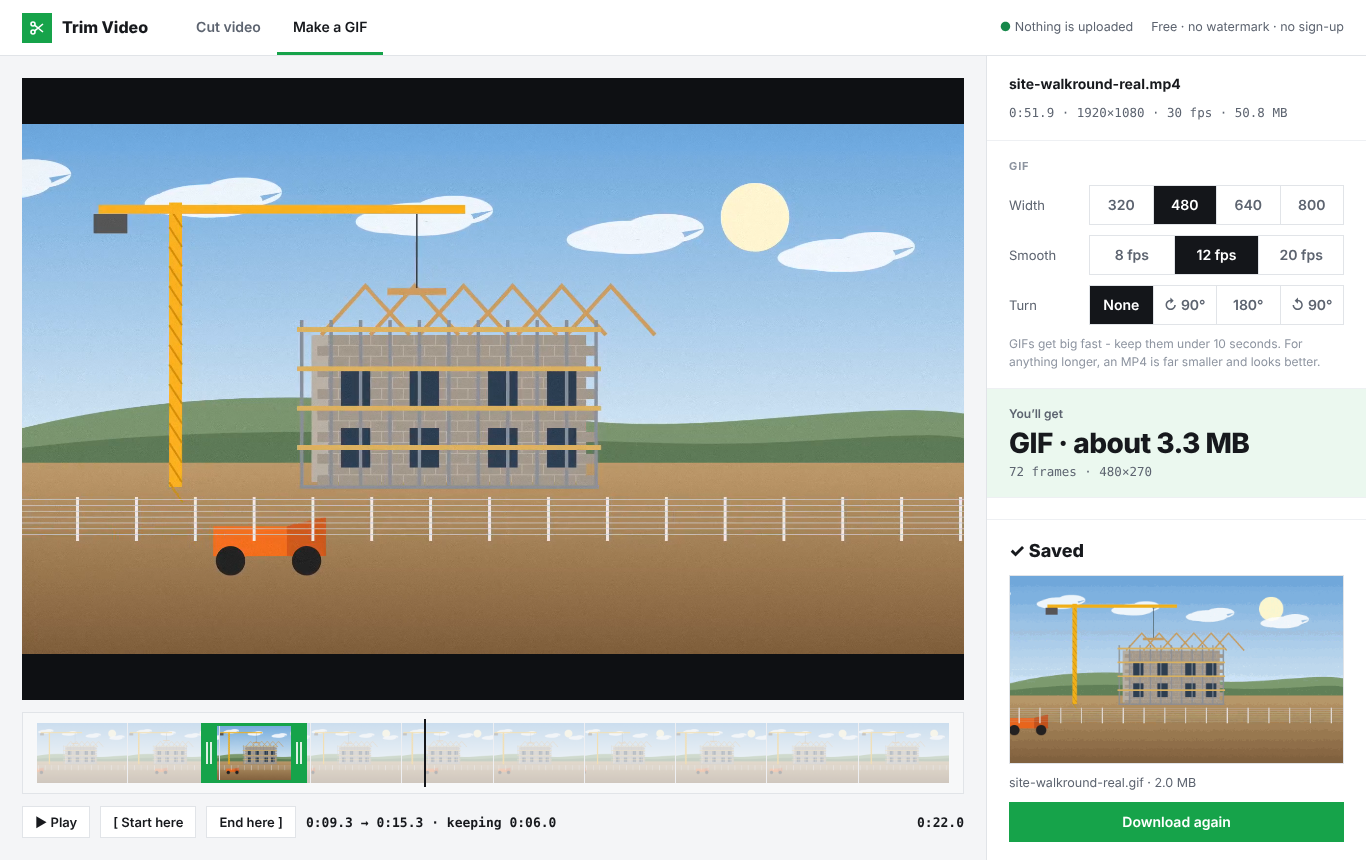
A GIF from a few seconds - for chats, slides and emails.
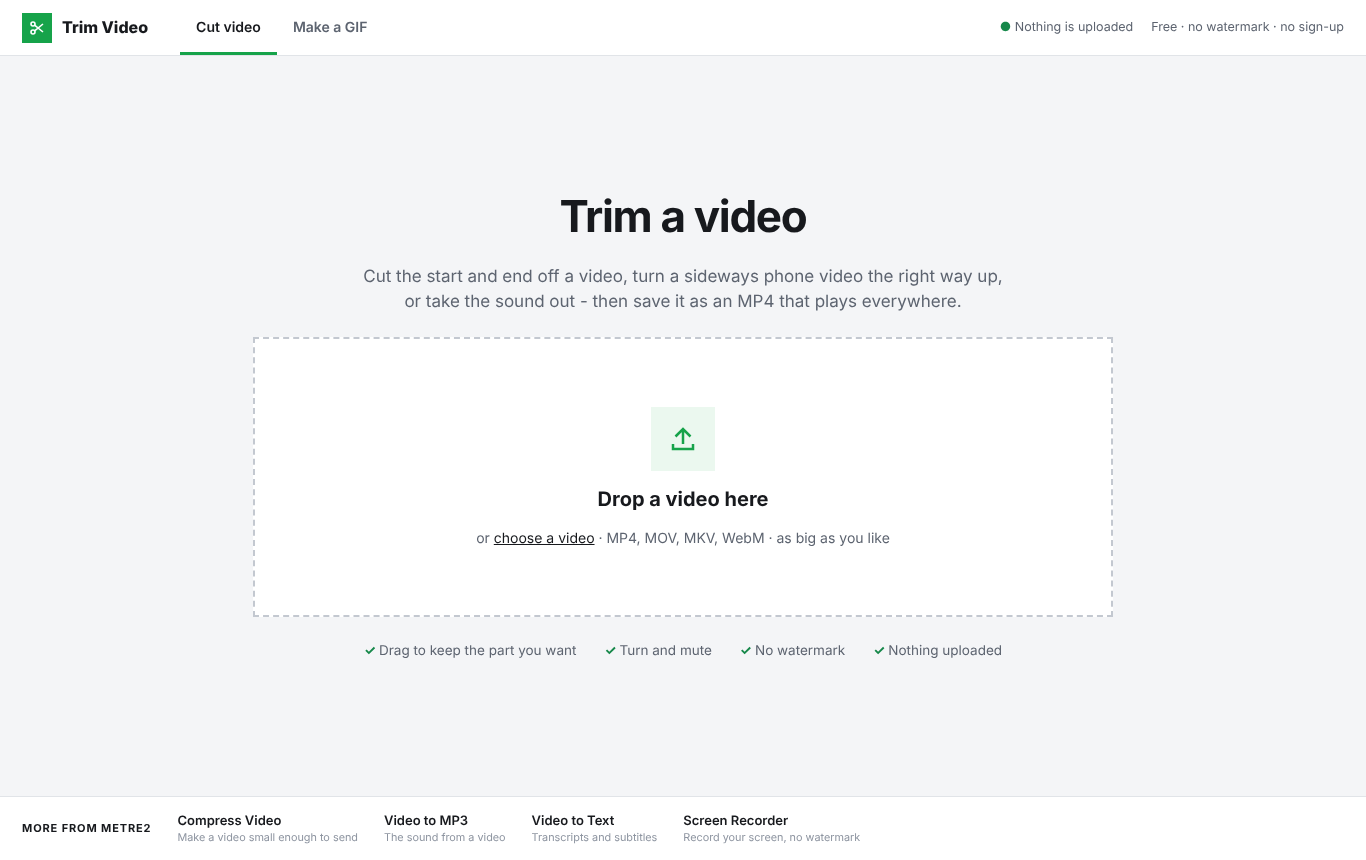
Drop a video to trim it.
Yes - no watermark, no size limit, no sign-up.
Drop it in and drag the left green handle to where you want it to start (or play it and press [). Do the same at the end, then press Save MP4.
Choose the turn under Video - the preview shows it - and save. The picture itself is turned, so it plays the right way up everywhere.
Choose Make a GIF, keep a few seconds, pick the width and smoothness, and press Save GIF. Keep it under 10 seconds - GIFs get big quickly.
No - everything happens in your browser.
Free, in your browser, with nothing uploaded. Works best in Chrome or Microsoft Edge on a computer.
Microsoft and the Microsoft Store logo are trademarks of the Microsoft group of companies.
