The sound, without the picture
Take the sound out of a video - a recorded meeting, a talk, a voice note sent as a video, a clip you'd rather listen to. Trim the start and end on the waveform, choose MP3, M4A or WAV and the quality, and save. It all happens in your browser: the video is never uploaded and there's no size limit.
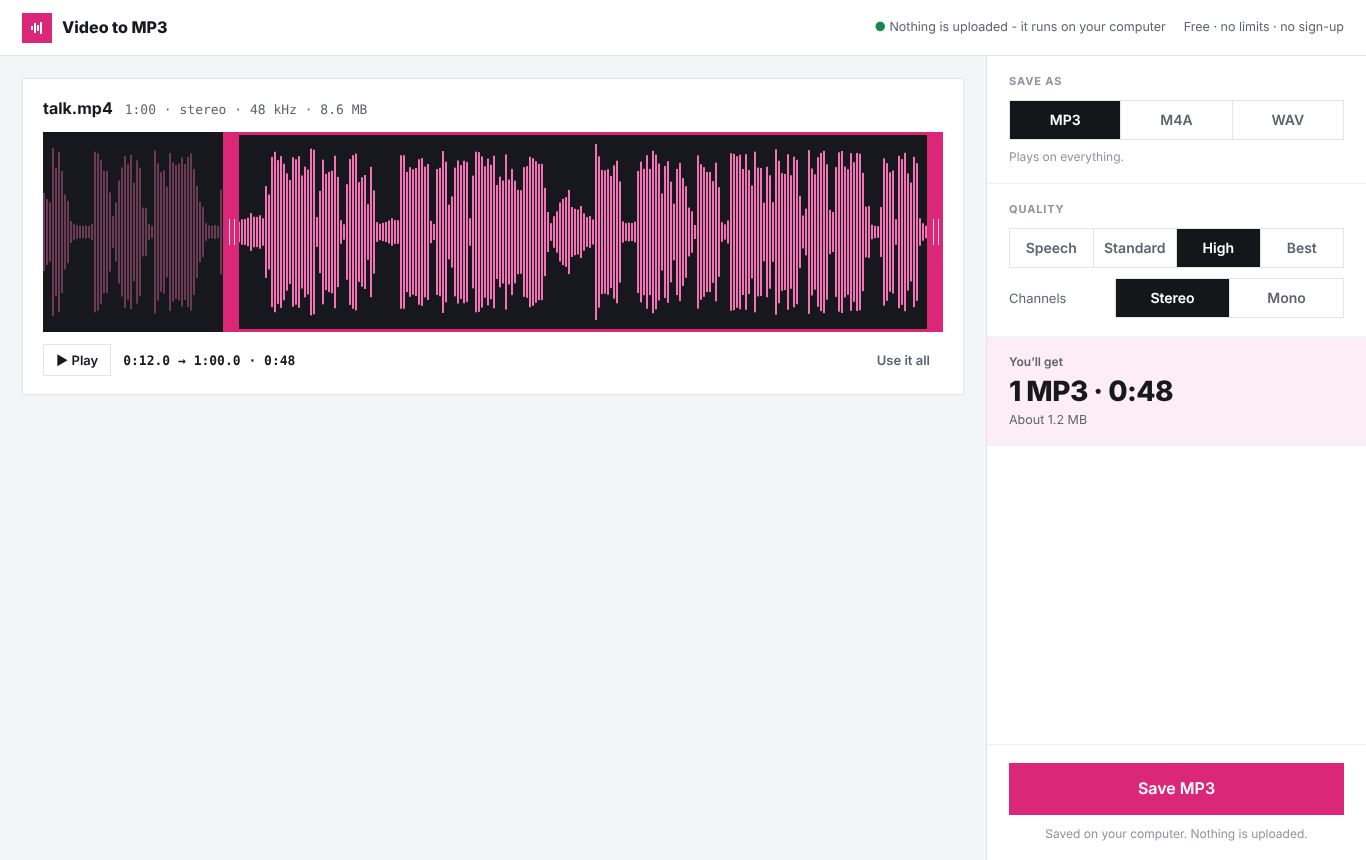
MP3 plays on everything; M4A (AAC) sounds a little better at the same size; WAV is uncompressed for editing.
Drag the ends to keep only the part you want, and click anywhere on the waveform to listen from there.
96 kbit/s is plenty for speech; 192 or 320 for music. Mono halves the size for recordings of one voice.
Drop a batch and download them one by one or as a single zip.
The sound is read and saved inside your browser. Recorded meetings and interviews stay on your computer.
No file size cap, no length limit, no sign-up and no queue.
Free · In your browser · Nothing uploaded · MP4, MOV, MKV and WebM in · MP3, M4A and WAV out
Four videos saved as M4A in one go, and the start screen.
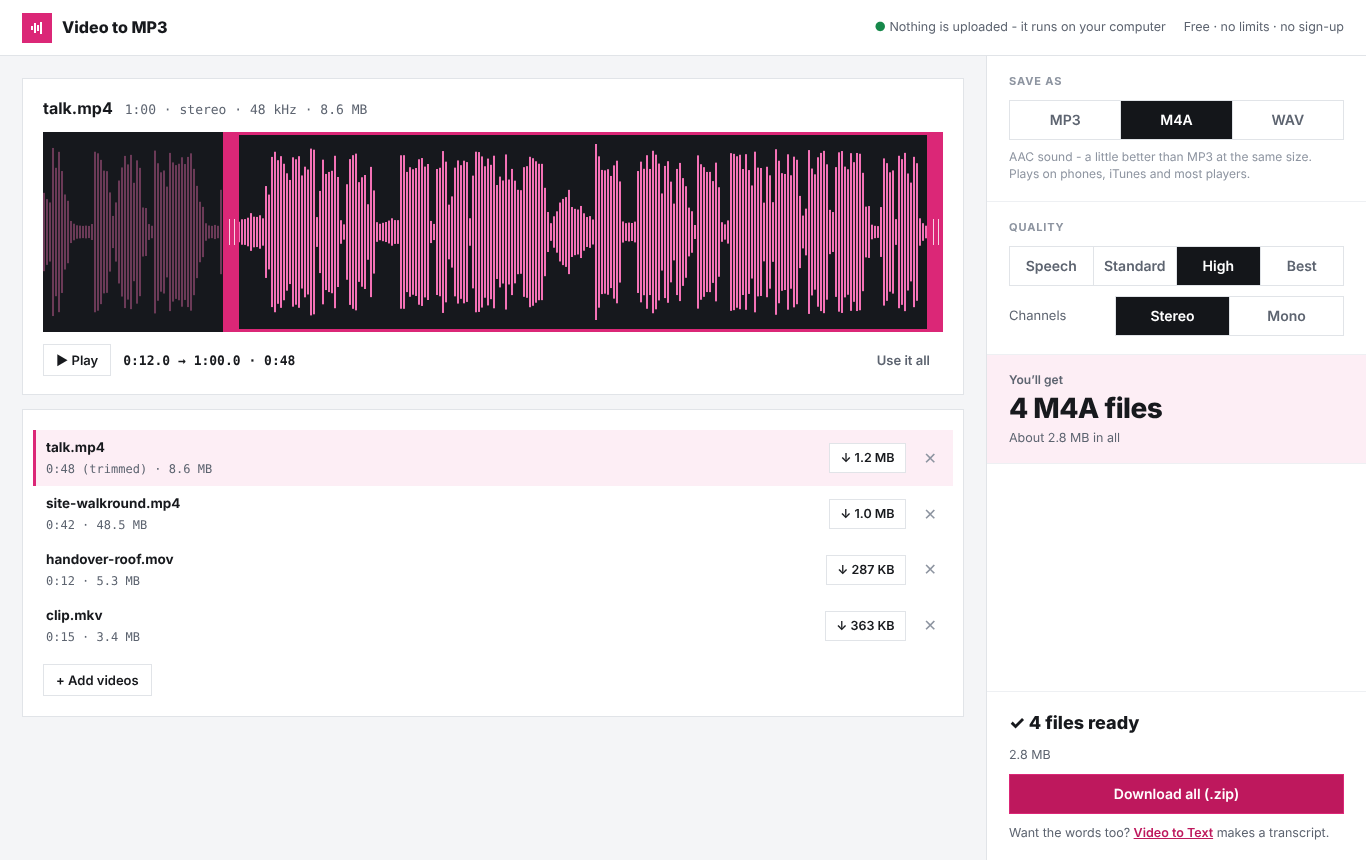
A batch at once - download each one, or all of them in a zip.
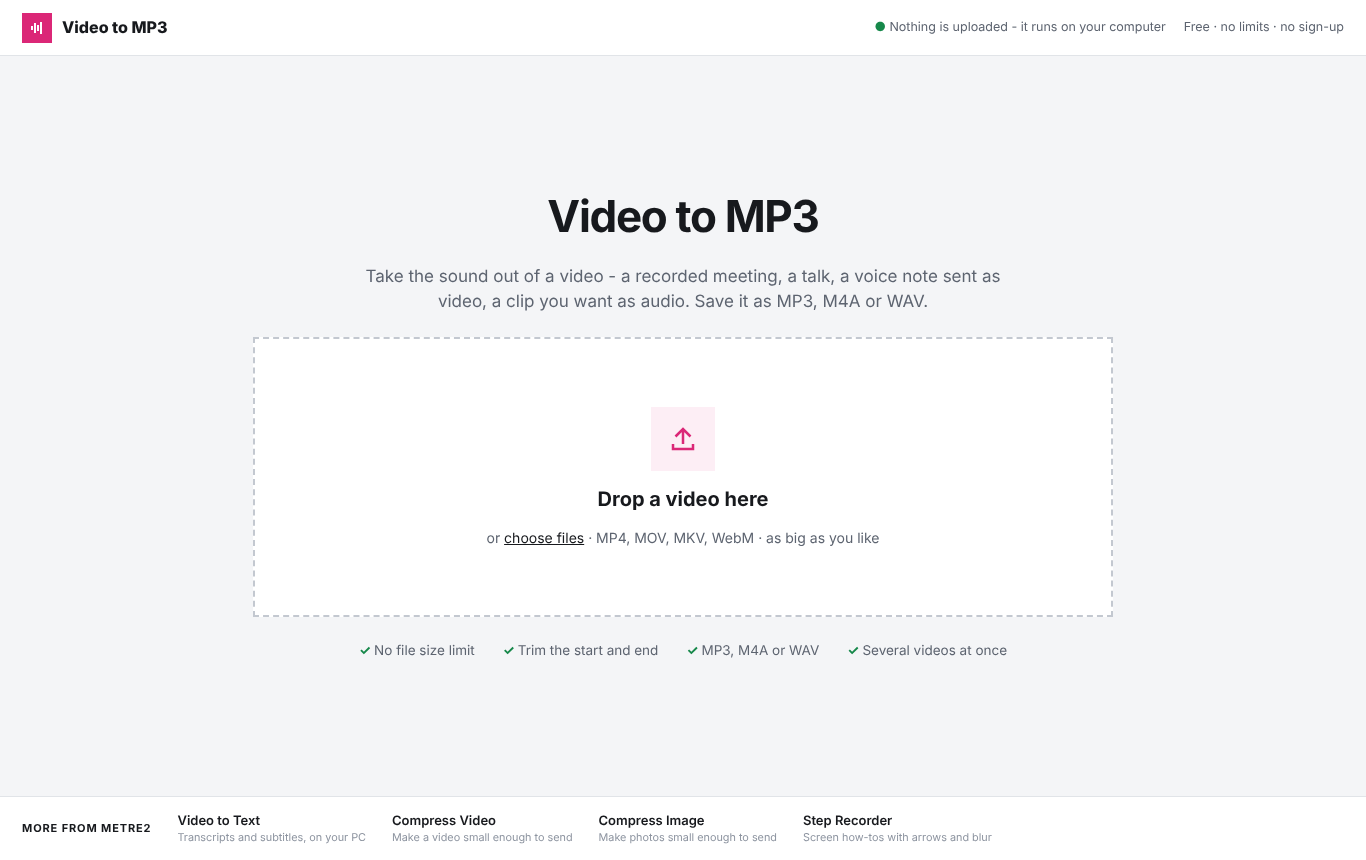
Drop a video in - as big as you like.
Yes - no length or size limit, no watermark and no sign-up.
No. The sound is taken out of the video inside your browser on your own computer.
Drop the MP4 in, choose MP3 and the quality, trim the ends if you want, and press Save MP3. The MP3 downloads as soon as it's done - usually a few seconds for a few minutes of video.
Speech (96 kbit/s) is plenty for meetings, talks and voice notes; High (192) for music; Best (320) if you want to keep every detail. Mono halves the size again for one voice.
MP3 plays everywhere. M4A is AAC sound - a little better at the same size and fine on phones and iTunes. WAV isn't compressed at all, so it's big, but it's what audio editors and CD burning like.
MP4, MOV, M4V, MKV and WebM, as far as your browser can read their sound - AAC, MP3, Opus and others. Audio files (M4A, WAV, MP3) can be converted too.
Yes - Video to Text turns the speech into a transcript and subtitles, also in your browser.
Free, in your browser, with nothing uploaded. Works best in Chrome or Microsoft Edge on a computer.
Microsoft and the Microsoft Store logo are trademarks of the Microsoft group of companies.
