Old scans that won’t open
Drawing archives, plan-room scanners and fax-to-email all make multi-page TIFFs that browsers and phones won’t show, or only show the first page of. Turn them into a PDF anyone can open - at the size they were scanned, so a 1:100 drawing still measures 1:100 - or save each page as a PNG.
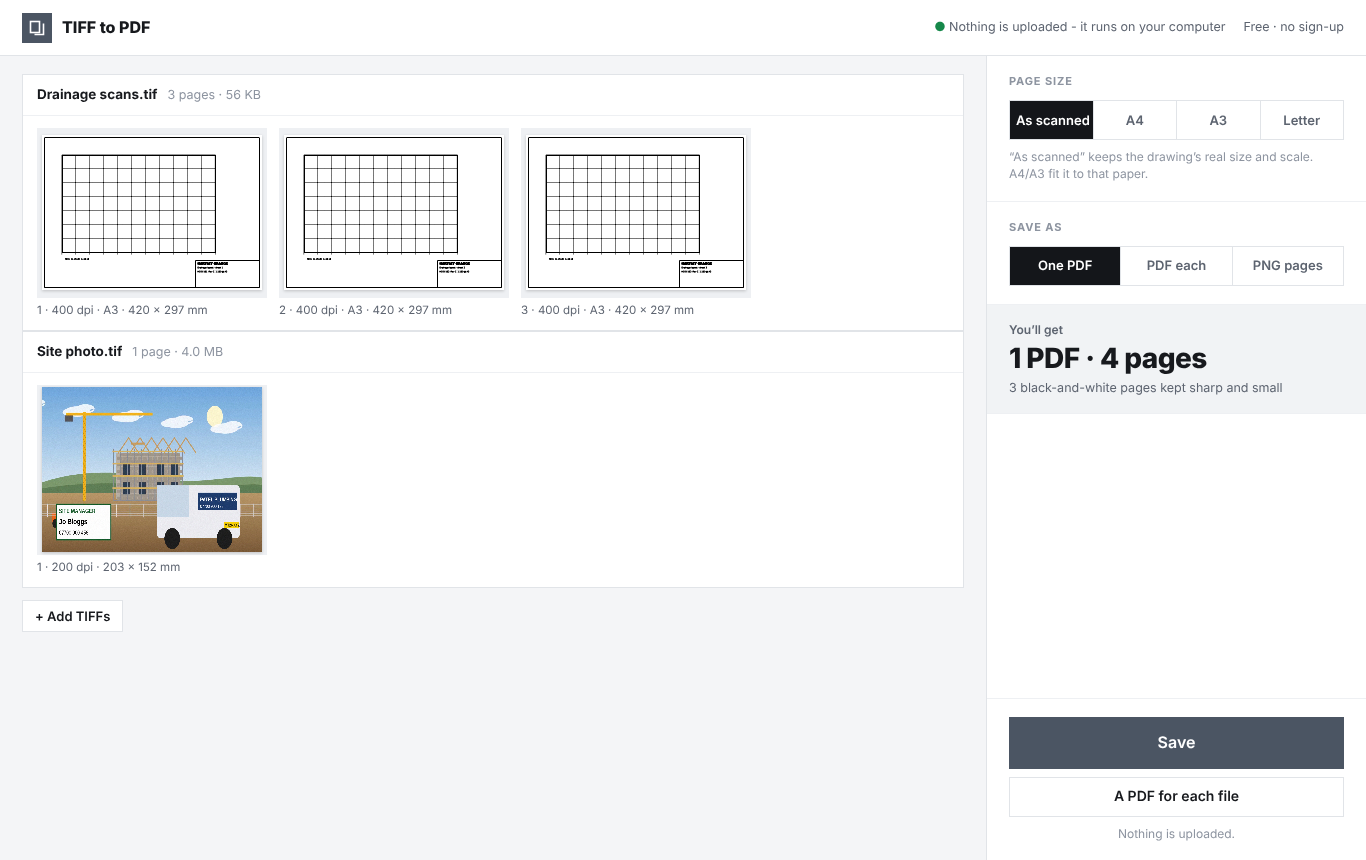
Multi-page TIFFs, all pages, in order.
Page size from the scan’s resolution, so drawings print and measure to scale.
Black-and-white scans stay crisp and tiny; colour pages are kept as they are.
One PDF for everything, a PDF per file, or PNG pages.
Fit to A4, A3 or Letter instead of the scanned size.
Files stay on your computer.
Free · In your browser · Nothing uploaded · TIF, TIFF, Group 4
Saving the pages as PNGs, and the start screen.
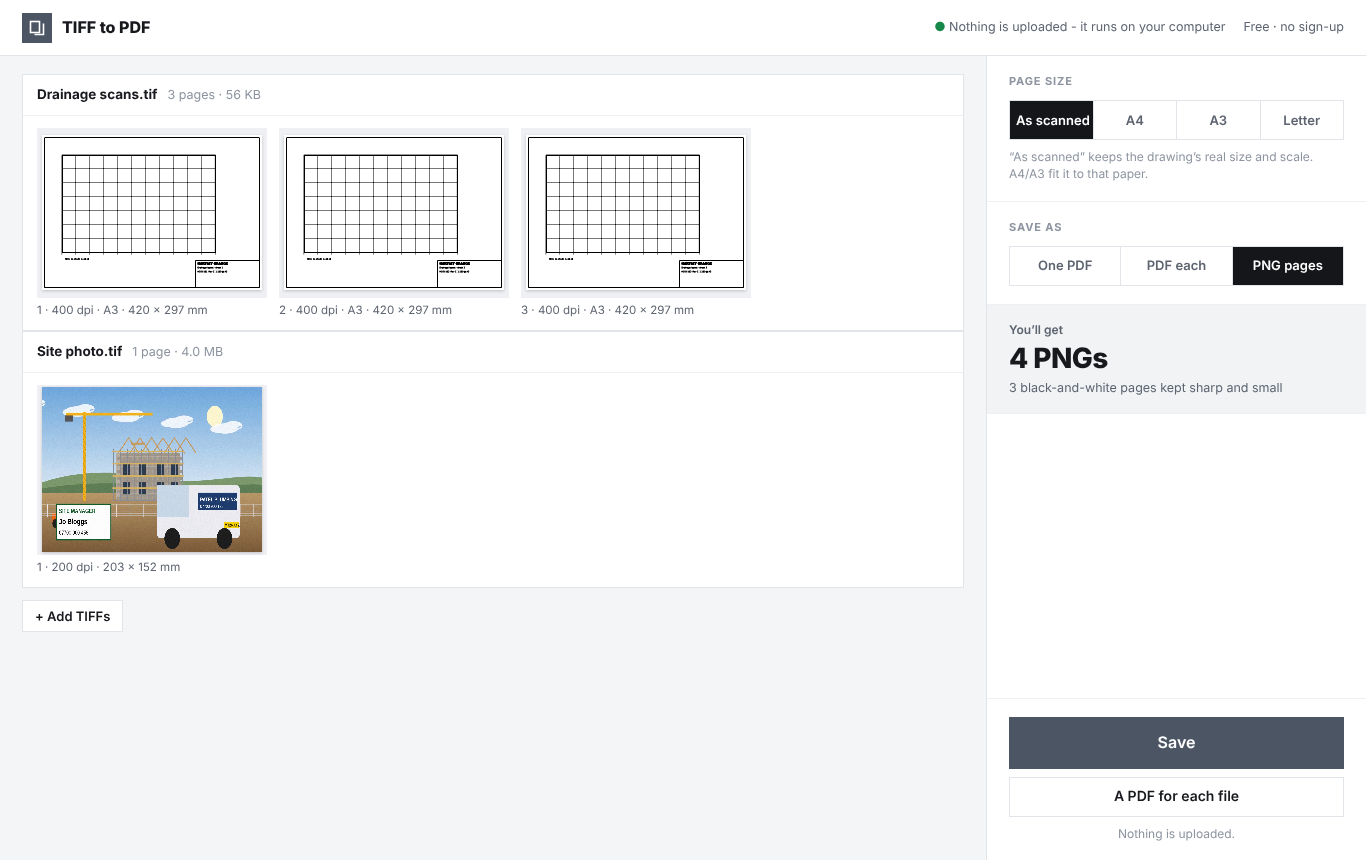
Or save every page as a picture.
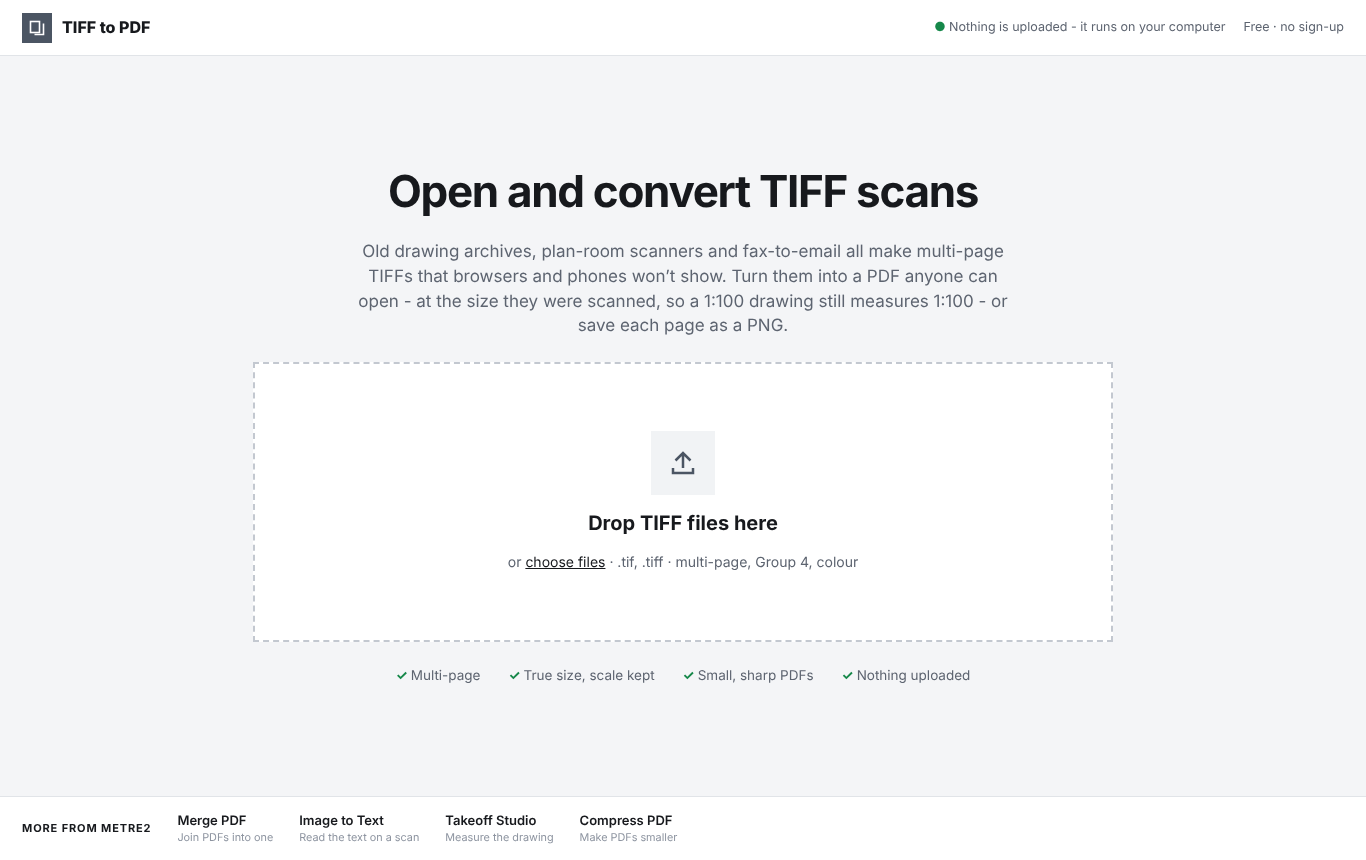
Drop TIFF files to start.
Yes - no sign-up, no limits.
Most viewers only show the first page of a multi-page TIFF. Convert it here and every page is in the PDF.
Yes, if the scanner recorded its resolution - the PDF page is made the size that was scanned, so print it at Actual size.
No - black-and-white scans are stored the way fax machines do it, often smaller than the TIFF.
No - everything happens in your browser.
Free, in your browser, with nothing uploaded. Works best in Chrome or Microsoft Edge on a computer.
Microsoft and the Microsoft Store logo are trademarks of the Microsoft group of companies.
