Pictures of words, as words
Get the words out of a photo of a document, a screenshot, a scanned PDF or a sign - then edit them, copy them or save them as Word or plain text. Paste a screenshot straight in with Ctrl+V. Words it isn't sure about are marked so you can check them. It all happens on your computer.
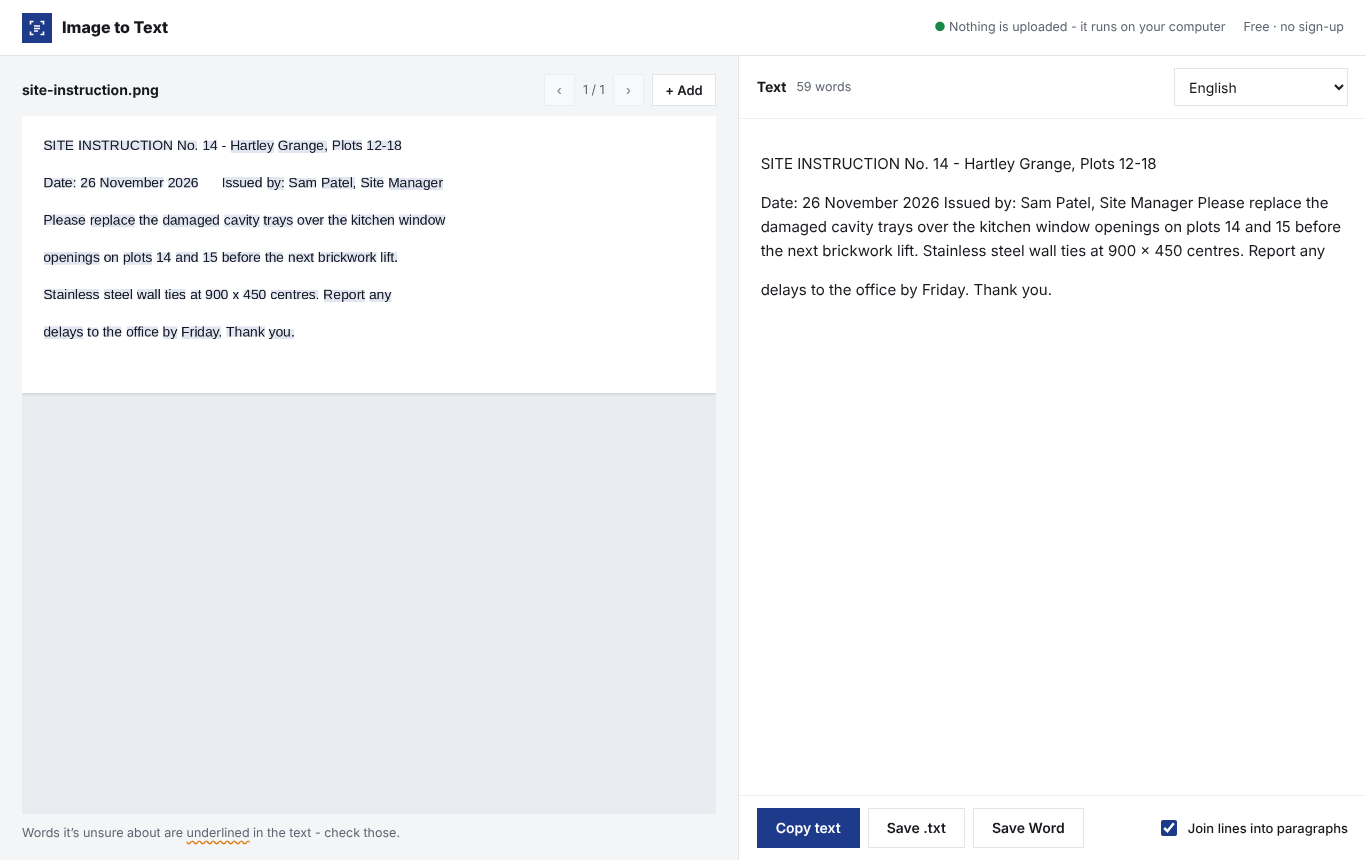
JPG, PNG, iPhone HEIC and scanned PDFs, a page at a time or a whole stack.
Words it's unsure about are underlined; click into the text to correct them.
English, Welsh, French, German, Spanish, Polish, Romanian, Urdu, Punjabi, Hindi, Arabic, Chinese and more.
Copy it, or save a Word document or plain text, with lines joined into paragraphs.
Read inside your browser with Tesseract - fine for invoices, ID and letters.
Press Ctrl+V and a screenshot from the clipboard is read straight away.
Free · In your browser · Nothing uploaded · Photos, screenshots and scanned PDFs
Reading a scanned specification, and the start screen.
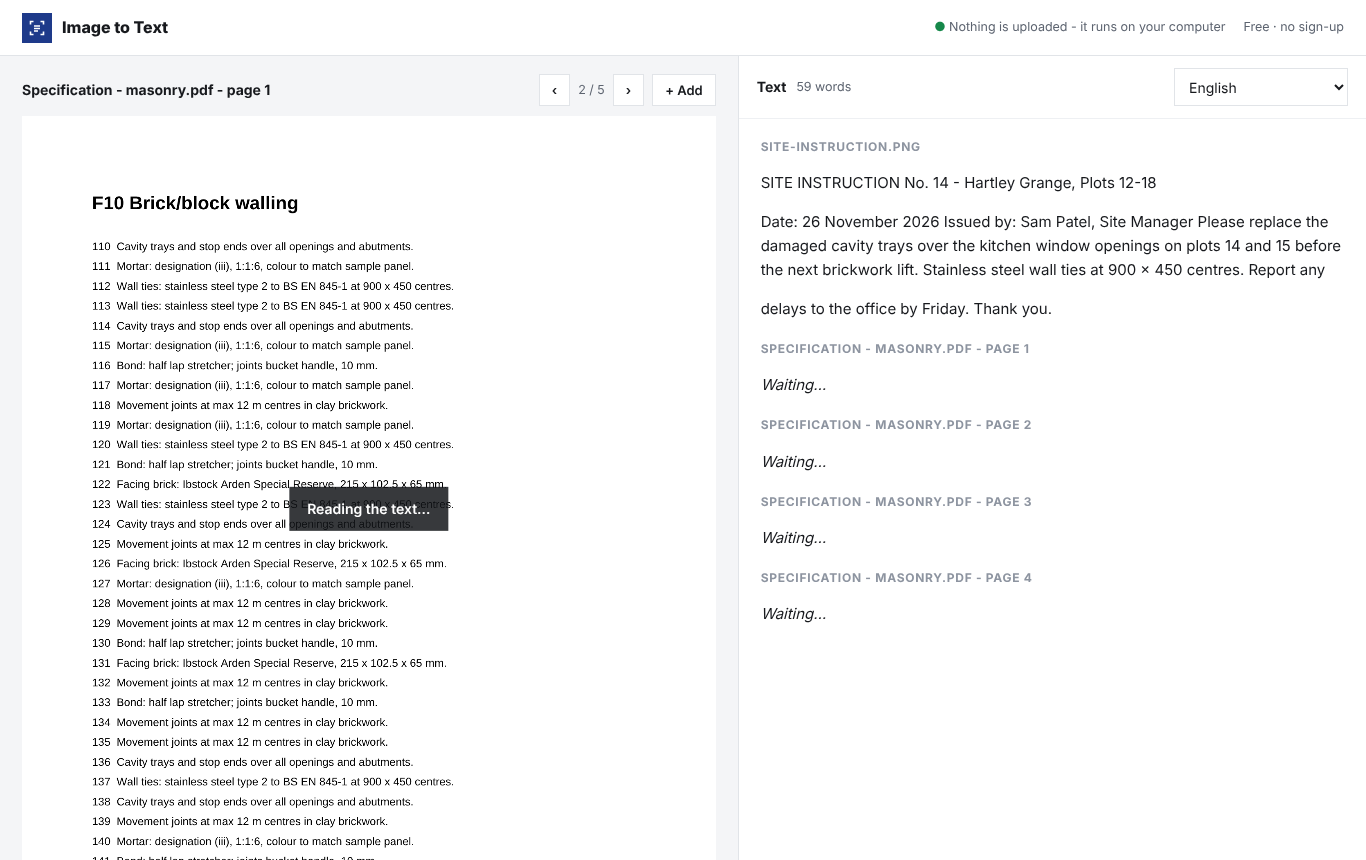
Scanned PDFs are read page by page.
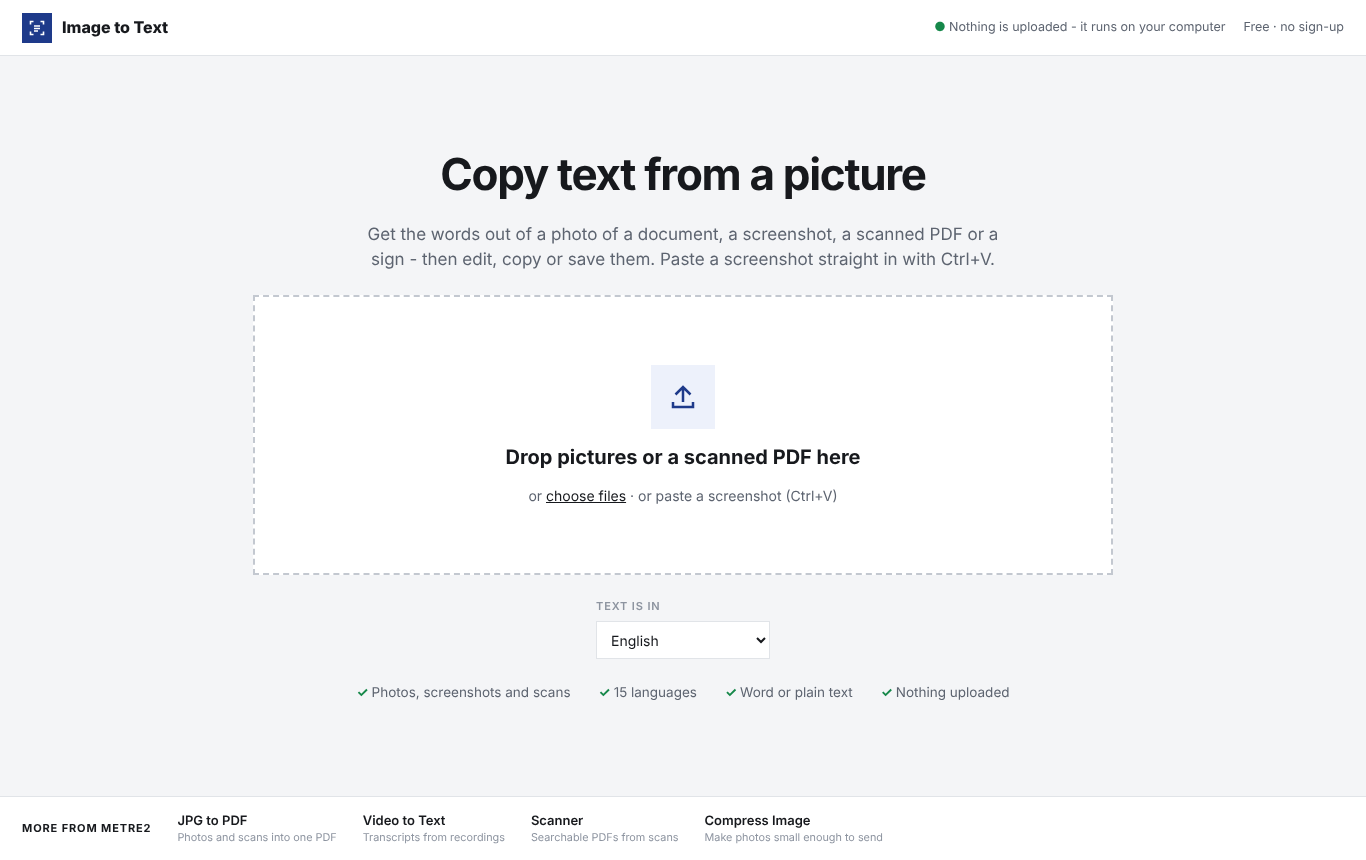
Drop a picture, or paste a screenshot.
Yes - no limits, no sign-up.
Very good on clear printed text, screenshots and good scans. Handwriting, curved pages and blurry photos are harder - check the underlined words.
Neat capitals sometimes; joined-up handwriting usually not.
Not this one - Metre2 Scanner makes searchable PDFs from scans.
No - the text is read inside your browser. Languages other than English download once from a public library of language files.
Free, in your browser, with nothing uploaded. Works best in Chrome or Microsoft Edge on a computer.
Microsoft and the Microsoft Store logo are trademarks of the Microsoft group of companies.
