1:100 on A1 is 1:200 on A3 - if you print it right
Most drawings arrive at A1 and most offices print A3. Printing with “Fit” gives an odd scale nobody can measure from. This makes a PDF set up for your printer: the drawing on one sheet at a proper scale - 1:200 on A3 for an A1 at 1:100 - or at full size across A4 or A3 sheets you tape together, with overlaps, cut marks and an assembly key. The scale is read from the title block.
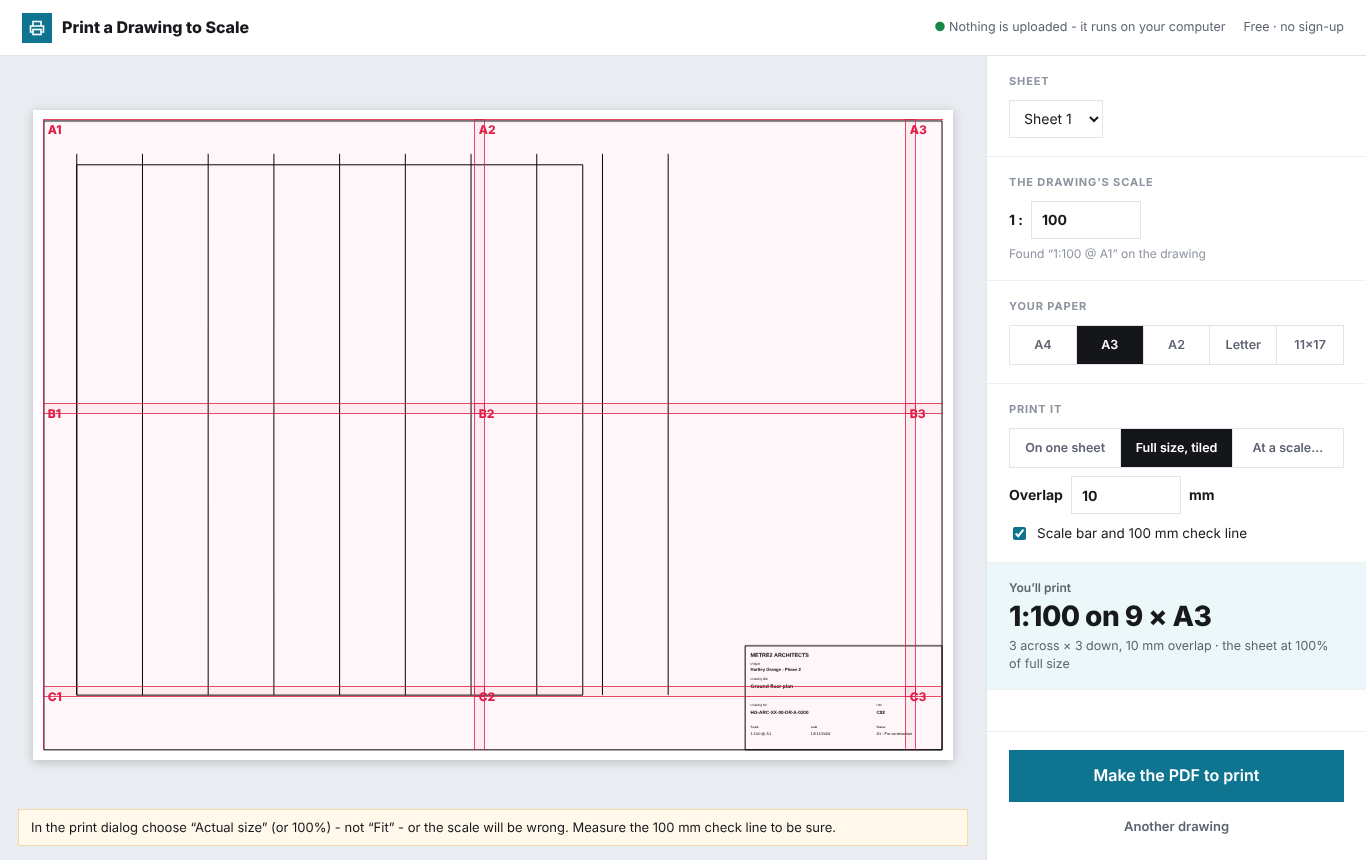
“1:100 @ A1” is found on the drawing - and a reduced copy is allowed for.
The biggest standard scale that fits your paper - 1:200, not 1:237.
Across A4 or A3 sheets with overlaps, cut marks and a key to how they fit.
Measure the 100 mm line to prove it printed right.
The drawing is kept as lines, not turned into a picture.
Drawings stay on your computer.
Free · In your browser · Nothing uploaded · A4, A3, A2, Letter, 11×17
An A1 at 1:100 on one A3 sheet at 1:200, and the start screen.
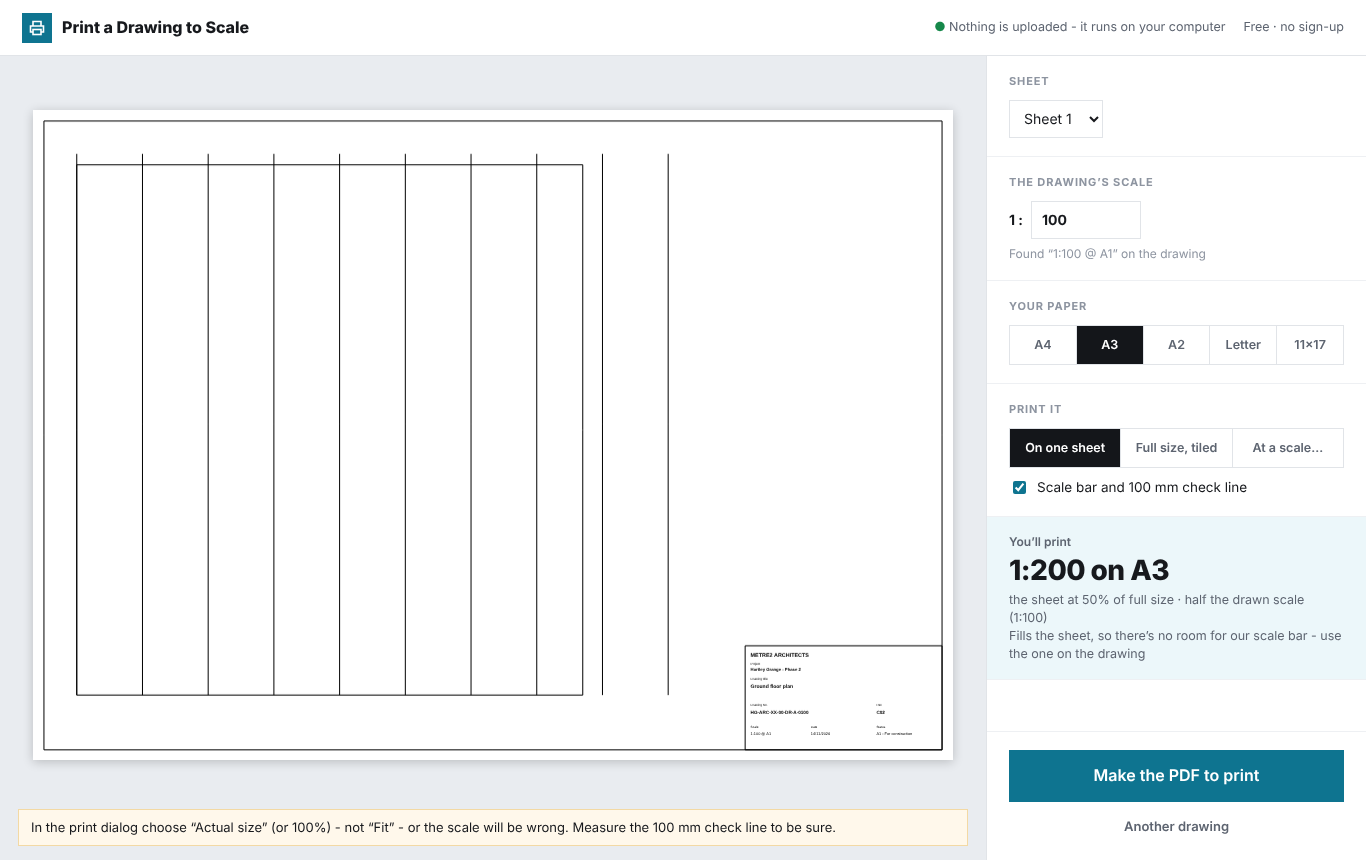
On one sheet at half the drawn scale.
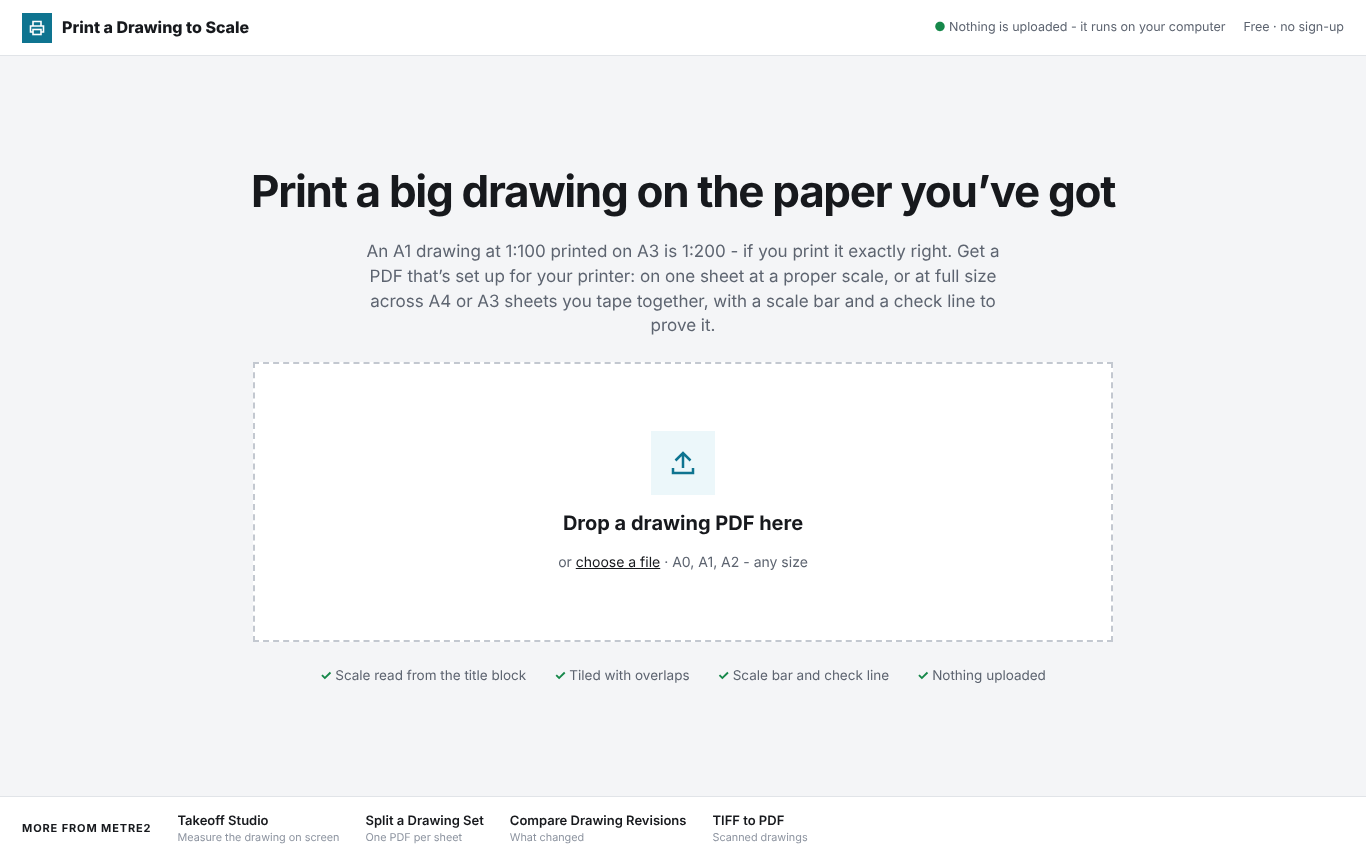
Drop a drawing PDF to start.
Yes - no sign-up, no limits.
Drop the PDF in, choose A3 and On one sheet. An A1 drawing at 1:100 prints at 1:200. Then print the PDF at Actual size (100%), not Fit.
The print dialog’s “Fit” or “Shrink oversized pages” changes the size. Choose Actual size or 100%, then measure the 100 mm check line.
Yes - choose Full size, tiled. It’s split across sheets with overlaps and cut marks, and the first page shows how they fit together.
Type it in - the tool needs to know the drawn scale to print at a true one.
No - everything happens in your browser.
Free, in your browser, with nothing uploaded. Works best in Chrome or Microsoft Edge on a computer.
Microsoft and the Microsoft Store logo are trademarks of the Microsoft group of companies.
