Show exactly where to click
Press PrtScn or Win+Shift+S, then Ctrl+V here. Point at things with arrows and boxes, number the steps, highlight a line, add a label, and blur names, email addresses and account numbers - properly, so they can't be read back. Crop it, add a frame if you like, and copy it straight into an email, Teams or a document.
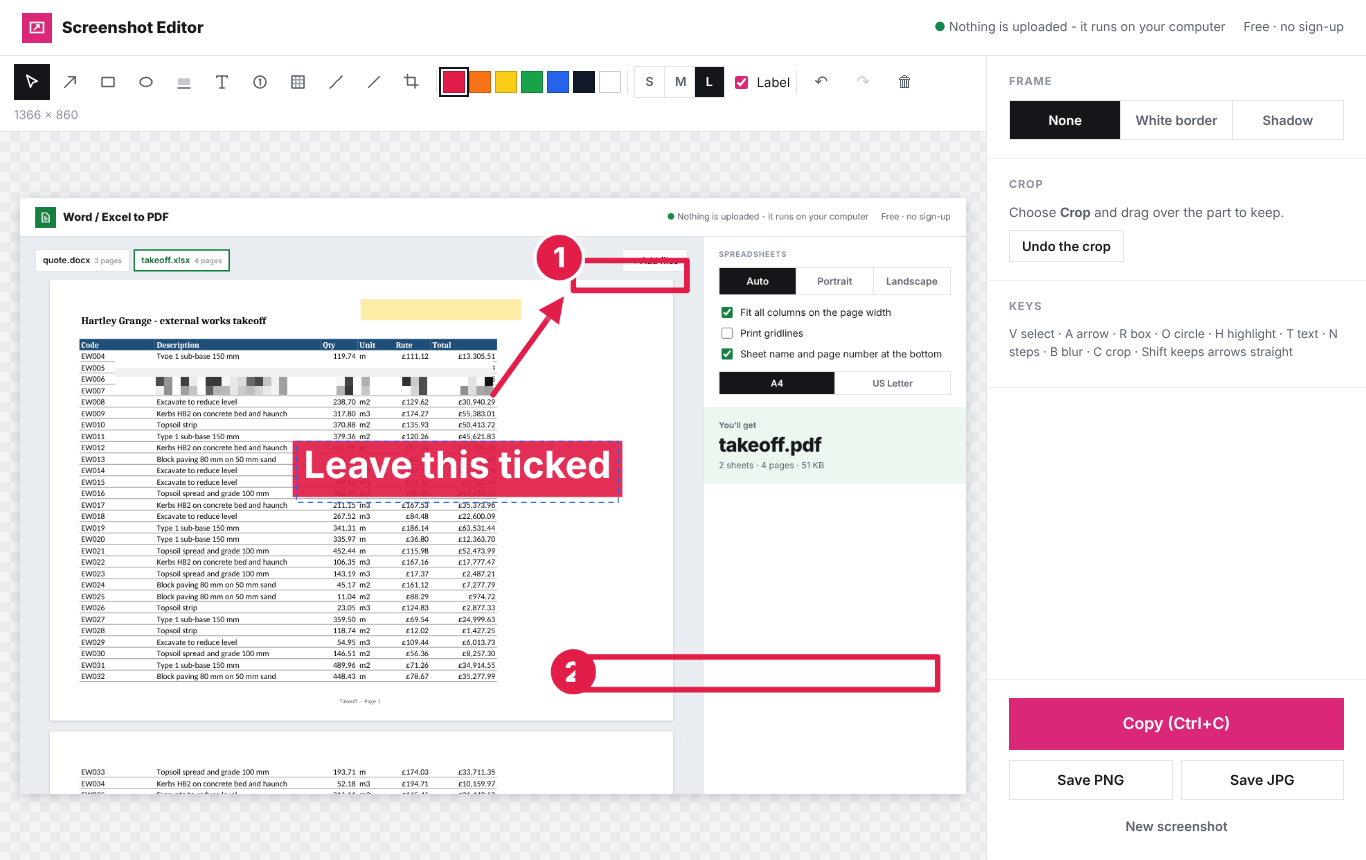
Ctrl+V a screenshot in and Ctrl+C the marked-up one out - no saving in between.
Thick, clear and in seven colours; hold Shift for straight arrows.
Click, click, click - 1, 2, 3 - for instructions anyone can follow.
Names and numbers are pixelated from the real pixels, so they can't be un-blurred.
Outlined text or solid labels, edited by double-clicking.
Screenshots often show private things - this never sends them anywhere.
Free · In your browser · Nothing uploaded · Copy, PNG or JPG
Cropped with a shadow frame, and the start screen.
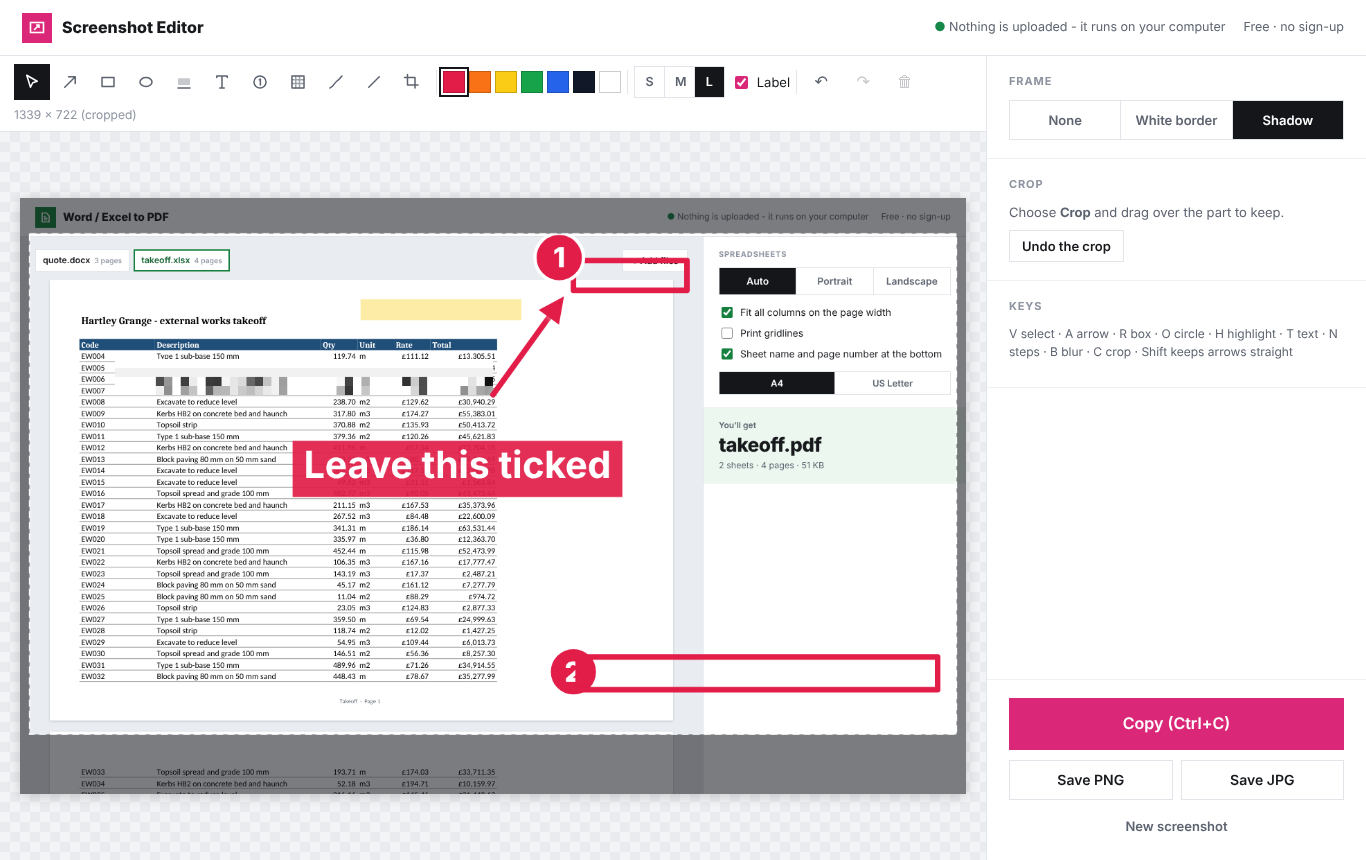
Crop it and add a frame for reports and slides.
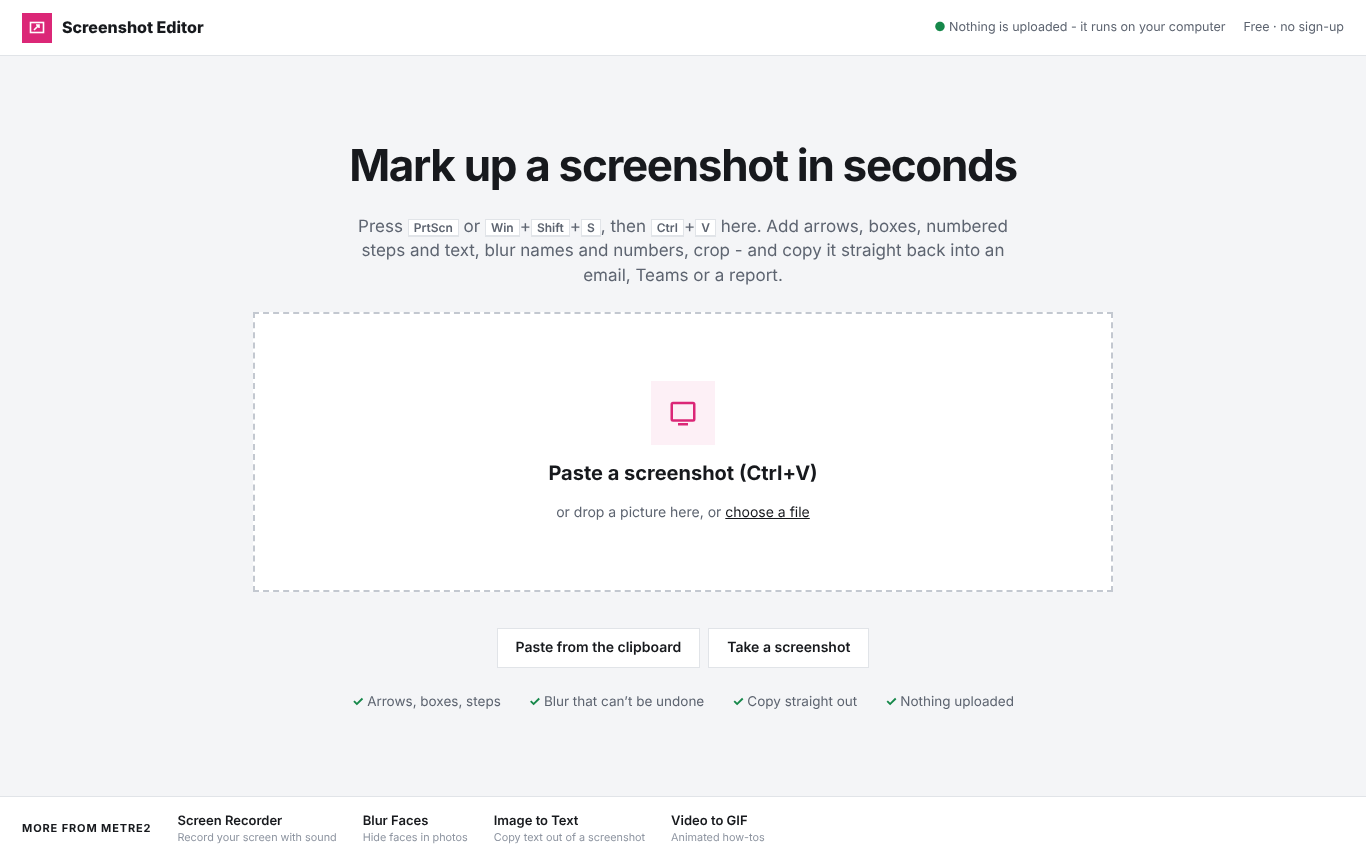
Paste, drop or take a screenshot to start.
Yes - no sign-up, no watermark.
Press Win+Shift+S and drag over the part you want, or PrtScn for the whole screen - then press Ctrl+V on this page.
No - the area is replaced with big blocks made from the original pixels, so the text underneath is gone from the saved picture.
Yes - choose the arrow tool to select and move things, change their colour, or press Delete. Ctrl+Z undoes.
No - everything happens in your browser.
Free, in your browser, with nothing uploaded. Works best in Chrome or Microsoft Edge on a computer.
Microsoft and the Microsoft Store logo are trademarks of the Microsoft group of companies.
