Share photos, not people
Site progress photos, event pictures and street shots often show people who didn't agree to be posted, plus vehicle registrations, names and phone numbers. Blur Faces finds the faces for you - even small ones in the distance - and you drag a box over anything else. Blur, pixelate or black it out, then save a fresh copy with nothing underneath and no location data.
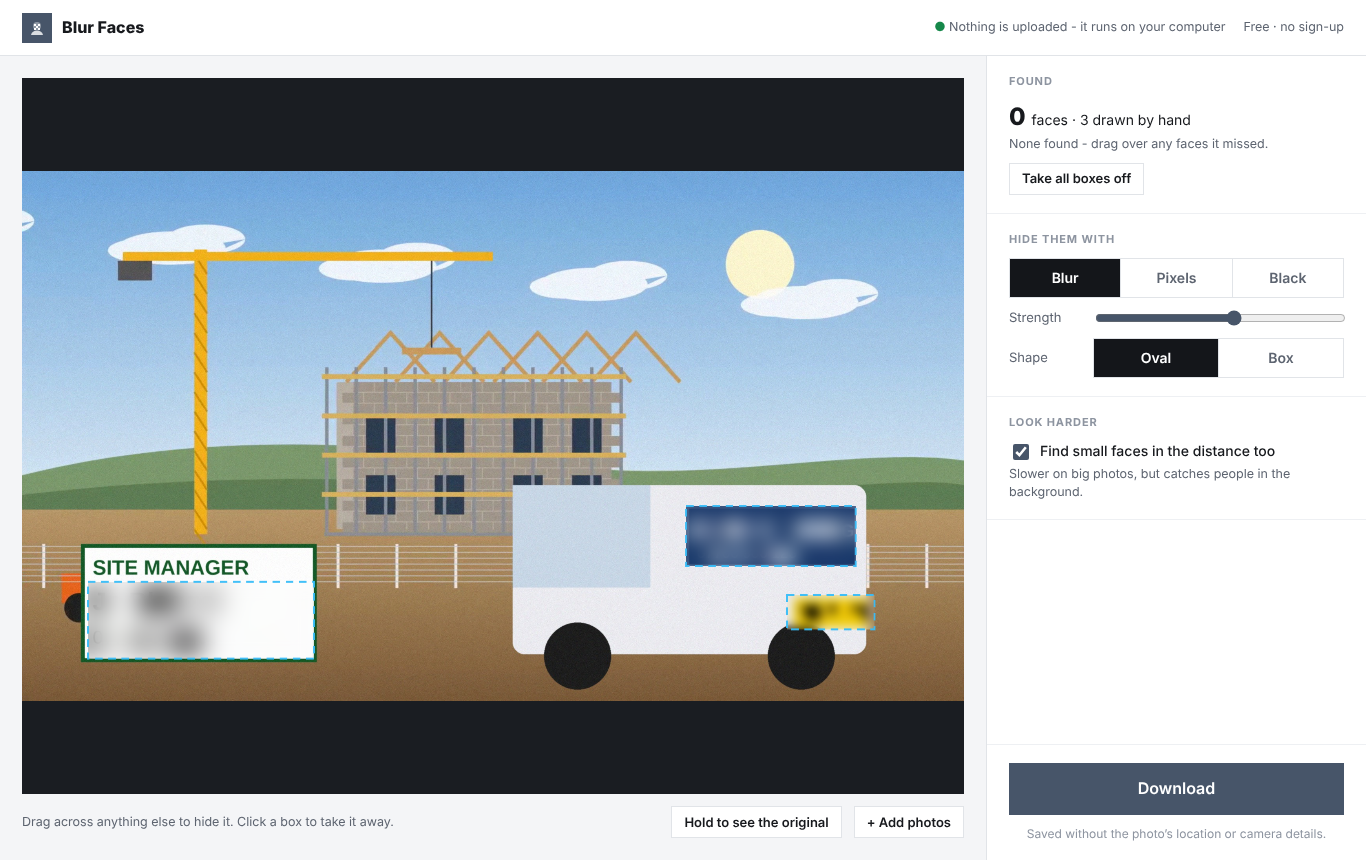
Faces are found automatically, including small ones in the background, using Google's BlazeFace model on your computer.
Number plates, name badges, phone numbers, addresses, screens - drag a box and it's hidden. Click a box to take it off.
Choose the look and the strength. The originals underneath aren't kept in the saved file.
A batch of site photos, each checked, then downloaded together.
Saved without the photo's location or camera details.
Photos of people stay on your computer.
Free · In your browser · Nothing uploaded · JPG, PNG, WebP and HEIC
The same photo pixelated, and the start screen.
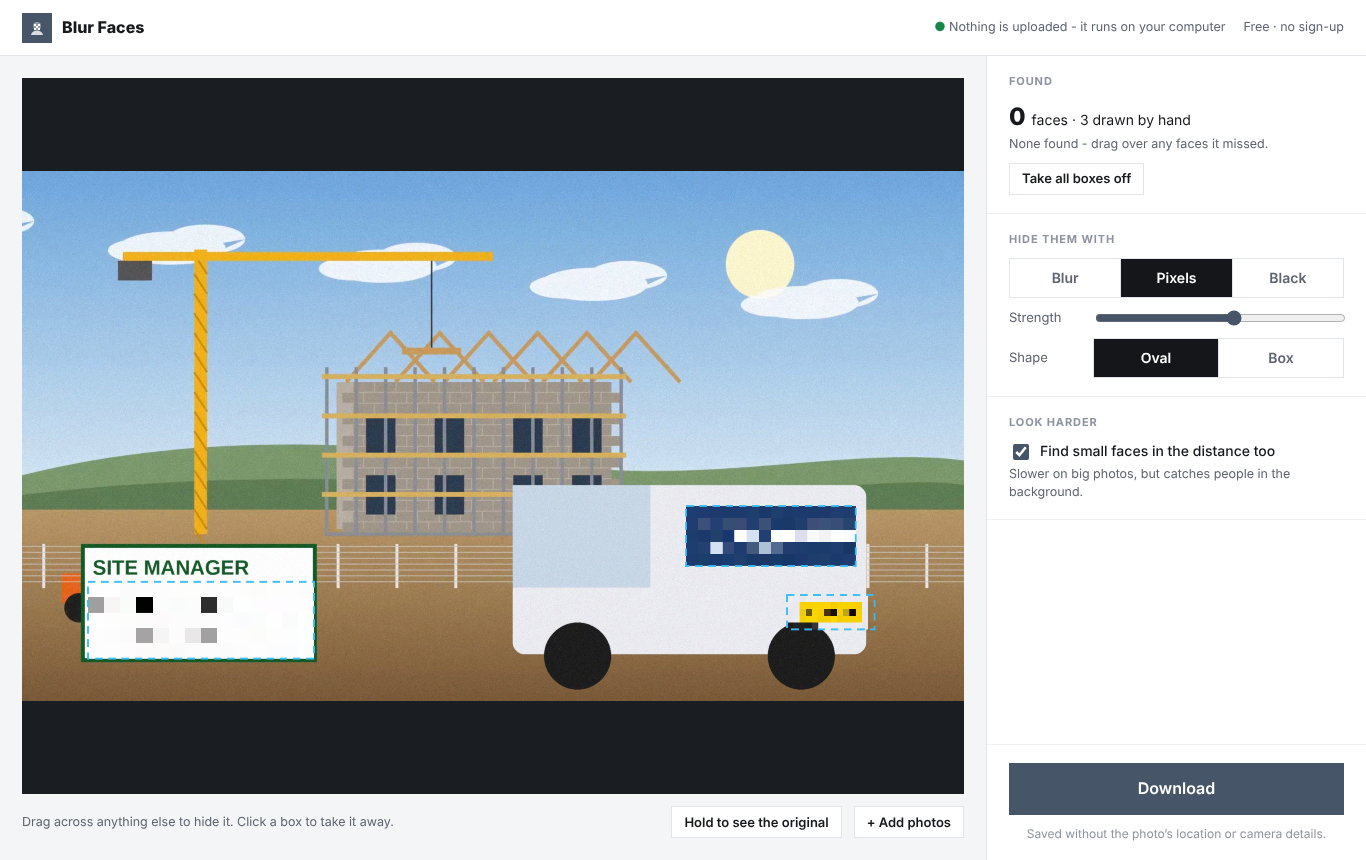
Blur, pixelate or black out.
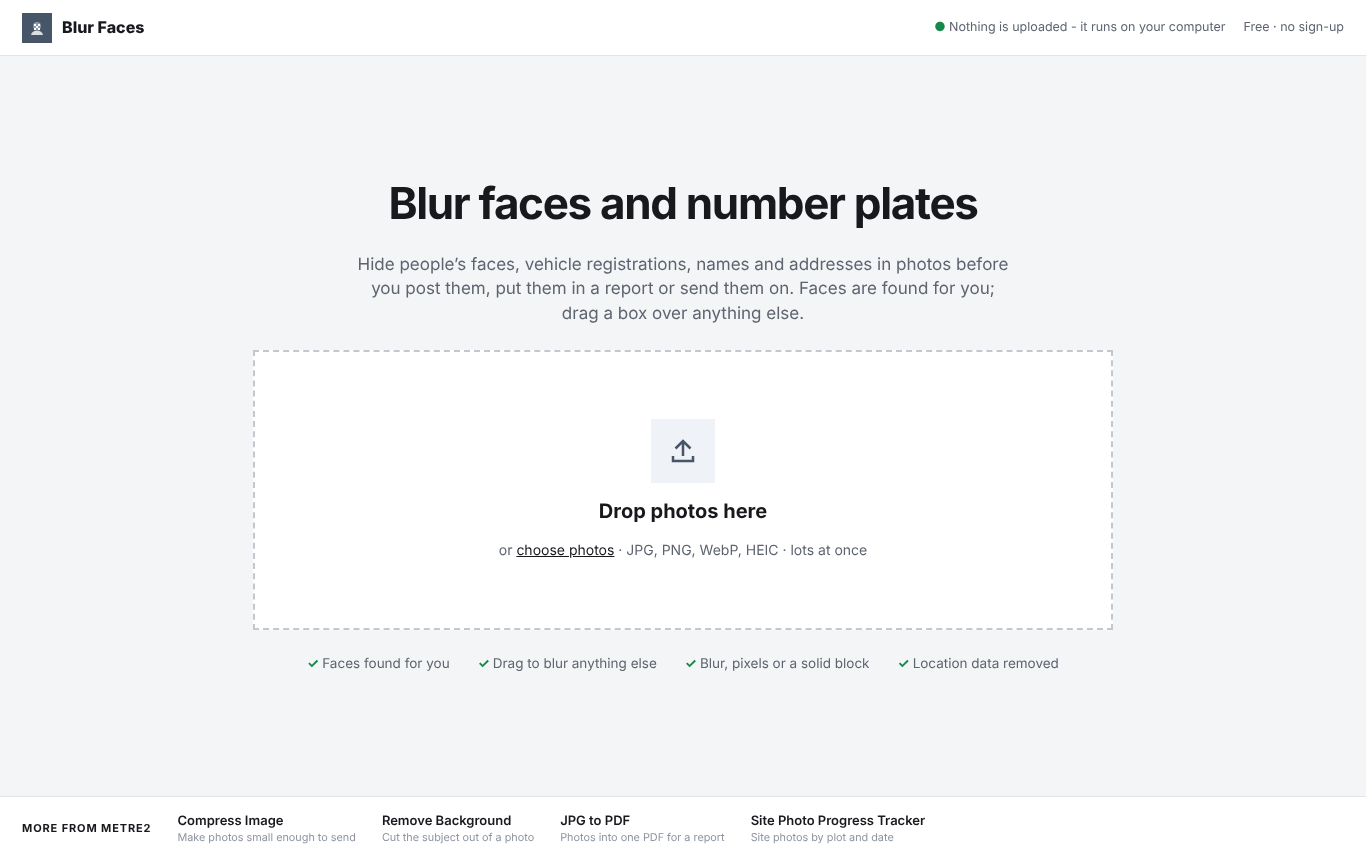
Drop photos - lots at once.
Yes - no limits, no sign-up.
Not yet - faces are found automatically; drag a box over plates, names and anything else. It takes a second each.
No. The hidden areas are drawn fresh into a new copy of the photo - the original pixels aren't in the saved file. Use Black for the strongest result.
It finds most, including small ones in the distance with Find small faces ticked, but always look before you share - side-on and partly hidden faces can be missed. Drag a box over any it misses.
If you post photos where people can be identified, you generally need a lawful reason or their consent. Blurring faces is the simple way to avoid the question for site progress and marketing photos.
No - everything happens inside your browser.
Free, in your browser, with nothing uploaded. Works best in Chrome or Microsoft Edge on a computer.
Microsoft and the Microsoft Store logo are trademarks of the Microsoft group of companies.
