Resource-based rate builder
Build, organise and export resource-based rates for labour, materials and plant into consistent, reusable pricing.
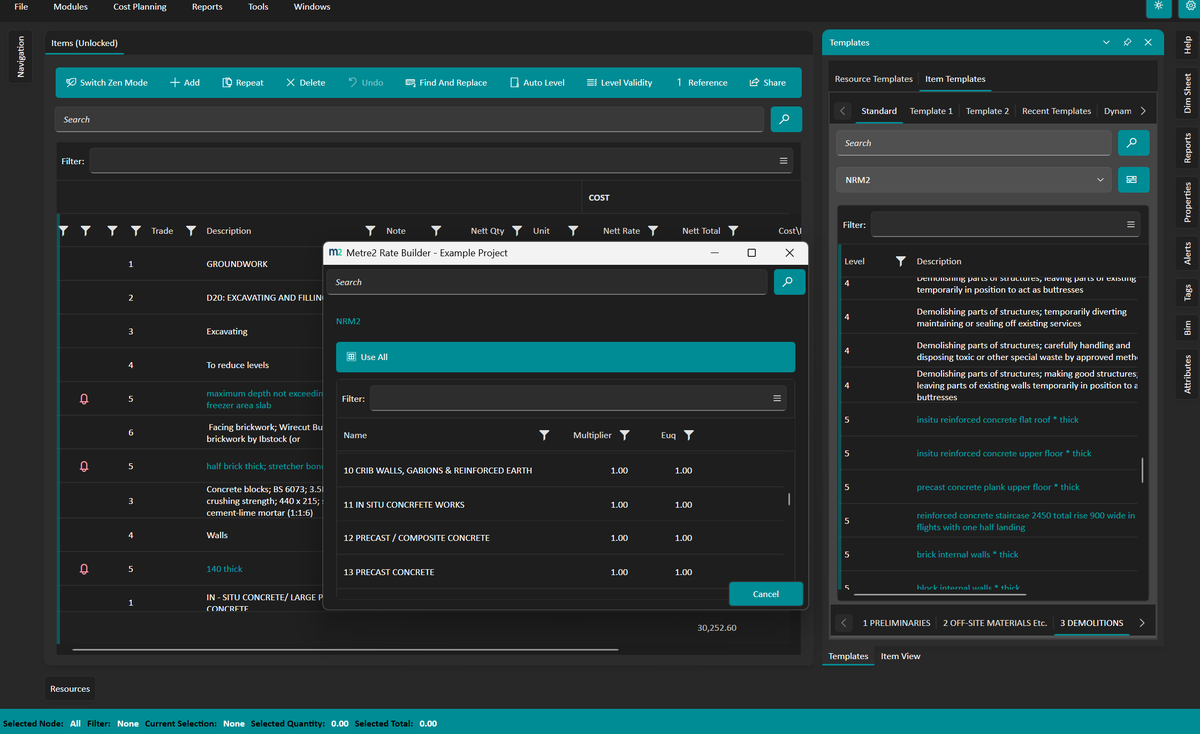
Break down labour, materials, plant, and other resources into structured, reusable rate items.
Build and maintain libraries searchable across estimates.
Export rates in clean formats for estimating systems or spreadsheets.
Add, edit, and organise rate items without navigating complex menus.
See exactly what makes up each rate, with all resource components visible at a glance.
Focused, minimal design. No clutter, no unnecessary features.
Windows 10/11 · Free · Microsoft Store
A closer look at Rate Builder in everyday use.
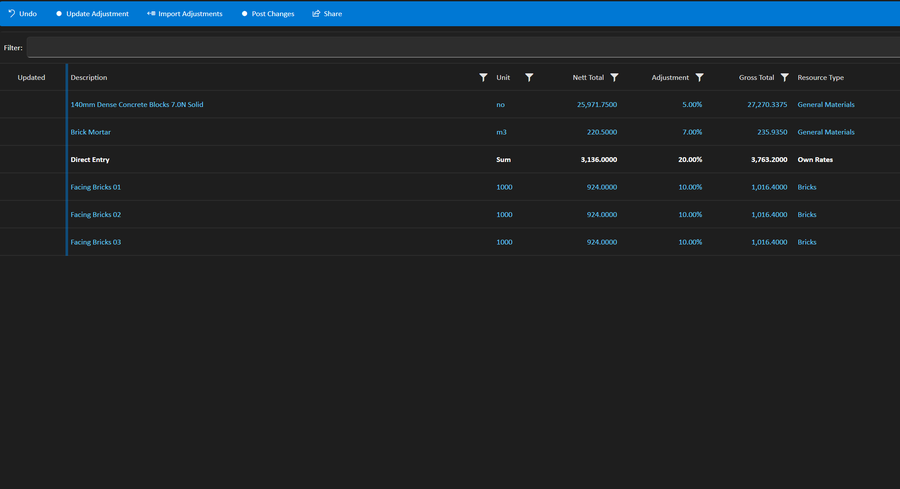
Building a resource-based rate
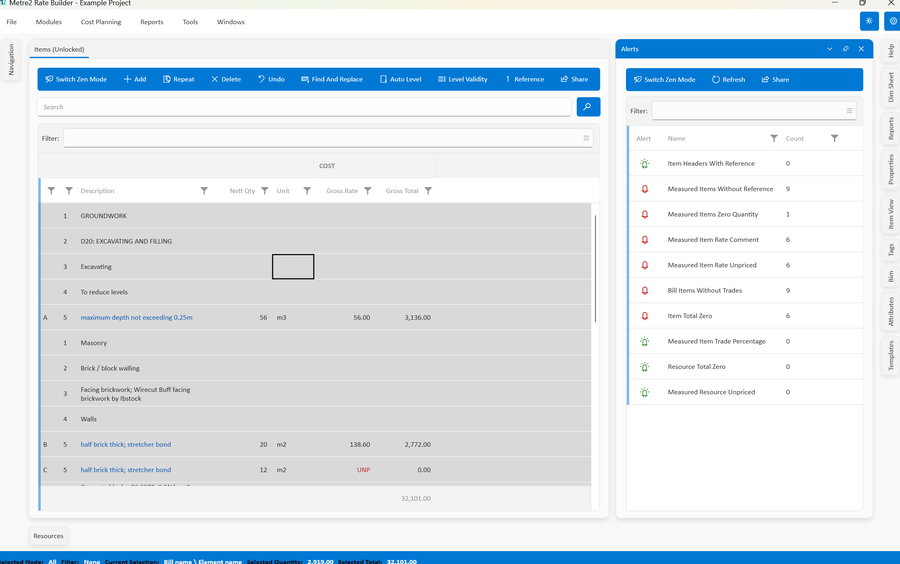
A saved rate library ready to reuse
Rate Builder works through an estimate one item at a time. Each item gets a build-up of labour, materials, plant and other resources, and the totals roll up through the estimate.
Estimates save as Metre2 .sk files. The Reports menu produces bills of quantities, item rate analysis, resource type analysis, cost plan summaries and trade package summaries. Many of these are Excel workbooks, and some keep active formulas so the bill still works as a spreadsheet. Carbon columns (A1-A3, A4 and A5) can be carried through to a bill with carbon.
Estimators, QS teams and subcontractors pricing their own packages. It replaces the rate build-up spreadsheet that gets copied from job to job, with one structured place for resources and rates. It is a free download, so you can try it on a live tender before deciding whether it fits.
Read the guide: What is a bill of quantities? - where your rates go in a bill, with a free BOQ template.
It's a Windows desktop app rather than a web service - grab Rate Builder free from the Microsoft Store and try it before deciding.
No. Rate Builder opens straight away with no sign-in - install it from the Microsoft Store and you're ready. Registering your copy for update notices is optional.
Estimators and QS teams who want a focused tool for building and maintaining clean, structured pricing without a bloated estimating platform.
Yes. The Reports menu produces Excel workbooks, including bills of quantities, item rate analysis and resource type analysis. The resource type grid can also be exported to Excel. Estimates themselves save as Metre2 .sk files.
You can import an estimate from Excel (.xlsx), a CITE file (.ebq) or a Metre2 file (.m2x). Resource types, trade packages and enquiry types can also be saved and loaded as their own Metre2 files.
Yes. Standard libraries for NRM2, SMM7, CESMM, BCIS, Rail and Highways are built in. Load a library, pick the items you need and paste them into your estimate, then price them with your own resources.
