Codes that never stop working
Make a QR code for a website, your Wi-Fi, a contact card, an email or a phone number. Many “free” QR sites send your code through their own redirect, so it stops working when a trial ends - these codes hold your link itself, so they work for ever and nobody tracks the scans. Add colours and your logo, then download PNG or SVG.
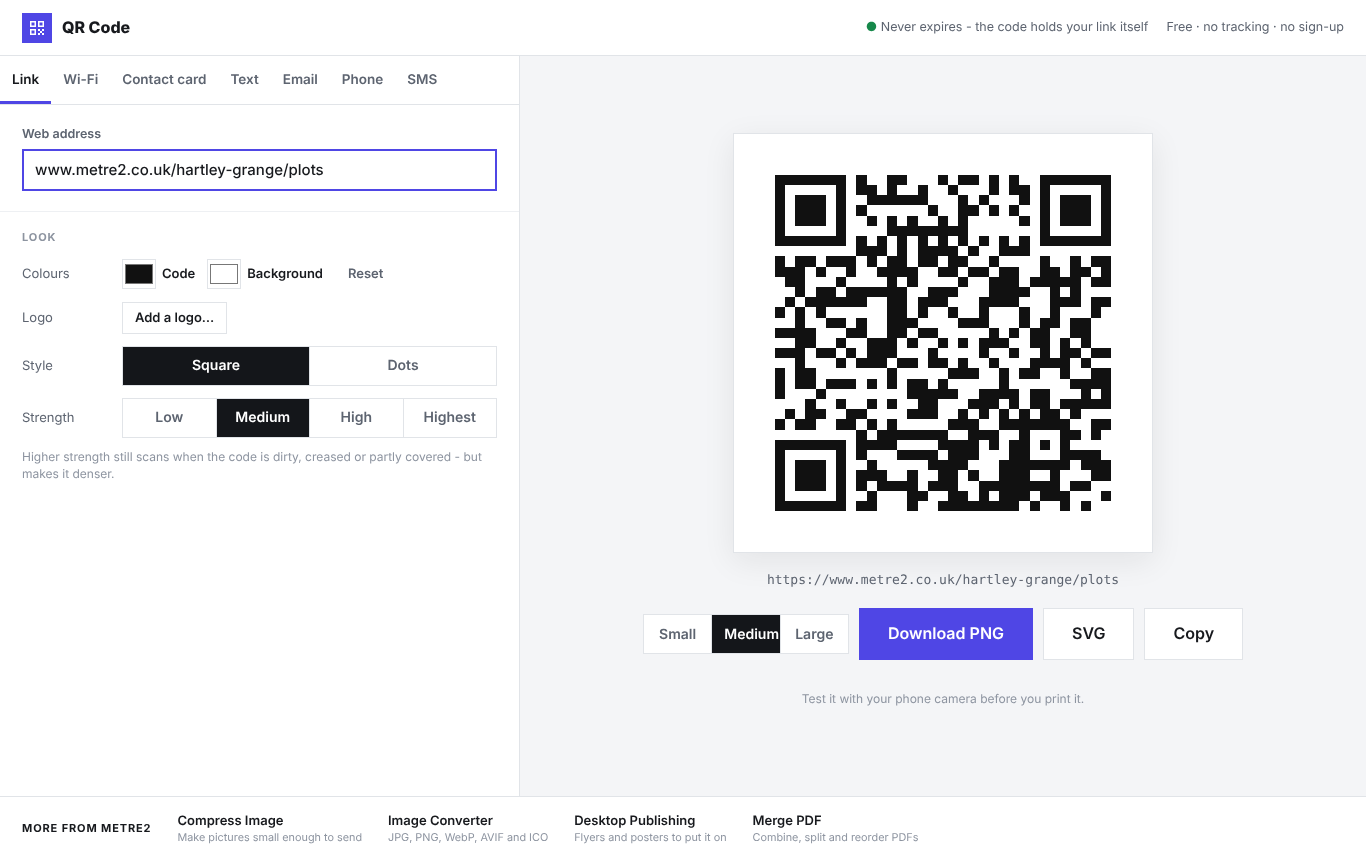
The QR code holds your link, Wi-Fi details or contact card itself - there's no redirect through us, so it can't be switched off or held to ransom.
Nobody counts the scans or sees who scanned. Nothing you type is uploaded.
Links, Wi-Fi (scan to join, no typing the password), contact cards, email, phone, text messages and plain text.
Pick the colours, choose square or rounded dots, and put your logo in the middle - the strongest error correction is used so it still scans.
PNG for documents and screens, SVG for print - signs, flyers and vans stay sharp at any size.
It warns you when the colours are too close or light-on-dark for phone cameras.
Free · In your browser · Static QR codes · PNG and SVG
A Wi-Fi code with rounded dots and a logo, and the start screen.
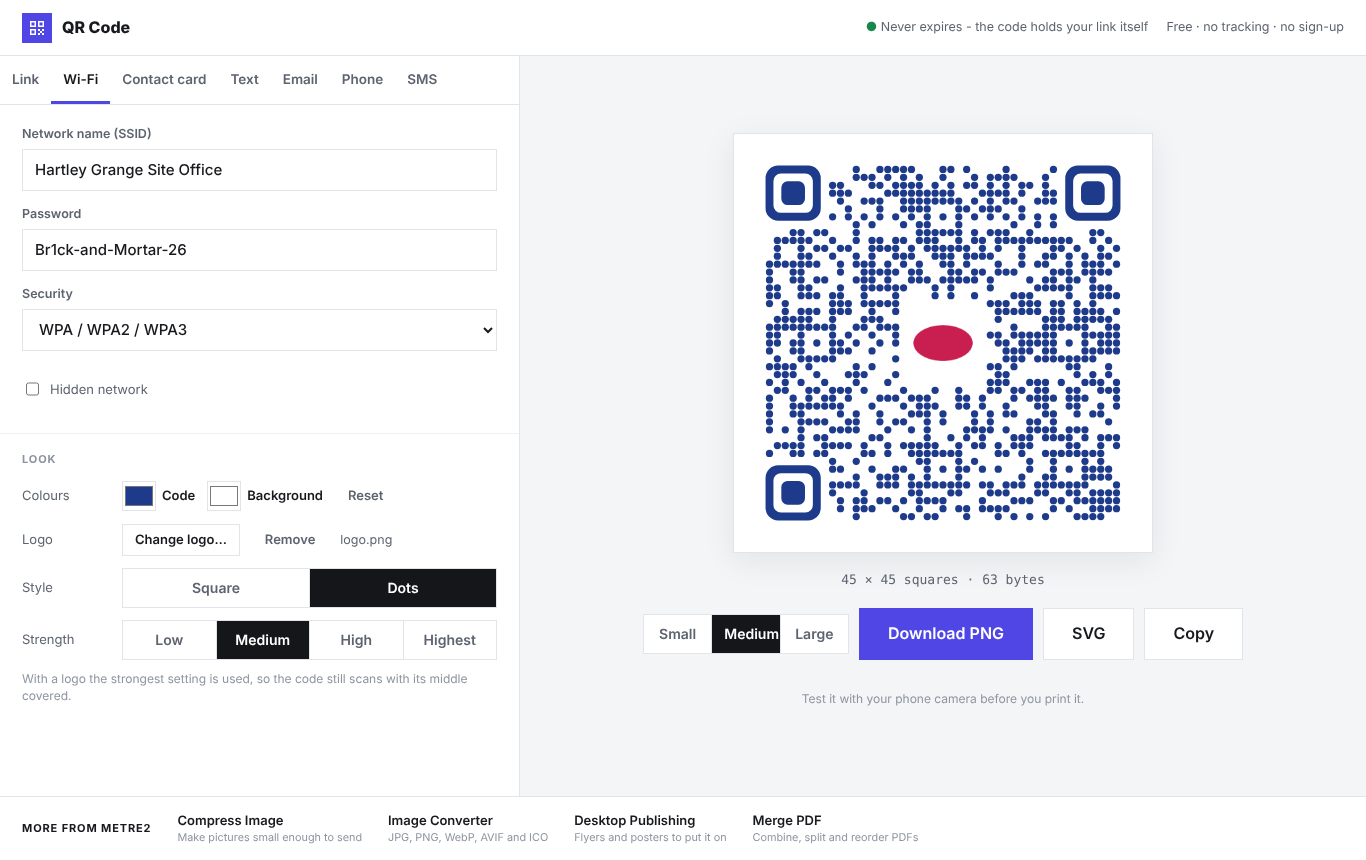
Wi-Fi codes let visitors join without typing the password.
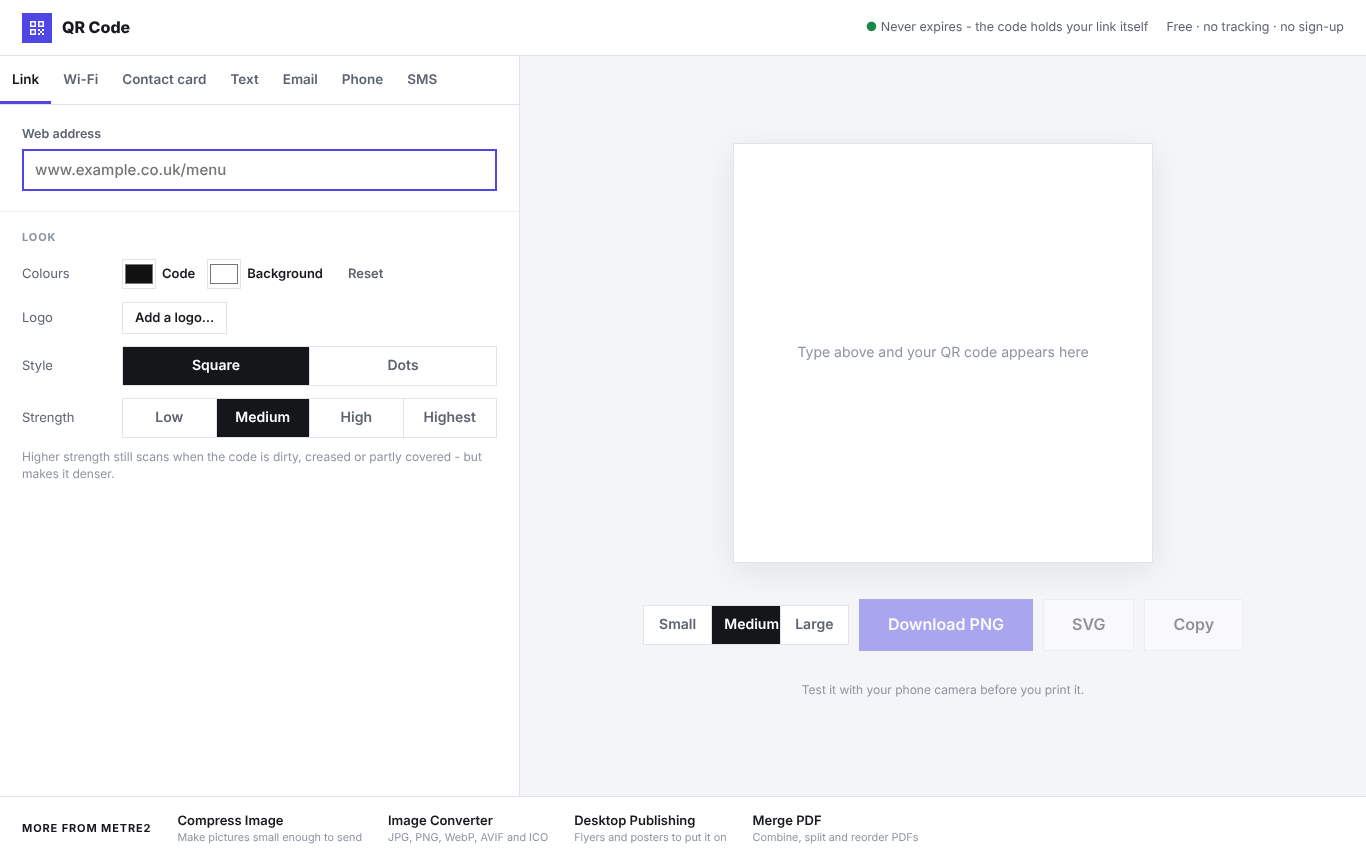
Pick what the code is for and type - it appears as you go.
Yes - no sign-up, no limits, and the codes never expire.
No. The code contains your link (or Wi-Fi details, or contact card) itself. It doesn't go through a short link of ours, so there's nothing that can expire. If the website it points to changes address, make a new code.
Choose Wi-Fi, type the network name and password exactly as they are, pick the security type (usually WPA) and download. Phones join the network when they scan it.
Yes - press Add a logo. The strongest error correction is switched on so the code still scans with its middle covered. Always test it with a phone before printing.
PNG for documents, emails and screens; SVG for print - it stays sharp at any size, from a business card to a van.
No - that needs a tracking redirect, which is exactly what makes other codes expire. These codes are private by design.
Free, in your browser, with nothing uploaded. Works best in Chrome or Microsoft Edge on a computer.
Microsoft and the Microsoft Store logo are trademarks of the Microsoft group of companies.
