Small enough to upload
Shrink photos and pictures for email, a website or an upload form that says “maximum 2 MB”. Type the size you need and it finds the best quality that fits, making the picture smaller only if it has to. Compare before and after, do a whole batch at once - all in your browser, with nothing uploaded.
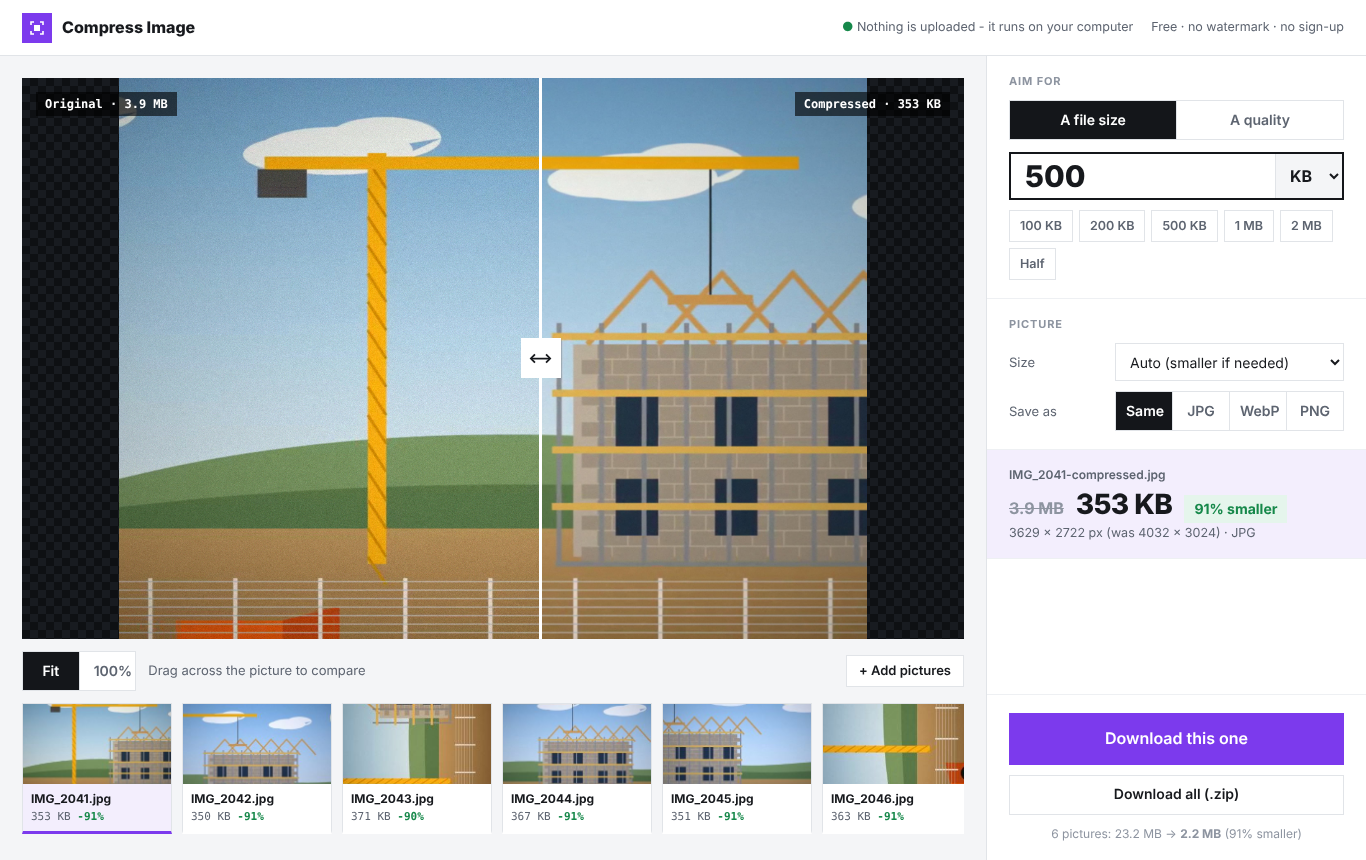
Type 200 KB, 500 KB or 1 MB, or tap a quick size. It searches for the highest quality that fits, and only makes the picture smaller if the quality would suffer too much.
Drag across the picture to compare the original and the compressed copy, at fit-to-screen or 100% to check the detail.
Pictures are compressed inside your browser - JPEGs with mozjpeg, an encoder made to get files smaller at the same quality - without sending your photos anywhere.
Keep the same format or switch: JPG for photos, WebP for websites, PNG for logos and screenshots. iPhone HEIC photos open too.
Drop a batch, set the size once, and download them one by one or as a single zip.
Location and camera details aren't copied into the compressed pictures.
Free · In your browser · Nothing uploaded · JPG, PNG, WebP and HEIC
A batch of site photos each brought under 500 KB, and the start screen's sizes.
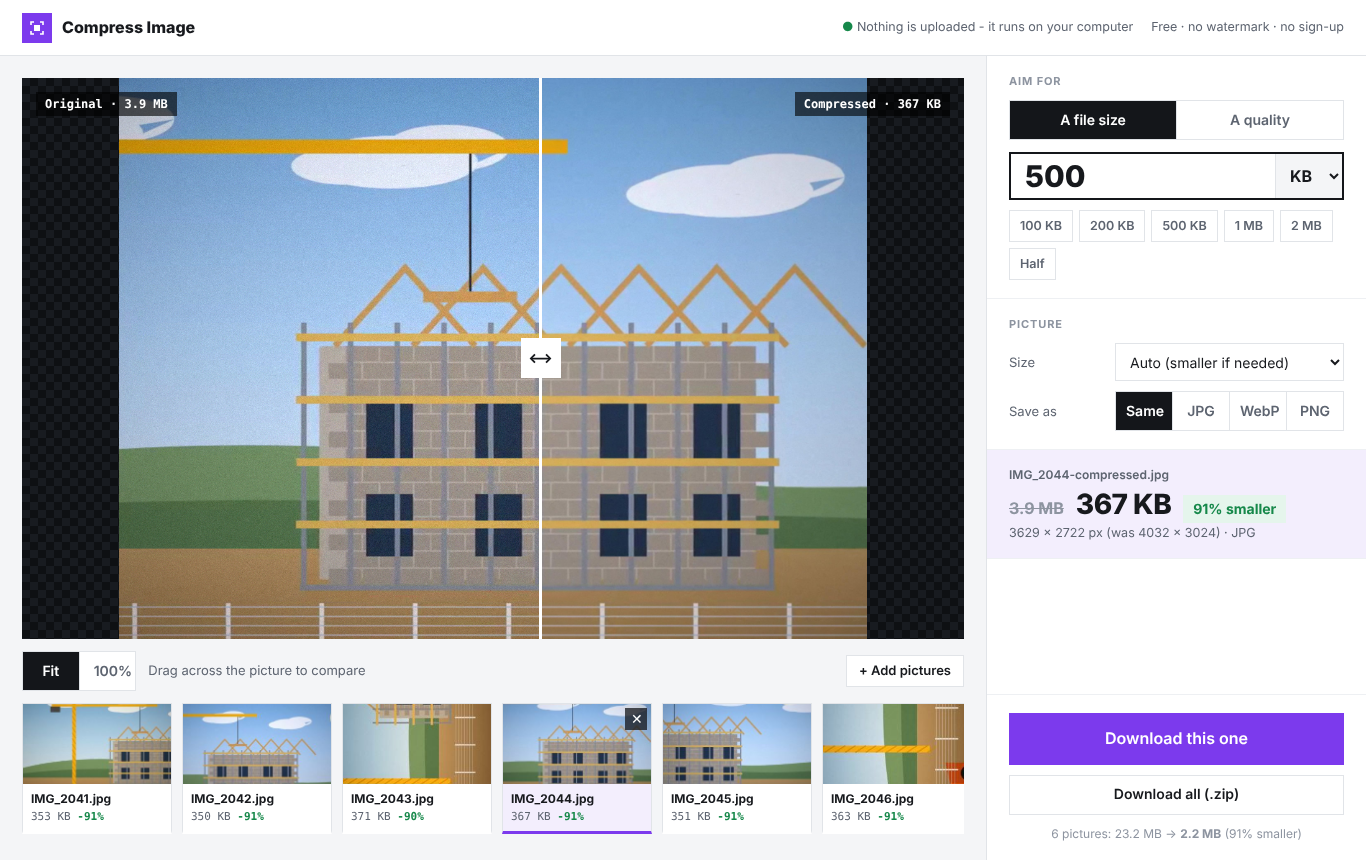
A batch done at once - every photo under the size you picked.
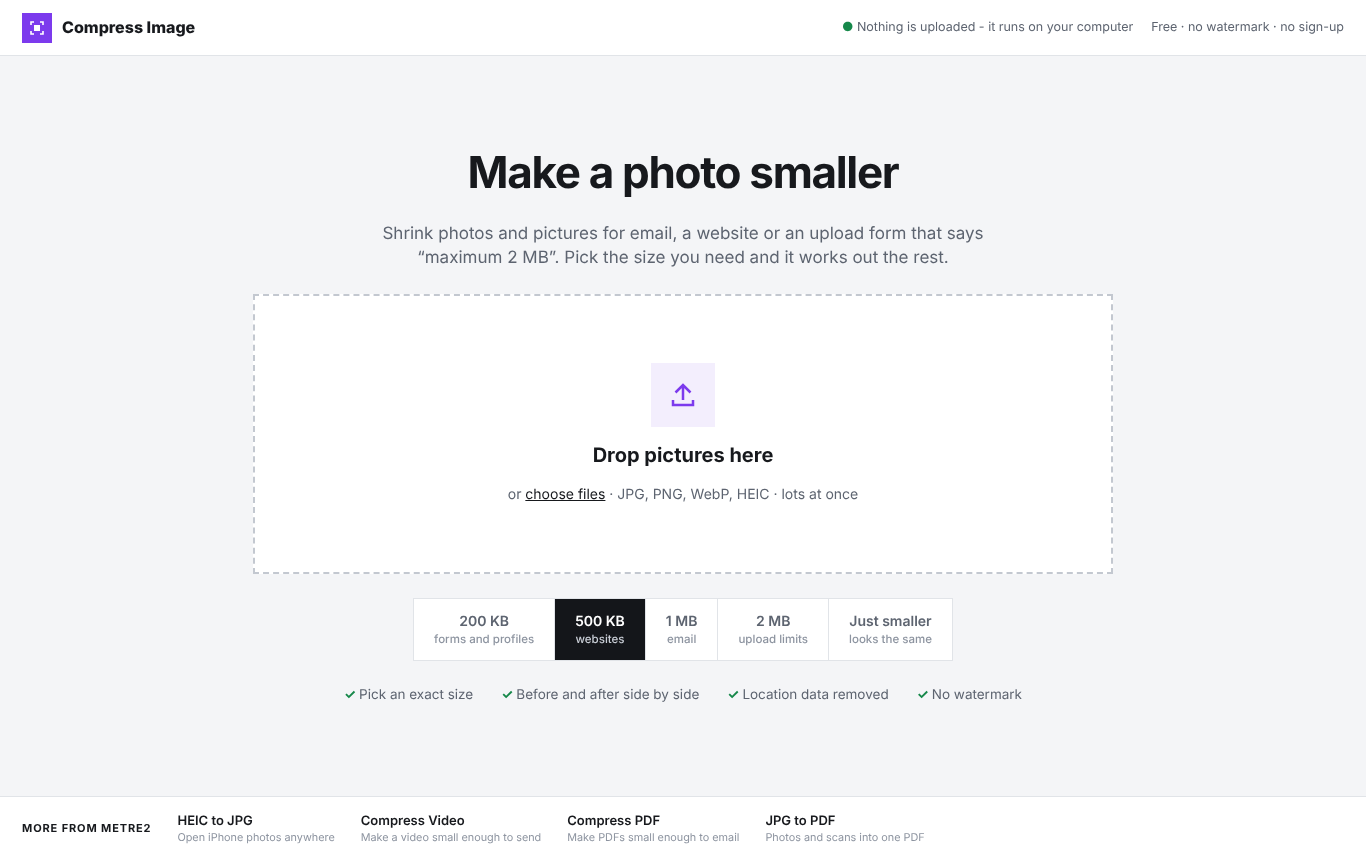
Start with a size: forms, websites, email, upload limits - or just smaller.
Yes - no watermark, no limit on how many and no sign-up.
No. Everything happens in your browser on your own computer, so it's fine for ID documents, client photos and anything private.
Drop it in, tap 200 KB (or type any size) and press Compress. It finds the best quality that fits under 200 KB, and makes the picture smaller only if it has to. The result shows the new size and how it compares.
Usually you can't tell at sizes like 500 KB or 1 MB. At very small sizes it has to shrink the picture or lower the quality - drag across the picture to compare before you download. Set the size to Keep the same if the dimensions mustn't change.
Yes, but PNG doesn't throw away detail, so it can only get much smaller by shrinking the picture. For photos saved as PNG, switching to JPG or WebP makes them far smaller at the same look. Logos and screenshots with see-through areas can stay PNG or go to WebP.
It's left as it is (with location details taken out), rather than being made worse for no reason.
Only if it needs to in Auto. Choose a size such as 1920 px to make every picture that width or height at most, or Keep the same to never change them.
Free, in your browser, with nothing uploaded. Works best in Chrome or Microsoft Edge on a computer.
Microsoft and the Microsoft Store logo are trademarks of the Microsoft group of companies.
