Any picture, the format you need
A WebP saved from a website that won't open, a PNG screenshot that's too big, an AVIF, an iPhone HEIC, a logo that needs to be a favicon - drop them in and get JPG, PNG, WebP, AVIF, GIF, BMP or ICO back. As many as you like, converted on your own computer.
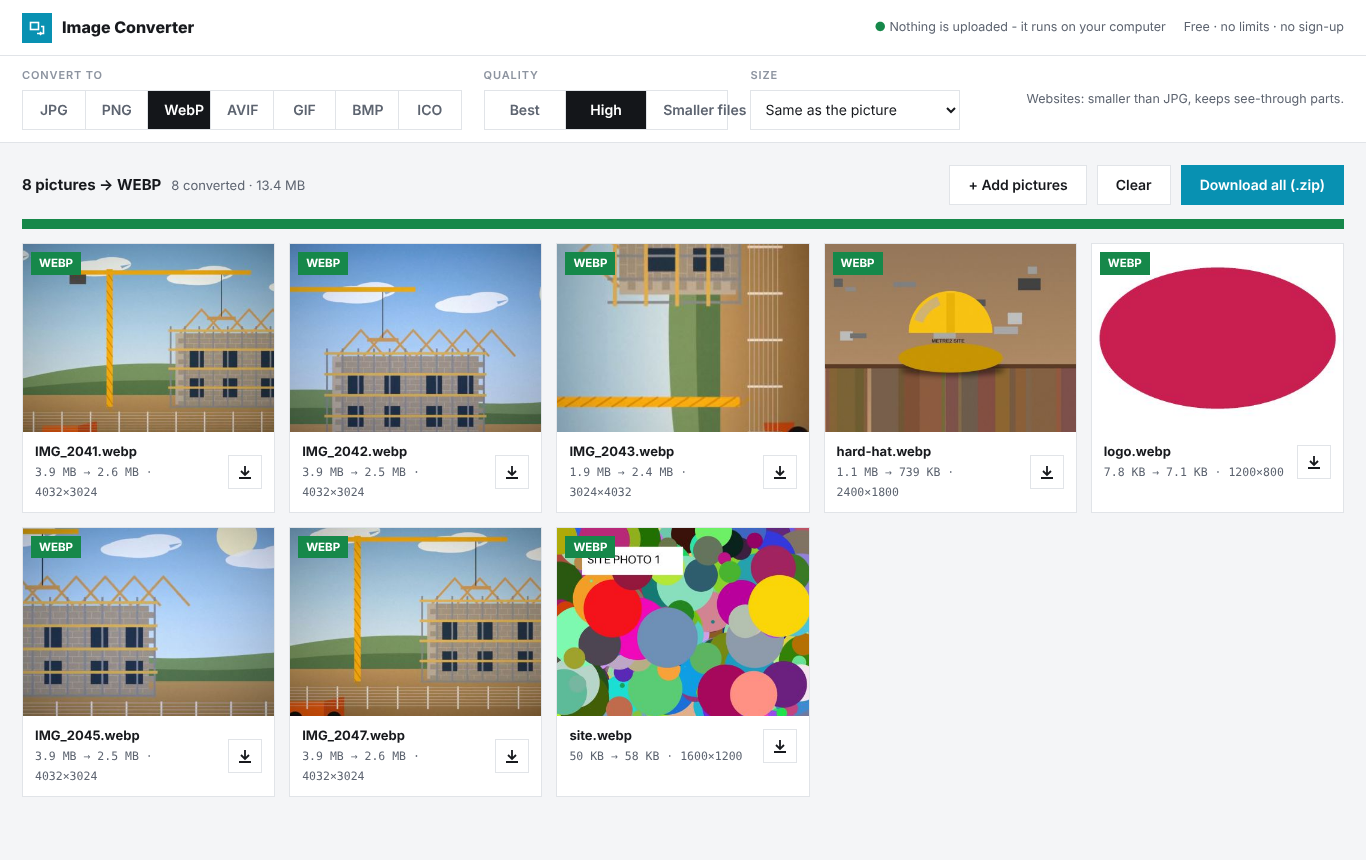
JPG, PNG, WebP, AVIF, GIF, BMP and ICO - and in: all of those plus HEIC, TIFF and SVG.
Drop a folder's worth; they convert one after another as soon as they're dropped. Download each or all in a zip.
ICO files hold 16 to 256-pixel versions in one file - ready for a website or a Windows shortcut.
Best, high or smaller files for JPG, WebP and AVIF, and an optional maximum size in pixels.
The new files don't carry the photo's location or camera details.
Converted inside your browser, with no limit on how many.
Free · In your browser · Nothing uploaded · JPG, PNG, WebP, AVIF, GIF, BMP, ICO
The same pictures as a Windows icon file, and the start screen.
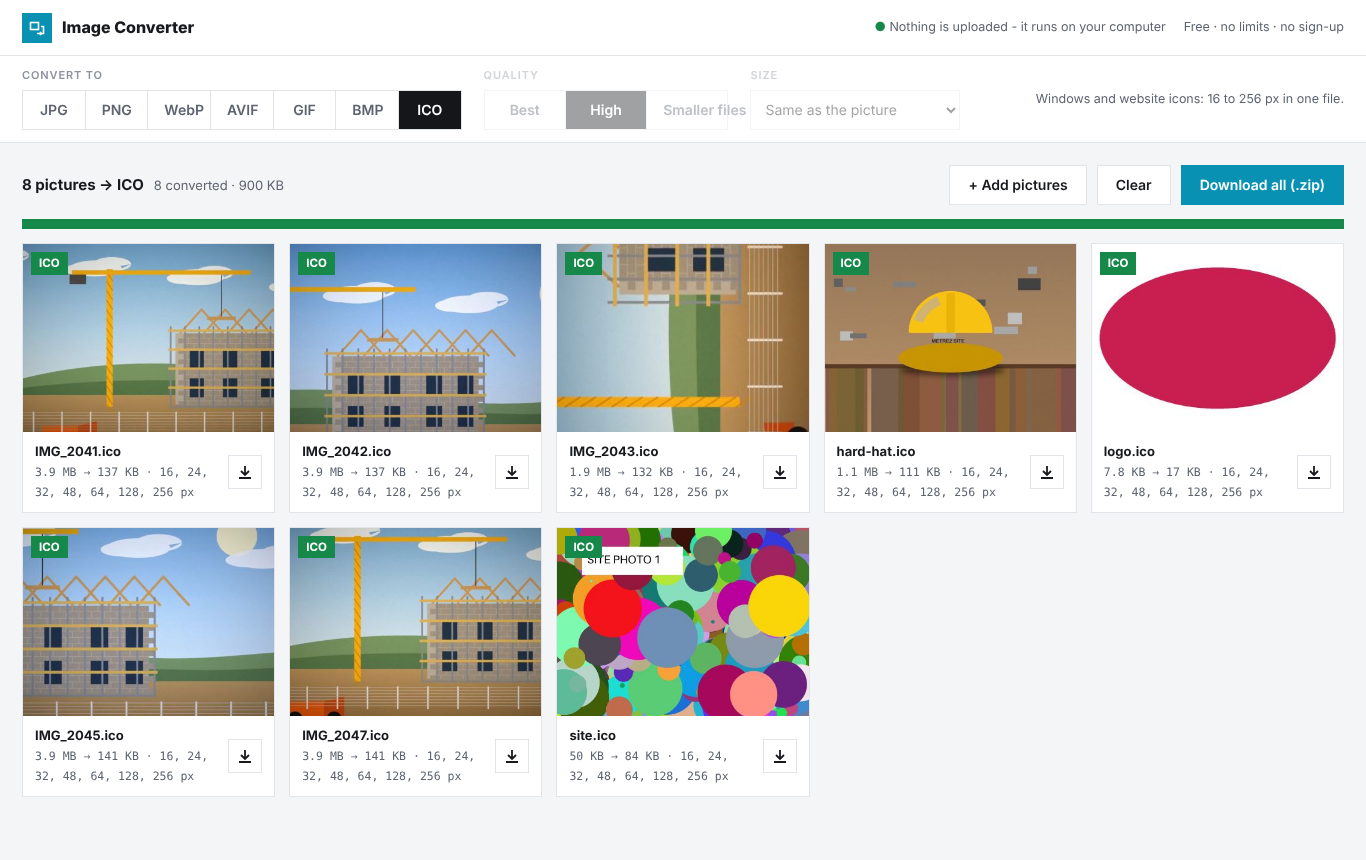
ICO: every icon size in one file.
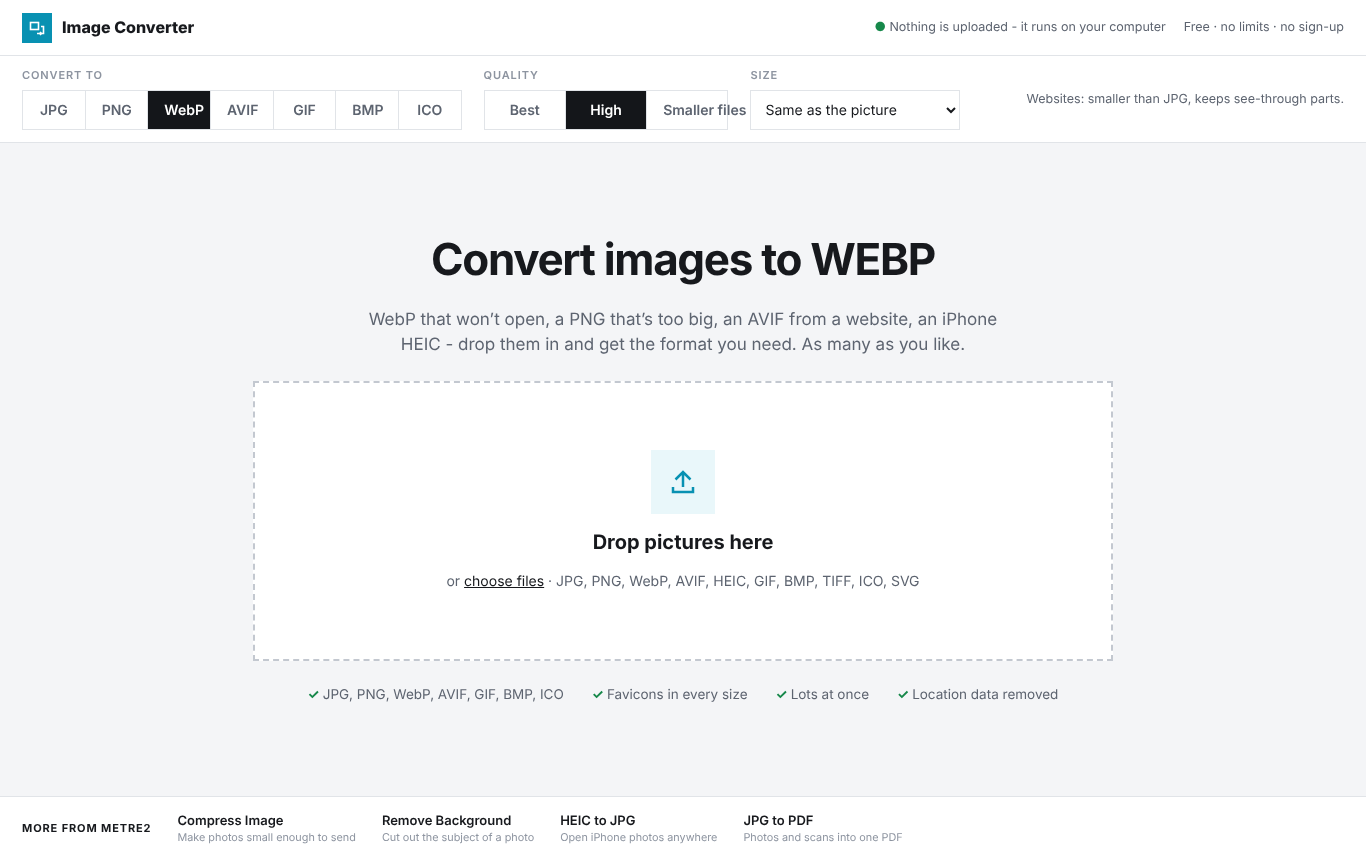
Pick the format, then drop the pictures.
Yes - no limit, no watermark, no sign-up.
Choose JPG at the top and drop the WebP files in. They're converted straight away - download them one at a time or all together in a zip.
JPG for photos that need to open anywhere; PNG for screenshots, logos and anything with see-through parts; WebP for websites (smaller than JPG); AVIF for the smallest files in modern browsers; ICO for icons.
JPG can't be see-through, so they become white. Choose PNG or WebP to keep them.
No - they're converted inside your browser.
Free, in your browser, with nothing uploaded. Works best in Chrome or Microsoft Edge on a computer.
Microsoft and the Microsoft Store logo are trademarks of the Microsoft group of companies.
