Lock it before you send it
Lock a PDF so it can only be opened with a password - payslips, contracts, medical letters, anything personal you need to email. It uses AES-256, the strongest encryption PDFs support, and you can stop people printing or copying it. Or take the password off a PDF you know the password for, so it opens straight away. Your PDF and password never leave your computer.
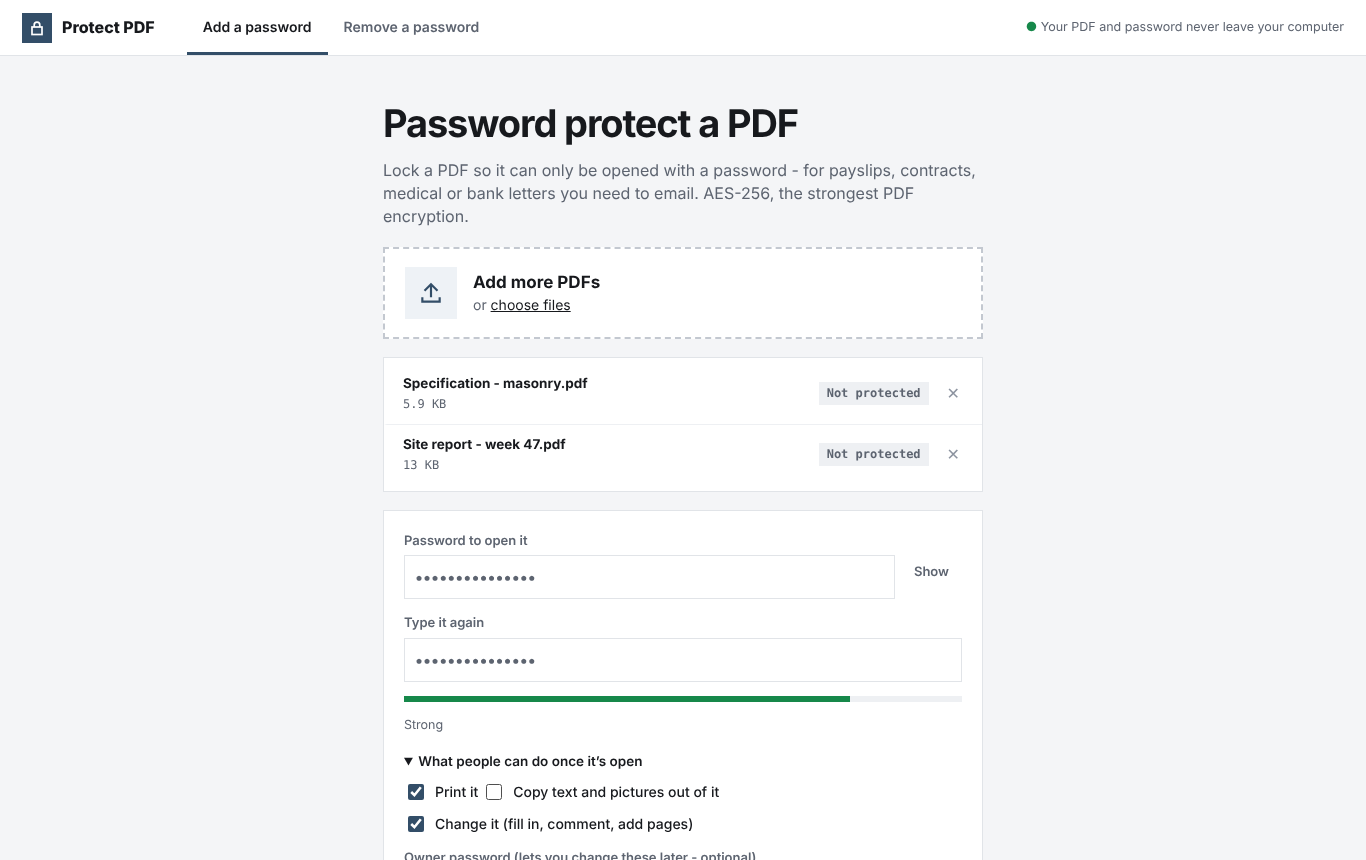
The strongest encryption PDFs have - it opens in Adobe Reader, Edge, Chrome, Preview and every other modern PDF reader.
Know the password? Take it off so the PDF opens without asking. PDFs that only stop printing or copying are unlocked without one.
Let people read it but not print it, copy text out of it or change it.
Protect a batch of payslips with the same password in one go.
The PDF is encrypted inside your browser. The password is never sent or stored anywhere.
See how easy the password would be to guess before you use it.
Free · In your browser · Nothing uploaded · AES-256 encryption
Taking a password off a PDF, and the start screen.
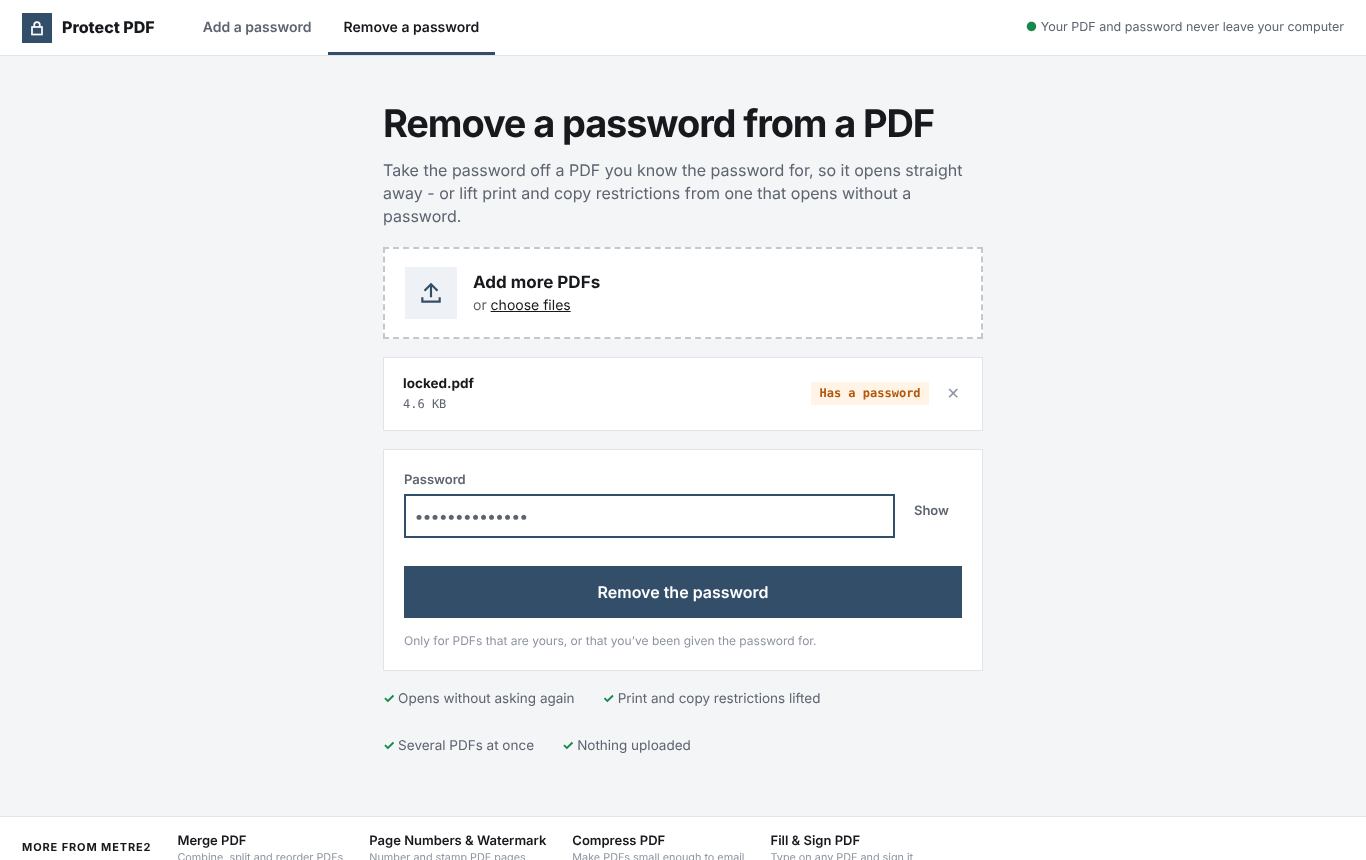
Remove a password you know, so it opens straight away.
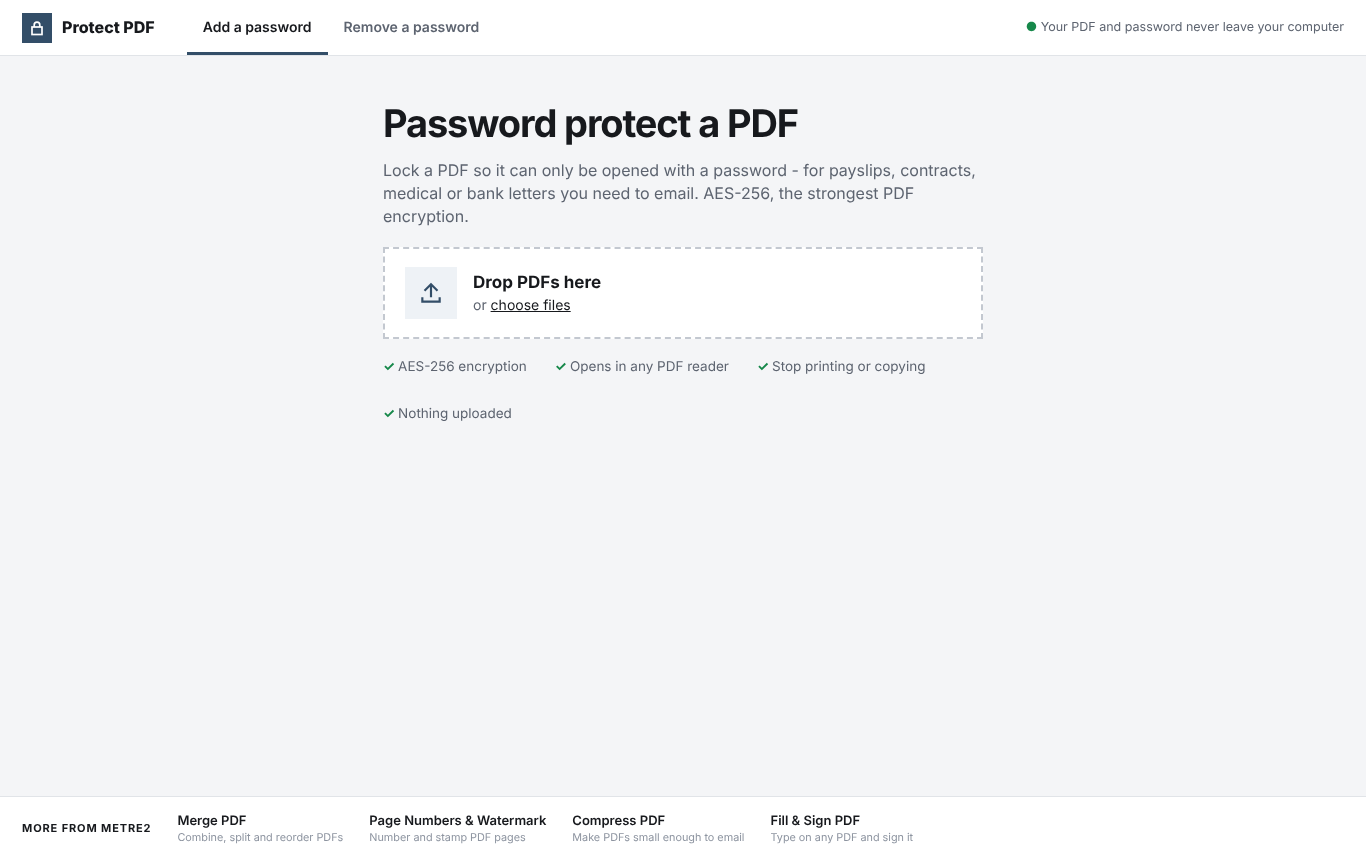
Drop the PDFs you want to lock.
Yes - no sign-up, no limits.
Yes - it's the strongest encryption PDFs support. The weak point is the password: use at least 12 characters, or a few unrelated words.
No - nobody can, including Metre2. Keep it somewhere safe.
No. You need the password to open the PDF. A PDF that opens without a password but stops printing or copying can have those restrictions taken off.
No. Encryption happens inside your browser with QPDF, a long-established open-source PDF tool.
Not in the same email as the PDF. Send it by text message, or agree it on the phone.
Free, in your browser, with nothing uploaded. Works best in Chrome or Microsoft Edge on a computer.
Microsoft and the Microsoft Store logo are trademarks of the Microsoft group of companies.
