Numbered, stamped, ready to issue
Number the pages of a report, tender, O&M manual or bundle - “Page 3 of 48”, in any corner, starting at any number, with the cover left blank. Or stamp DRAFT, CONFIDENTIAL, NOT FOR CONSTRUCTION, SUPERSEDED or your logo across every page. The preview is the real result, and it all happens in your browser.
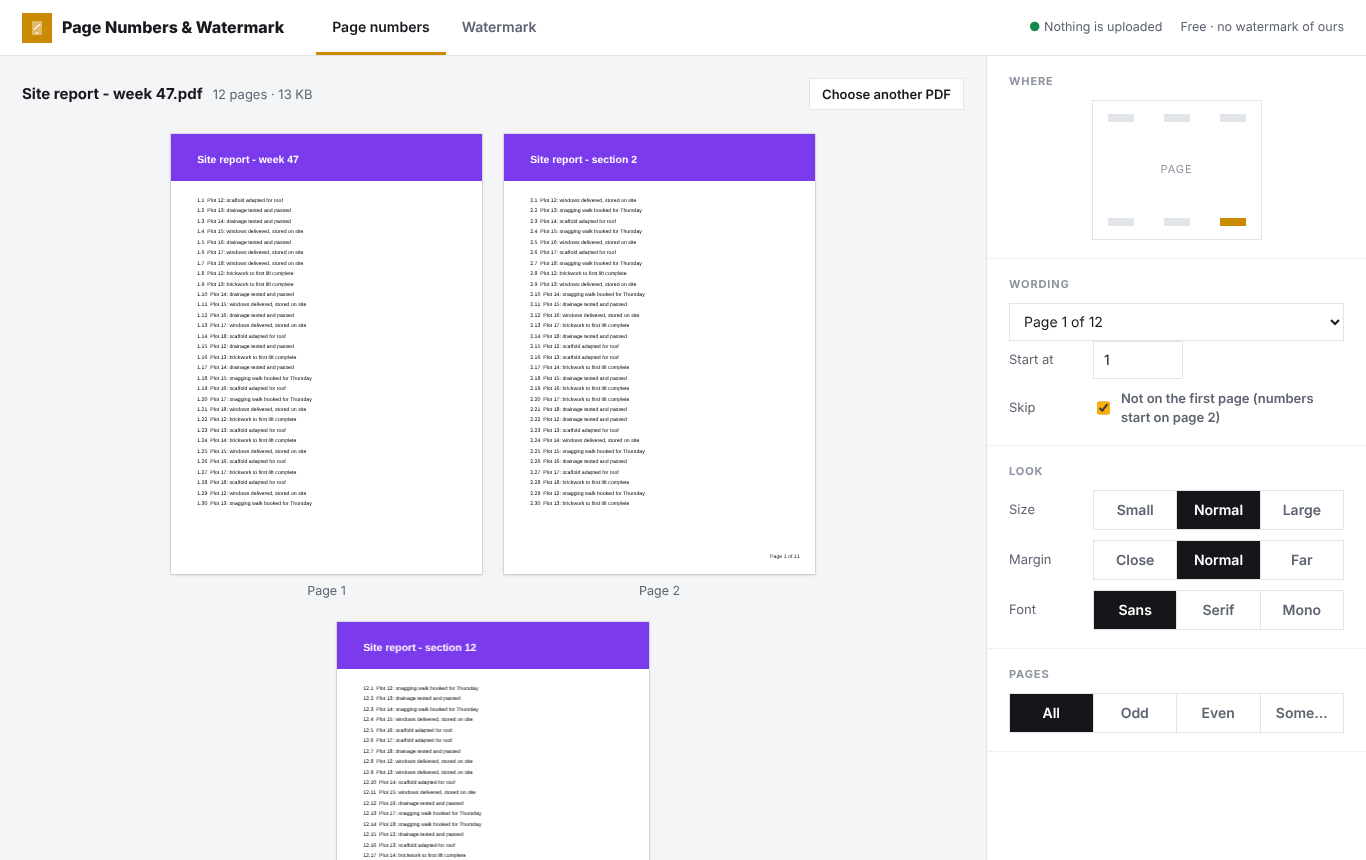
Six positions, several wordings, your own wording with {n} and {total}, any start number.
Leave the first page blank and start numbering on page 2 - or number only odd, even or chosen pages.
DRAFT, CONFIDENTIAL, NOT FOR CONSTRUCTION, PRELIMINARY - across the page, flat or repeated, any colour and strength.
Use a PNG or JPG logo instead of words.
Landscape and turned pages get their numbers where you see them, the right way up.
Text stays text - the stamp is added to the real pages, not a picture of them.
Free · In your browser · Nothing uploaded · Numbers and watermarks on any PDF
A NOT FOR CONSTRUCTION watermark, and the start screen.
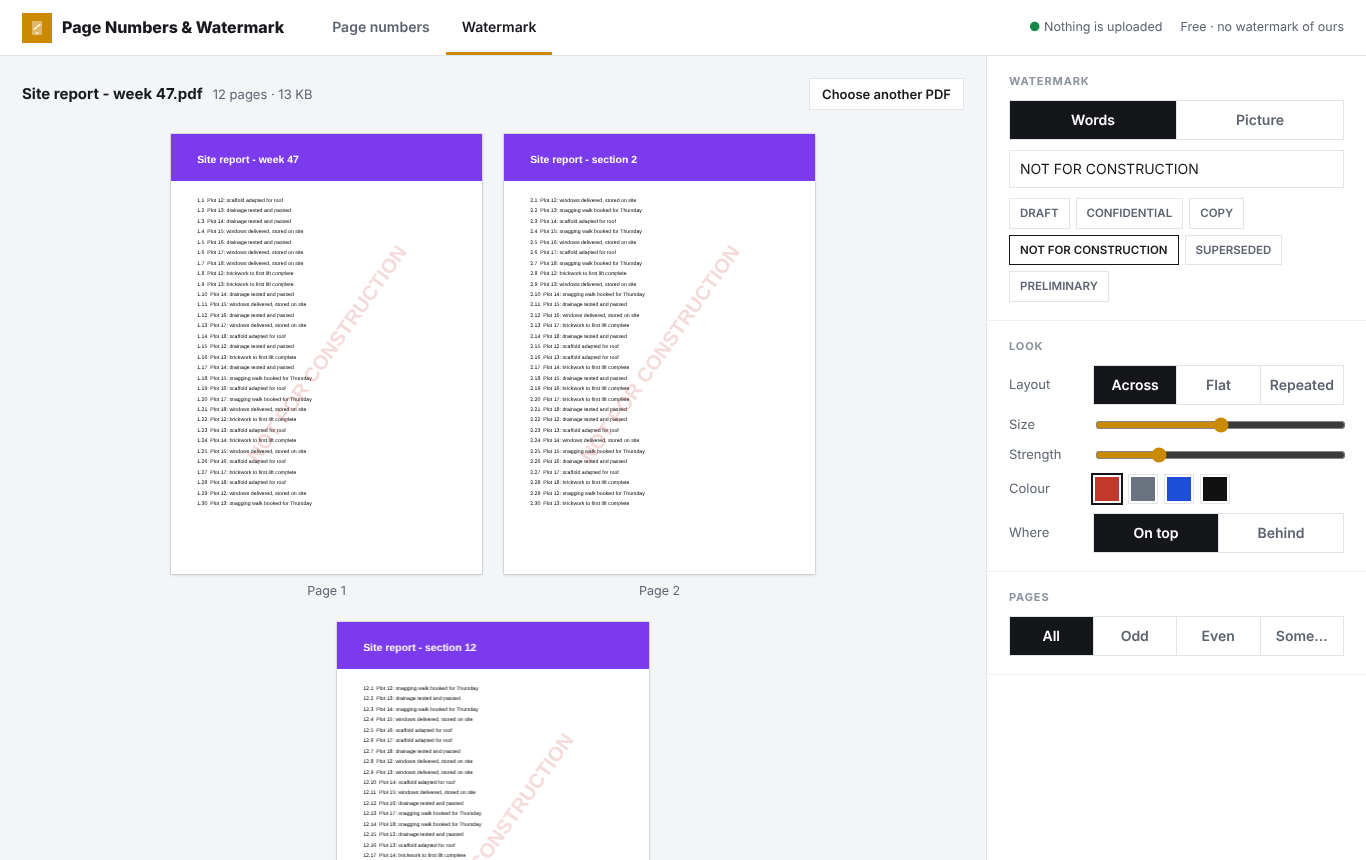
Watermark across the page, flat or repeated.
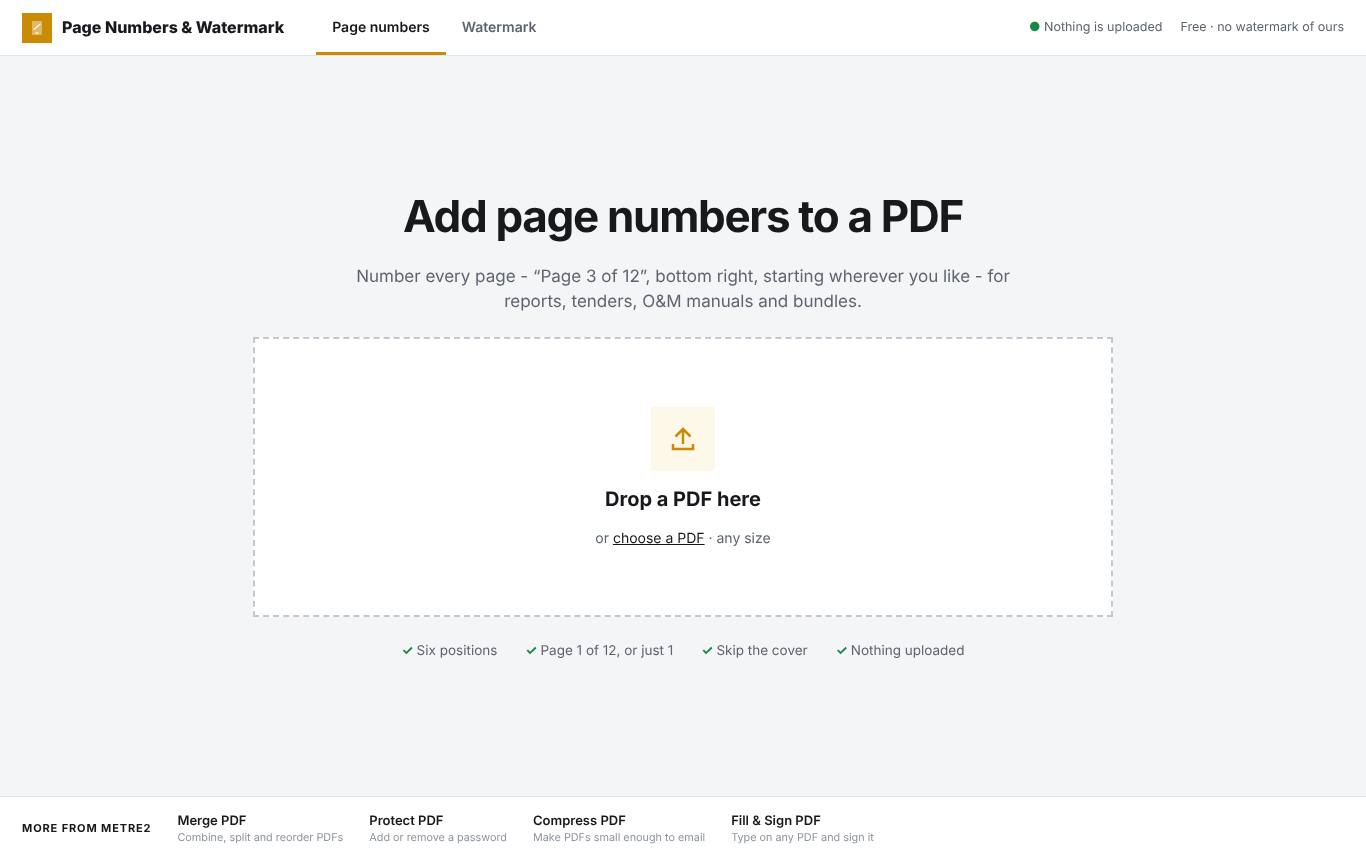
Drop a PDF to number it.
Yes - and no watermark of ours is added.
Drop the PDF in, pick the corner and the wording (for example Page 1 of 12), and press Save PDF. Tick Not on the first page to leave the cover blank.
Choose the Watermark tab, type or tap DRAFT, choose across, flat or repeated, and save.
Yes - choose Behind. On scanned pages, which are one big picture, it won't show through, so use On top.
No - the numbers and stamps are added inside your browser.
Free, in your browser, with nothing uploaded. Works best in Chrome or Microsoft Edge on a computer.
Microsoft and the Microsoft Store logo are trademarks of the Microsoft group of companies.
