Edit what you were sent
Got a spec, a letter or a schedule as a PDF and need to change it? Turn it into a Word document you can edit - headings become headings, bold stays bold, bullet lists stay lists, tables become real tables and pictures come too. Scanned pages are read with OCR. Your PDF never leaves your computer.
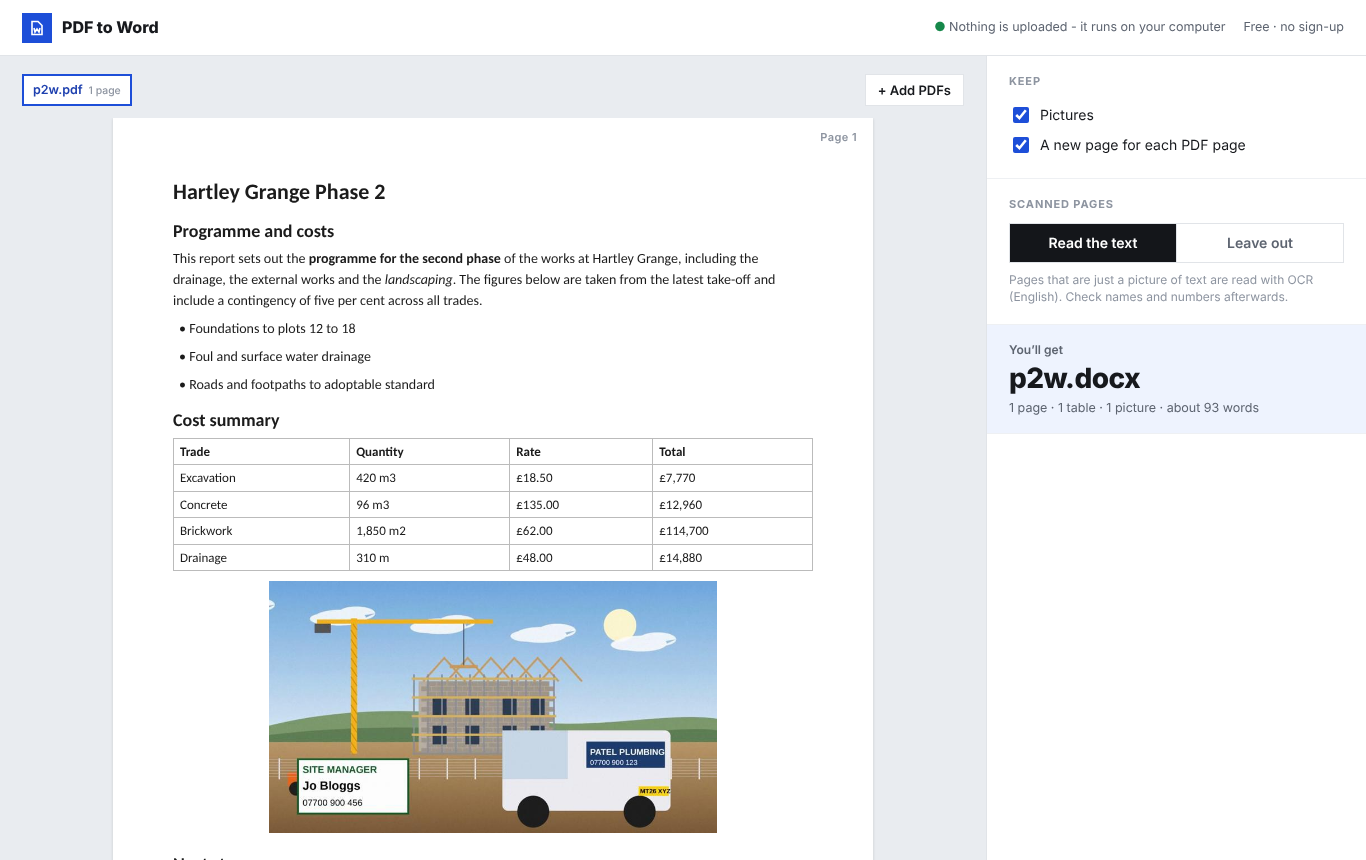
Headings, paragraphs, bold and italic, bullet lists and page breaks - not text boxes.
Columns that line up become a Word table you can edit and sort.
Photos and logos come across at a sensible size.
Pages that are just a picture of text are read with OCR.
Convert a batch and download them as a zip.
It all runs in your browser - fine for contracts and client documents.
Free · In your browser · Nothing uploaded · Opens in Word, Google Docs, LibreOffice
A scanned page read with OCR, and the start screen.
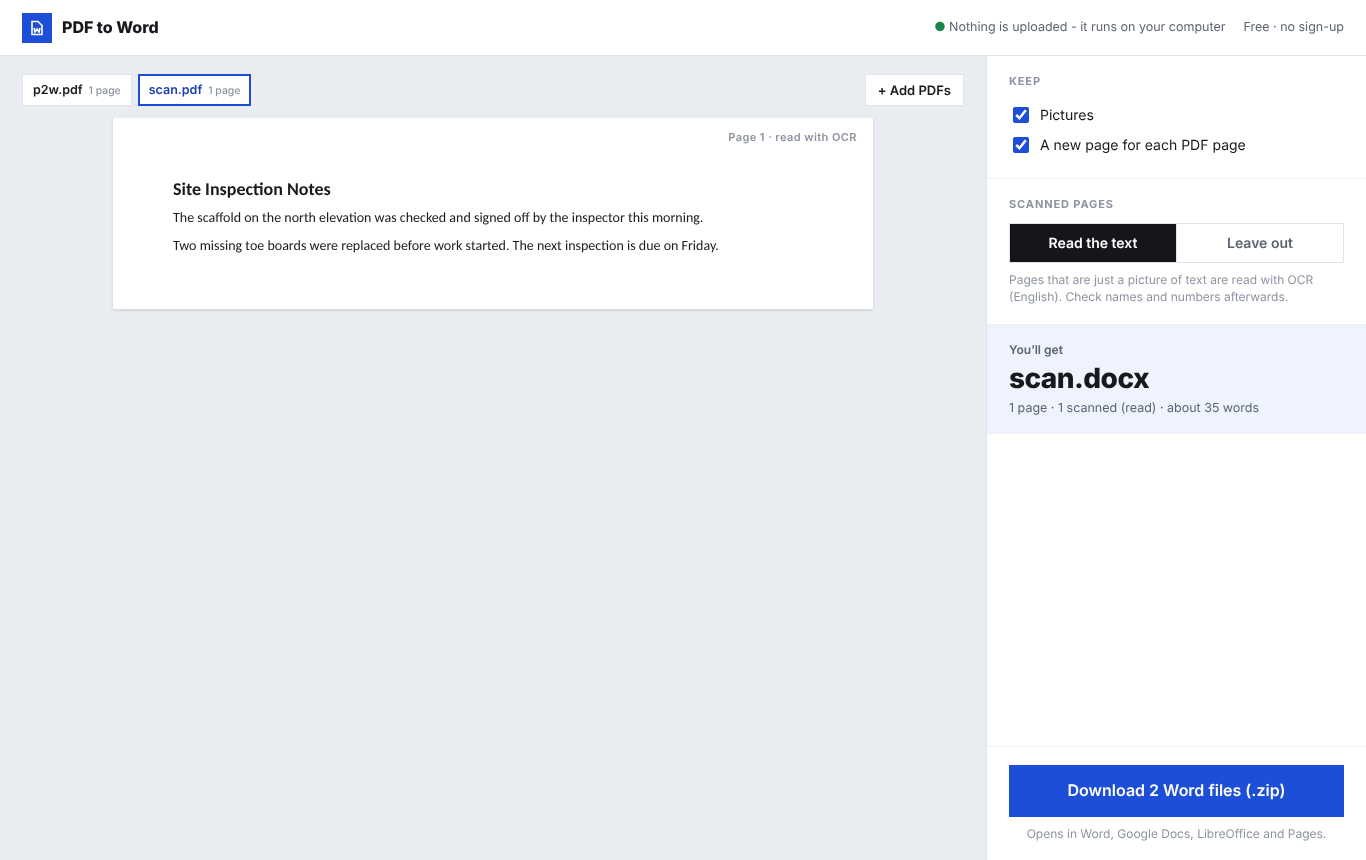
Scanned pages are read too.
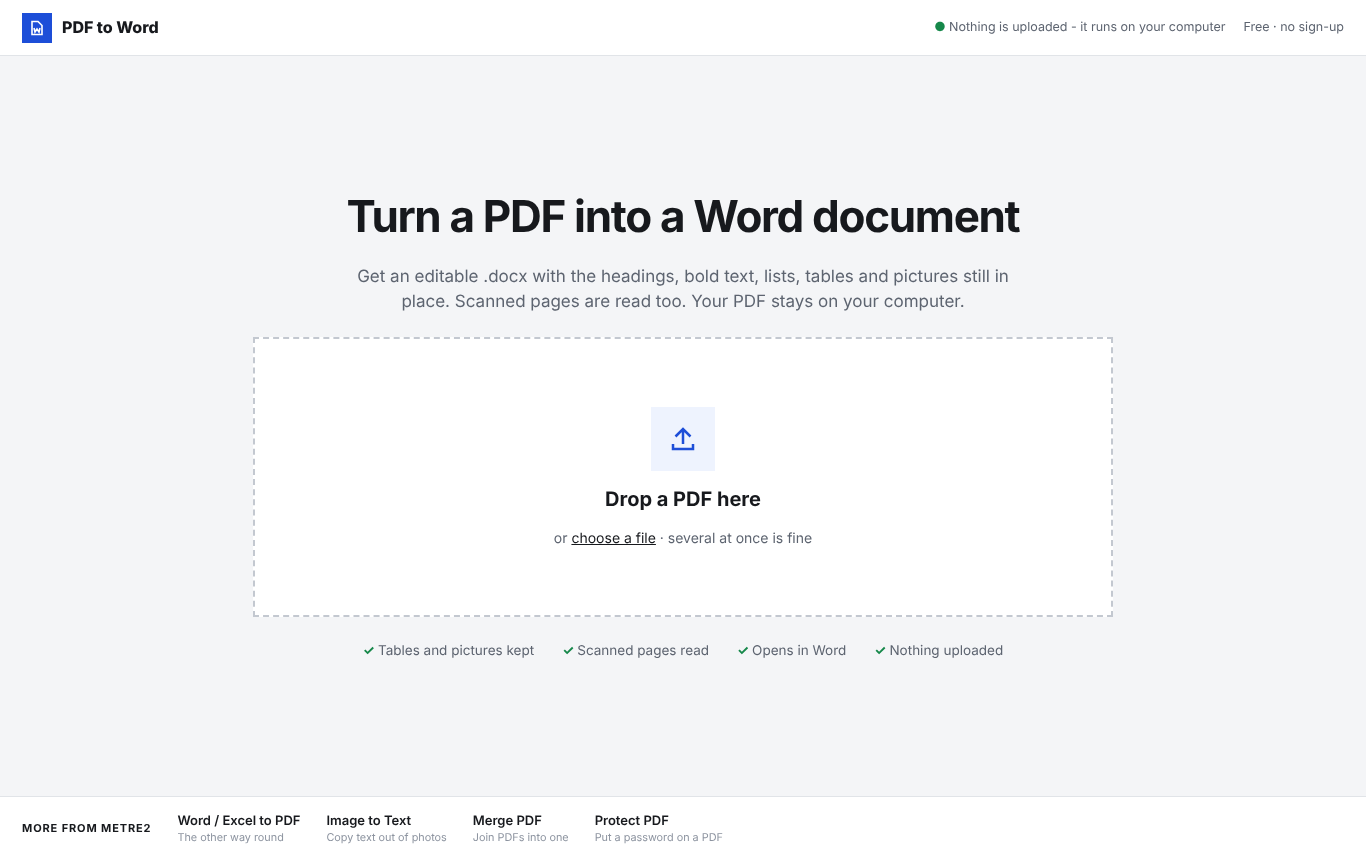
Drop a PDF to start.
Yes - no sign-up, no page limit, no watermark.
It's built to be edited, so text flows as normal paragraphs. Simple documents come out very close; complicated layouts (columns, text over pictures) may need tidying.
Yes - pages with no real text are read with OCR (English). Check names and numbers afterwards.
Remove the password first - Protect PDF can do that if you know it.
No - everything happens in your browser.
Free, in your browser, with nothing uploaded. Works best in Chrome or Microsoft Edge on a computer.
Microsoft and the Microsoft Store logo are trademarks of the Microsoft group of companies.
