For the RFI log and the snagging list
Drawings come back covered in clouds, callouts, notes, stamps and measurements - and someone has to type them into a log. Drop the PDFs in: every markup is listed beside its page with the type, comment, author, date and review status, measured values add up, Bluebeam’s custom columns come too, and the whole list saves as Excel or CSV.
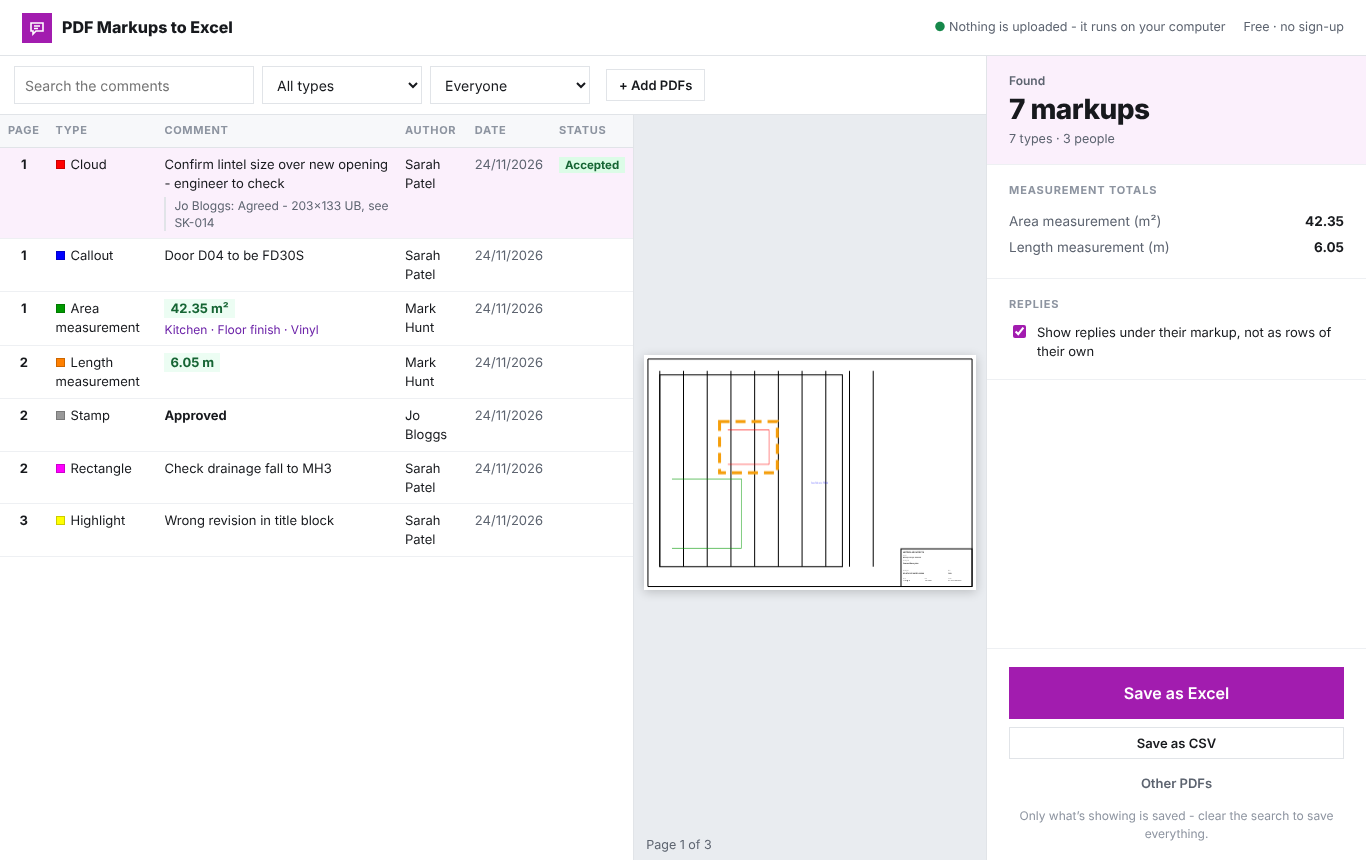
Clouds, callouts, text boxes, notes, stamps, highlights, lines, shapes and pen marks.
Bluebeam and Acrobat lengths, areas and counts - with totals.
Replies listed under their markup, and the latest Accepted, Rejected or Completed.
Custom column values come across as columns of their own.
By type, by person, or search the comments - then save what’s showing.
Drawings stay on your computer.
Free · In your browser · Nothing uploaded · Bluebeam, Acrobat, Foxit, Edge
A measurement picked out on its page, and the start screen.
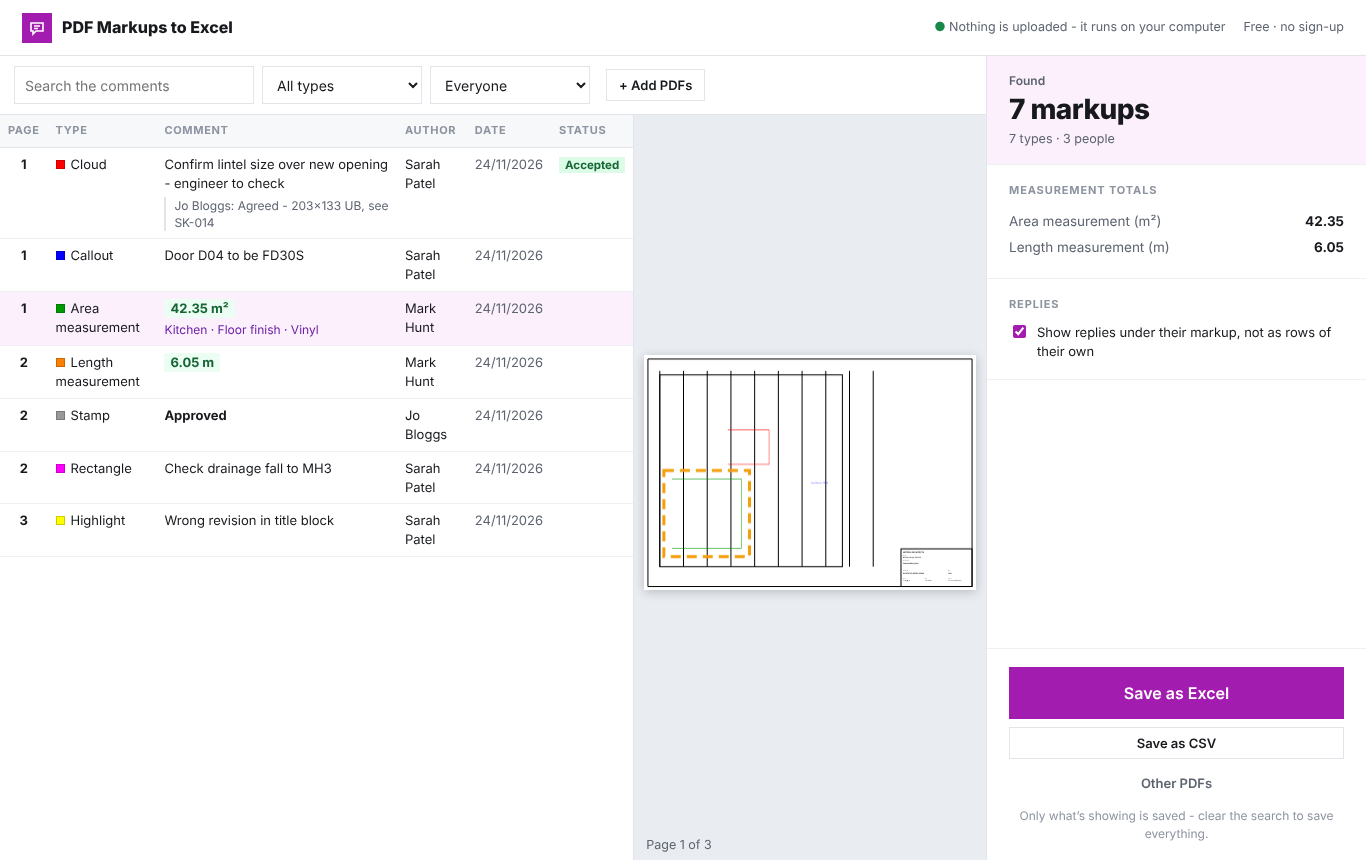
Click a markup to see it on the page.
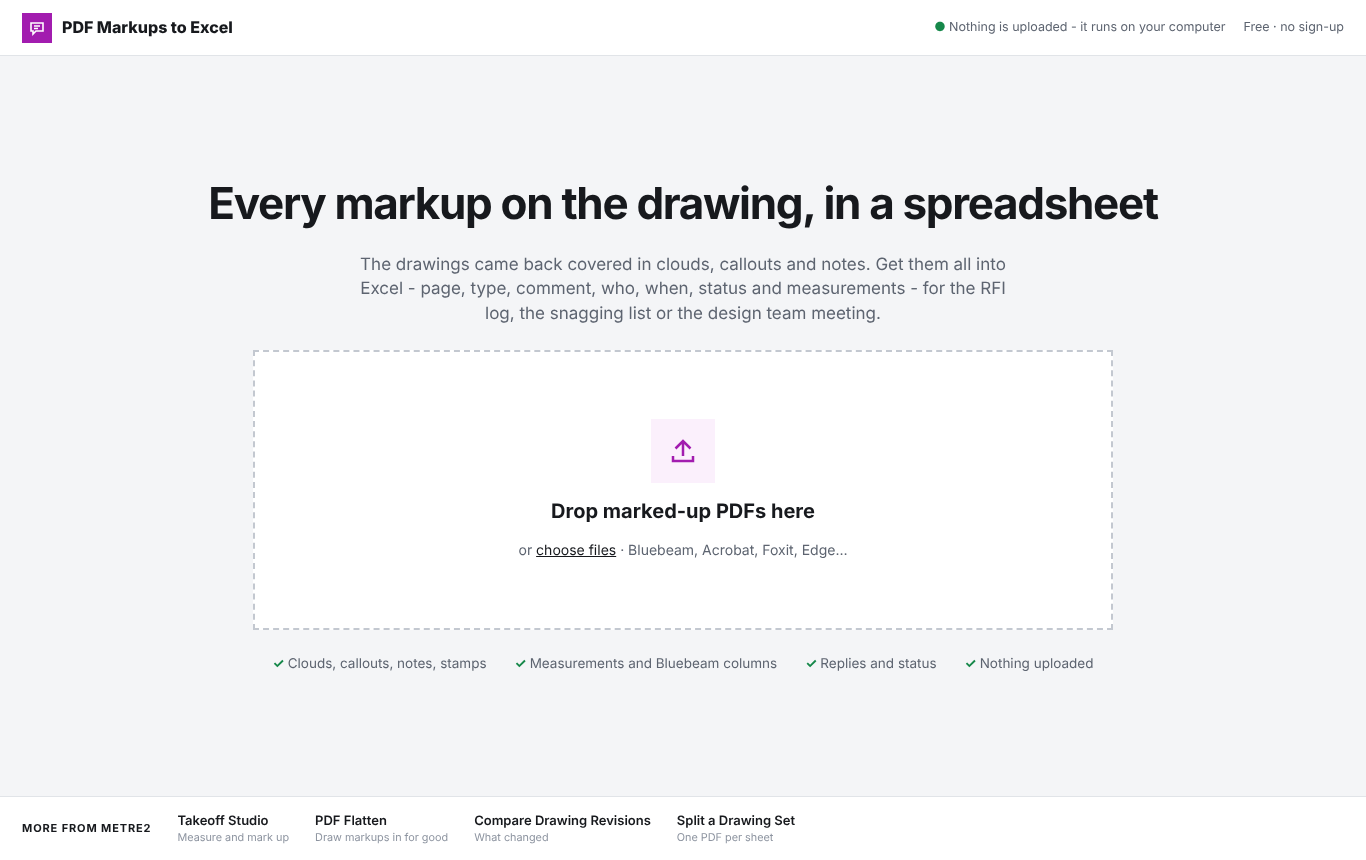
Drop marked-up PDFs to start.
Yes - no sign-up, no limits.
Yes - Bluebeam saves markups into the PDF in the standard way, so they’re read with their subject, colour, measurements, replies, status and custom columns.
Yes - drop them all in; the file name becomes a column.
They’re shown under their markup, with the latest review status. Untick the box to list replies as rows of their own.
No - this makes a list. To draw markups into a PDF for good, use PDF Flatten.
No - everything happens in your browser.
Free, in your browser, with nothing uploaded. Works best in Chrome or Microsoft Edge on a computer.
Microsoft and the Microsoft Store logo are trademarks of the Microsoft group of companies.
