What you send is what they see
Flatten PDFs for real. Content on hidden layers is taken out of the file, and markups and form fields are drawn in for good - after a check that shows you what's hidden, and what it says, before anything leaves your desk.
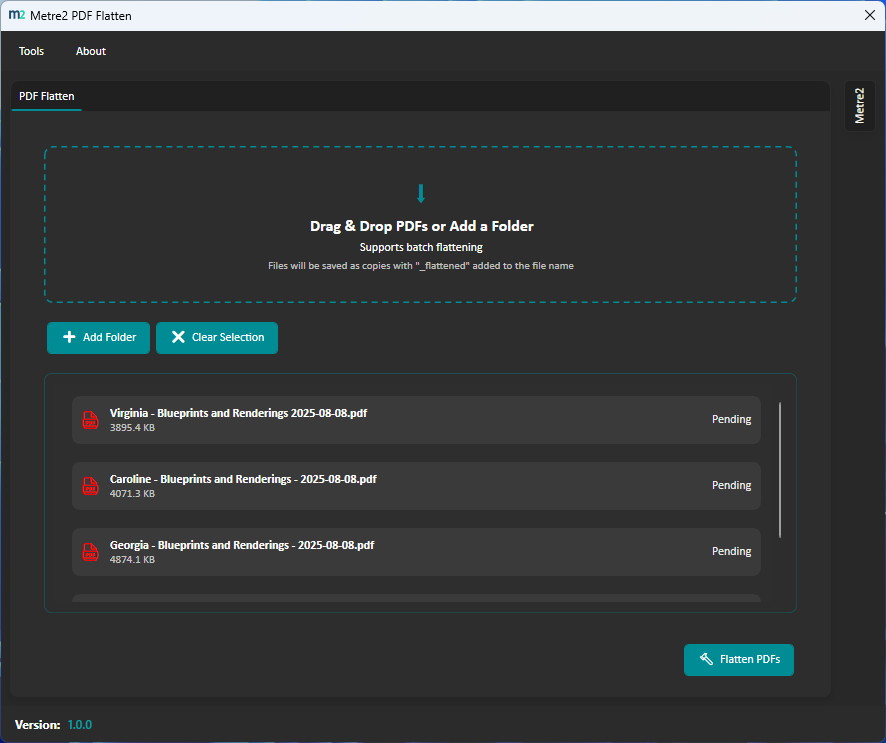
Content on layers that are switched off is removed from the file, not just hidden - text, drawing and images. Layers that are on are merged into the page.
Every file is checked as it comes in: which have hidden layers, which have markups - and the text on hidden layers, so a forgotten note never goes out by mistake.
Clouds, callouts, stamps, arrows and notes - and filled-in form fields - are drawn into the page for good. Nobody can move, edit or delete them. Links keep working.
See each page as it opens, with everything hidden shown in red, and as it will look flattened - before you commit.
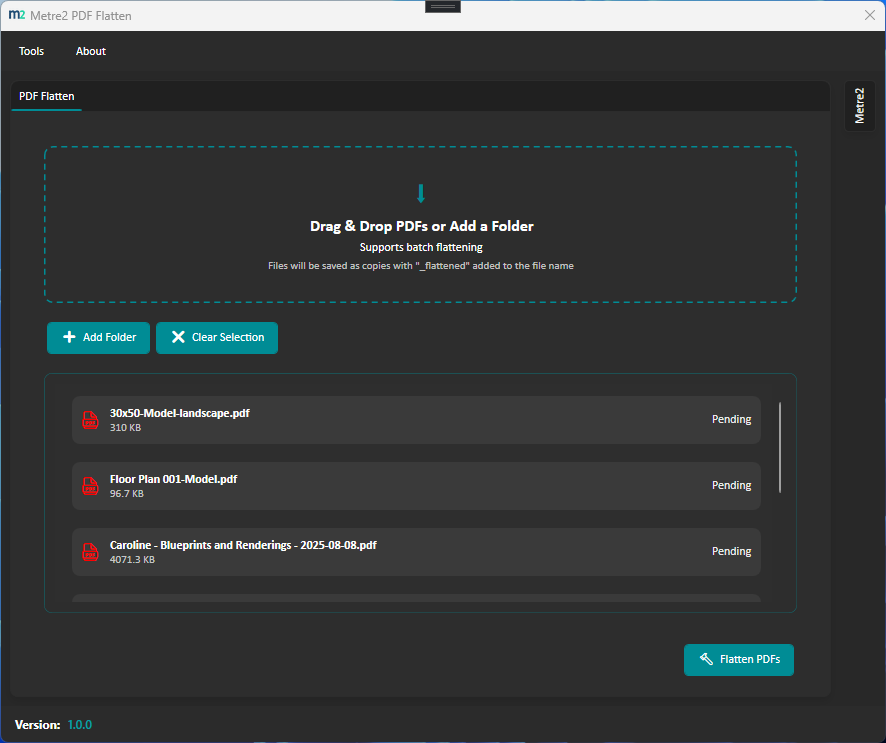
Drop one drawing or a folder of hundreds. Copies are saved next to the originals as name_flattened.pdf - the originals are never touched.
Everything happens on your computer; nothing is uploaded. Lines stay lines and text stays text - nothing is turned into a picture.
Select PDFs in File Explorer, right-click and choose Flatten with Metre2 PDF Flatten - the copies appear next to them. Windows app.
Type the password and a protected drawing flattens like any other. The flattened copy is saved without a password.
Type 1-3, 5 and only those pages go into the copy. Switch on Make it smaller to compress each file afterwards, with lines and text still sharp.
Windows 10/11 and your browser · Free · No ads · Nothing uploaded · No account
A tender pack after flattening, stamped with PDF Flatten Pro, and the whole folder done in one go.
After flattening - shown with a Pro issue stamp
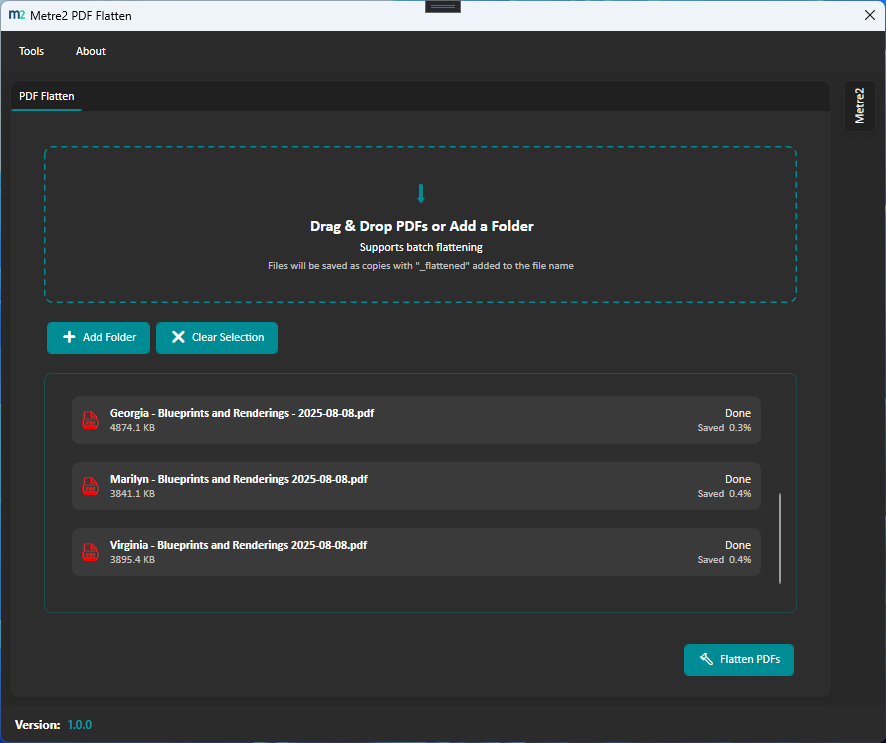
A whole folder, saved next to the originals
Flattening stays free - the check, the previews and whole folders at once. PDF Flatten Pro is a one-off £9.99 upgrade inside the Windows app for people who issue drawings for a living, bought through the Microsoft Store - no subscription, no account. Try it free for 7 days in the app first.
Each page saved as a picture at 100, 150, 200 or 300 dpi, so nobody can select, copy or edit the text. Nothing else from the original file comes along.
Every PDF saved into a folder is flattened into another one automatically, with your settings - handy for a document controller's issue folder. Windows app, while it's open.
Switch layers on or off before flattening - across a whole batch by layer name - and choose for each kind of markup: draw in, remove or keep editable.
Remove metadata (author, software, file paths, CAD private data), scripts and attachments from every file you send - tick the ones you want.
FOR TENDER, PRELIMINARY or your own wording, with revision and date, stamped on every sheet as it's flattened - plus your own file name ending.
Save setups like "Issue to client", and keep a CSV log of what was removed, drawn in and cleaned in every file.
| FEATURE | FREE | PRO £9.99 |
|---|---|---|
| Hidden layers removed, markups and form fields drawn in | Yes | Yes |
| The check: hidden layers and the text on them | Yes | Yes |
| Previews and whole folders at once | Yes | Yes |
| Password-protected PDFs, page ranges and make it smaller | Yes | Yes |
| Right-click Flatten in File Explorer | Windows app | Yes |
| Use it in your browser | Yes | Windows app |
| Secure mode: pages as pictures (100-300 dpi) | No | Yes |
| Watch a folder | No | Windows app |
| Choose layers and what happens to each markup type | No | Yes |
| Clean for issue: metadata, scripts and attachments | No | Yes |
| Issue stamps and your own file name ending | No | Yes |
| Presets and a flatten log | No | Yes |
It makes each page permanent, the way it looks. Content on layers that are switched off is taken out of the file, layers that are on are merged into the page, and markups and filled-in form fields are drawn in so nobody can move, edit or delete them. Lines stay sharp and text stays selectable.
Yes. Flattening, the check for hidden layers, the previews, batch flattening, password-protected PDFs, page ranges and compressing afterwards are free, on Windows and in your browser - with no ads and no account. PDF Flatten Pro is an optional one-off £9.99 upgrade in the Windows app that adds secure image-only pages, a watch folder, choosing what stays, clean for issue, issue stamps, presets and a flatten log. You can try Pro free for 7 days in the Windows app.
No. Everything happens on your computer - in the Windows app, or inside your browser tab in the browser version. Your originals are never changed; the flattened copies are new files.
A layer switched off in a drawing is still in the file, and anyone can switch it back on. PDF Flatten shows you which files have hidden layers and what text is on them before you send anything - then takes that content out of the flattened copy.
Yes, with secure mode in PDF Flatten Pro: each page is saved as a picture at 100, 150, 200 or 300 dpi, so the text can't be selected, copied, searched or edited. Files get bigger and links stop working, so it's an option, not the default.
Yes. Type the password and it flattens like any other file; the flattened copy is saved without a password. If the author has set a permissions password that doesn't allow changes, PDF Flatten asks for that one. PDFs protected with a certificate rather than a password can't be opened - save an unprotected copy from the program that protected them.
