One PDF per drawing, named properly
The architect sent the whole issue as one 80-page PDF and you need HG-A-100 Rev C.pdf, HG-A-101 Rev C.pdf… This reads each sheet’s title block - drawing number, revision, title, scale, date and status - names a PDF for every sheet and makes the drawing register for you. Check the table, fix anything it got wrong, and download the lot as a zip.
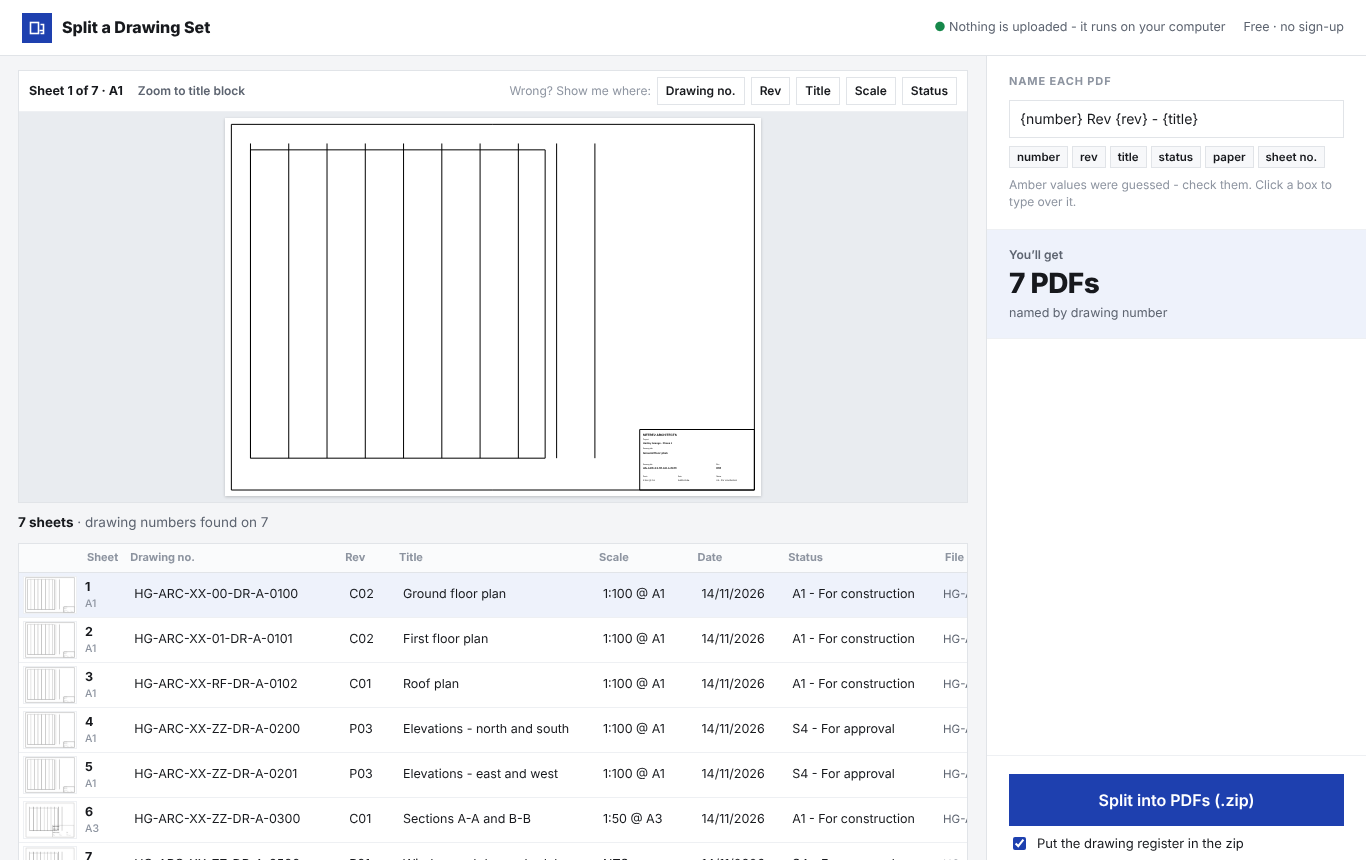
Drawing number, revision, title, scale, date and status, found by their labels.
If a value is missed, click it on one sheet - the same spot is read on every sheet.
“{number} Rev {rev} - {title}” or any pattern you like.
An Excel register of every sheet, in the zip or on its own.
Sheets without text are read with OCR.
Drawings stay on your computer.
Free · In your browser · Nothing uploaded · Any PDF drawing set
Picking the title on one sheet, and the start screen.
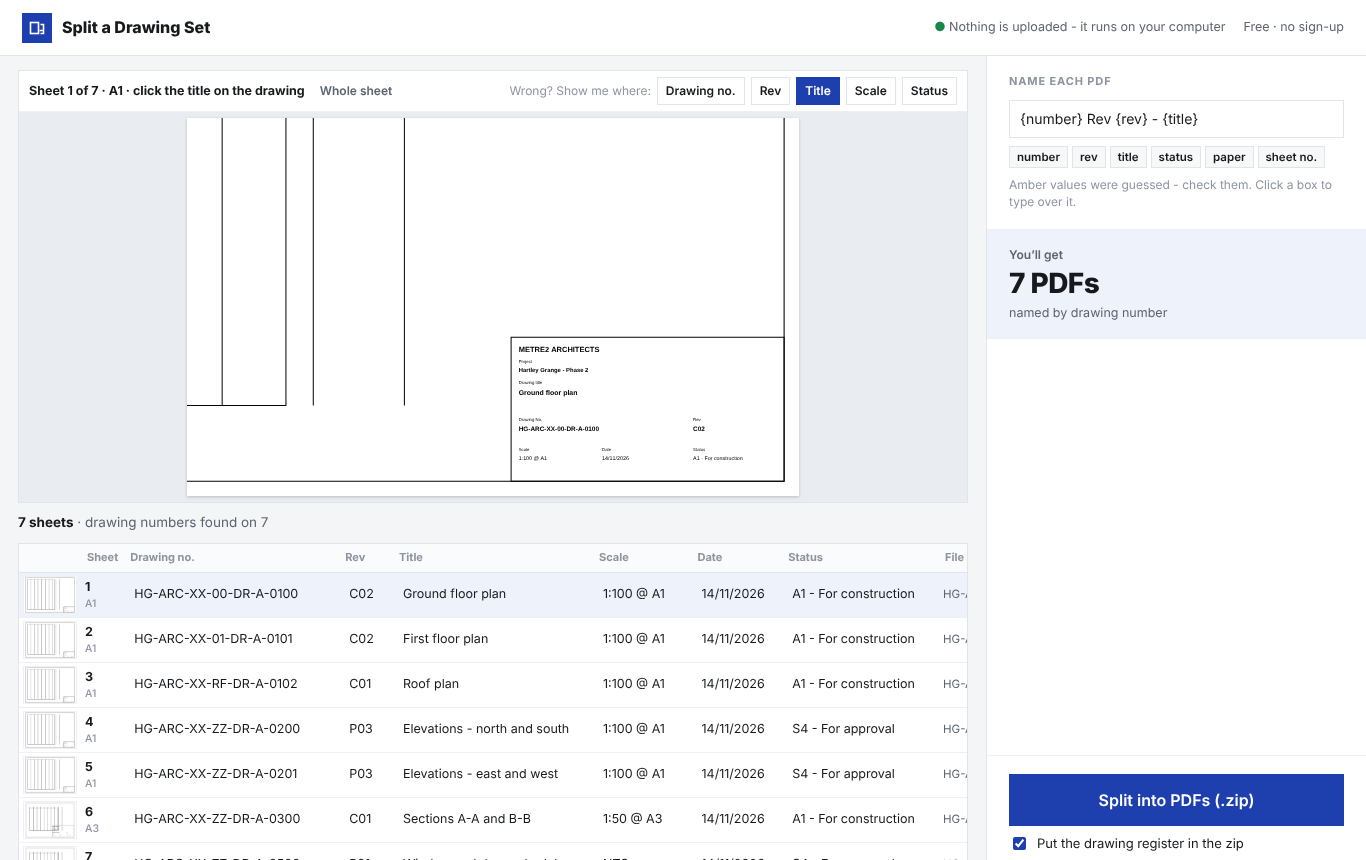
Show it where something is once - it reads every sheet.
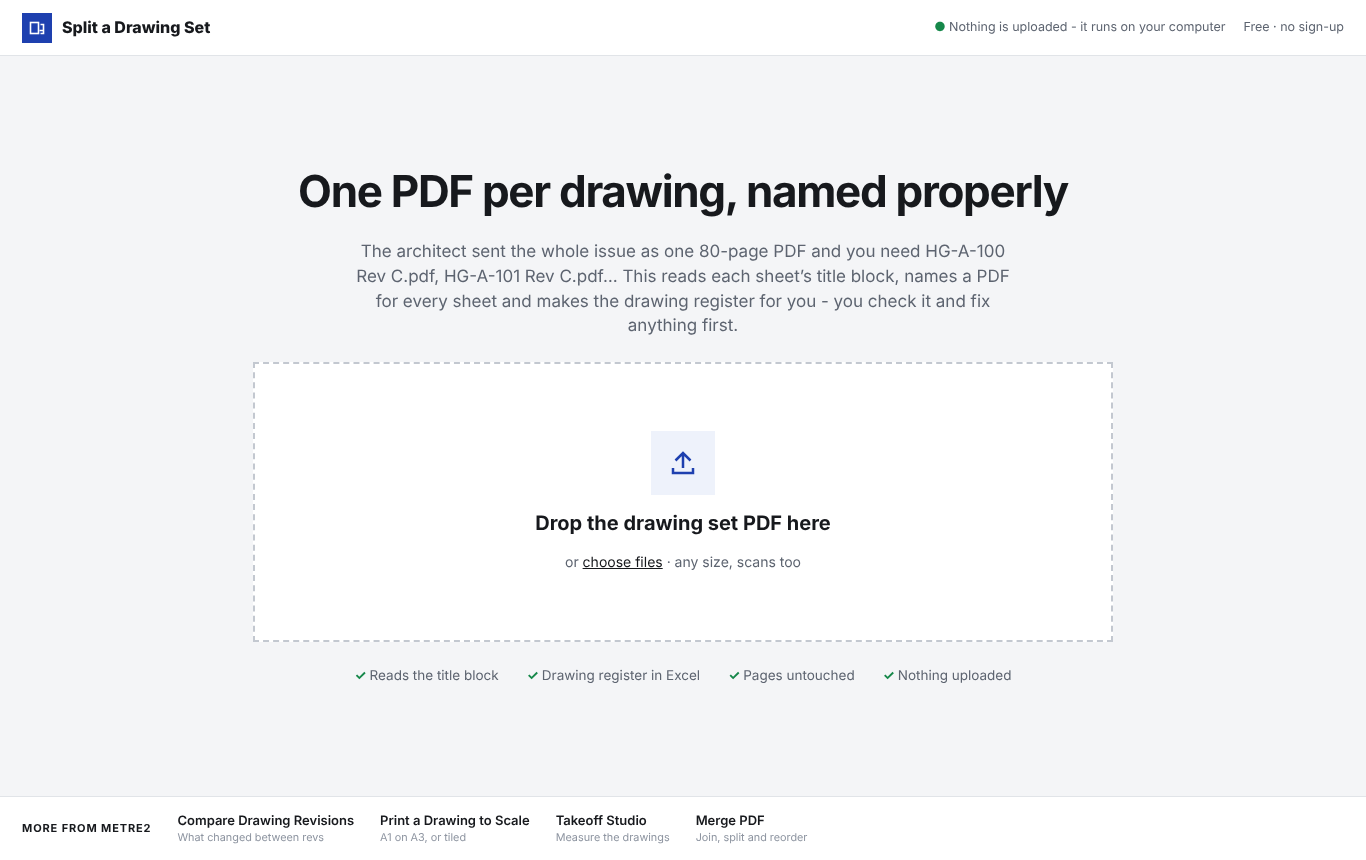
Drop the drawing set to start.
Yes - no sign-up, no limits.
It looks for the usual labels - Drawing No., Rev, Title, Scale, Date, Status - and reads what’s beside or under them. Without labels it spots drawing numbers by their shape near the title block.
Click the value in the table and type over it, or use “Show me where” and click the right text on the sheet - it then reads that spot on every sheet.
Yes - sheets with no text are read with OCR. Check the table, as OCR can misread.
An Excel sheet with each drawing’s number, revision, title, scale, date, status, paper size and file name.
No - everything happens in your browser.
Free, in your browser, with nothing uploaded. Works best in Chrome or Microsoft Edge on a computer.
Microsoft and the Microsoft Store logo are trademarks of the Microsoft group of companies.
