Any audio, any format
Turn a voice memo, a WhatsApp voice note or a WAV from a recorder into an MP3 anyone can play. Cut out just the part you need, join several recordings into one, or make a ringtone for an iPhone or Android. Fade in and out and even out the volume as you go.
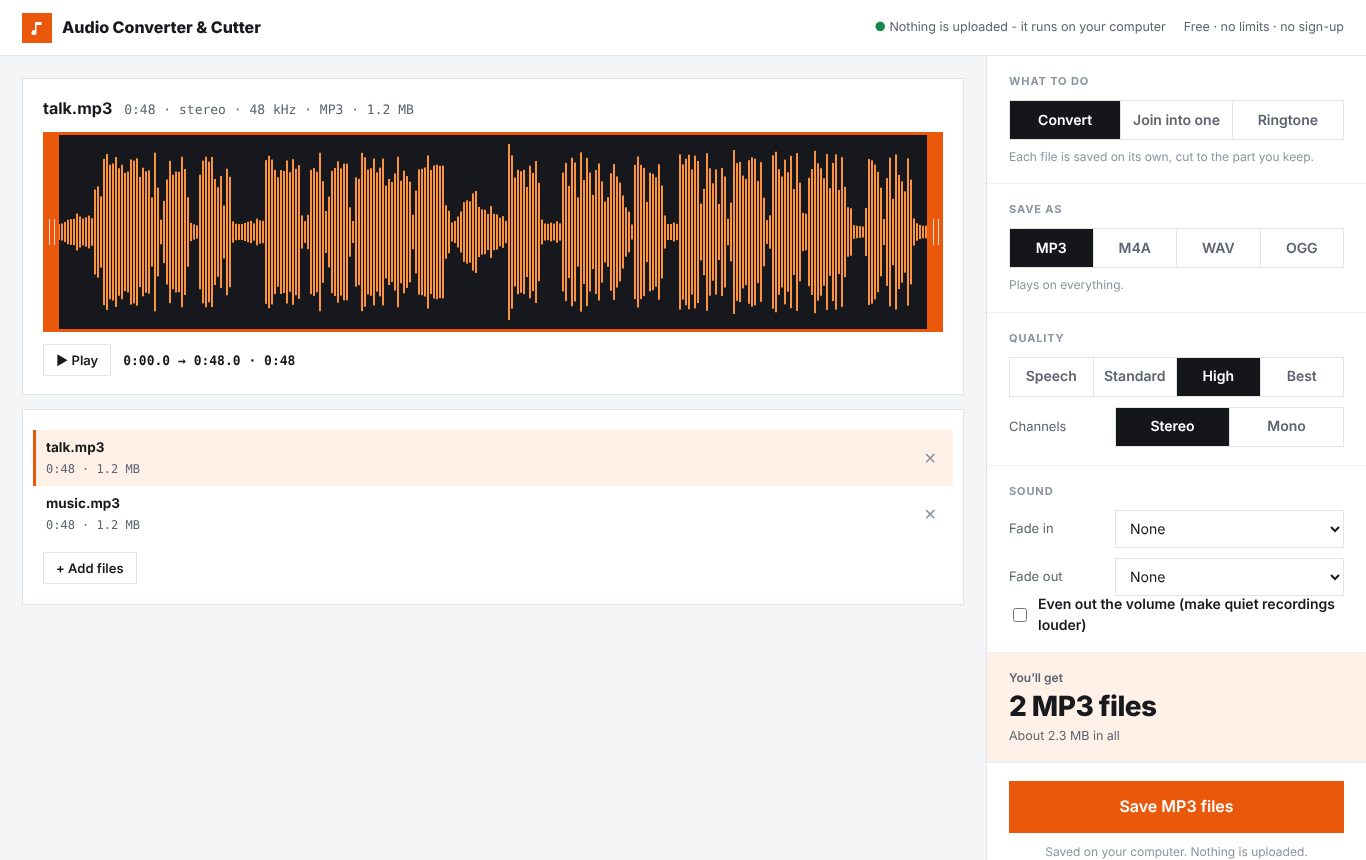
Convert between the common formats - voice notes (.opus, .ogg), iPhone memos (.m4a), WAVs and video soundtracks.
Drag the handles on the waveform to keep only the part you want, and listen before you save.
Put recordings in order and join them into one file, with a gap or a crossfade between.
A 30-second clip as .m4r for iPhone or .mp3 for Android, faded in and out.
Quiet recordings brought up and loud ones down, so a batch sounds alike.
Everything runs in your browser.
Free · In your browser · Nothing uploaded · MP3, M4A, WAV, OGG
Making a ringtone, and the start screen.
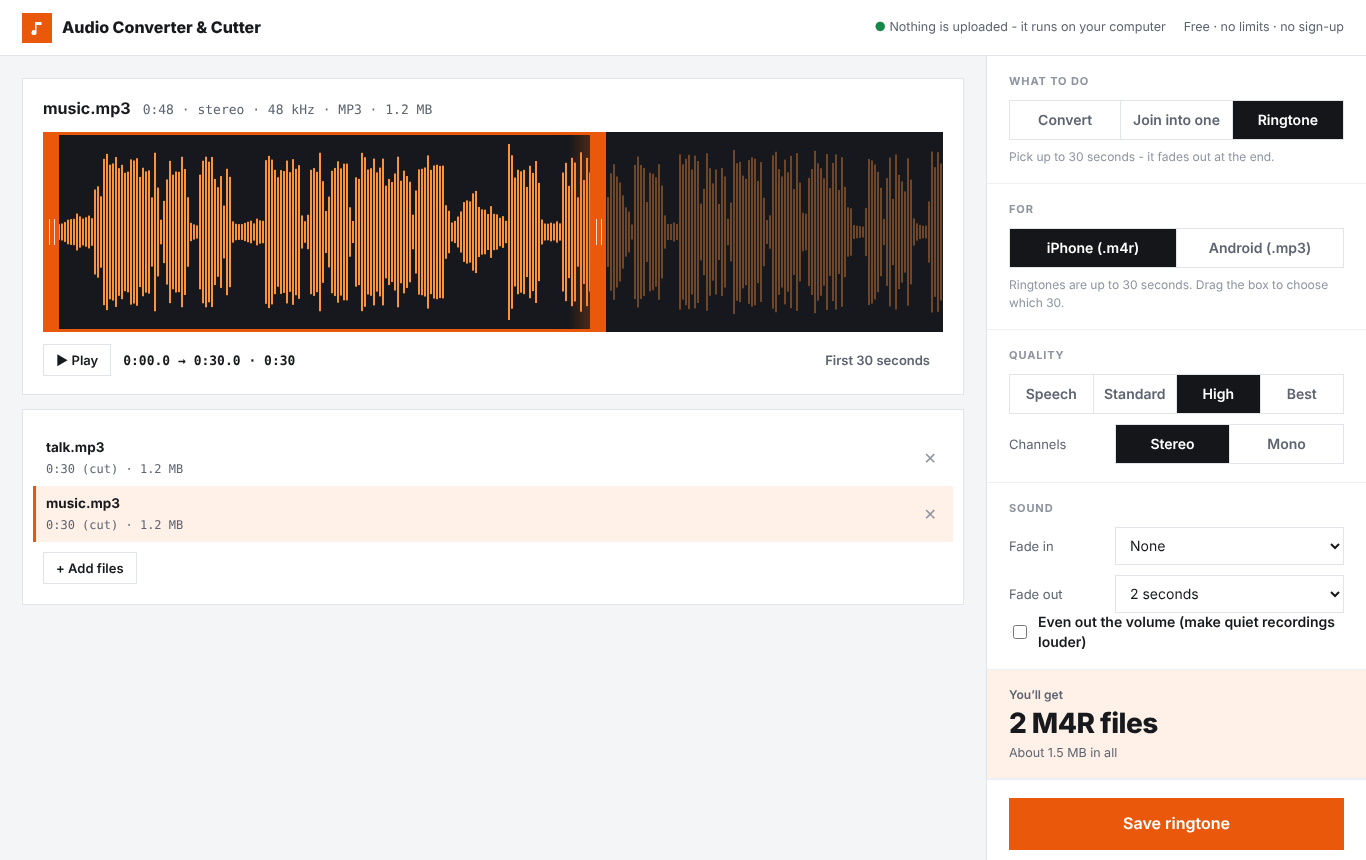
Ringtones: pick the 30 seconds you want.
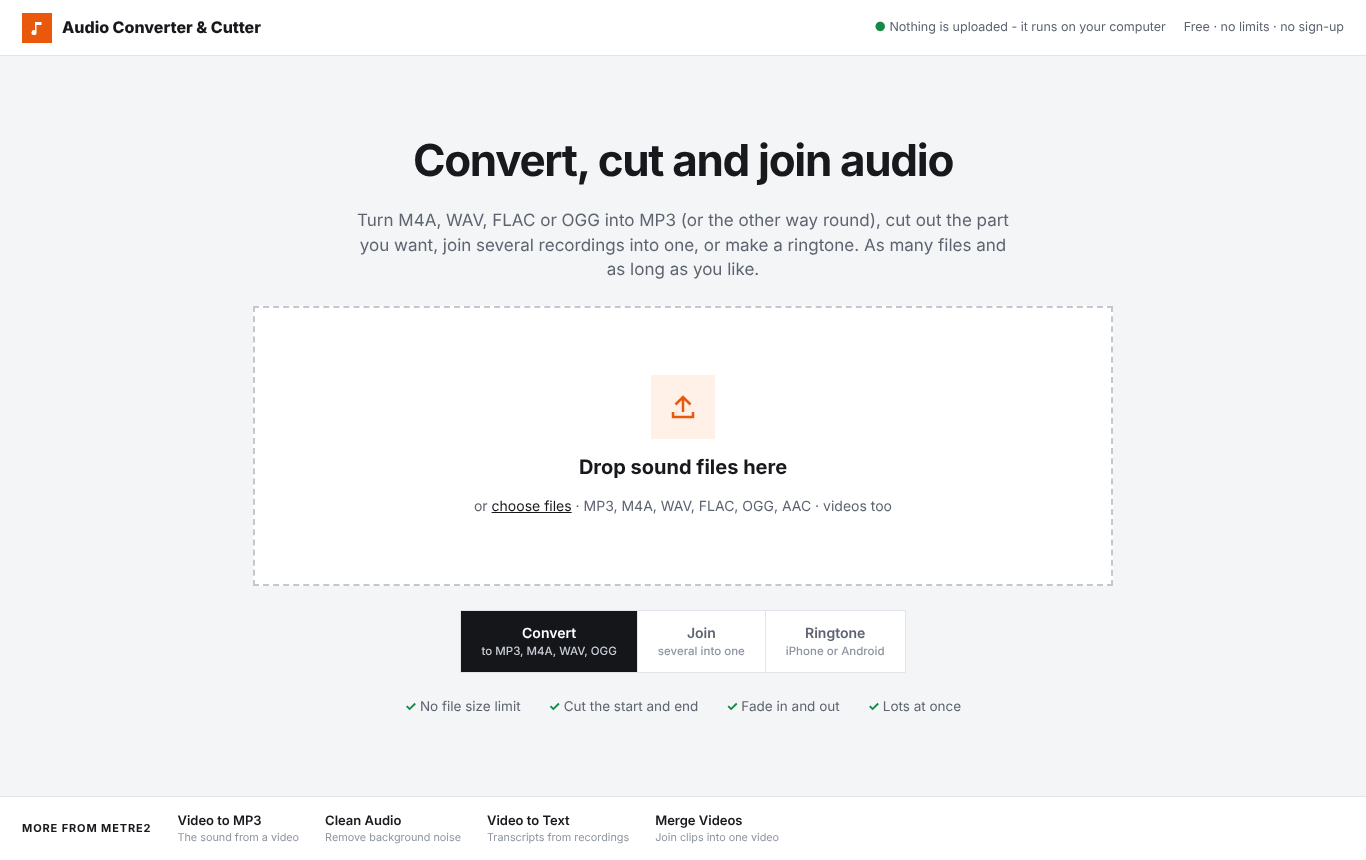
Drop audio or video files to start.
Yes - no sign-up, no limits.
Yes - drop an MP4 or MOV and save the sound as MP3, M4A or WAV. For lots of videos, Video to MP3 does the same.
Save the .m4r, connect the iPhone to a computer and drag it onto the iPhone in Finder or iTunes, then choose it in Settings › Sounds.
MP3 plays everywhere. M4A is smaller at the same quality. WAV is uncompressed for editing. OGG suits Android and the web.
No - everything happens in your browser.
Free, in your browser, with nothing uploaded. Works best in Chrome or Microsoft Edge on a computer.
Microsoft and the Microsoft Store logo are trademarks of the Microsoft group of companies.
