Reorder, split and merge PDFs
Load multiple PDFs, choose pages, and drag them into any order to build a new file - everything stays on your device.
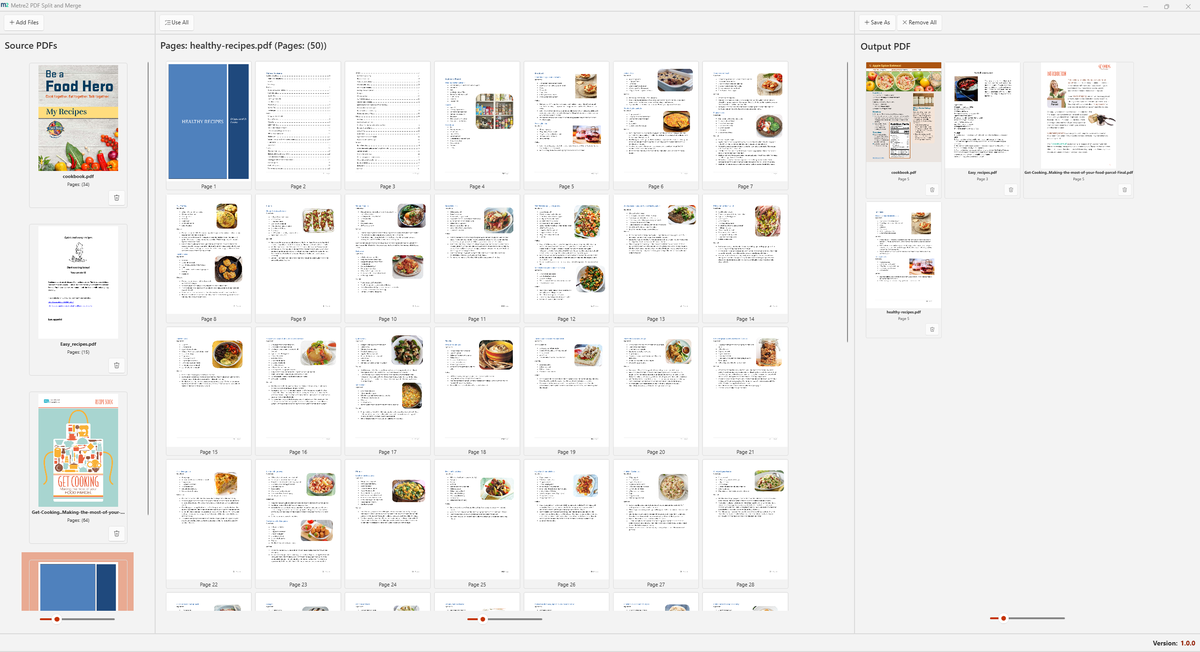
Extract pages or page ranges from any PDF in seconds.
Combine any number of PDFs into a single document.
Reorder pages visually. Build your final document exactly as needed.
No uploads, no servers. All processing is local.
Handles large PDFs without lag.
Intuitive UI that makes combining and splitting obvious for anyone.
Windows 10/11 · Free · Microsoft Store
A closer look at PDF Split & Merge in everyday use.
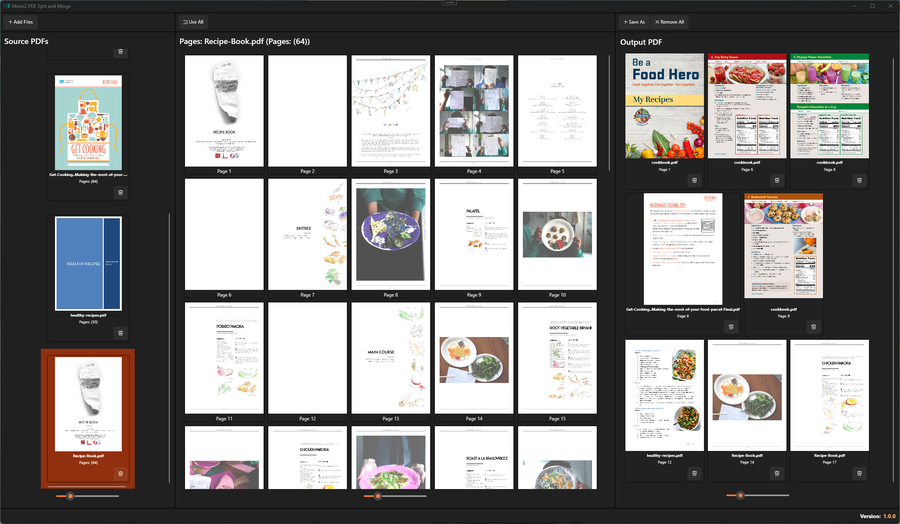
Reordering pages by drag and drop
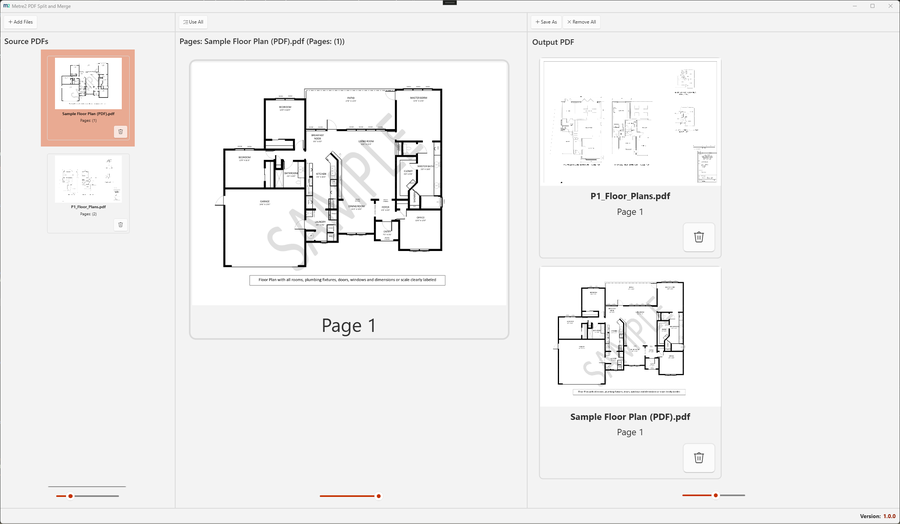
Merging multiple PDFs into one file
PDF Split & Merge works across three panels: your source PDFs on the left, the pages of the selected file in the middle, and the new PDF you are building on the right. Your original files are never changed.
There is no separate split mode, because you do not need one. Add the document, drag only the pages you want into the output and save. Pull the sheets for one floor out of a full drawing set, or send a subcontractor only the specification sections for their package. Clear the output and make a different selection to produce the next file.
When you save, each page is copied from its original PDF into the new file. Pages are not turned into pictures, so the text and line work on drawings come across as they were in the source. The files you started with stay exactly as they were.
You'll install PDF Split & Merge via the Microsoft Store, same as any other Keystone app, and it's free to try.
No. PDF Split & Merge opens without a sign-in. Registering your copy for update notices is optional.
Anyone who regularly needs to reorder, split or merge PDF drawing sets and documents without uploading them to a third-party site.
No. Pages are read, previewed and saved by the app on your PC. Your PDF files are not sent to a server.
No. Each page is copied from the original PDF into the new file rather than being converted to an image, so text and line work stay as they were. The original files are not changed.
Yes. Add as many PDFs as you need with Add Files, then drag pages from any of them into the output list in whatever order you want. Save As writes them out as a single PDF.
