Visual thinking canvas
A visual thinking tool for gathering, connecting and structuring ideas. Build projects with multiple boards, map relationships on an infinite canvas, and turn rough thinking into clear outputs.
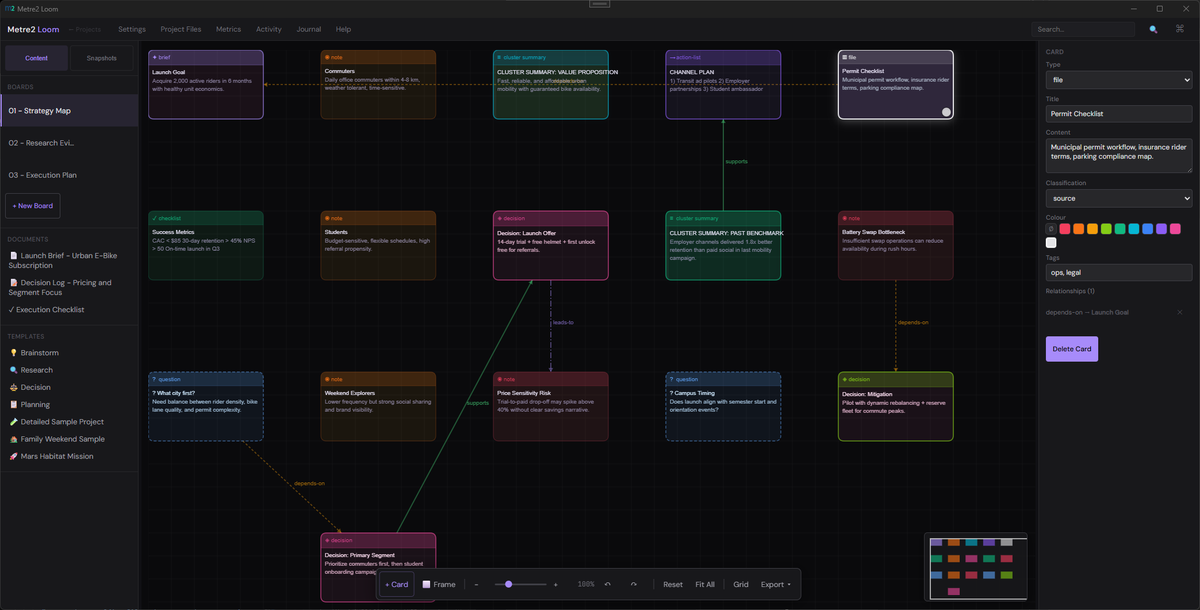
Pan, zoom, and lay out ideas freely on a large canvas built for exploration rather than rigid documents or lists.
Capture notes, questions, decisions, snippets, links, images, and PDFs, then organise them with frames and lightweight groups.
Connect cards to show support, dependency, contradiction, and other links so reasoning stays visible instead of buried in text.
Work across several boards inside a project, save snapshots, and switch context without losing structure.
Export boards as PNG or Markdown, generate print views, and turn working canvases into summaries, outlines, briefs, or action lists.
Projects are stored locally, with board journals, metrics, and cross-project search available without relying on cloud services.
Infinite canvas · Multi-board projects · PNG and Markdown export · Local-first storage
A closer look at Loom in everyday use.
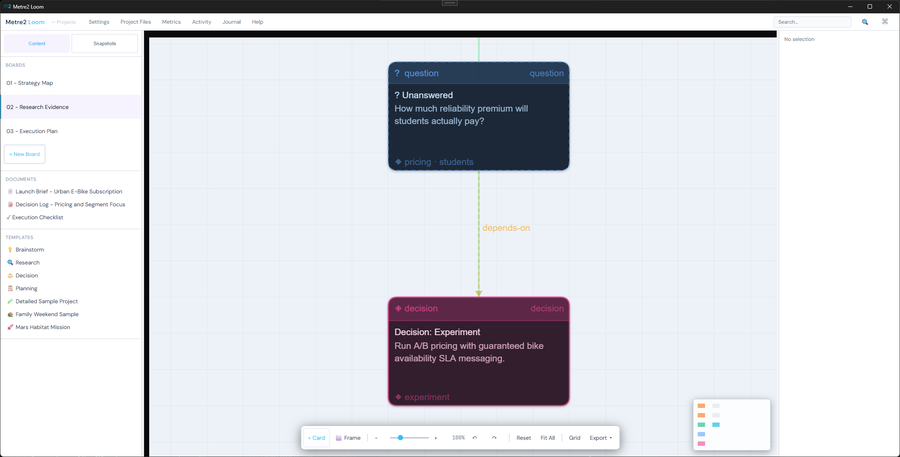
Mapping ideas on an infinite canvas
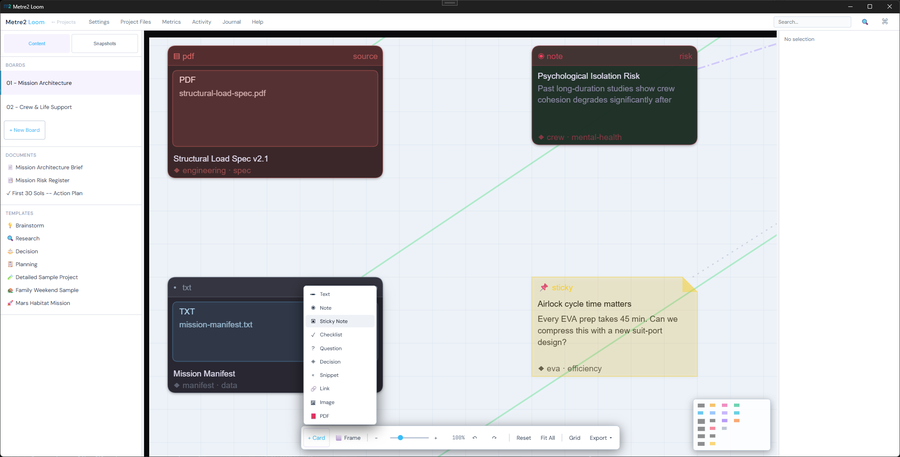
Connecting cards to show relationships
It's a Windows desktop app rather than a web service - grab Loom free from the Microsoft Store - no account, no sign-in.
No. There's no account and no sign-in - install it free from the Microsoft Store and start.
Planners, consultants, pre-construction teams and anyone who needs to gather information, connect ideas and shape it into decisions.
