Image editor for Windows
A clean, capable image editor for Windows. Work with layers, brushes, shapes and adjustments - all locally, with no cloud and no subscription.
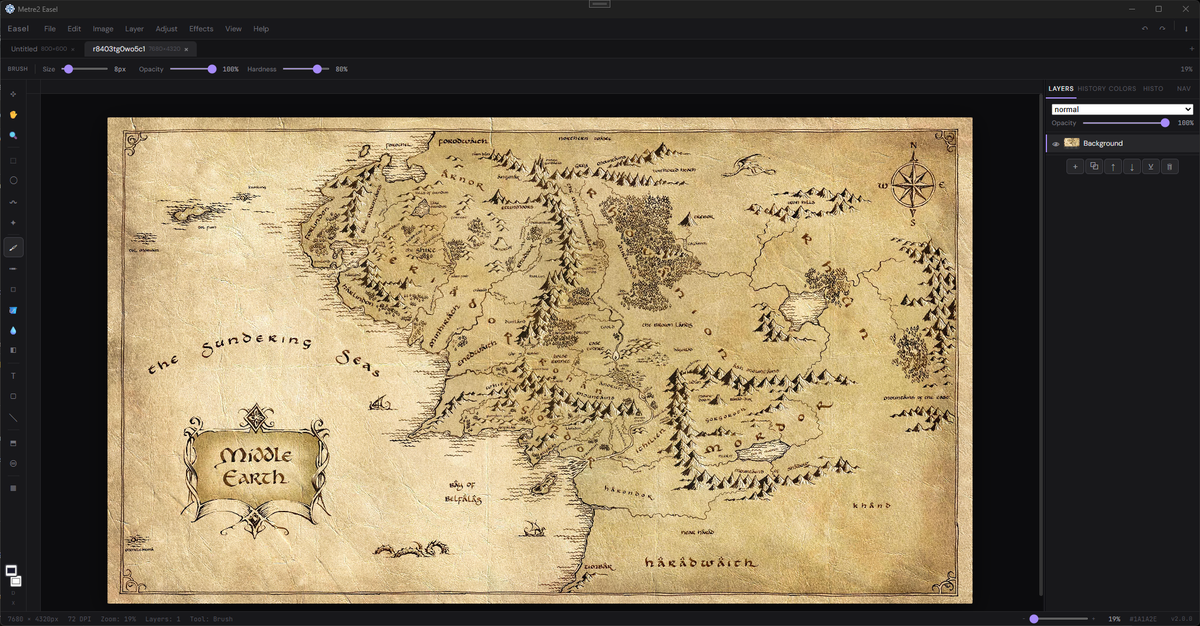
Brush, pencil, eraser, and fill tools with adjustable size and hardness. Draw directly on canvas or build up detail across multiple layers.
Work non-destructively with named, reorderable layers. Set opacity and blend modes per layer. Merge, duplicate, and manage with ease.
Rectangle, ellipse, line, and polygon drawing tools. Marquee and freehand selection. Crop to selection or move content between layers.
Full colour panel with hex input, RGB sliders, recent colours, and swatches. Foreground and background colour wells for fast switching.
Apply blur, brightness, contrast, and other adjustments. An Effects menu gives quick access to image filters and transform operations.
Open the command palette instantly to access any command by name — no menu hunting. Full keyboard shortcut support throughout.
Windows 10/11 · Free · Offline · Microsoft Store
A closer look at Easel in everyday use.
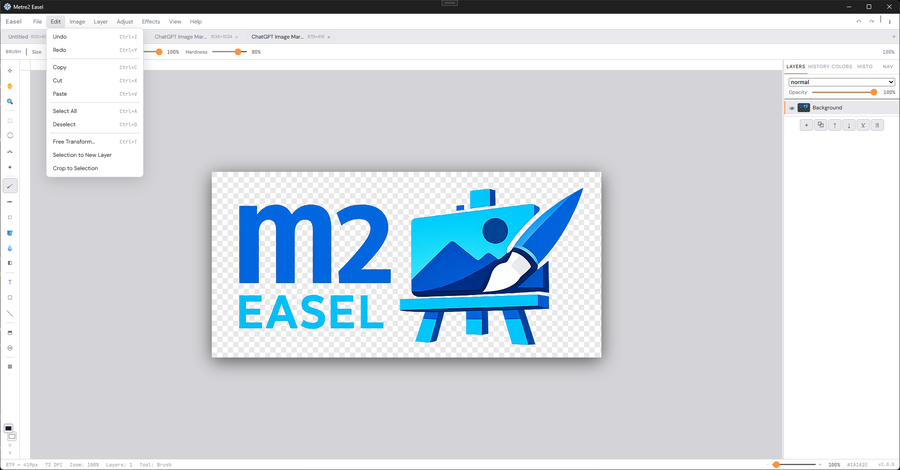
Editing across multiple layers
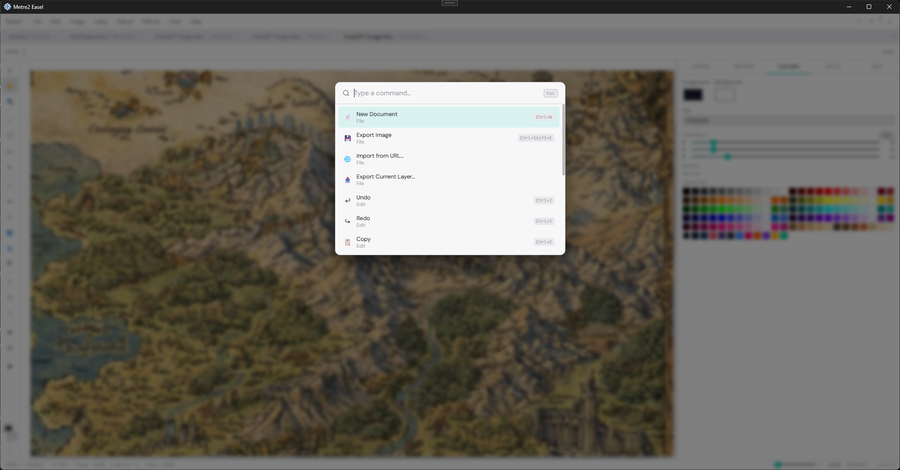
The command palette for fast access to tools
Easel installs from the Microsoft Store like the rest of Metre2's Keystone apps, and it's free.
No. Easel opens straight away with no sign-in - install it from the Microsoft Store and you're ready. Registering your copy for update notices is optional.
Anyone who wants a clean, capable image editor on Windows without the cost or complexity of a subscription suite.
