iPhone photos that open anywhere
iPhones save photos as HEIC, which plenty of Windows programs, websites and upload forms won't take. Drop your HEIC photos here and get JPGs (or PNGs) back - as many as you like, at full quality. They're converted in your browser, so your photos are never uploaded, and location details are left out of the new files.
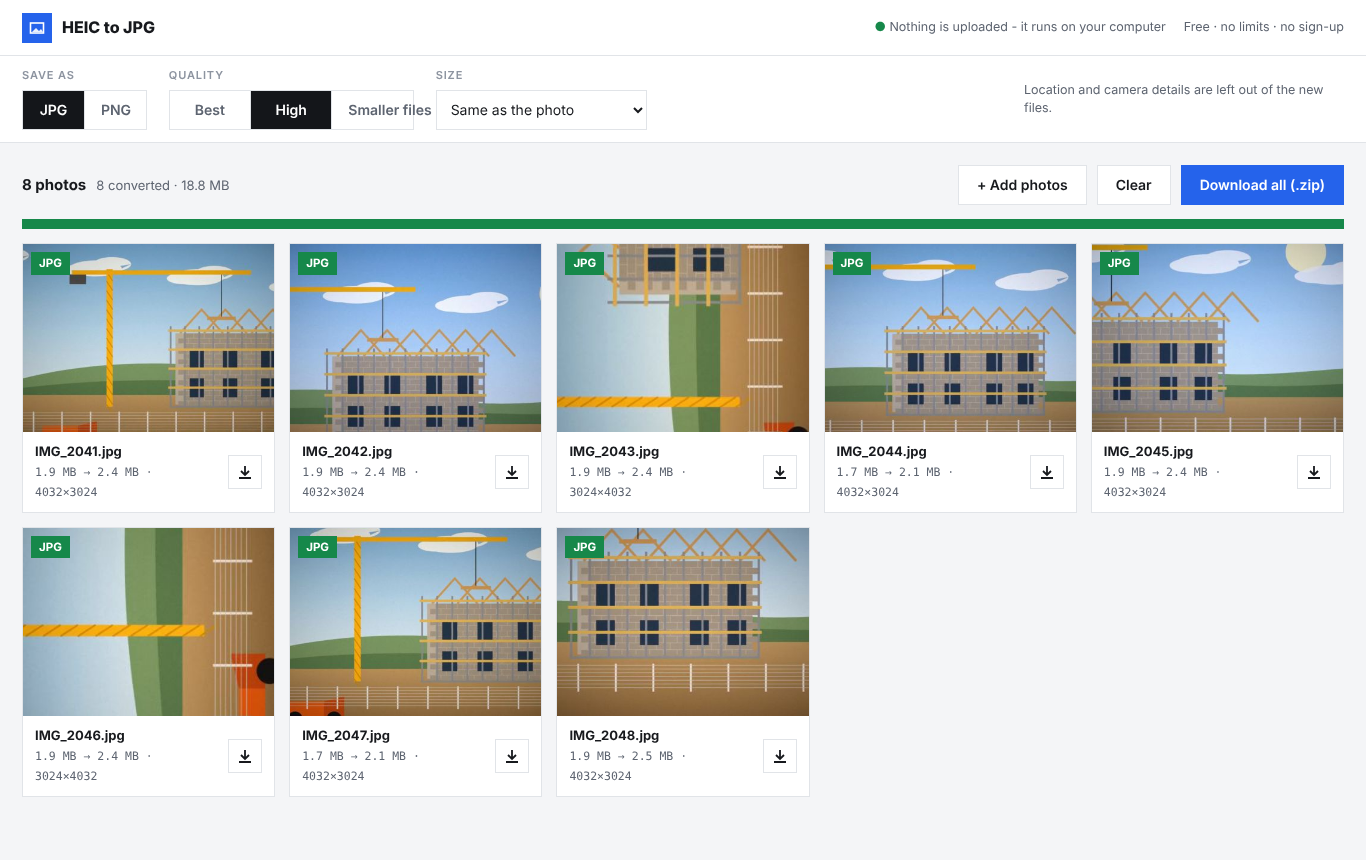
Drop a whole folder of photos. There's no limit of 10 or 50 a day - they're converted one after another as soon as you drop them.
The photos are opened and saved again inside your browser on your own computer. They never go to a server.
Where the photo was taken and which phone took it aren't copied into the new file - good for photos you're sending to clients or posting online.
Keep the full resolution at high quality, or pick a smaller size for email and messages. PNG keeps every pixel.
Download each photo as it's done, or all of them in a single zip with the same names as before.
Photos come out the way you held the phone - no sideways pictures to fix afterwards.
Free · In your browser · Nothing uploaded · HEIC and HEIF in, JPG or PNG out
The start screen, and choosing PNG at a smaller size before the photos go in.
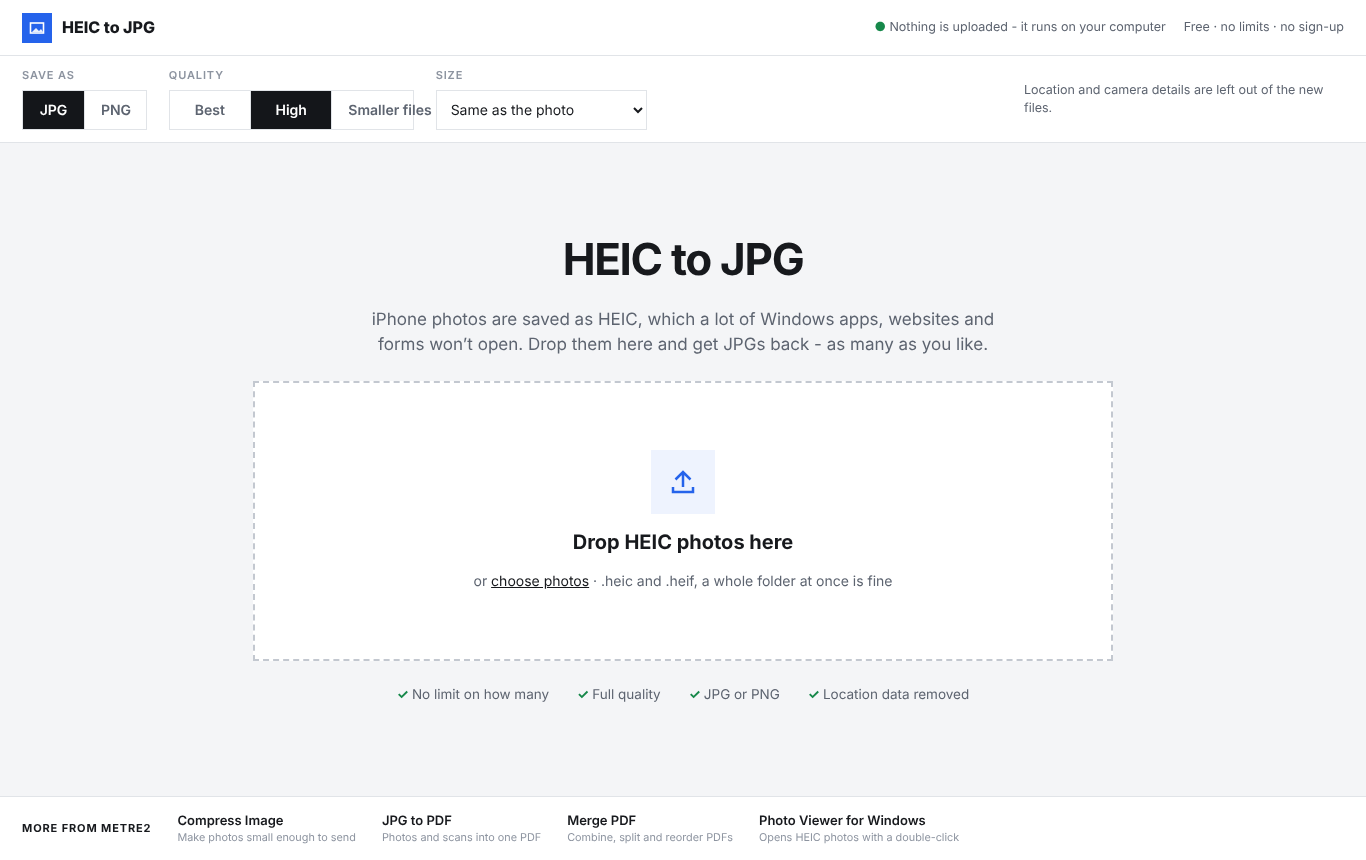
Choose JPG or PNG, the quality and the size - then drop the photos in.
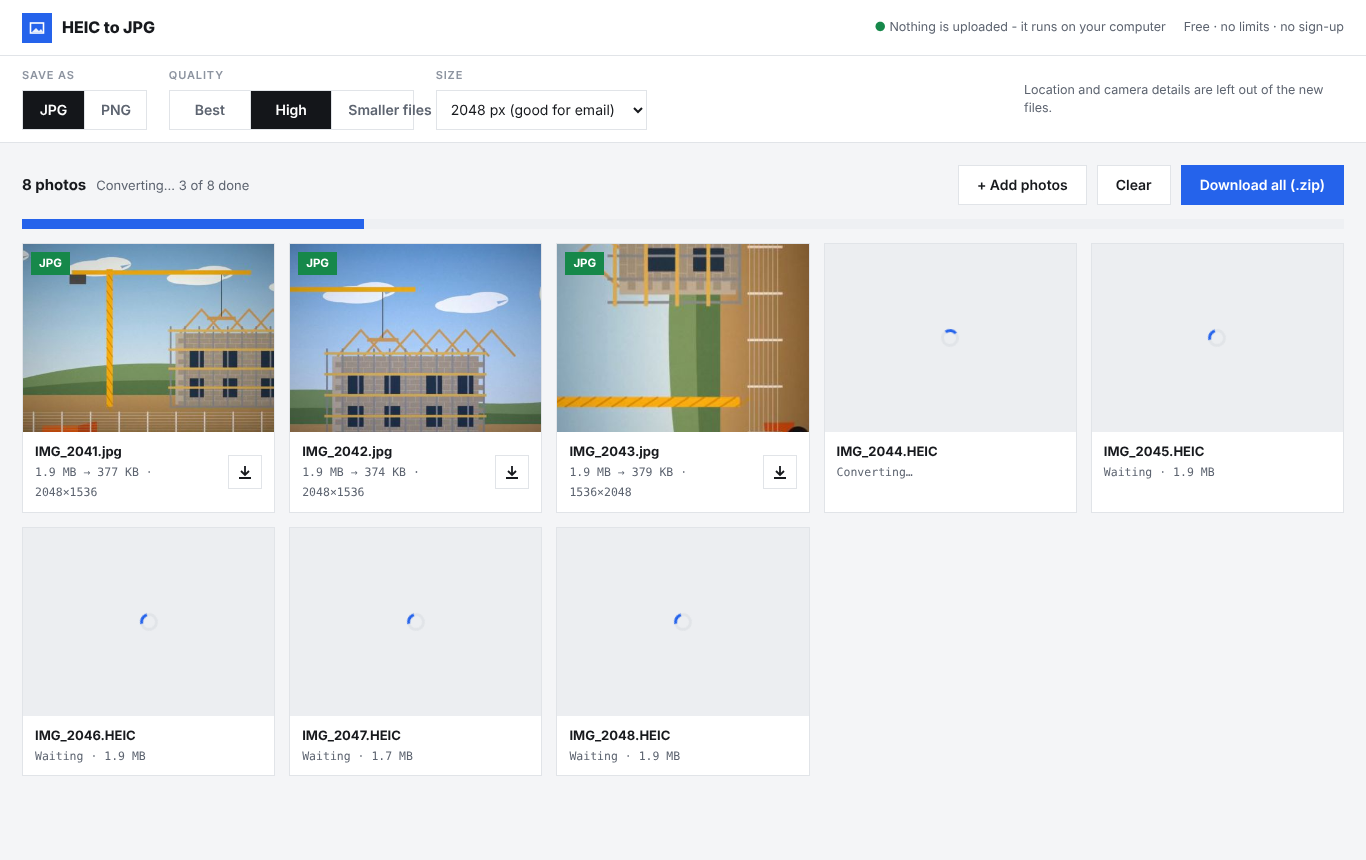
Photos appear as they're converted, with the size before and after.
Yes - no limit on how many photos, no watermark and no sign-up.
No. Each photo is opened and saved as a JPG inside your browser, on your own computer. Nothing is sent anywhere.
HEIC (also called HEIF) is the format iPhones and iPads use to save photos in about half the space of a JPG. Windows needs an extra codec to open it, and many websites and forms only accept JPG or PNG - so converting to JPG is the easy fix.
At Best or High you won't see a difference. JPGs are usually a little bigger than the HEIC they came from, because HEIC is the more efficient format. Choose Smaller files or a smaller size for email.
Yes. The new JPGs don't carry the photo's EXIF details - location, phone model and settings - so they're safe to send on.
Yes: Settings, Camera, Formats, then Most Compatible. New photos will be JPG, at roughly twice the storage space.
You get the main still photo from each file.
Free, in your browser, with nothing uploaded. Works best in Chrome or Microsoft Edge on a computer.
Microsoft and the Microsoft Store logo are trademarks of the Microsoft group of companies.
