Cut it out
Cut a person, a product or an object out of a photo - for a profile picture, a product listing, a slide, a poster or a passport photo. Keep it see-through, or put it on white, a colour, a blurred version of the original or another picture. Full size, no watermark, no credits - and the photo never leaves your computer.
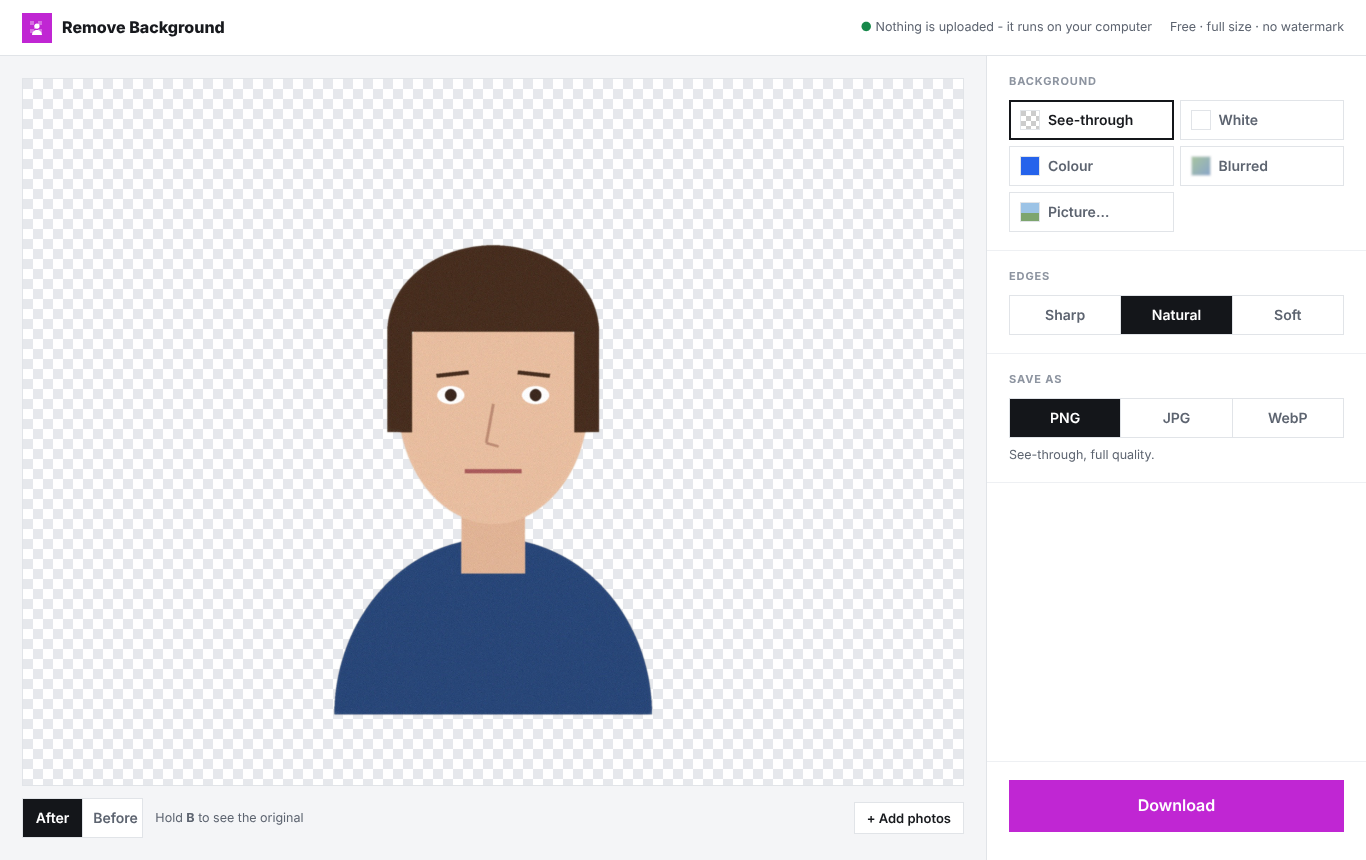
No low-resolution preview and paid download - you get the full photo, as many as you like.
See-through, white, any colour, the original blurred, or a picture of your own.
Choose sharp, natural or soft edges around hair and fur.
Drop a batch of product photos and download them all in a zip.
Hold B to see the original.
The cut-out model runs on your computer. It downloads once (about 45 MB) and is kept.
Free · In your browser · Nothing uploaded · PNG, JPG or WebP
Putting the cut-out on white, and the start screen.
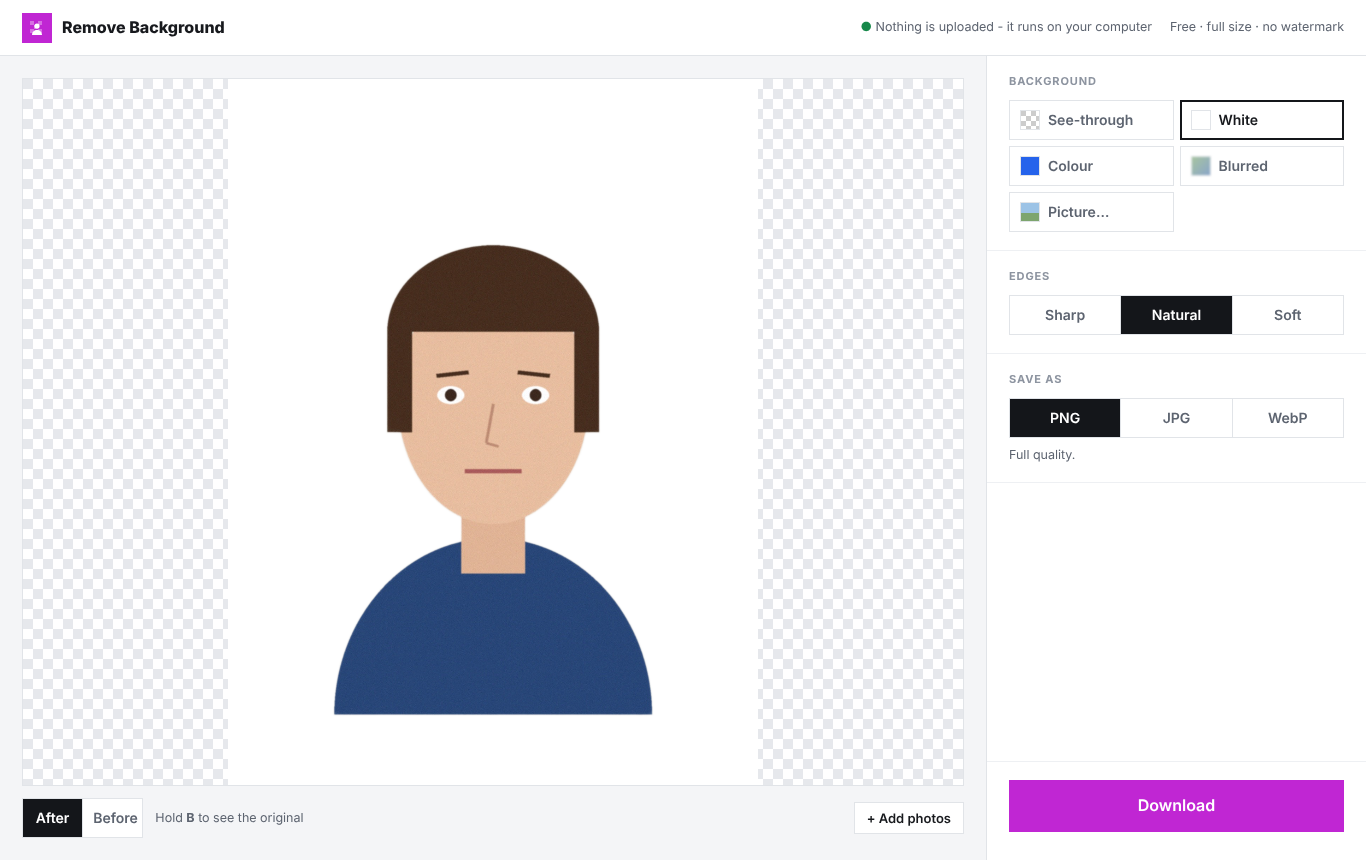
Put it on white, a colour, a blur or another picture.
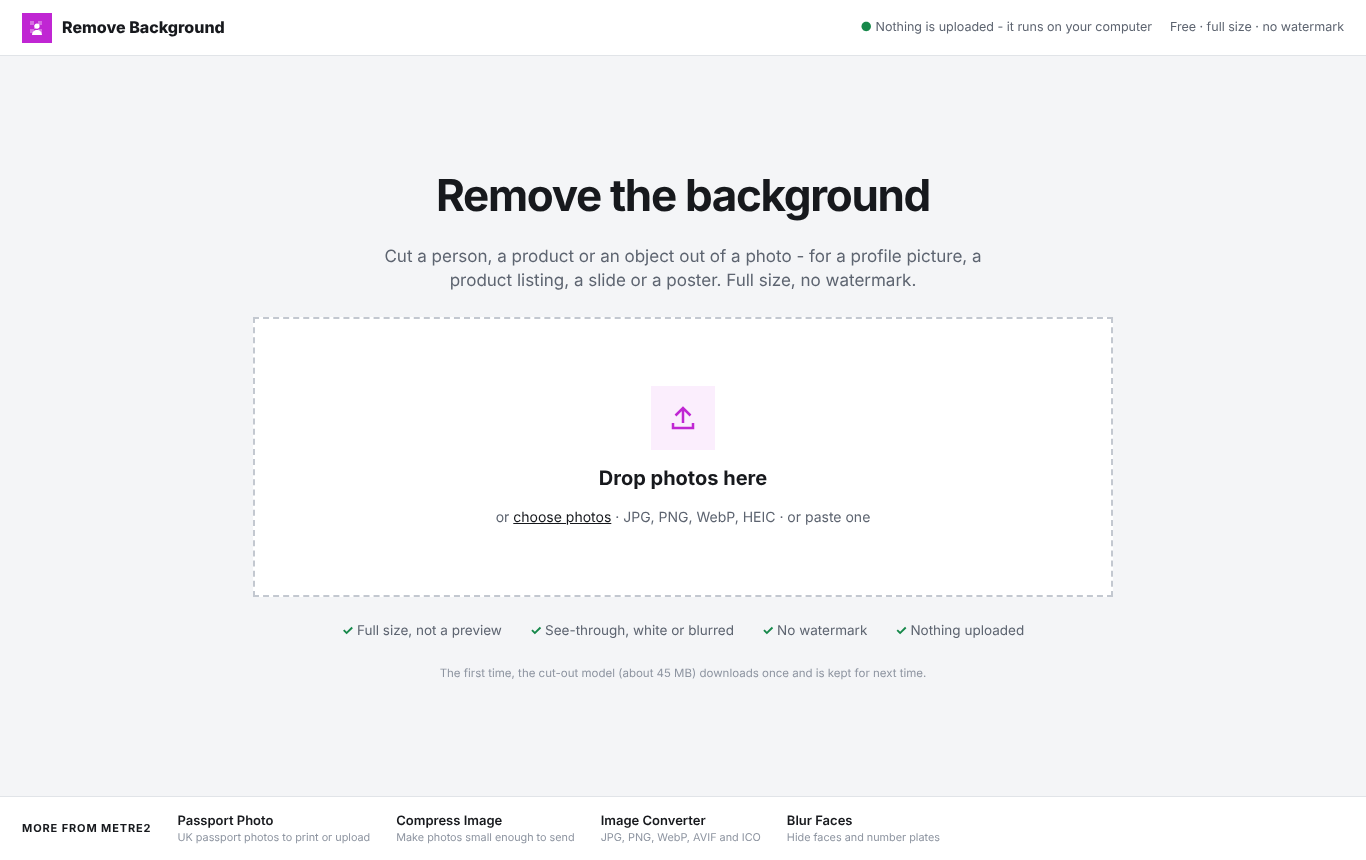
Drop photos - or paste one.
Yes - full size, no watermark, no credits, no sign-up.
No. The cut-out model runs inside your browser. The first time, the model itself (about 45 MB) downloads from Hugging Face and is kept for next time.
People, animals and products that stand out from the background. Fine hair, glass and things the same colour as the background are harder.
Choose White under Background, then download as JPG or PNG.
A few seconds a photo on a computer with a graphics chip Chrome or Edge can use; longer on the processor alone.
Free, in your browser, with nothing uploaded. Works best in Chrome or Microsoft Edge on a computer.
Microsoft and the Microsoft Store logo are trademarks of the Microsoft group of companies.
