BIM review & IFC viewer
BIM review made simple. Open IFC models, measure model scope, classify elements, analyse quantities, compare revisions and capture useful review context - built for small trade contractors and construction businesses who want BIM model insight and takeoff without a complicated setup.
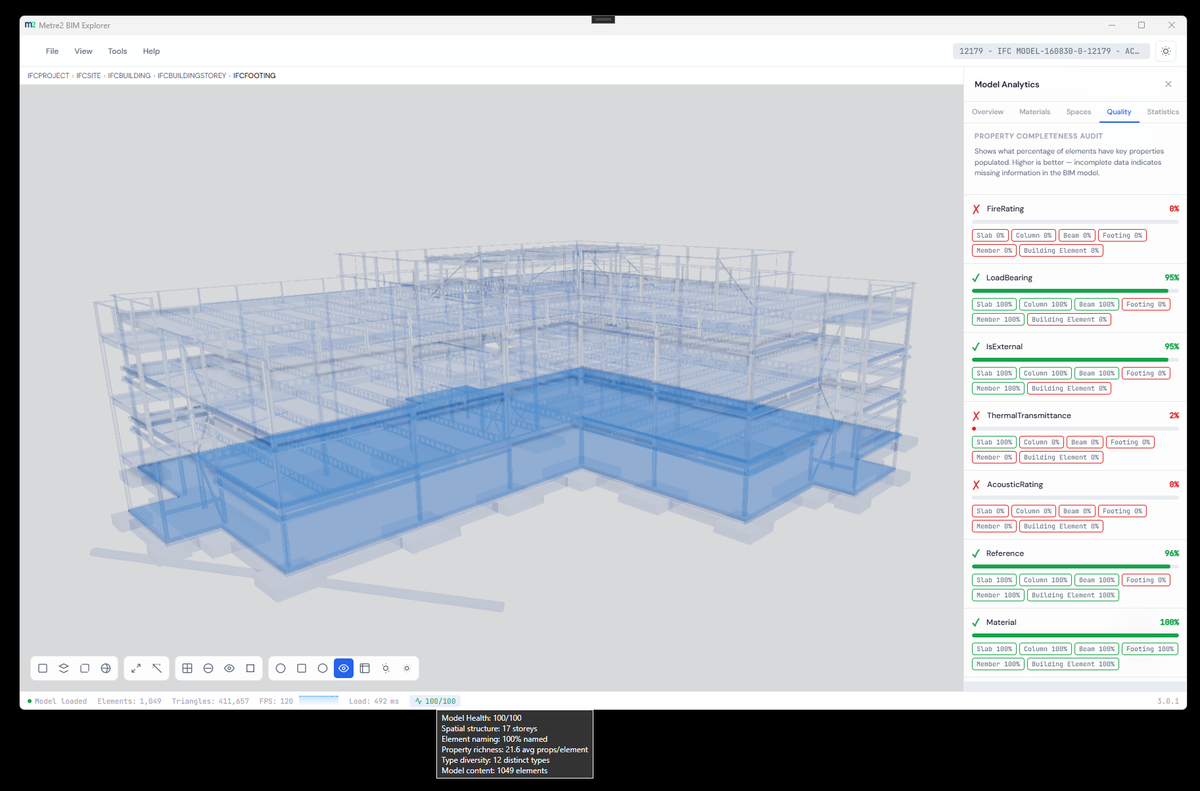
Drop in an IFC 2x3 or IFC 4 file and explore real geometry - no desktop BIM viewer to install, no conversion step first.
Classify elements, measure model scope, analyse quantities and compare revisions side by side, so review work stays in one place instead of scattered across tools.
Open Forma and start - no sign-in and no password to manage. Your models and schedules stay on your PC, and feedback goes straight to the team from inside the app.
A closer look at reviewing and classifying a model in Forma.
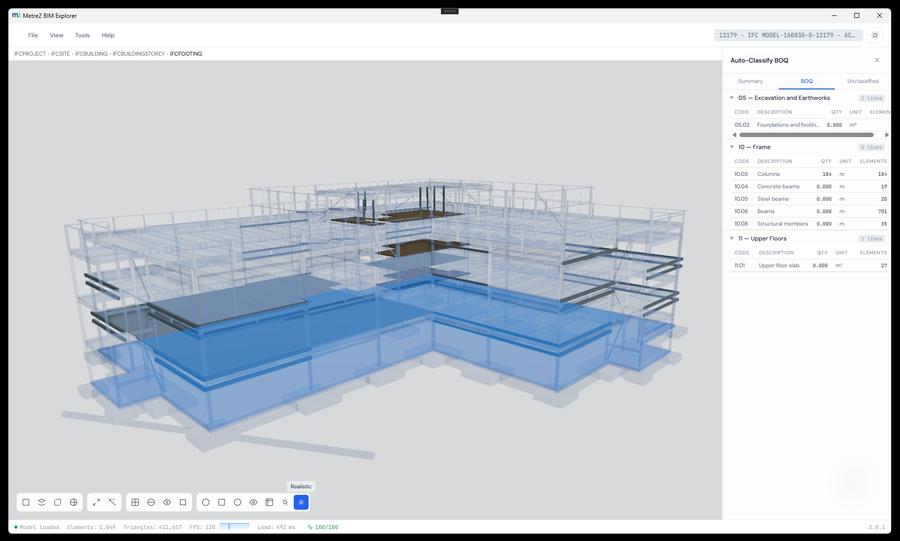
Classifying elements from the model tree
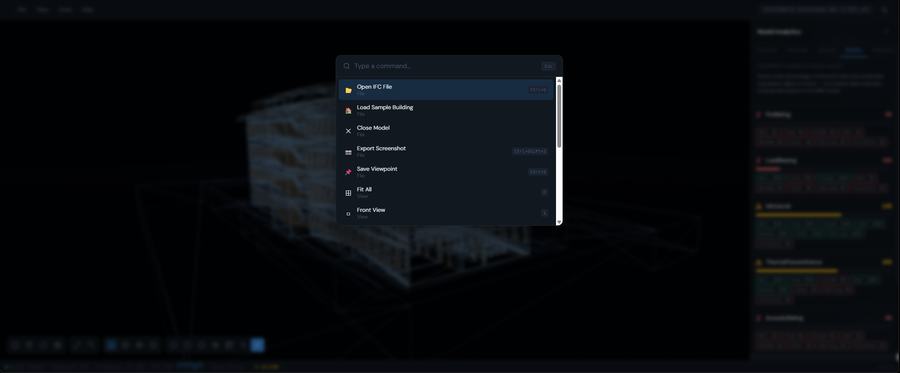
Comparing model sections side by side
Forma takes an IFC model from inspection to a priced list of items. Each row can keep a link to the model objects it came from.
Load the revised IFC in Compare. Forma indexes it against the current model and lists the elements added, removed and changed. Use that to decide which BOQ rows need updating before you re-price. Each saved row can hold linked IFC evidence, so you can click back to the exact objects it was taken from.
The BOQ exports as CSV for spreadsheets and estimating systems, as JSON, or as an HTML report, with calculated totals and the linked IFC evidence. You can also save a PNG snapshot of the current view for a review pack. Models and review data are kept on your PC rather than uploaded.
Forma is a Windows desktop app, free to try from the Microsoft Store - open an IFC model straight away, with real 3D geometry and no separate BIM viewer to install.
No. Forma opens without a sign-in. Registering your copy for update notices is optional.
Small trade contractors and construction businesses who want BIM model insight, takeoff and review without a complicated setup - opening IFC models, measuring scope, classifying elements and comparing revisions in one focused desktop app.
£19.99 (approx. $23.99 at today's exchange rate), one-off. No subscription and no metered pricing - buy it once and it's yours permanently.
Forma opens IFC 2x3 and IFC 4 files. Large models can take a while to parse, so Forma shows progress and logs any load problems in its Console tab.
Yes, through CSV. The current panel or the BOQ can be exported as a CSV file, which opens in Excel. BOQ rows can also be exported as JSON or as an HTML report.
Yes. Open the current model, then load the revised IFC in the Compare tab. Forma lists the elements added, removed and changed between the two files.
