Clearer voices
Take the wind, traffic, machinery, fans and hum out from under people talking - in a voice note, an interview, a site walkround video or a Teams recording. Switch between before and after as it plays, choose how much to take out, and save the sound - or the video with its picture untouched. Nothing is uploaded.
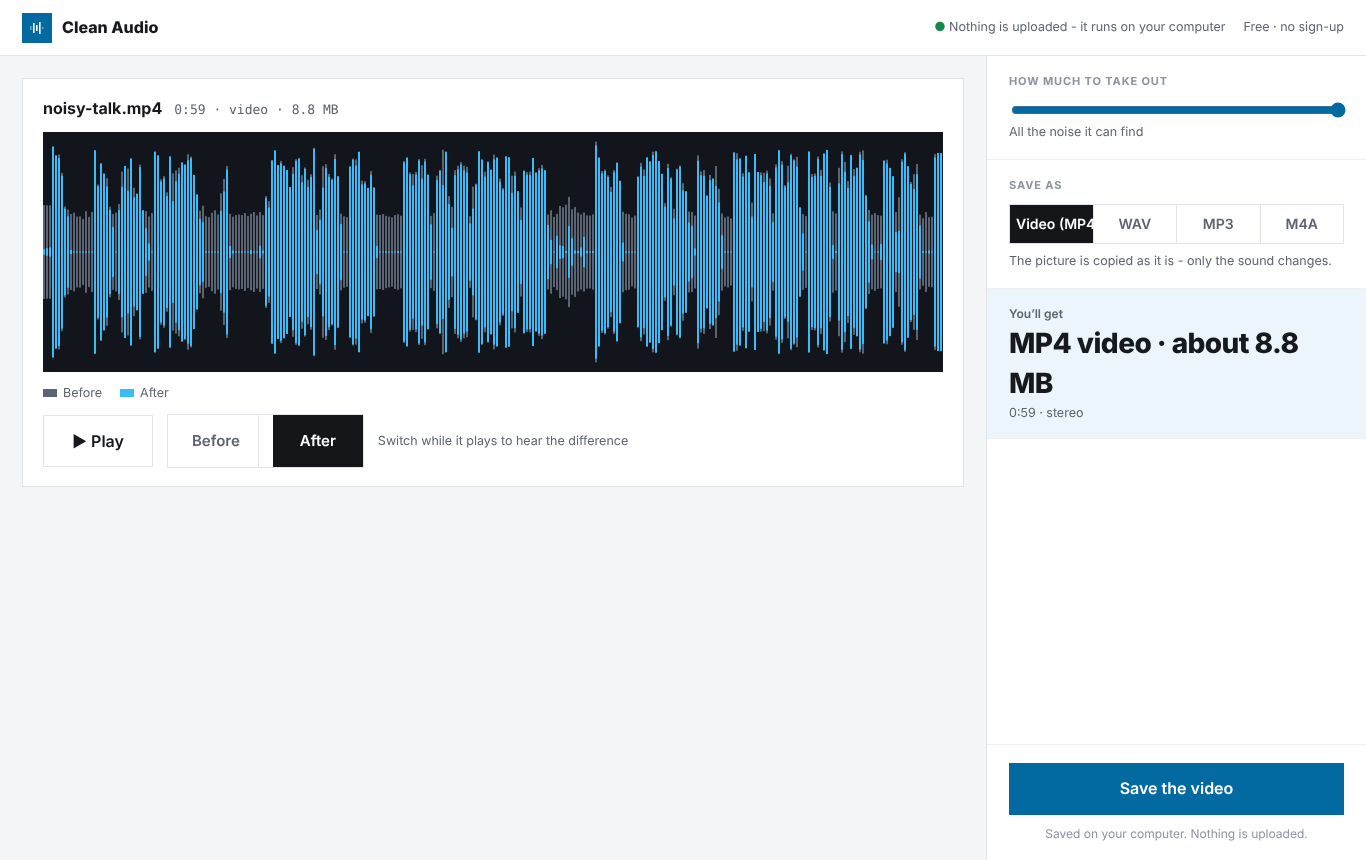
RNNoise, a noise-removal model trained on speech, takes out steady and changing noise while keeping the voice.
Switch while it plays to hear the difference; the waveform shows both.
Keep a little of the background if the result sounds too dry.
Save a video with the cleaned sound - the picture is copied exactly, not re-encoded.
Or just the sound, for editing, sharing or a transcript.
Cleaned inside your browser - fine for confidential interviews and meetings.
Free · In your browser · Nothing uploaded · Audio and video in, WAV, MP3, M4A or MP4 out
Keeping a little of the background and saving an MP3, and the start screen.
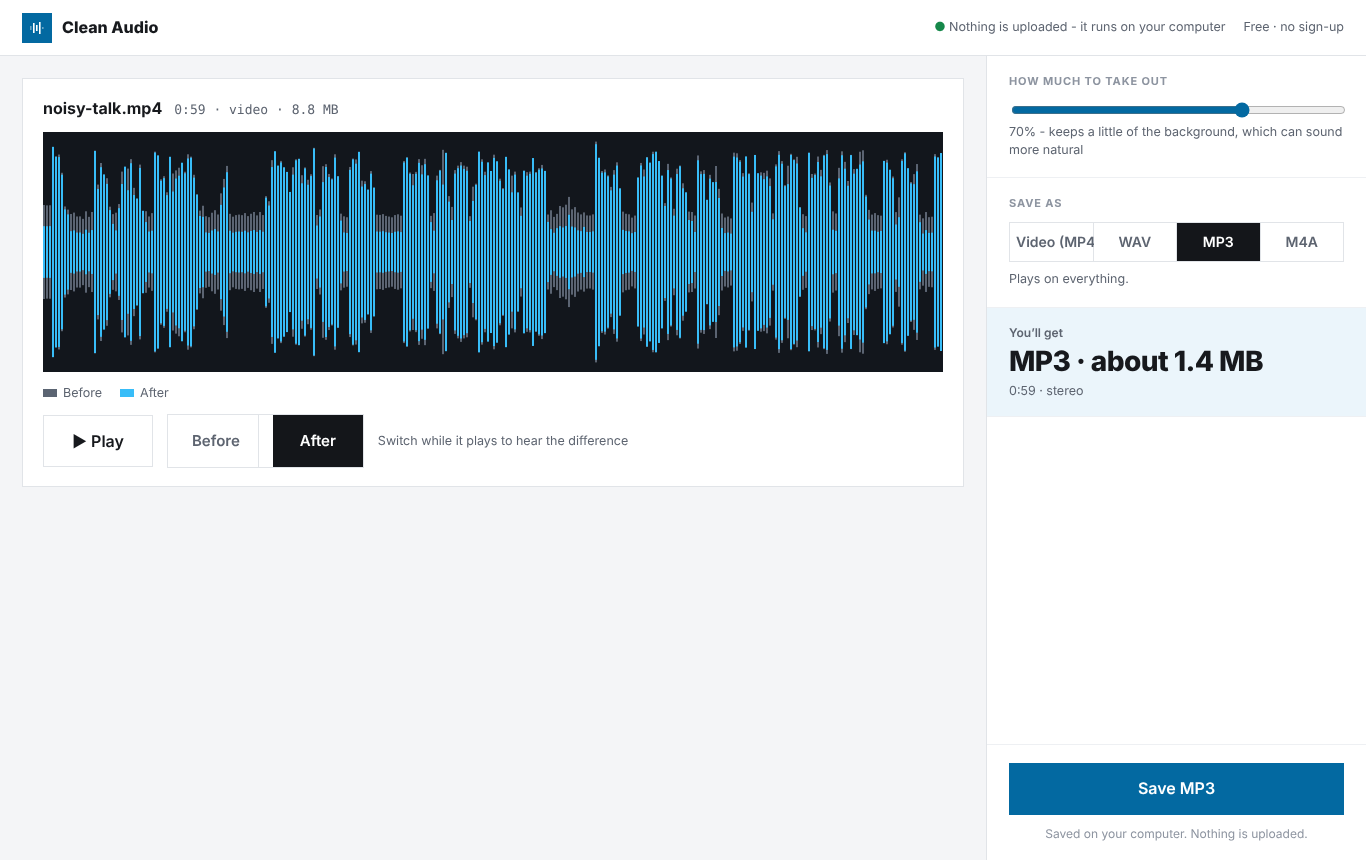
Turn the strength down to keep a little of the background.
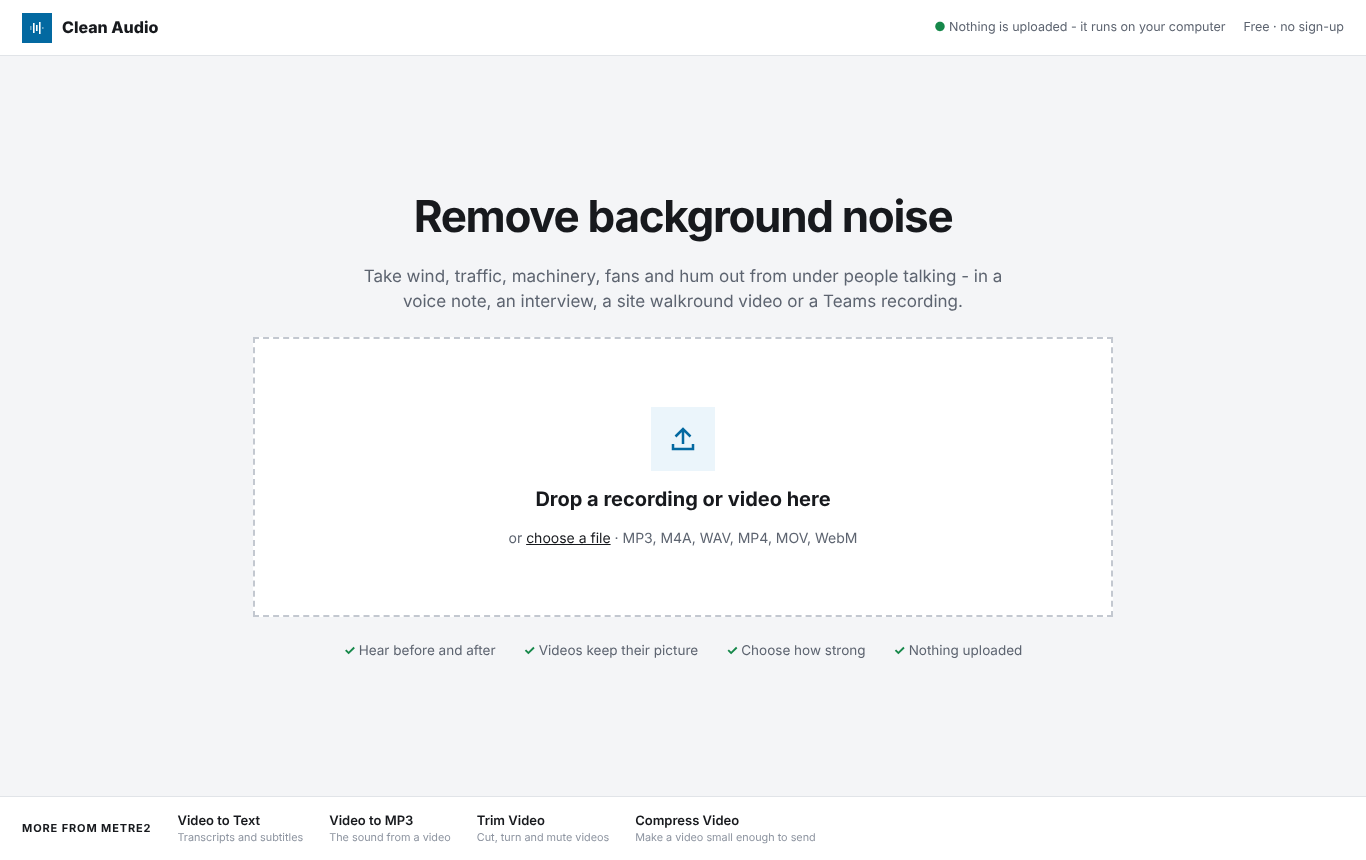
Drop a recording or a video.
Yes - no sign-up, no length limit.
Steady and changing background noise under speech: wind, traffic, machinery, fans, air conditioning, hum, hiss and crowd murmur. It's made for voices - it isn't for cleaning up music.
A little drier at full strength. Turn How much to take out down to 60-80% if it sounds unnatural.
No - the picture is copied exactly as it was; only the sound is replaced.
No - the cleaning happens inside your browser.
Free, in your browser, with nothing uploaded. Works best in Chrome or Microsoft Edge on a computer.
Microsoft and the Microsoft Store logo are trademarks of the Microsoft group of companies.
