The right size, first time
Forms want 600 × 600, websites want 1920 wide, email wants small. Pick a preset or type the size, crop to the shape you need (drag the box to choose what stays), or pad it out instead of cutting anything off. Do one photo or a whole folder - they never leave your computer.
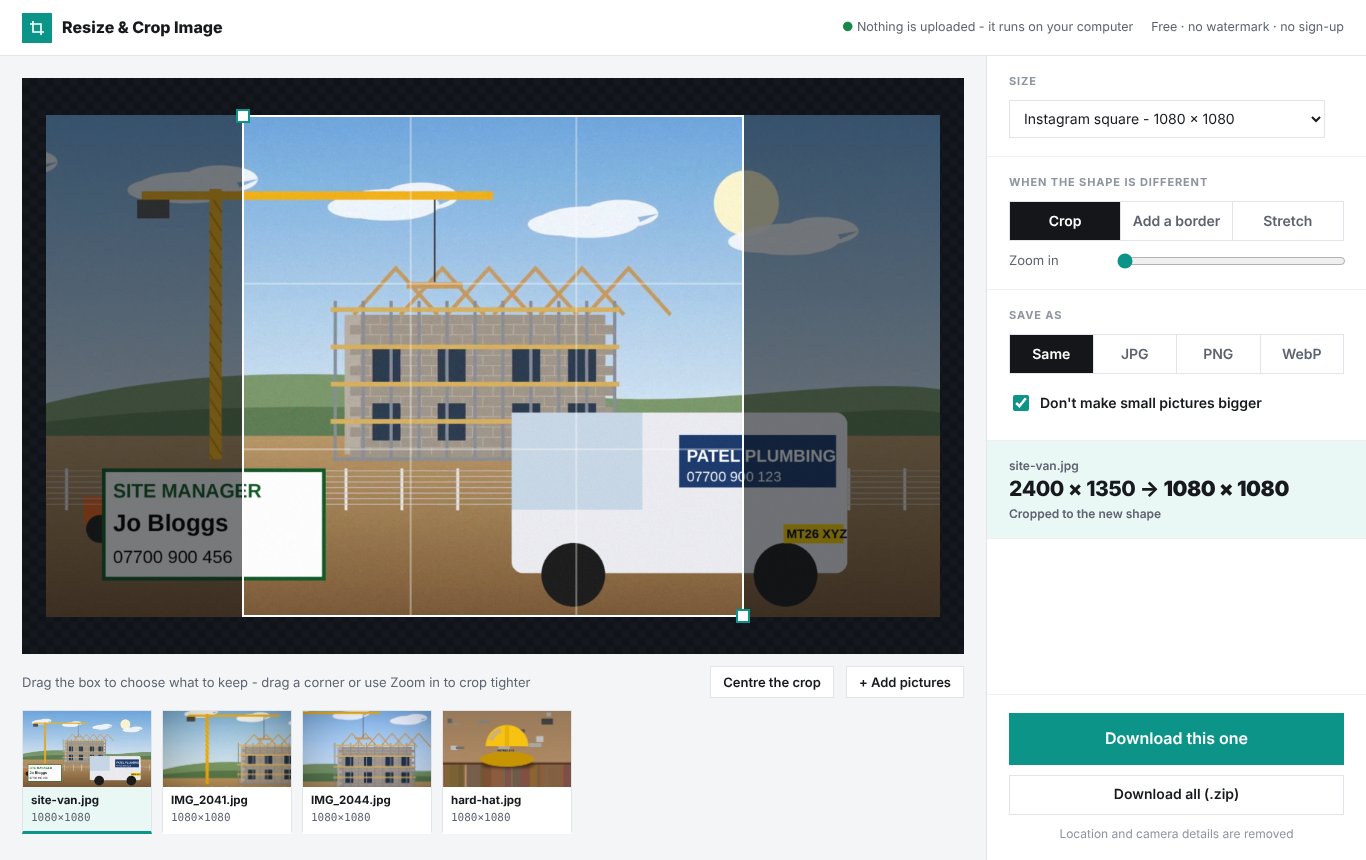
Type a width, a height or both, scale by a percentage, or pick a preset for websites, email, social posts and forms.
When the shape changes, drag the box to choose what stays - every photo can have its own crop.
Fit the whole picture with a plain border instead of cropping - handy for logos and product shots.
Drop a folder's worth and download them as a zip - each keeps its own name.
HEIC photos open and come out as JPG, the right way up.
Everything happens in your browser - private client photos stay private.
Free · In your browser · Nothing uploaded · JPG, PNG, WebP, HEIC
Padding a photo to a 16:9 frame, and the start screen.
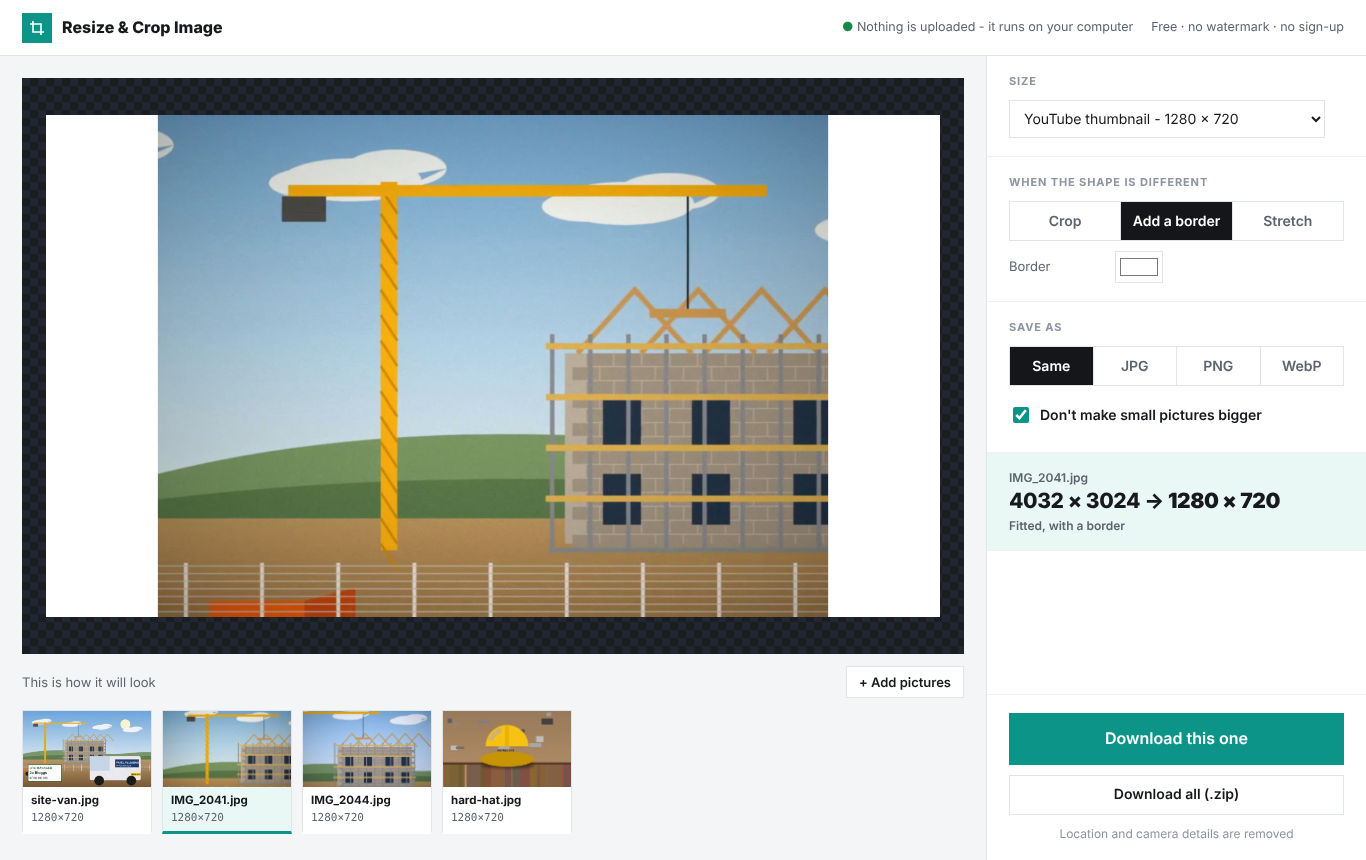
Fit the whole picture to a new shape with a border.
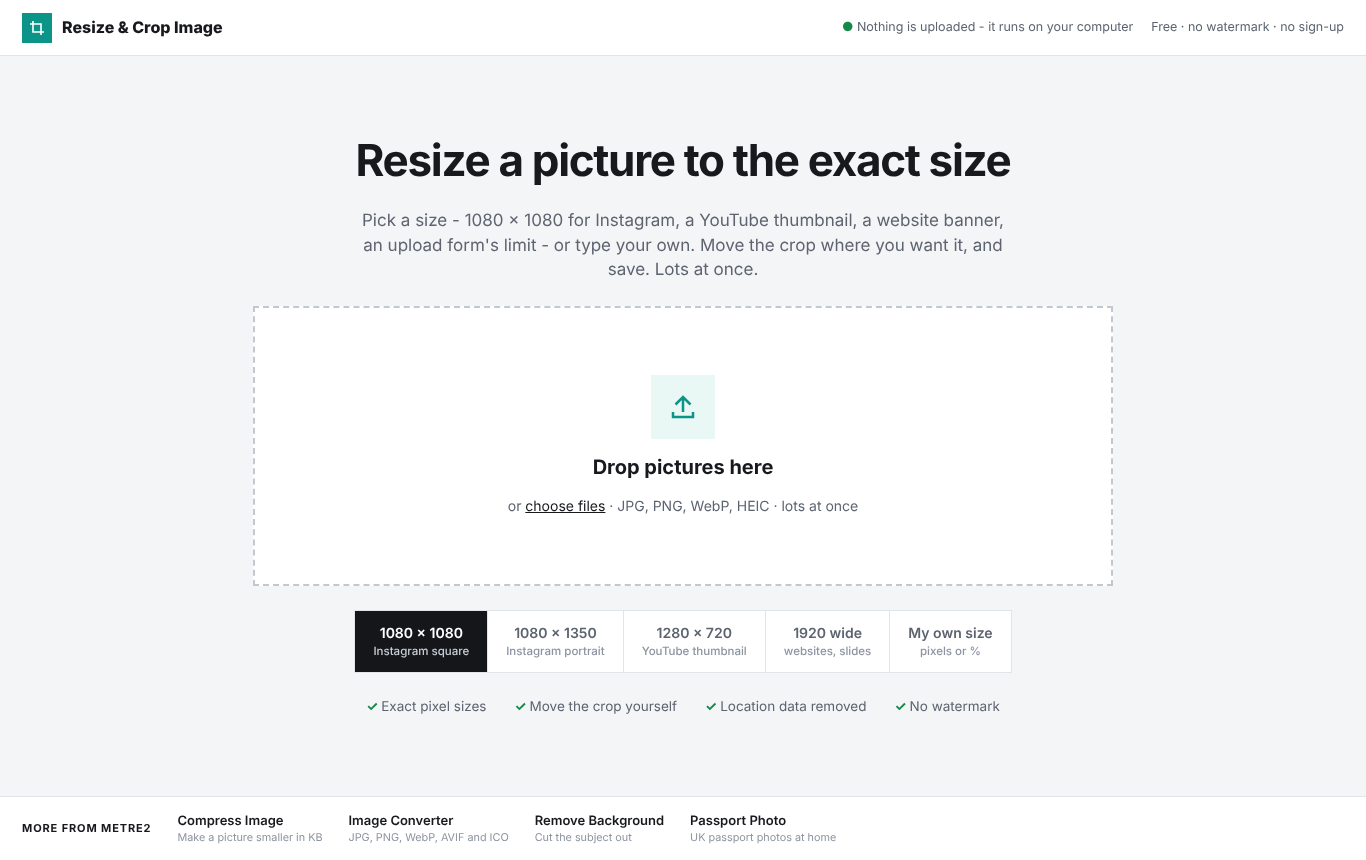
Drop photos to start - JPG, PNG, WebP or HEIC.
Yes - no sign-up, no watermark, no limit on how many.
Choose Custom, type the width and height and pick Crop (fill the shape), Pad (fit with a border) or Stretch.
Making a photo smaller keeps it sharp. Making it bigger than the original can't add detail - you'll see a warning.
Yes - drop them all, choose the size once, and download a zip.
No - everything runs in your browser.
Free, in your browser, with nothing uploaded. Works best in Chrome or Microsoft Edge on a computer.
Microsoft and the Microsoft Store logo are trademarks of the Microsoft group of companies.
