Drawings “printed to file”
Plot rooms, drawing archives and old CAD jobs are full of .plt files - drawings sent to a plotter as HP-GL pen moves. Open them here: the drawing with its pens and line widths, text and filled areas. Change the pen colours or print everything black, and save a PDF at the size it was plotted, so a 1:100 plot still measures 1:100.
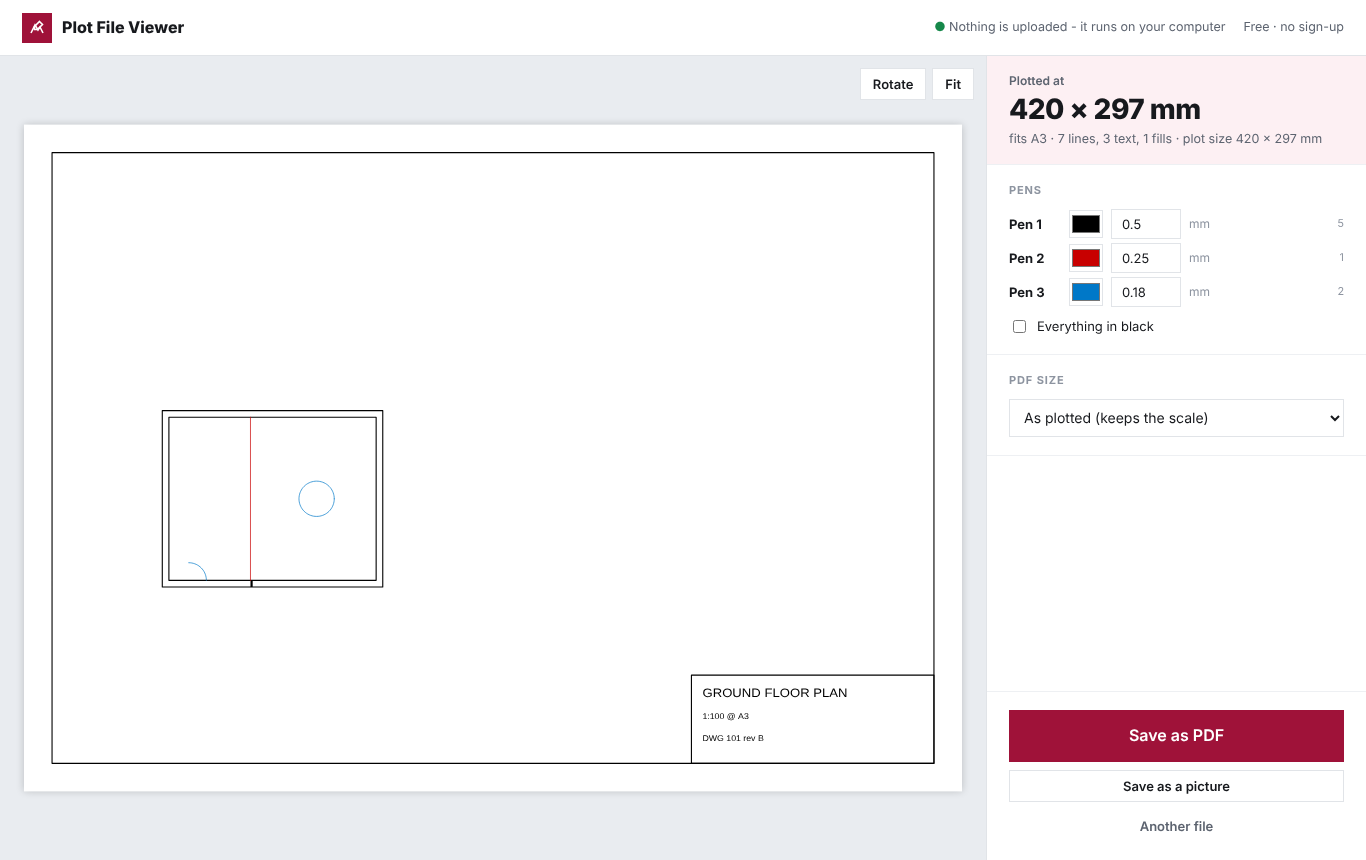
Including PCL-wrapped files and the packed “polyline encoded” form CAD drivers write.
Each pen’s colour and width, from the file - and yours to change.
The PDF is the size it was plotted, so the scale stays right.
Fit to A4, A3, A2 or A1 instead.
Labels, filled areas, arcs and circles.
Files stay on your computer.
Free · In your browser · Nothing uploaded · .plt, .hpgl, .hgl, .prn
In black and turned, and the start screen.
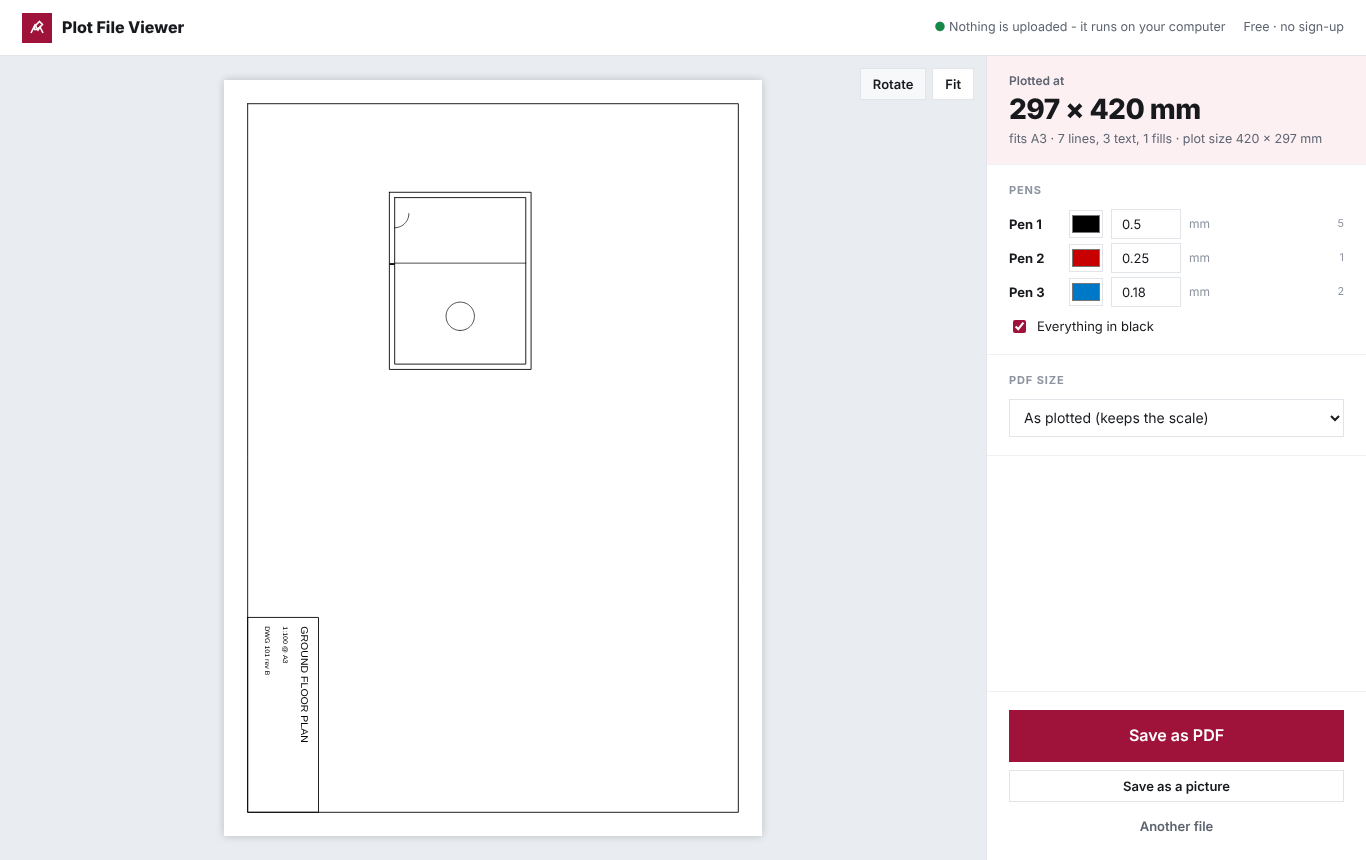
Turn it, and print everything in black.
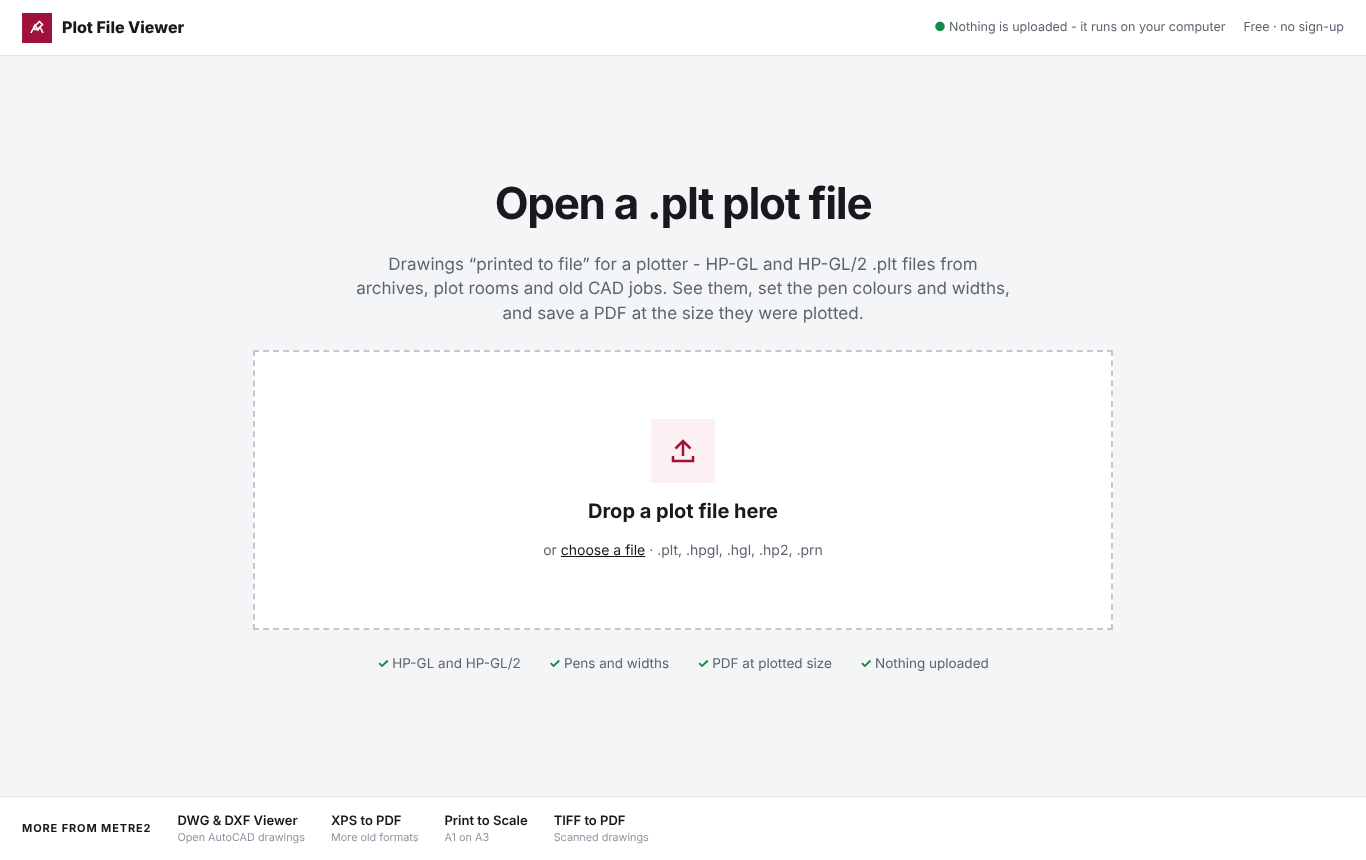
Drop a plot file to start.
Yes - no sign-up, no limits.
A drawing sent to a plotter and saved to a file instead - usually HP-GL or HP-GL/2 pen commands. CAD programs make them when you “plot to file”.
Yes, with As plotted: the PDF is the plotted size. Print it at Actual size.
Some printer drivers write PostScript or a raster picture into the .plt instead of HP-GL. Those aren’t read here.
No - everything happens in your browser.
Free, in your browser, with nothing uploaded. Works best in Chrome or Microsoft Edge on a computer.
Microsoft and the Microsoft Store logo are trademarks of the Microsoft group of companies.
