No Outlook needed
RFIs, site instructions and variations get forwarded as .msg files that won’t open on a Mac, a phone or a PC without Outlook. Open them here: read the email, save its attachments - including emails attached inside emails - and save it as a PDF with its PDF and picture attachments after it, ready for the project file.
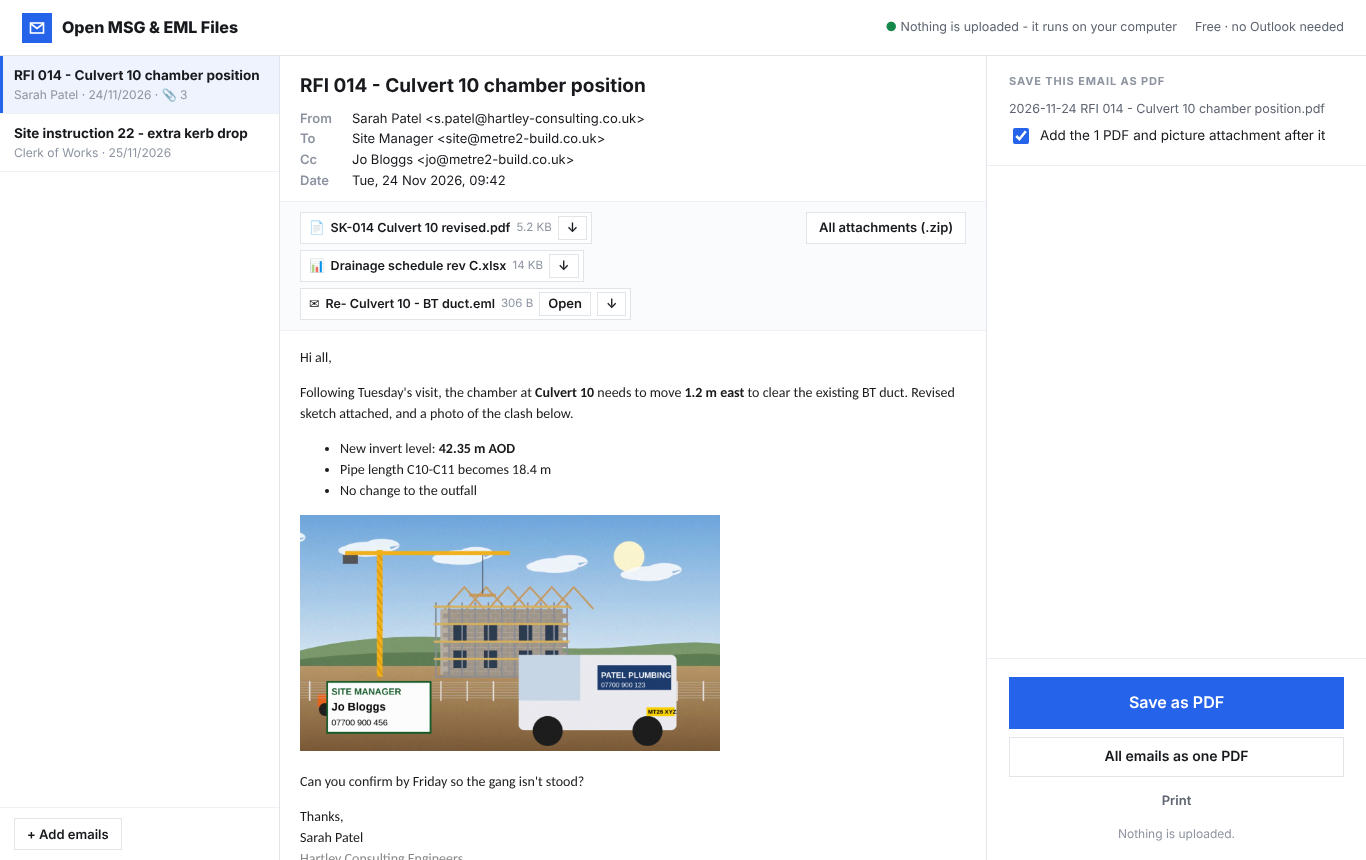
Outlook .msg files, .eml from any mail program, and winmail.dat attachments.
Save one or all of them - and open emails attached inside emails.
With the PDF and picture attachments added after it, for the record.
Drop a folder’s worth and save them all as one PDF.
Pictures from the internet aren’t loaded, so senders can’t tell you’ve opened it.
Your emails stay on your computer.
Free · In your browser · Nothing uploaded · MSG, EML, winmail.dat
Another email from the same batch, and the start screen.
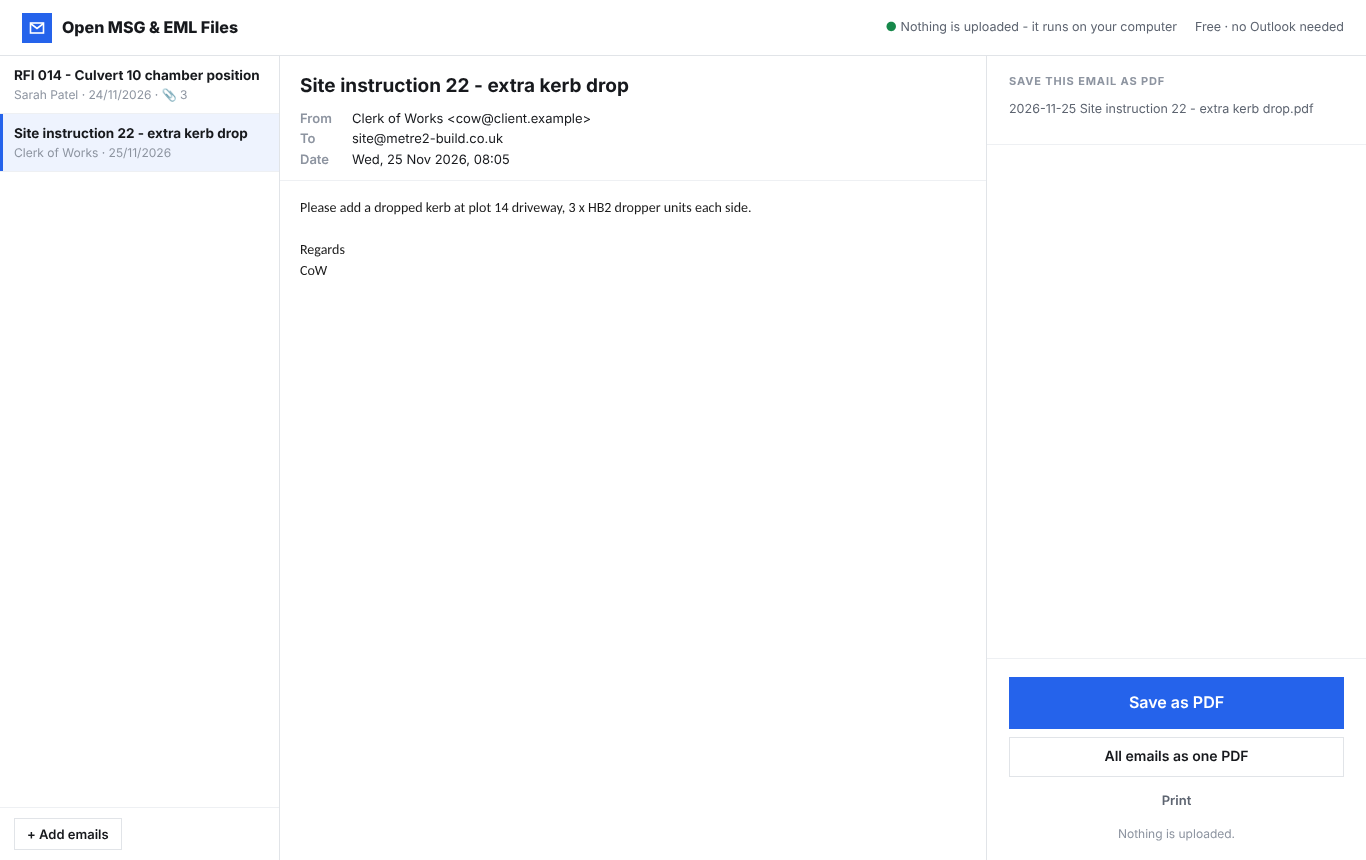
Drop several emails and click between them.
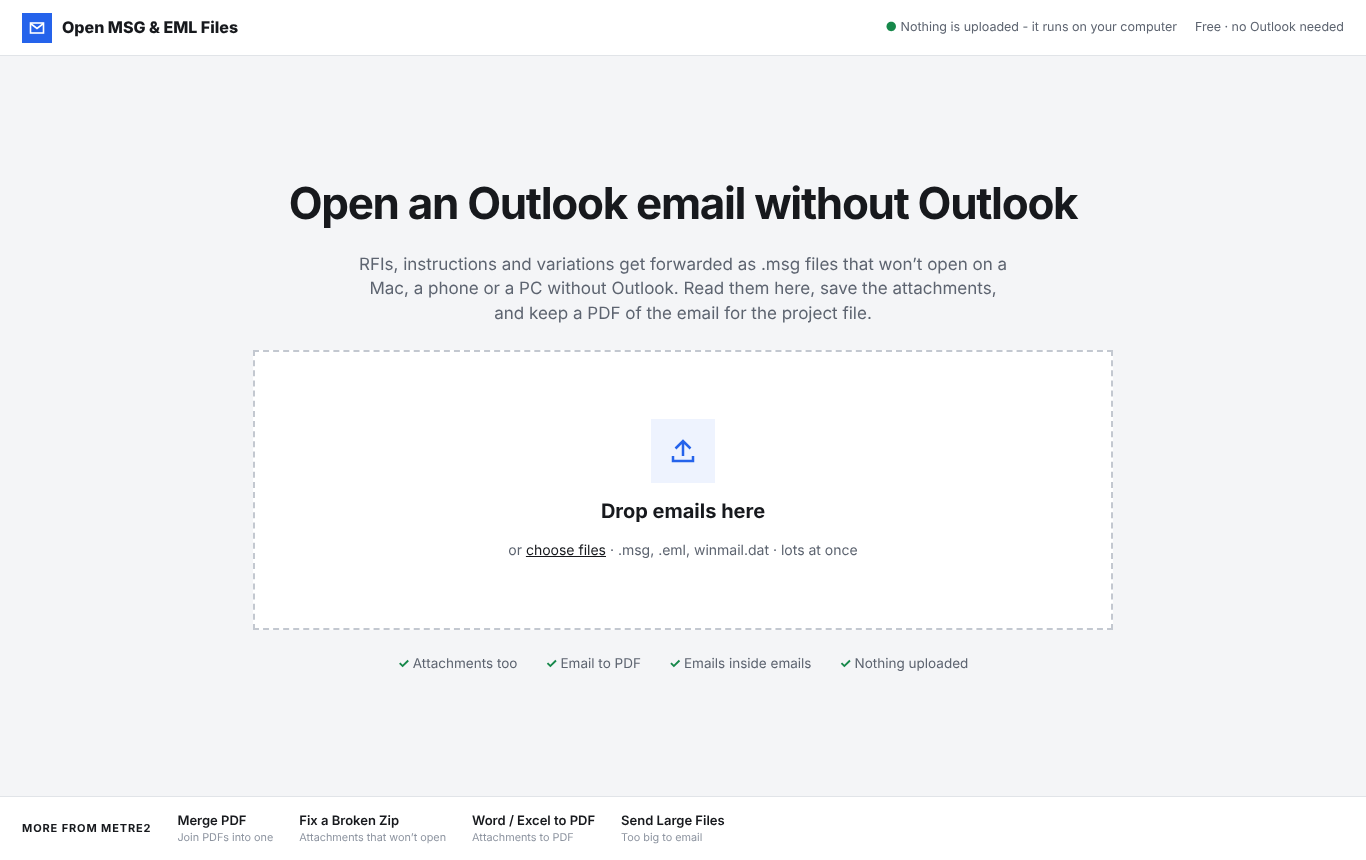
Drop emails to start.
Yes - no sign-up, no limits.
Drop it on the page. The email, with who it’s from and to, the date and the attachments, opens straight away - on Windows, Mac, Chromebook or a tablet.
When Outlook sends in its own format, other mail programs show the attachments as one winmail.dat file. Drop it here to get them out.
Yes - press Save as PDF. Tick the box to add its PDF and picture attachments after the email.
No - everything happens in your browser.
Free, in your browser, with nothing uploaded. Works best in Chrome or Microsoft Edge on a computer.
Microsoft and the Microsoft Store logo are trademarks of the Microsoft group of companies.
