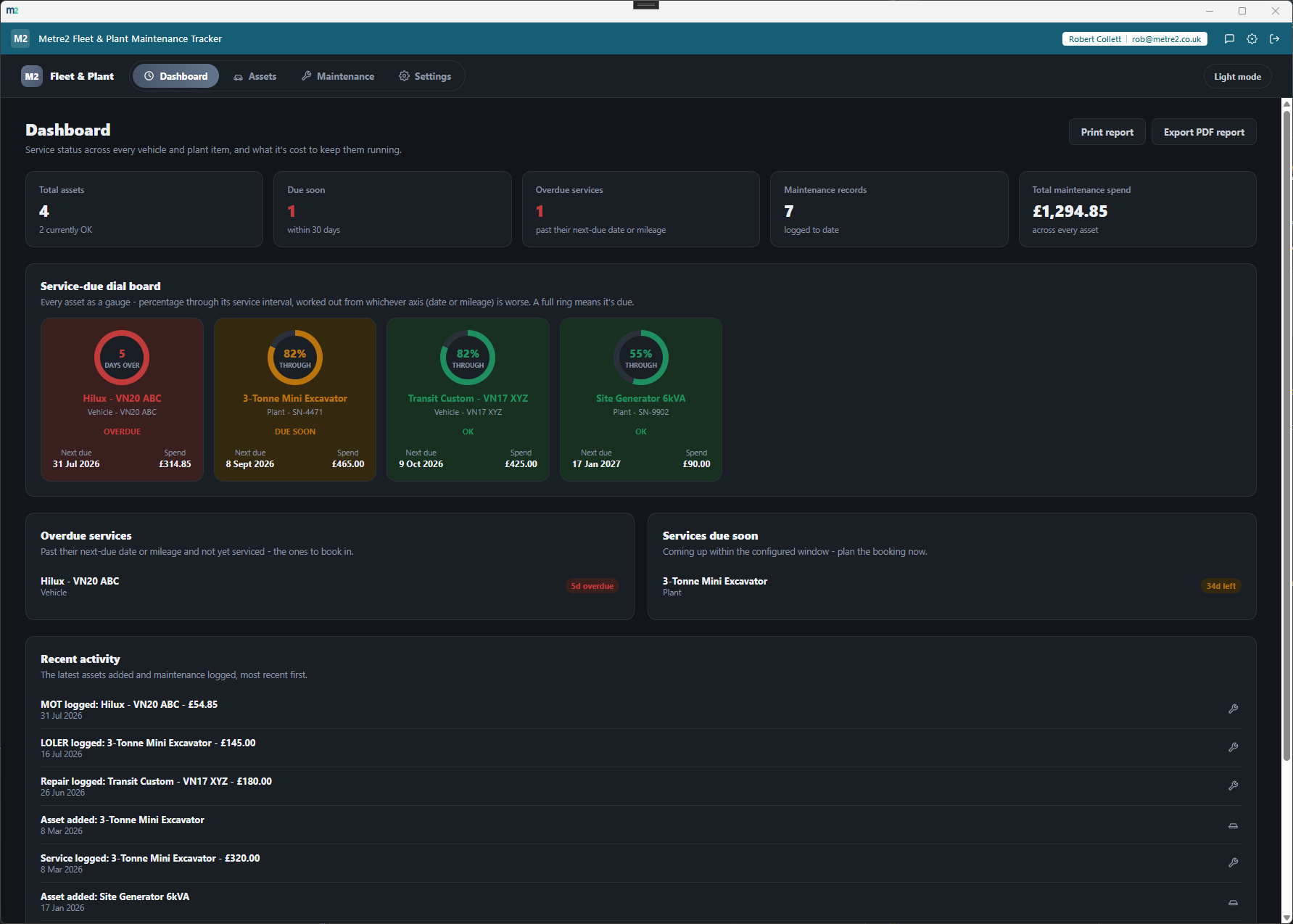
Every vehicle and every machine, one service-due dial board
Fleet & Plant Maintenance Tracker
Track service and inspection due dates for the vehicles and plant you own - a
dial board shows every asset as a gauge, colour-coded OK, due soon or overdue by
date and mileage, alongside a full maintenance history and its running cost.
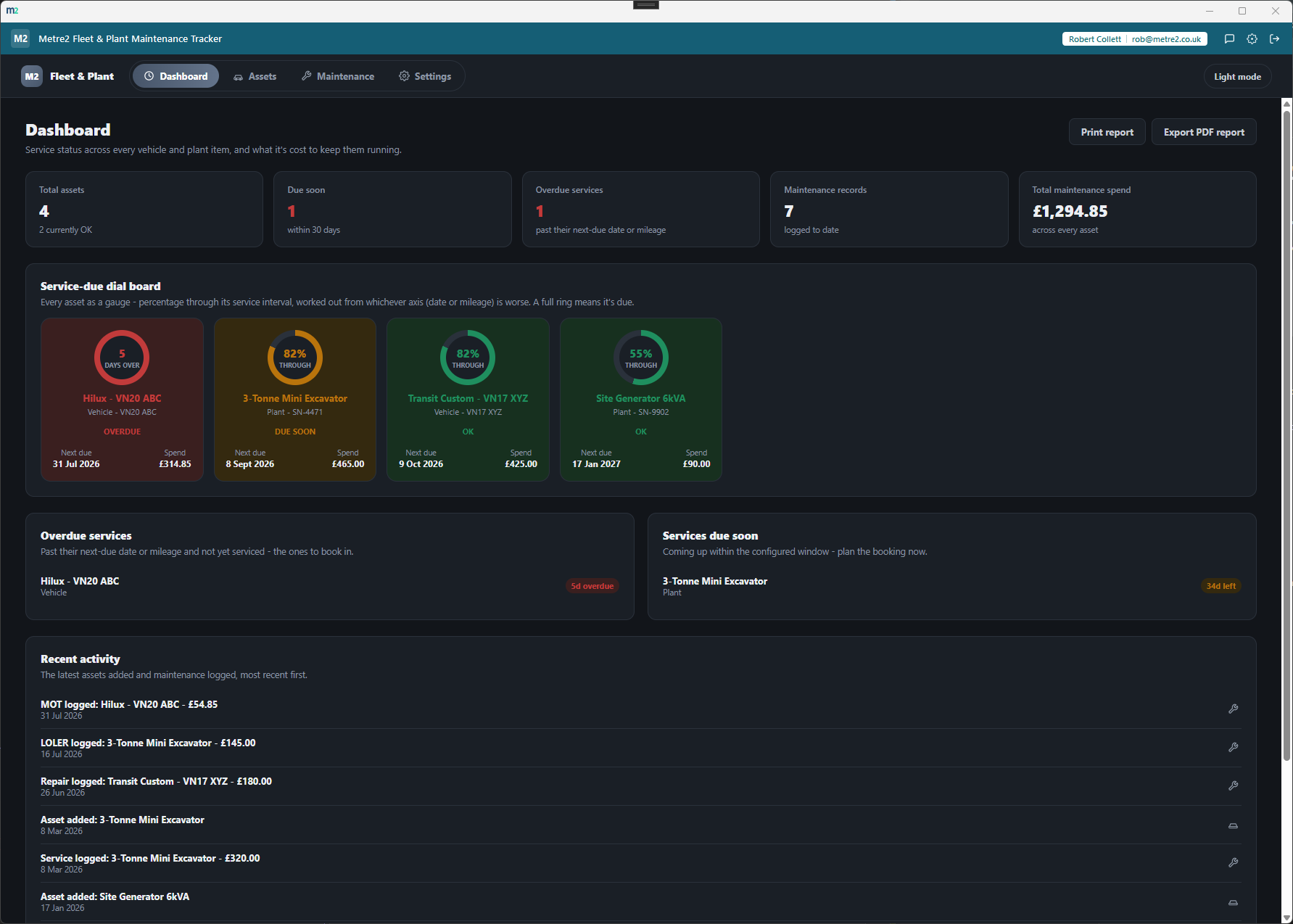
Every owned vehicle and machine shown as a gauge - a ring that fills as it
approaches its next service, colour-coded OK, due soon or overdue, so nothing
quietly runs past its next service unnoticed.
Tracks whichever axis matters
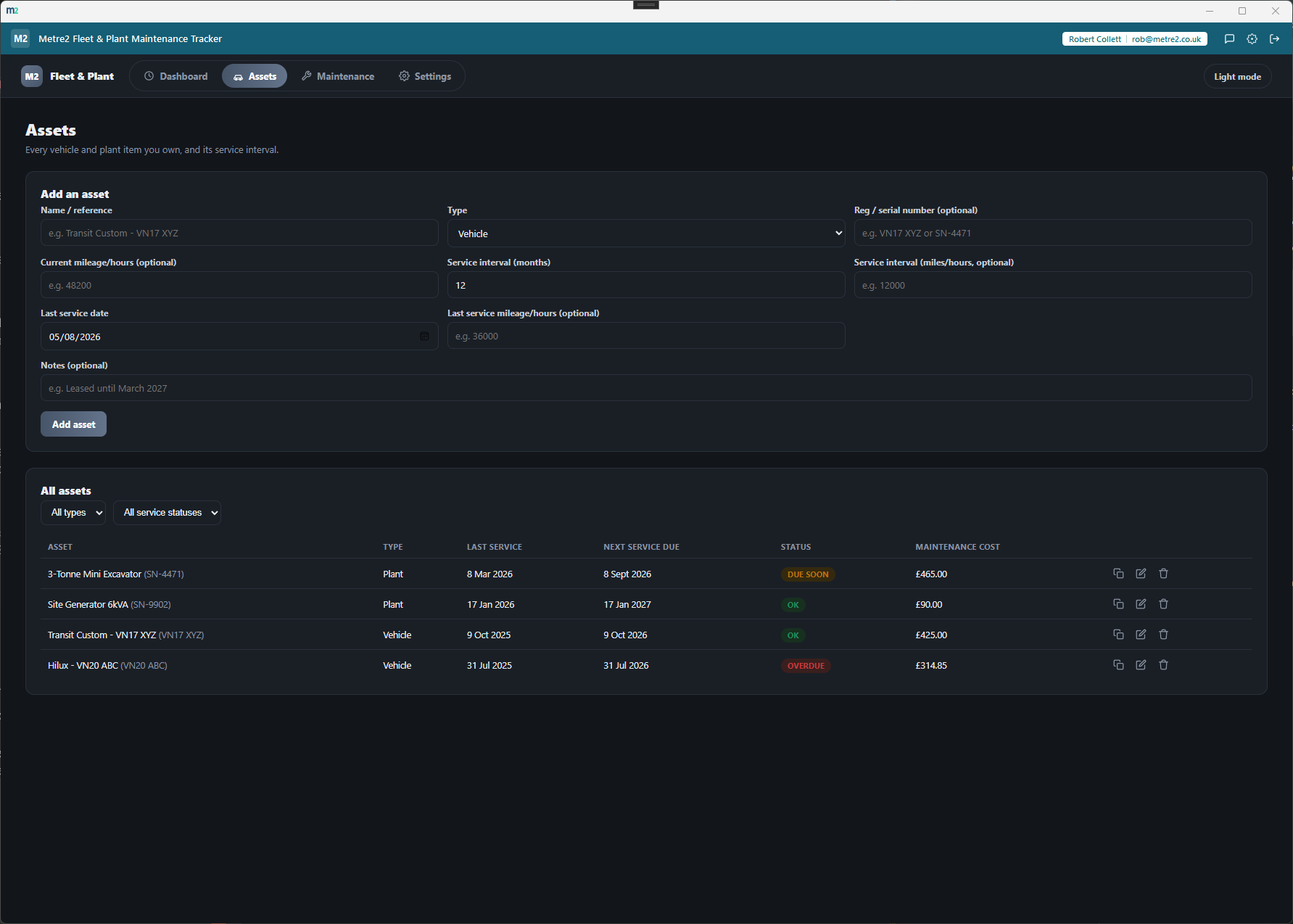
Set a service interval by months, by mileage, or both - the asset's status
is worked out from whichever axis is worse, so a high-mileage van due next
week never hides behind a date that's months away.
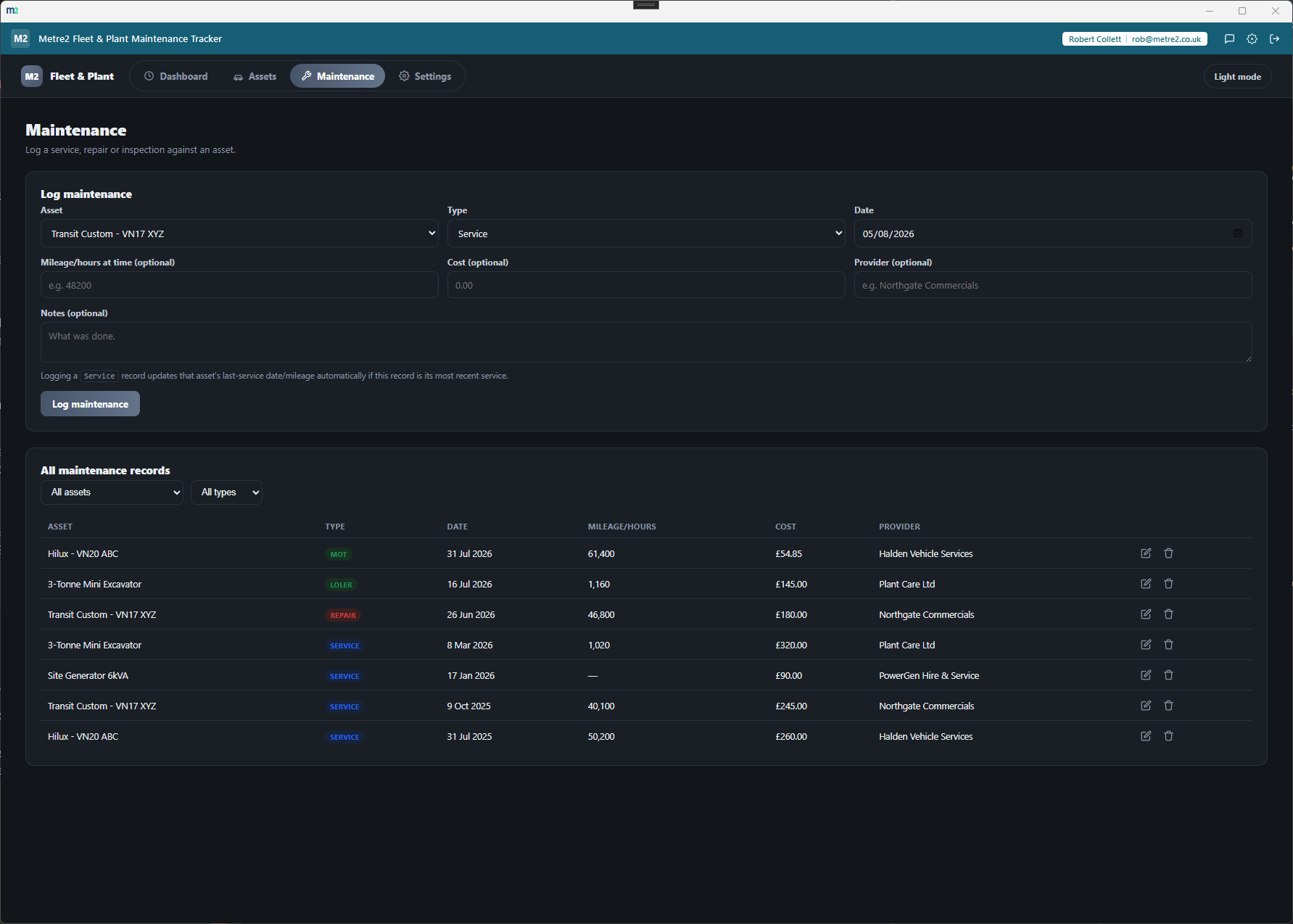
Logging a service updates the asset automatically
Log a maintenance record as a service and the asset's last-service date and
mileage roll forward on their own - no separate manual edit step to remember.
Statutory inspections, not just servicing
Log records as service, repair, inspection, MOT, LOLER or PUWER, so routine
maintenance and statutory lifting/work-equipment checks sit in one history.
Filter assets and records however you need
Filter assets by type and status, and maintenance records by asset or type,
so a mixed fleet of vans, vehicles and plant never turns into one long list.
Works entirely offline
Every asset and maintenance record is stored on your own device - no server
dependency for day-to-day use, just the shared Metre2 account for sign-in.
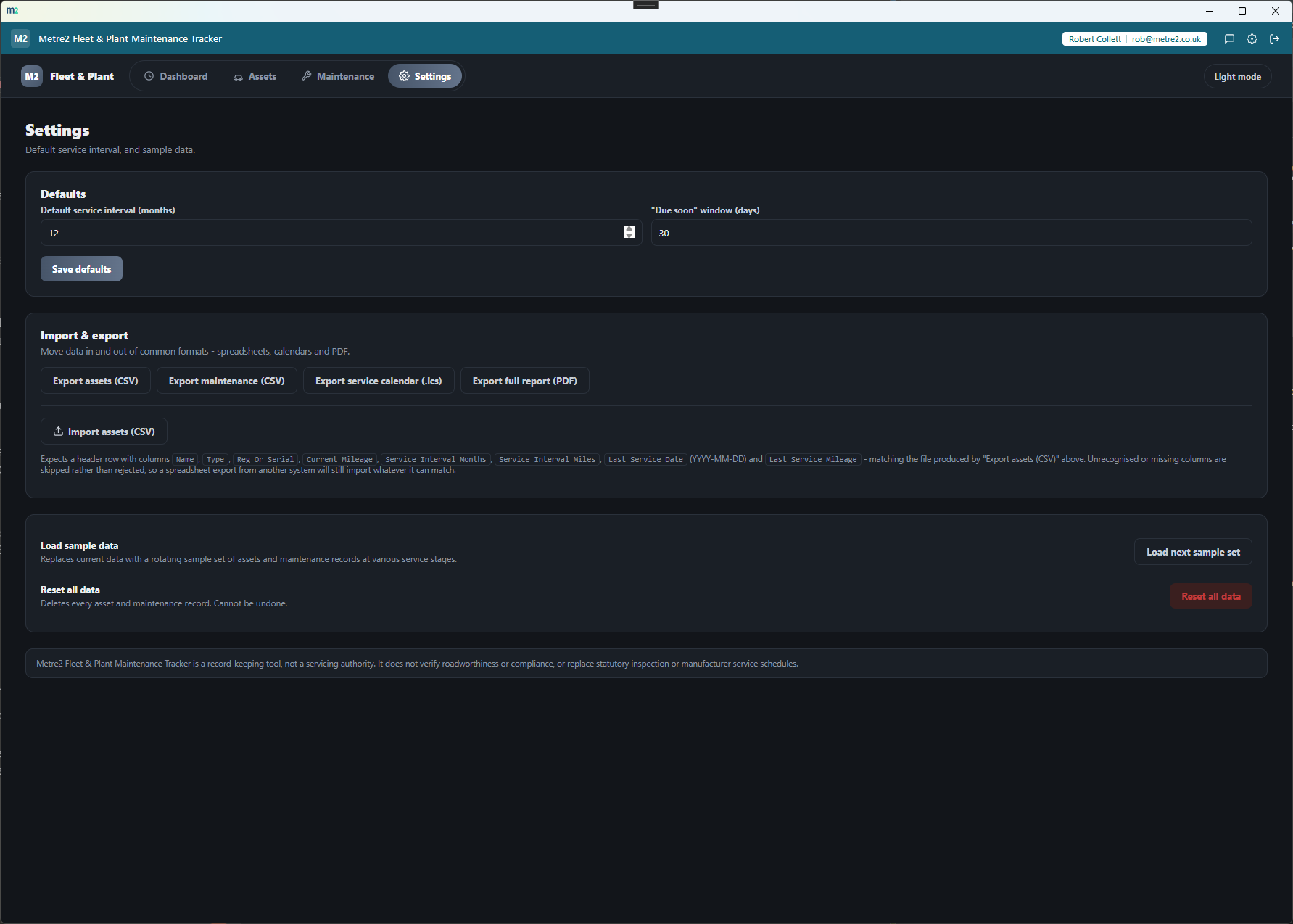
Move data in and out freely
Export assets and maintenance records to CSV, export upcoming service dates
to a calendar file (.ics), export a full PDF report or print it directly,
and import a batch of assets from a CSV file.
Running cost per asset and a recent activity feed
Every maintenance record's cost rolls up into a per-asset total and a
fleet-wide spend figure, and a recent activity feed keeps the latest work
in view without digging through tables.
How it compares to Fleetio
Fleetio is a well-known cloud fleet maintenance platform. It's built for bigger, telematics-
connected fleets - here's how a focused, one-off desktop tool compares for a contractor who
just needs service-due tracking done well.
Feature
Fleet & Plant Maintenance Tracker
Fleetio
Pricing model
£9.99 one-off after trial
From $4/vehicle/month, 5-vehicle minimum
Cost scales with fleet size
✕
✓
Works fully offline
✓
✕
Date + mileage/hours dual-axis service tracking
✓
✓
Named LOLER/PUWER statutory inspection types
✓
~
Telematics/GPS integrations
✕
✓
Fuel purchase & consumption tracking
✕
✓
Native iOS/Android mobile app
✕
✓
One account across a whole app portfolio
✓
✕
Comparison based on Fleetio's publicly listed pricing and features as of August 2026
(fleetio.com, G2, Capterra) - pricing and features change over time, so check
fleetio.com for current details. Fleetio is a trademark of its respective owner; this
comparison is for informational purposes and isn't sponsored by or affiliated with
Fleetio.
See it in action
Frequently asked questions
Is this the same as Vehicle Daily Check Log?
No - Vehicle Daily Check Log is a daily pass/fail walkaround check per vehicle, with no service concept at all. This app tracks scheduled servicing and statutory inspection due dates against mileage/date intervals, plus a maintenance history and its cost - there's no daily-check form anywhere in it.
Is this the same as Plant Hire Tracker?
No - Plant Hire Tracker tracks hired-in equipment's hire cost, return date and overdue charges. This app is for vehicles and plant your business owns, not equipment it's renting, and has no hire/return concept anywhere in it.
How is service status worked out when I track both a date interval and a mileage interval?
Each axis is checked independently and the asset shows whichever is worse. A vehicle due by mileage next week but not due by date for two months still shows as due soon, because the mileage axis is the one that matters.
Do I have to manually update an asset's last service date after logging a service?
No - logging a maintenance record with type "Service" automatically rolls the asset's last-service date and mileage forward, provided the record's date is on or after the asset's current last-service date.
Can I track statutory inspections like LOLER or PUWER, not just routine servicing?
Yes - maintenance records can be logged as service, repair, inspection, MOT, LOLER or PUWER, so both routine servicing and statutory lifting/work-equipment inspections sit in the same history against the same asset.
Can I get my data into a spreadsheet, calendar or PDF?
Yes - export assets and maintenance records to CSV for a spreadsheet, export upcoming service dates to a calendar file (.ics) for Outlook or Google Calendar, or export a full PDF report and print it directly. You can also import a batch of assets from a CSV file.