“The compressed folder is invalid”
A download cut short, a USB stick pulled out too early, an email attachment mangled on the way - and Windows refuses to open the ZIP. Usually most of the files are still in there. This finds every one, checks it, tells you which are whole, which are damaged and which are gone, and puts the good ones into a fresh ZIP. Word, Excel and PowerPoint files are ZIPs inside, so it repairs those too.
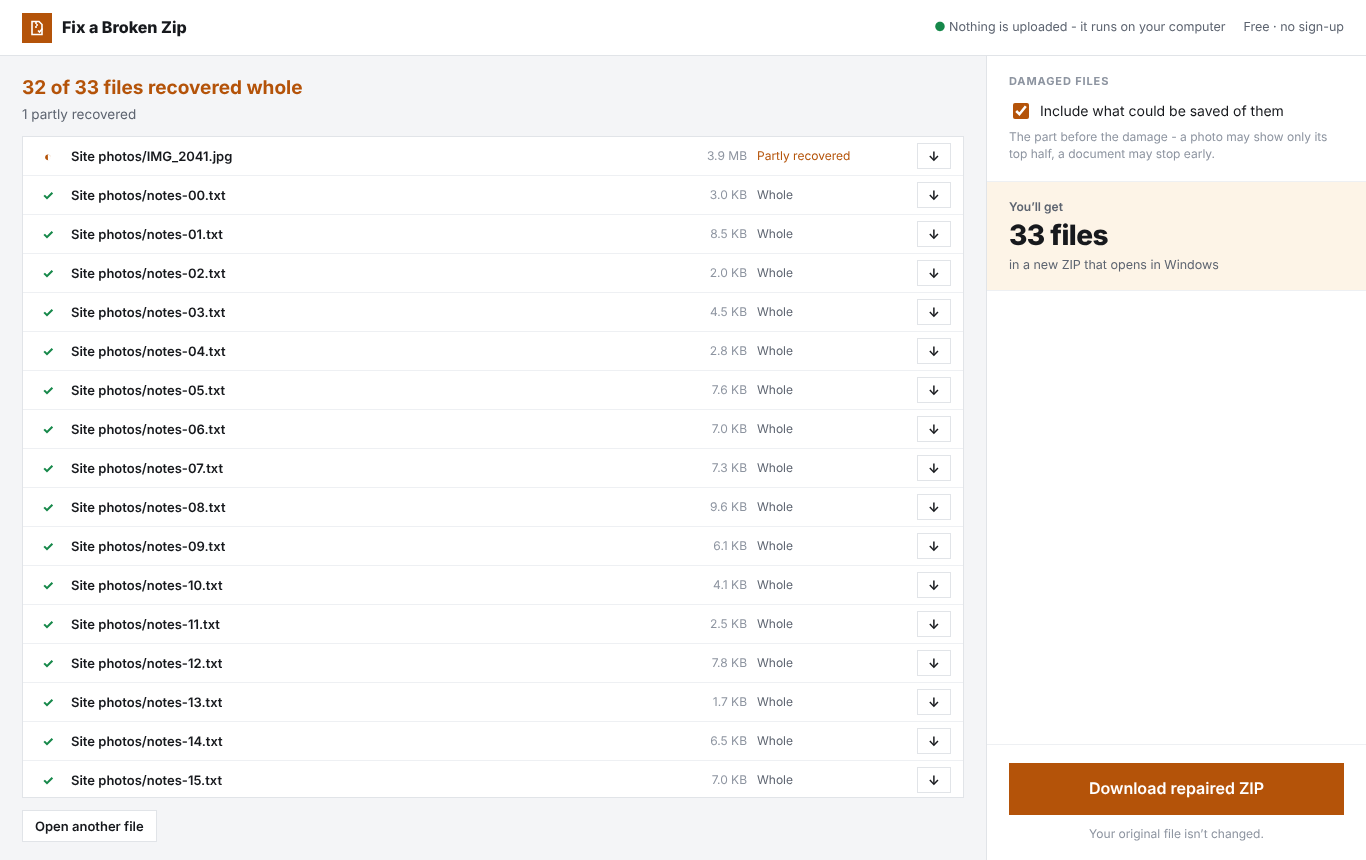
Reads the ZIP's own list and searches the whole file, so files are found even when the list at the end is missing.
Every file is unpacked and its checksum compared - whole, partly recovered or lost, shown for each.
The good files go into a new ZIP that Windows and Mac open normally.
Repairs .docx, .xlsx and .pptx that “can't be opened because there are problems with the contents”.
From a damaged file, the part before the damage is kept - often most of a photo or document.
Your files stay on your computer.
Free · In your browser · Nothing uploaded · ZIP, DOCX, XLSX, PPTX
A repaired Excel file, and the start screen.
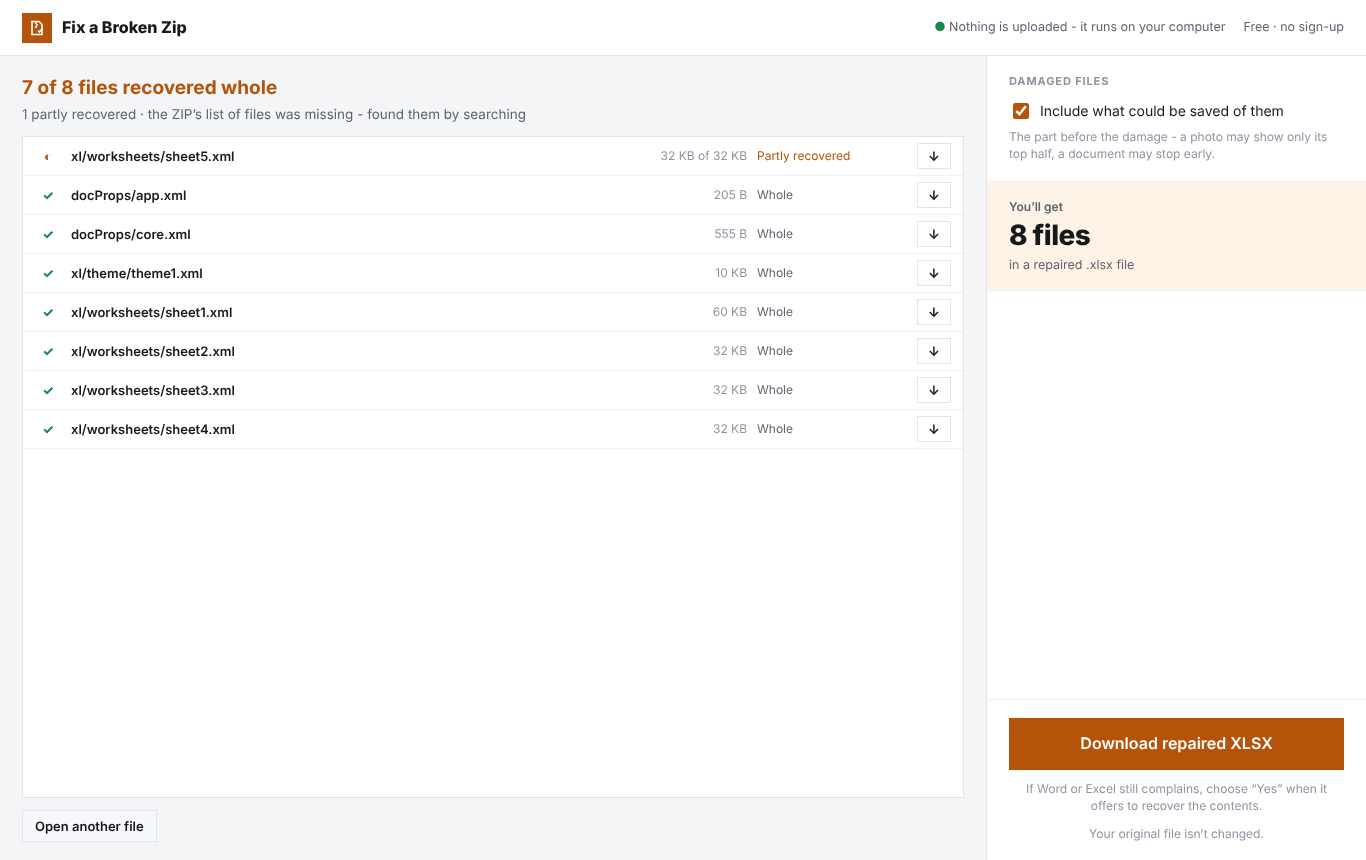
Excel, Word and PowerPoint files are repaired too.
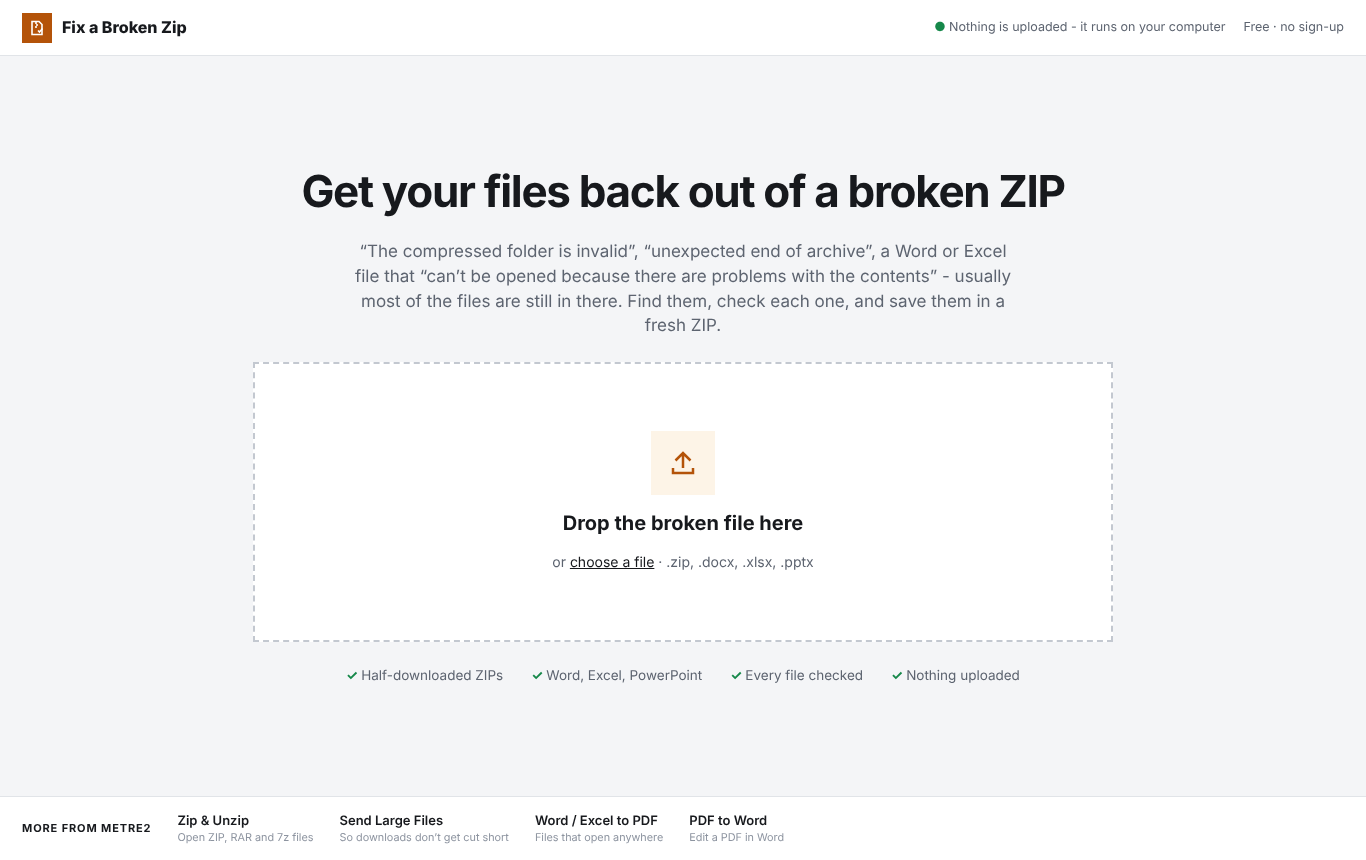
Drop the broken file to start.
Yes - no sign-up, no limits.
Usually the end of the file is missing - a download stopped early or a copy was interrupted. The end holds the ZIP's list of files, so Windows gives up, even though the files themselves are still there.
Every file whose data is still in the ZIP. A file inside the missing or damaged part can only be partly recovered, or not at all.
It shows which files are password-protected but can't unpack them. Use Zip & Unzip with the password.
Often - the repaired file opens in Word or Excel. If it still complains, choose Yes when Office offers to recover the contents.
No - everything happens in your browser.
Free, in your browser, with nothing uploaded. Works best in Chrome or Microsoft Edge on a computer.
Microsoft and the Microsoft Store logo are trademarks of the Microsoft group of companies.
