Free up space
Phones, WhatsApp and backups leave the same photo in a folder three or four times - full size, resized, as HEIC and as JPG. Choose the folder and see every group of copies, with the best one picked to keep. The rest go into a Duplicates folder you can check before deleting - and Undo puts them back.
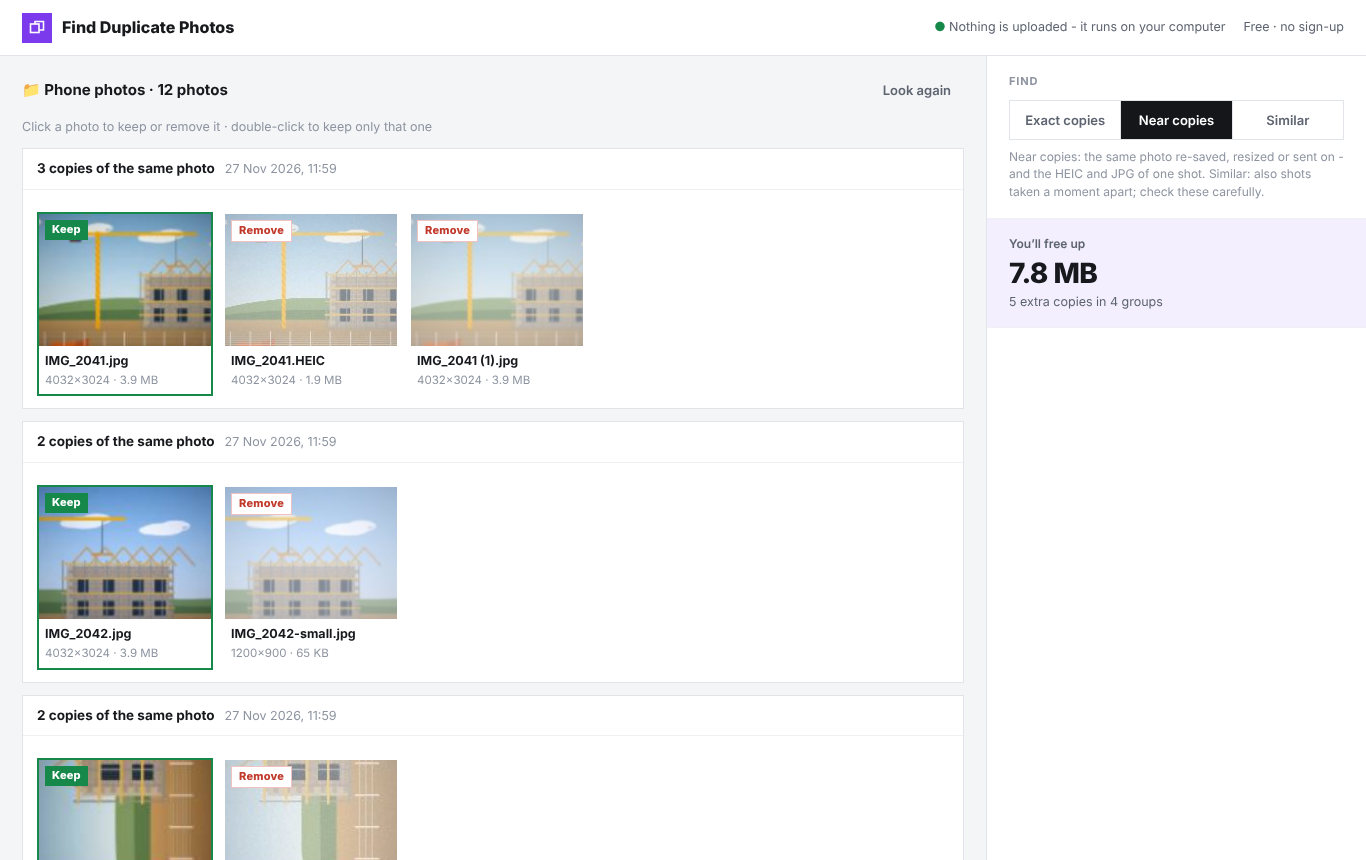
Byte-for-byte copies, and the same photo resized, re-saved, sent by WhatsApp or kept as HEIC and JPG.
The biggest picture with the original name is kept - click to choose another.
Looks through the folders inside too.
Duplicates go to a Duplicates folder to check first, and Undo puts them back.
Optionally find shots taken a moment apart - check these by eye.
Photos are compared on your computer.
Free · In your browser · Moves, with undo (Chrome, Edge) · Nothing uploaded
After moving the copies, and the start screen.
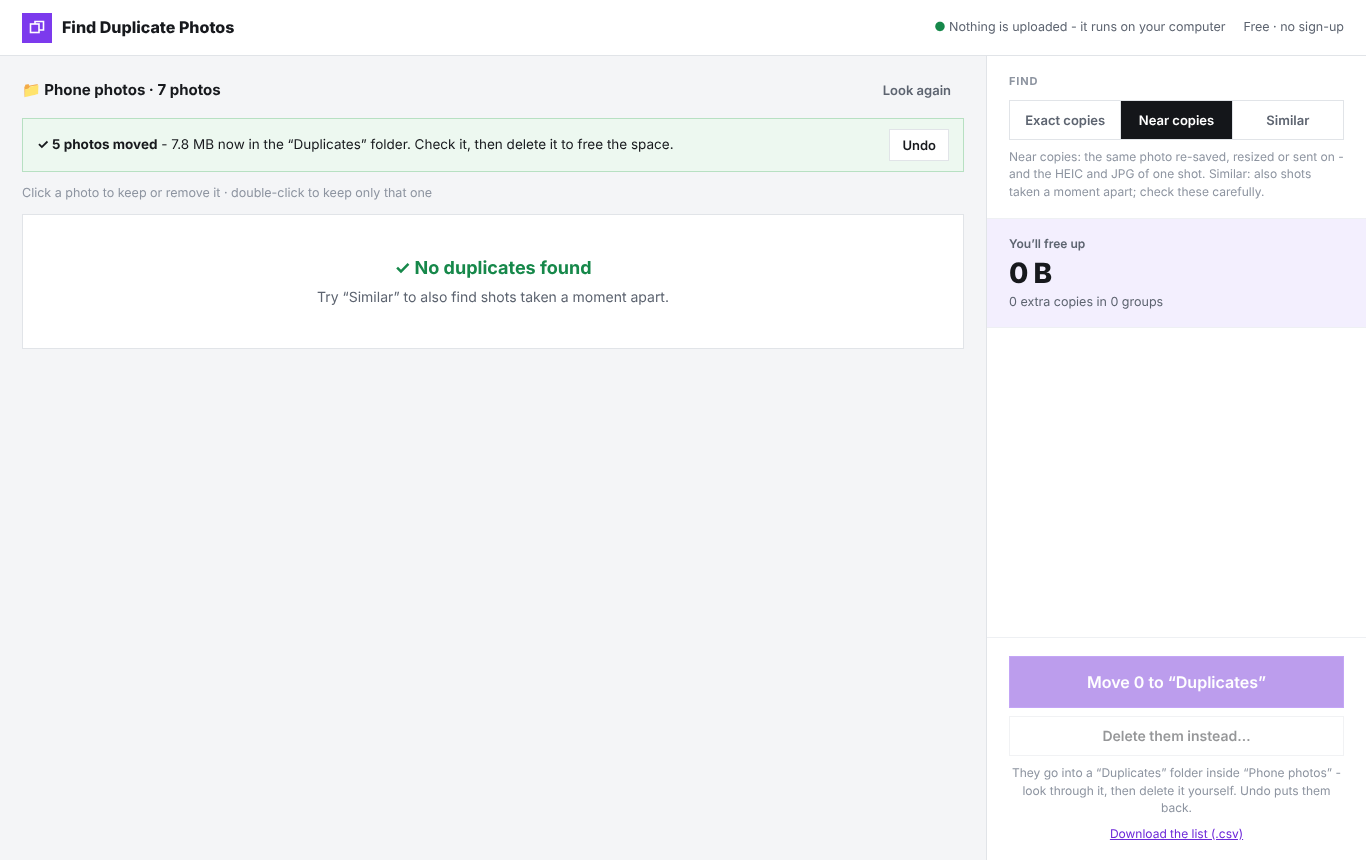
Moved into a Duplicates folder - Undo puts them back.
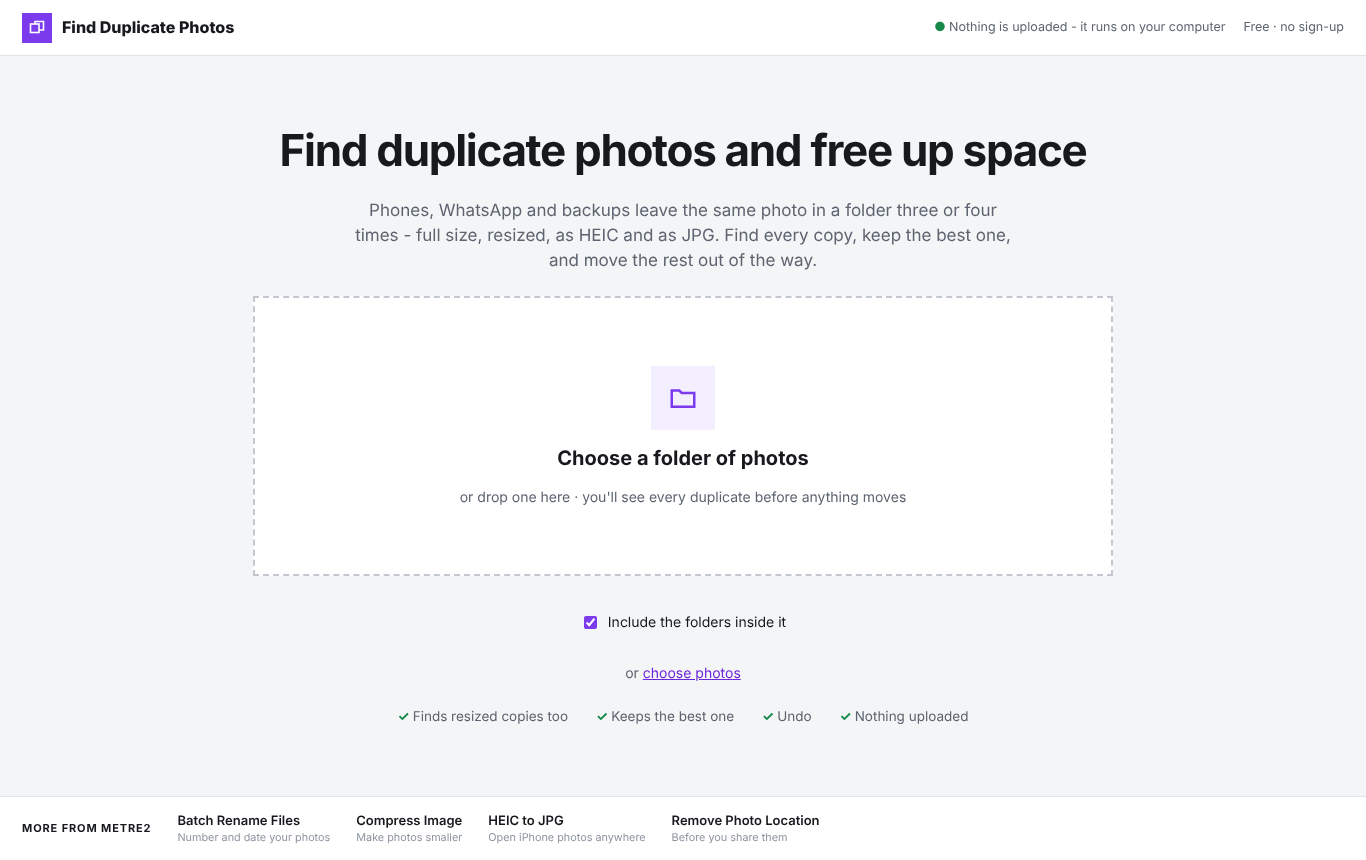
Choose a folder to start.
Yes - no sign-up, no limit.
Not unless you ask. They're moved into a Duplicates folder inside the one you chose - look through it, then delete it yourself.
Exact copies match byte for byte. Near copies are compared by a tiny fingerprint of what the picture looks like, so a resized or re-saved copy still matches.
It finds duplicates in any browser. Moving them needs Chrome or Edge; elsewhere you can download the list.
No - everything happens in your browser.
Free, in your browser, with nothing uploaded. Works best in Chrome or Microsoft Edge on a computer.
Microsoft and the Microsoft Store logo are trademarks of the Microsoft group of companies.
