Tidy names in seconds
Turn IMG_2041.JPG, IMG_2042.JPG… into “Plot 12 roof - 2026-11-14 - 01”. Choose a folder, build the new name from the old one, a number, the date the photo was taken or the folder name, swap words, tidy capitals and spaces - and see every new name before anything changes. Changed your mind? Undo.
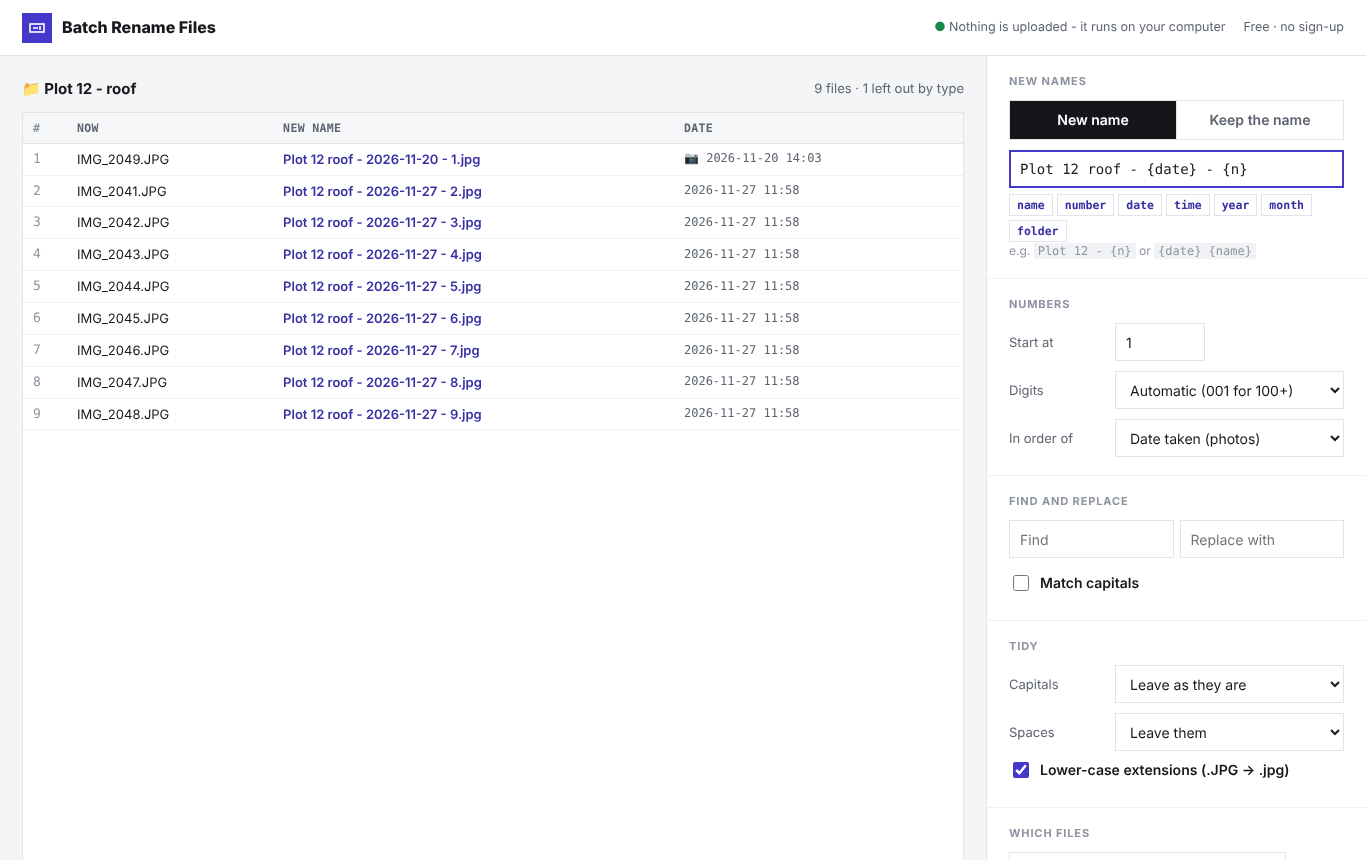
Mix the old name, a number, the date and time taken, the year or month, and the folder name.
Dates come from the photo itself, not the date it was copied - so they sort in the order they were taken.
Swap a word in every name, or take one out.
lower case, Title Case or CAPITALS, spaces to _ or -, and .JPG to .jpg.
Every new name is shown before anything changes, with clashes flagged.
Put the old names back straight after.
Free · In your browser · Renames in place (Chrome, Edge) · Undo
Done, with undo - and the start screen.
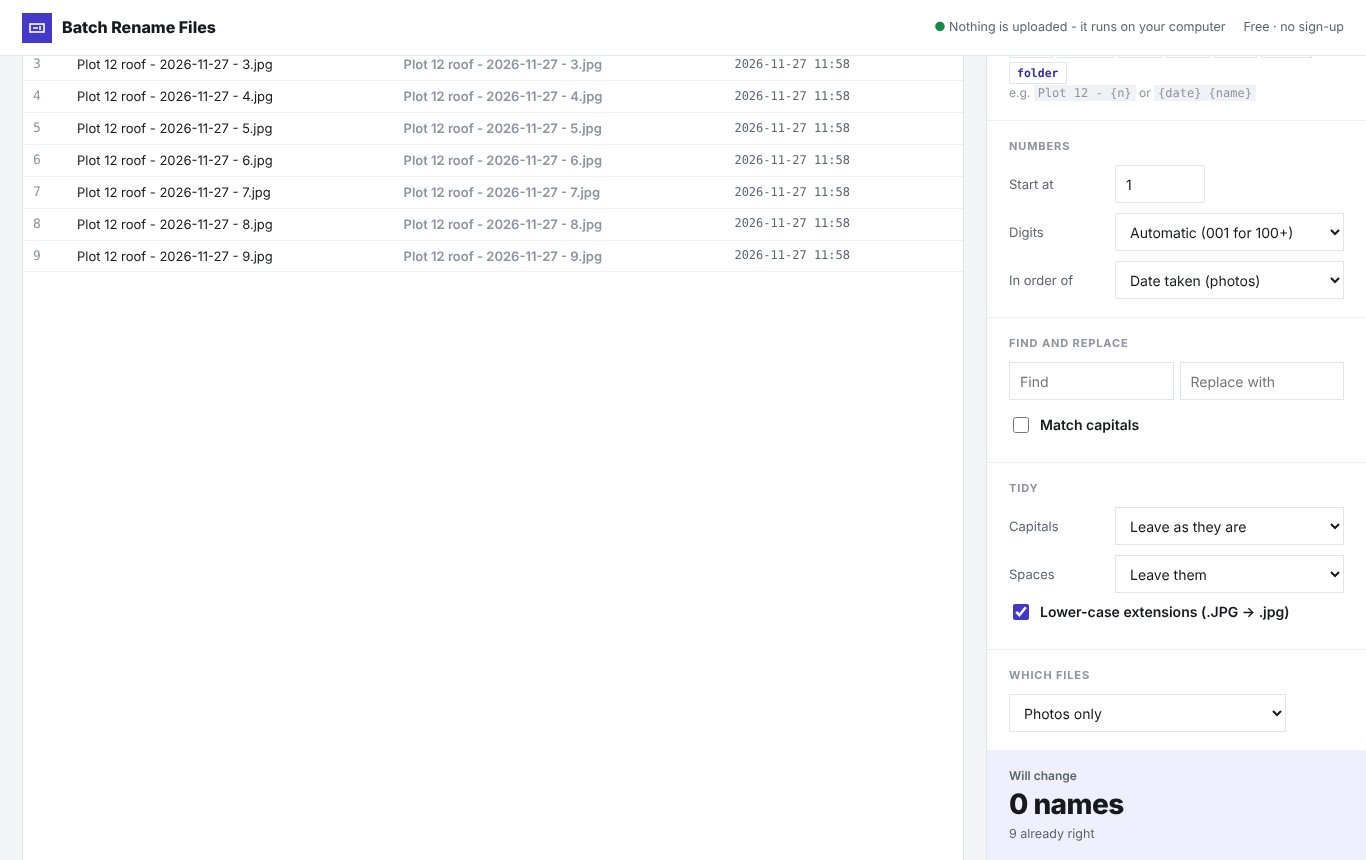
Done - with undo straight after.
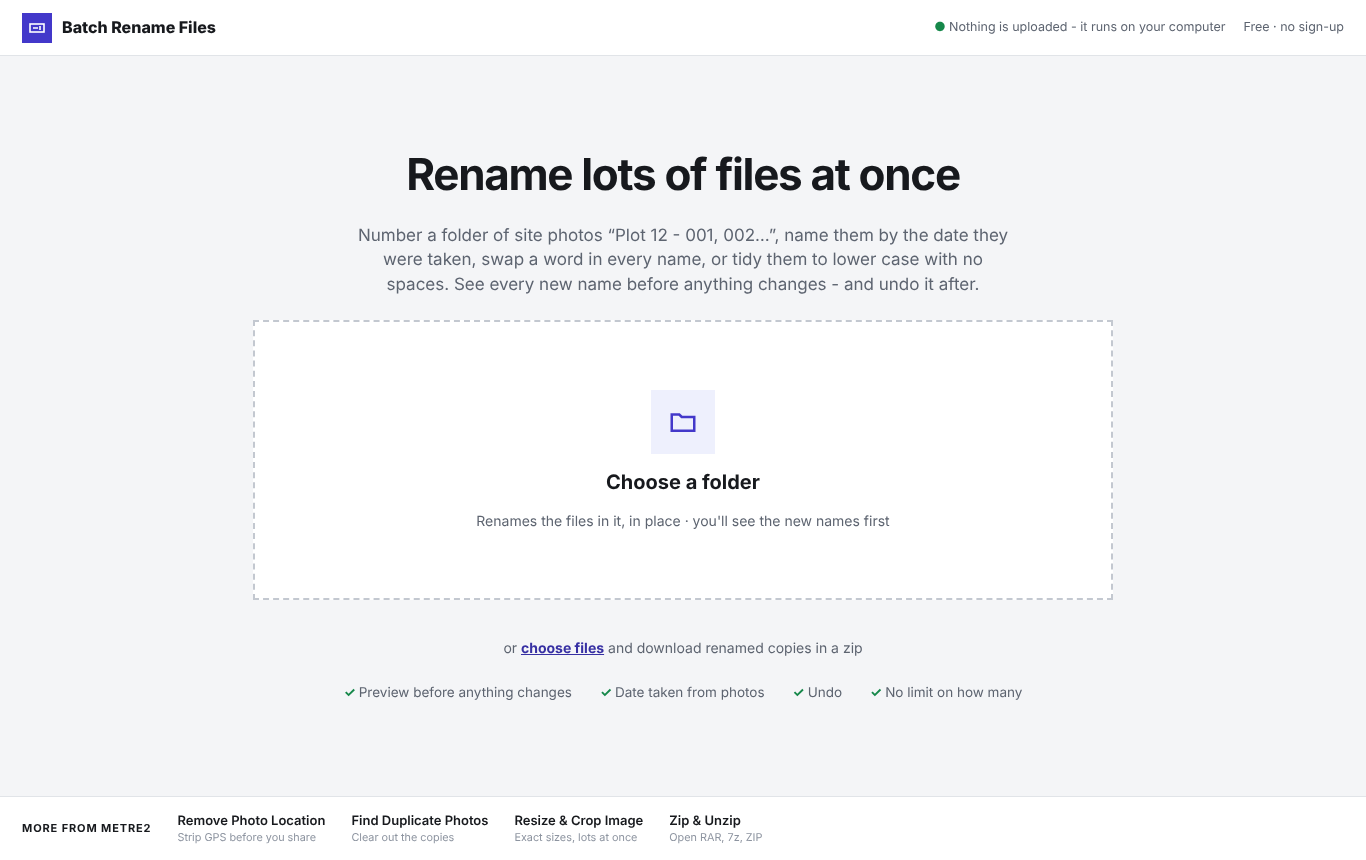
Choose a folder to start.
Yes in Chrome and Edge - after you choose a folder and allow it. In Firefox and Safari you get renamed copies in a zip.
Yes - use {date} in the name and sort by Date taken.
They're flagged in red and nothing is renamed until it's sorted.
Yes - press Undo straight after.
No - the files stay on your computer.
Free, in your browser, with nothing uploaded. Works best in Chrome or Microsoft Edge on a computer.
Microsoft and the Microsoft Store logo are trademarks of the Microsoft group of companies.
