Converts between cost, price, margin and markup, so a product or service gets priced
correctly the first time. A split price bar shows margin (profit ÷ price) and
markup (profit ÷ cost) side by side - the same profit amount is genuinely two
different percentages depending which figure you divide by. Save priced items to a
comparison table.
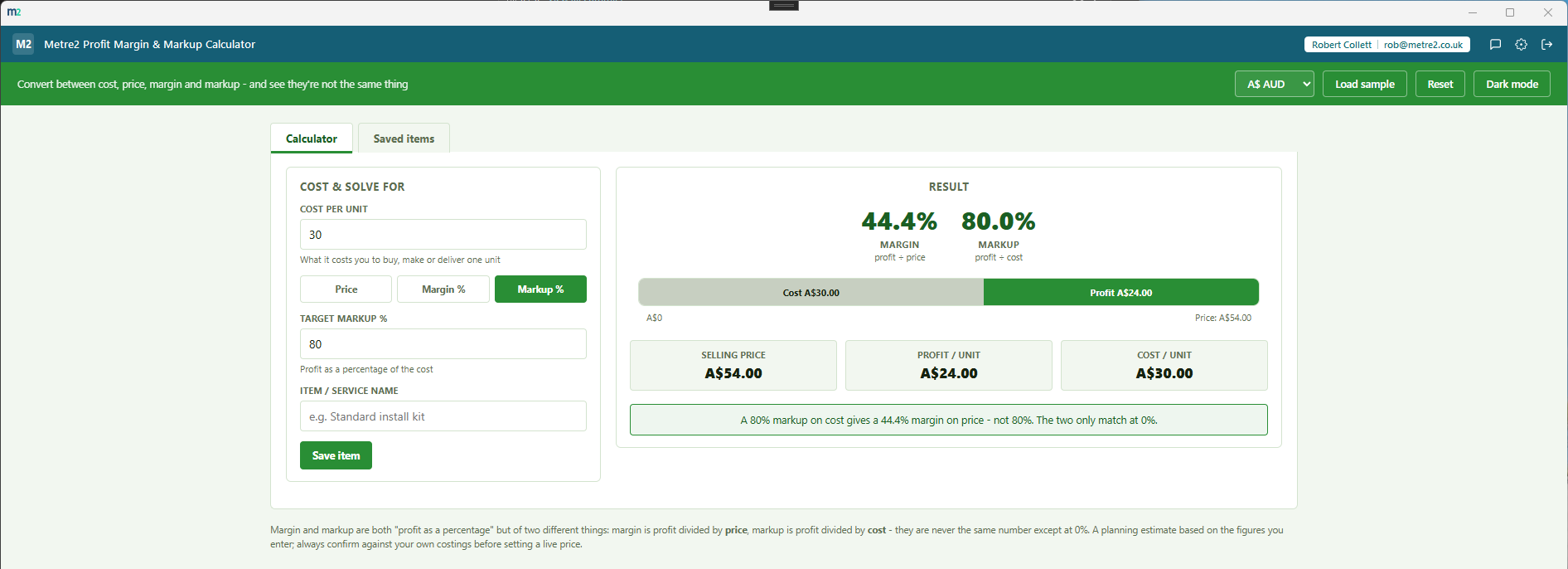
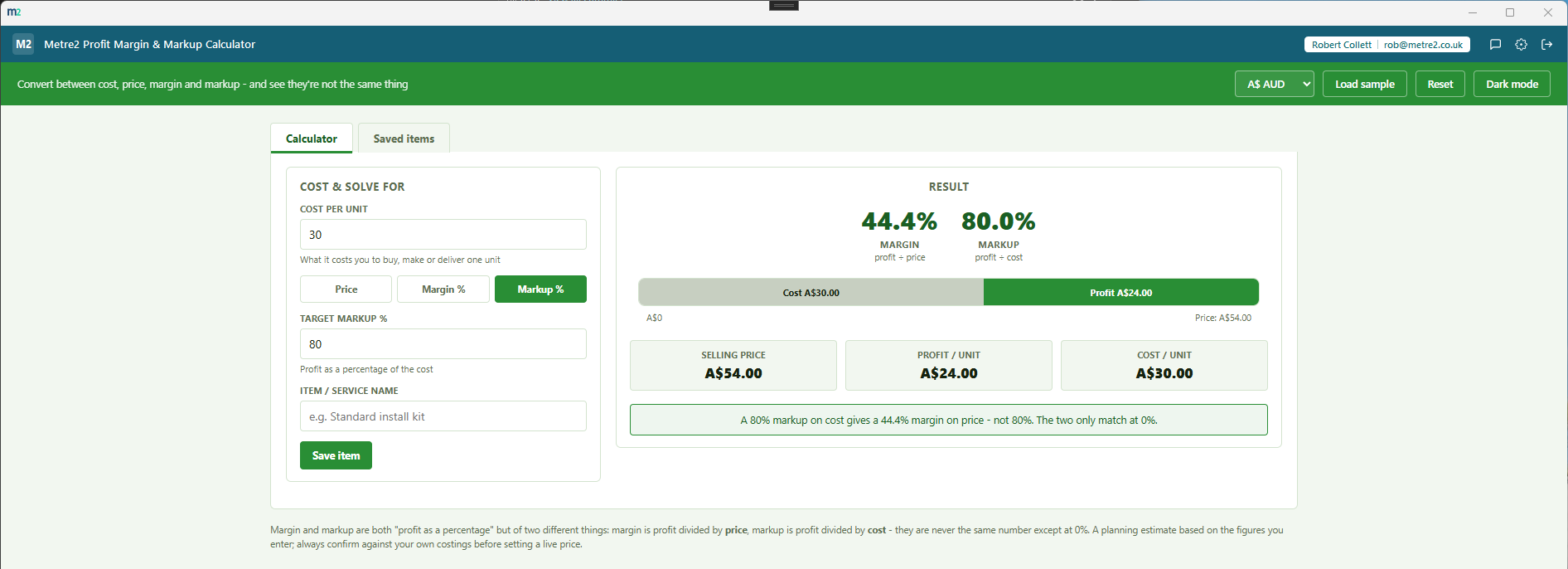
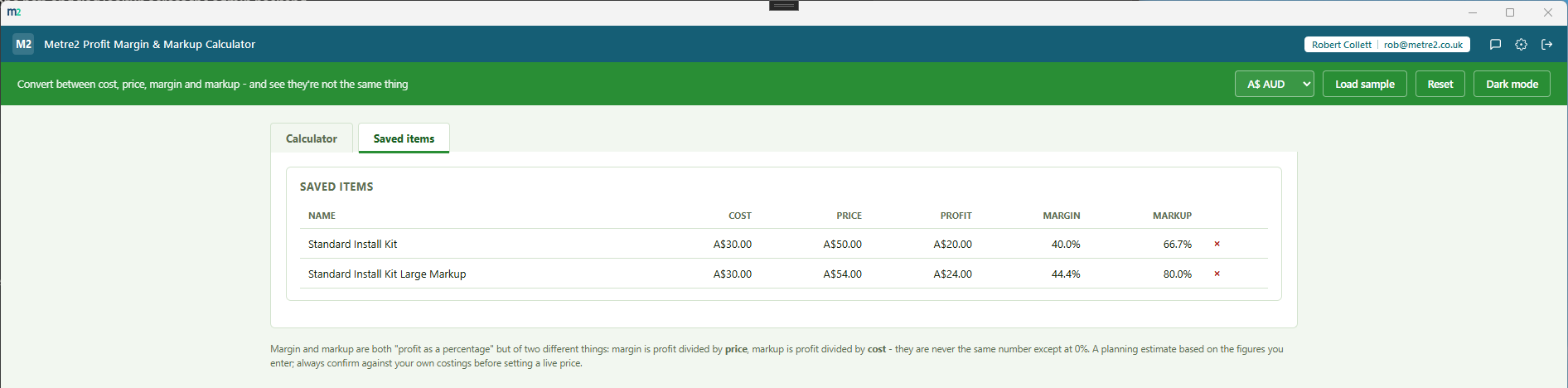
The Calculator tab solving a sample item's price from a target margin, and the Saved items tab comparing three priced items.
Calculator tab - cost and mode inputs on the left, split price bar and figures on the right
Saved items - priced items compared side by side
Margin and markup, side by side
The same profit amount, shown as two different percentages - margin (profit ÷
price) and markup (profit ÷ cost) - so you never mix the two up when quoting a
price.
A split price bar, not just numbers in a list
One bar divided at the cost/profit boundary - the cost portion and the profit portion,
drawn to scale against your actual price - so you can see the split at a glance.
Solve for price, margin or markup
Enter your cost, then pick what you want to solve for: a selling price (to see the
resulting margin/markup), a target margin percentage, or a target markup percentage -
whichever figure you're starting from.
Save and compare priced items
Name and save a priced item or service to a comparison table showing cost, price,
profit, margin and markup side by side - useful when pricing a full product line or
comparing service tiers.
Catches the 100%-margin trap
A margin target of 100% or more is mathematically impossible - the calculator flags it
clearly instead of returning a broken or infinite price, and suggests switching to
Markup % instead.
Six currencies
GBP, EUR, USD, AUD, CAD and NZD symbols - margin and markup arithmetic doesn't vary by
country, so you just pick the symbol that matches your own pricing.
Any product or service business
Not construction-gated or industry-specific - works for any business pricing a physical
product, a service, a resold item, or a subscription, whatever the trade.
Light/dark theme, and sample data
A light/dark toggle that remembers your choice, and "Load sample" fills in a realistic
cost and margin so you can see the calculation before entering your own numbers.
Works entirely offline
Everything lives in local storage on your device - no account, no server, no internet
connection required to use it day to day.
Genuinely thin, on purpose
No invoicing, no full costing suite, no forecasting - just the one question that
matters when you're setting a price: what's the margin, and what's the markup.
Distinct job from Break-Even Calculator
Break-Even Calculator answers "how many units do I need to sell to cover my costs".
This app answers a single-item pricing question: "if this costs me £X, what should I
charge, and is that a margin or a markup".
How it compares to a spreadsheet or a full pricing/costing platform
Most small businesses either build a margin formula in a spreadsheet from scratch each
time - and mix up margin and markup along the way - or pay for a full costing/pricing
platform they don't need. Here's how a dedicated, focused calculator compares.
Feature
Profit Margin & Markup Calculator
A spreadsheet
Full costing/pricing platform
Pricing model
£0.79 one-off after trial
Free (if you already have Excel/Sheets)
Per-user monthly subscription
Works fully offline
✓
✓ (local files)
✕ (cloud-hosted)
Shows margin and markup together, not just one
✓
✕ (build both formulas yourself, easy to mix up)
✓
Flags the impossible 100%+ margin input
✓
✕ (silently returns #DIV/0! or a wrong number)
✓
Saved items for side-by-side comparison
✓
✕ (duplicate sheets/rows manually)
✓
No account required to set up
✓
✓
✕
General comparison as of August 2026 - features and pricing vary by spreadsheet tool and
by costing/pricing platform. Not sponsored by or affiliated with any spreadsheet or
platform vendor.
Frequently asked questions
Do I need to install anything to use Profit Margin & Markup Calculator?
It's a Windows desktop app. It is not yet available on the Microsoft Store - a Store listing is planned, but for now the app is built and ready ahead of submission.
What's the difference between margin and markup?
Margin is profit divided by selling price. Markup is profit divided by cost. They're both "profit as a percentage" but of two different things, so they're never the same number except at 0% - a 50% markup on cost is only a 33.3% margin on price, which is the single most common pricing mistake this app exists to prevent.
What can I solve for?
Enter your cost per unit, then choose what you want to solve for: enter a selling price to see the resulting margin and markup, enter a target margin percentage to get the price needed, or enter a target markup percentage to get the price needed.
What is the split price bar?
A single bar divided at the cost/profit boundary - the grey portion is your cost, the coloured portion is your profit - with margin and markup percentages shown side by side above it, so you can see both readings on the same profit amount at a glance.
What are saved items for?
Save a priced item or service to a comparison table showing cost, price, profit, margin and markup side by side - useful when you're pricing a full product line or comparing several service tiers.
Where does my data go?
The app works fully offline with no server dependency - your data is kept on the device between sessions, though it doesn't currently sync between multiple devices.
Is this financial advice?
No - it's a calculator to help you work out a figure, not financial advice. Always check your own numbers and take professional advice for business decisions.