Drag-to-reorder stops, live driving distance per leg
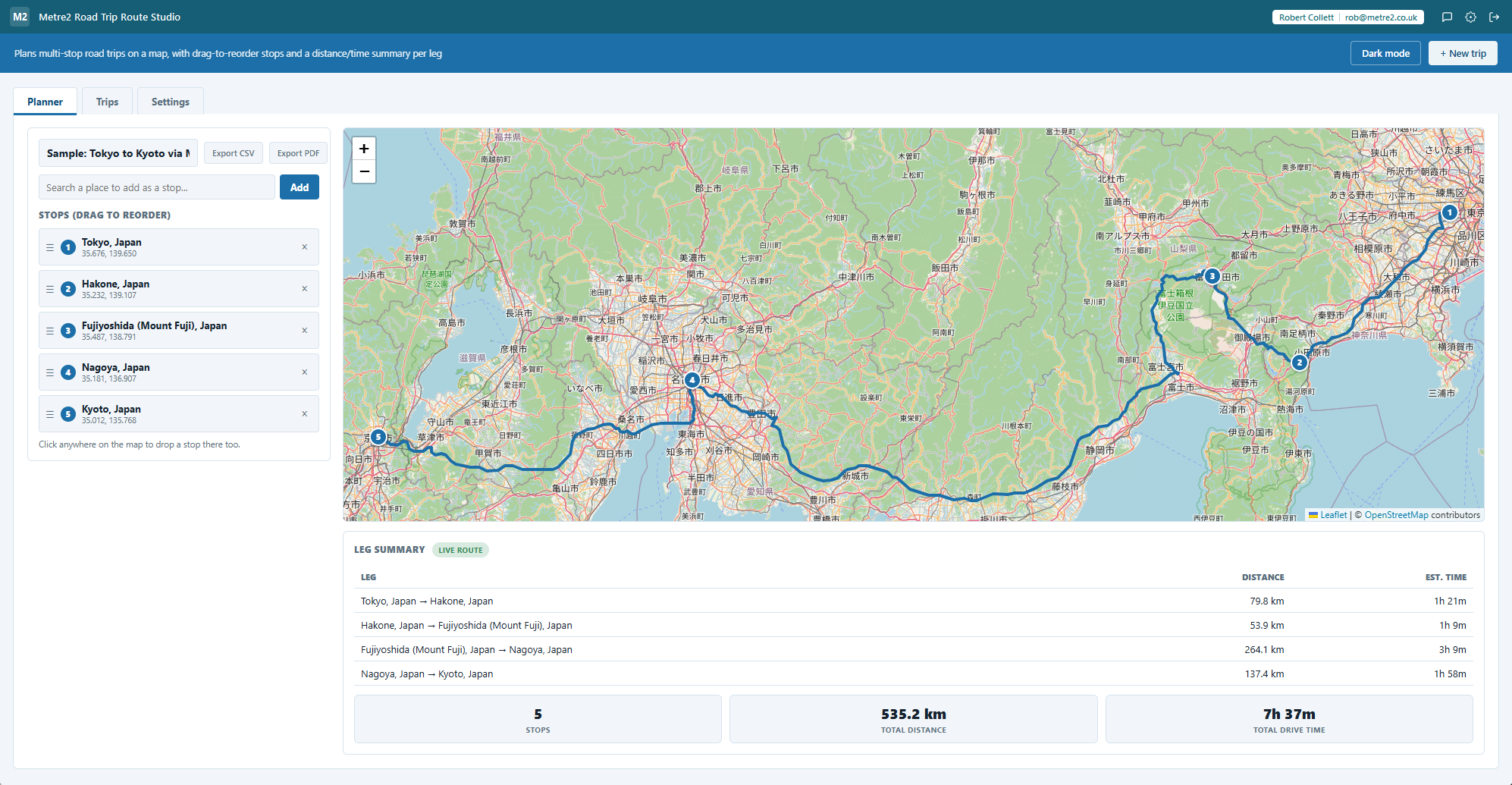
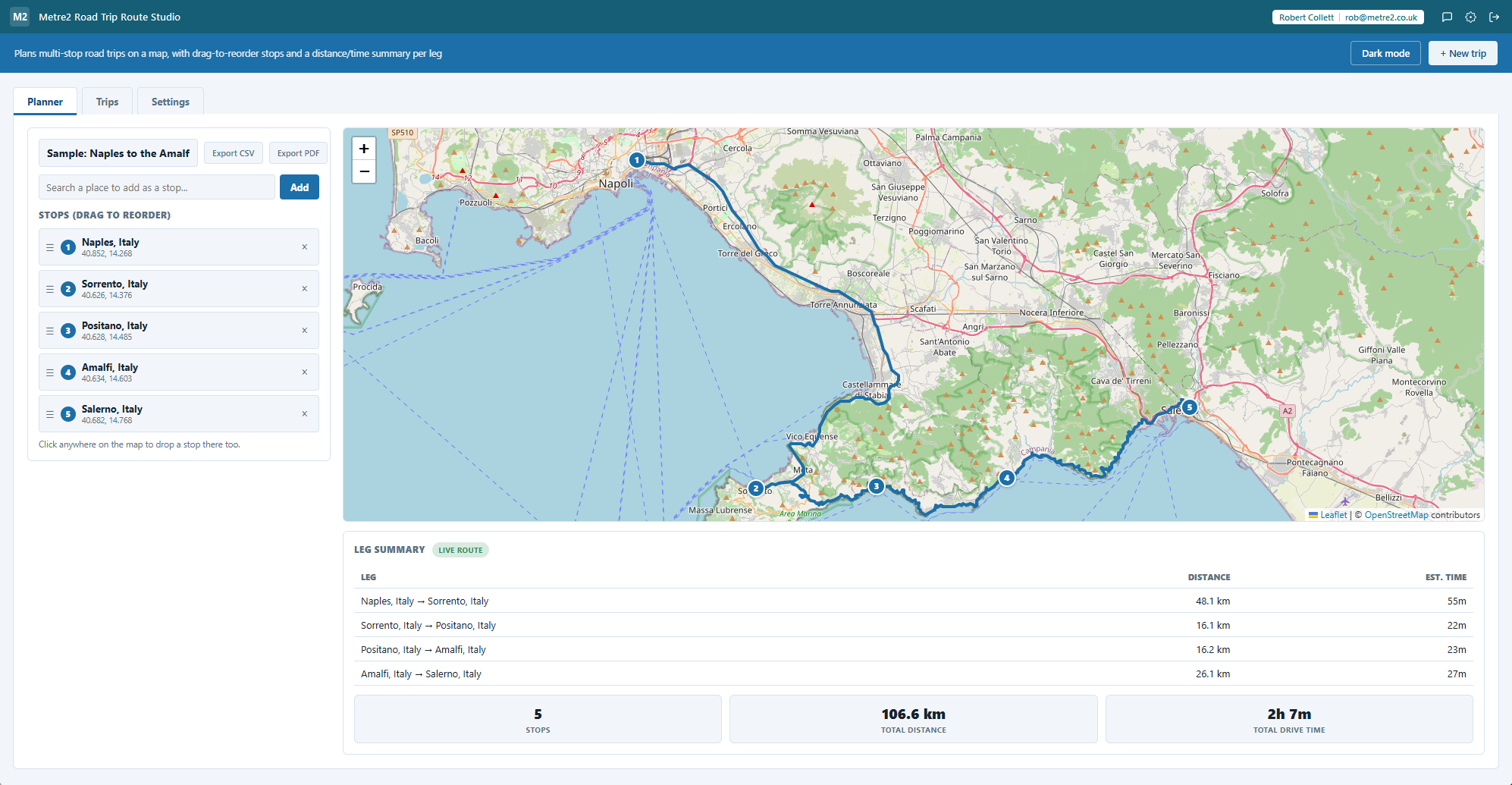
Plan a multi-stop road trip on a real OpenStreetMap map. Search or click to add stops, drag them into the order you'll actually drive, and see live driving distance and time per leg from the free OSRM routing service - not just a straight line between pins.
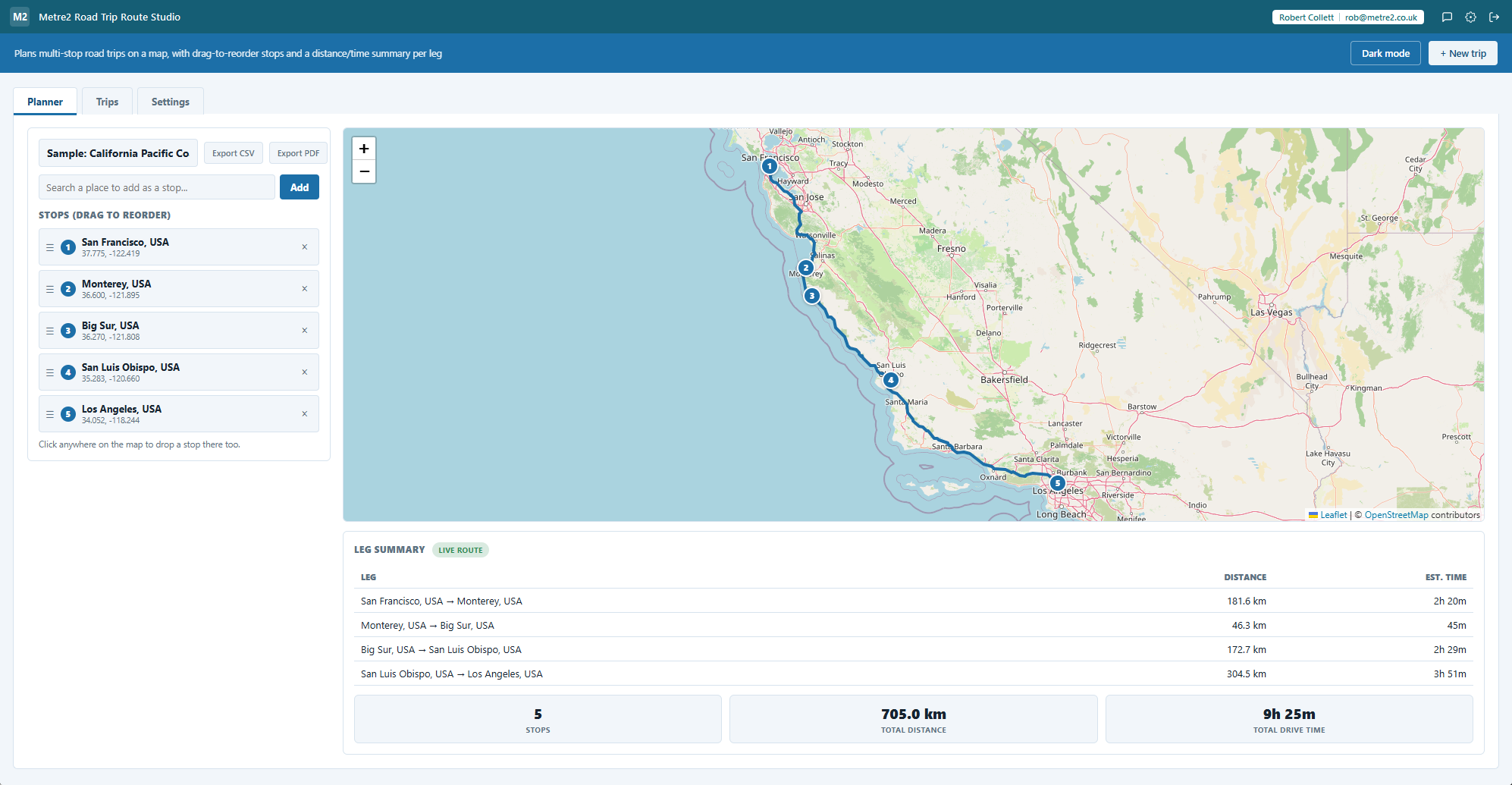
Search any address or place name to drop a stop with Nominatim geocoding, or click straight on the map (Leaflet with OpenStreetMap tiles) - no need to know coordinates.
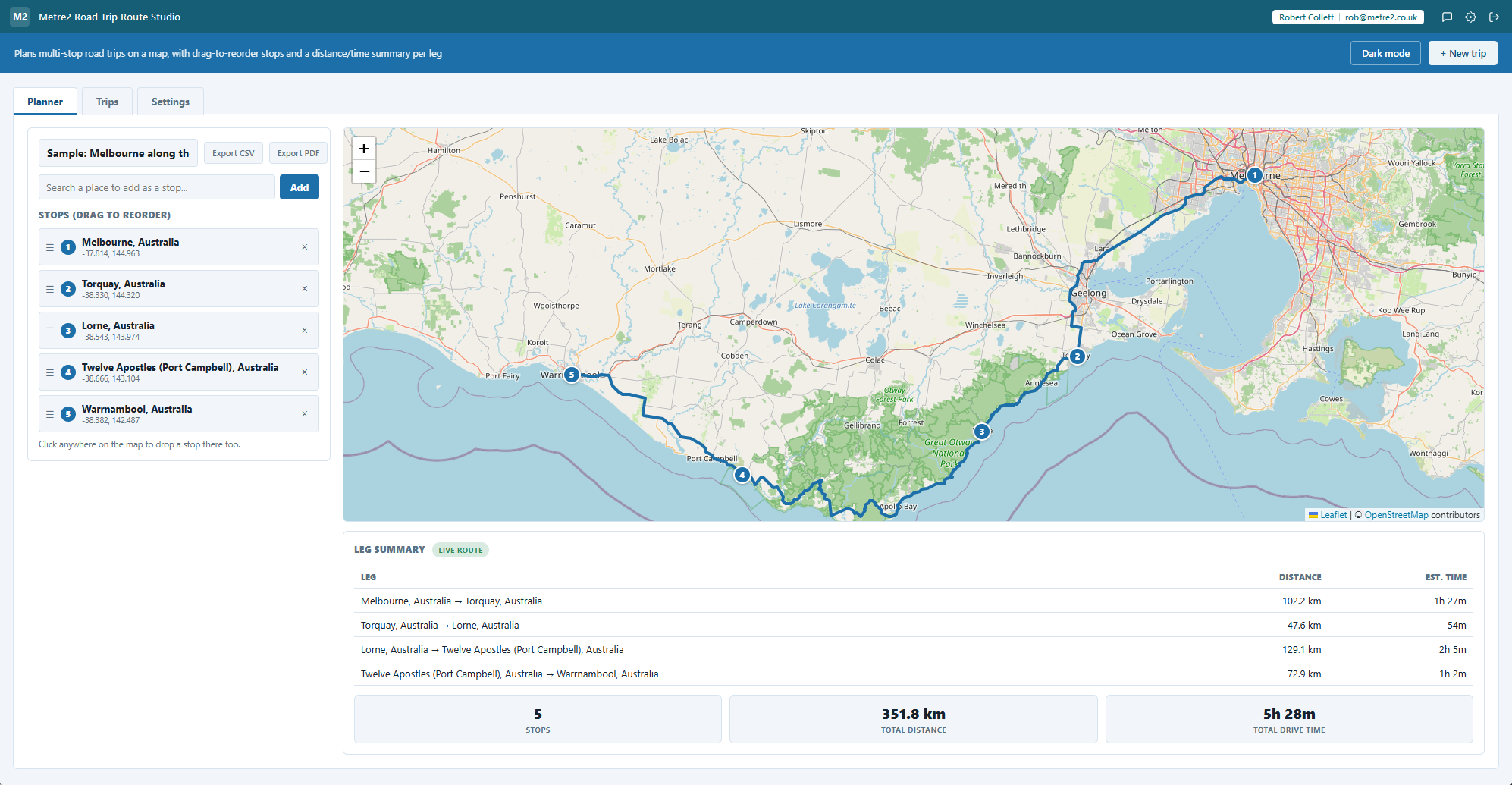
Drag any stop up or down the list to change the running order - the map, leg summary and totals all recalculate immediately, including a fresh live route fetch.
Each leg's distance and time come from the free OSRM public routing server, following real roads. If OSRM can't be reached, the app falls back to a straight-line estimate and marks the leg "Estimate" instead of "Live route" so you always know which you're looking at.
A running table of distance and estimated time for every leg, plus a total distance and total time strip so you can see the whole trip's shape at a glance.
Export every stop's name and coordinates plus the leg-by-leg distance and time to a CSV file - ready to open in a spreadsheet, print, or share with whoever else is coming.
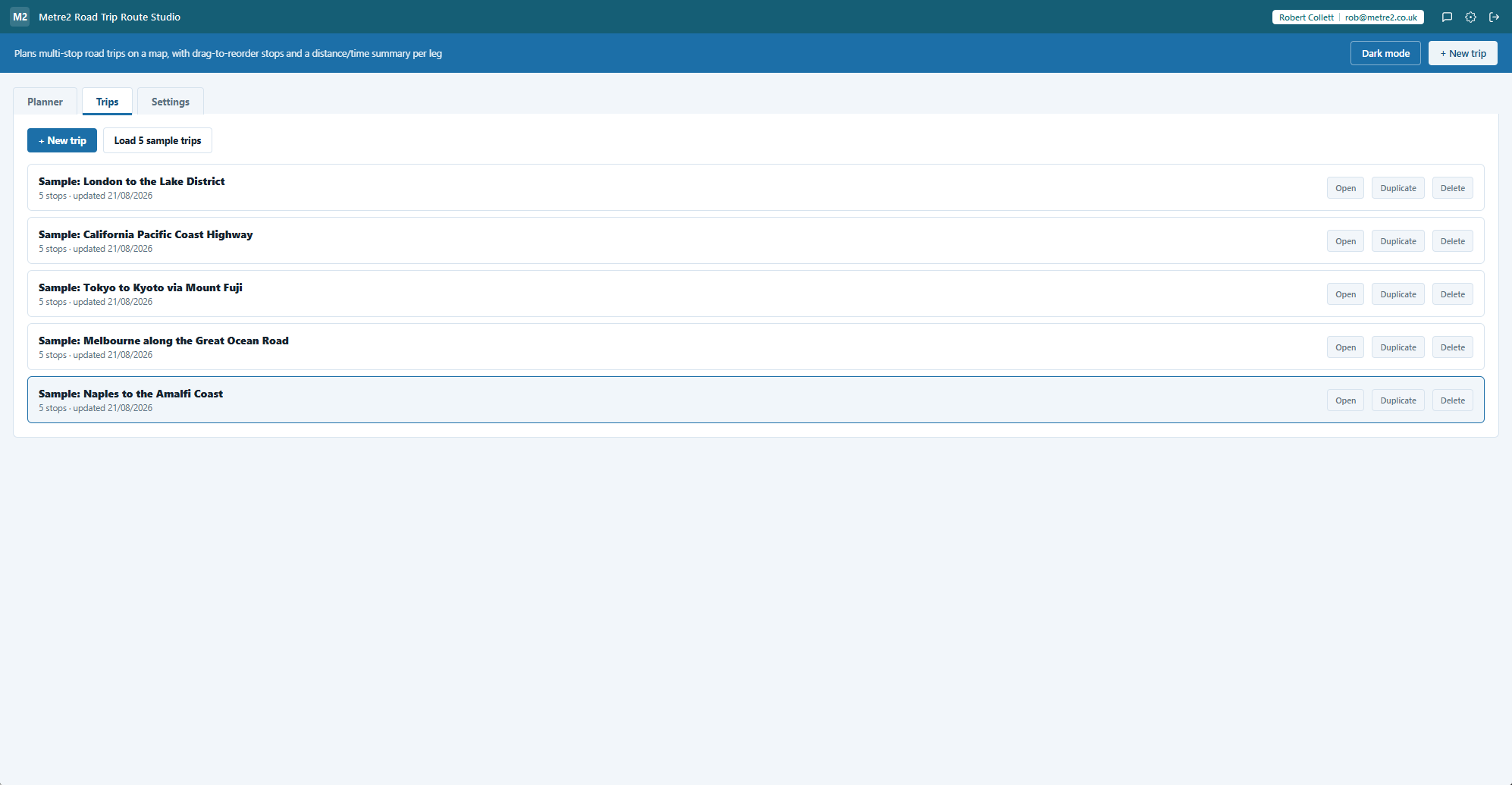
Plan more than one route and switch between them from a Trips tab - duplicate a trip to try a different stop order without losing the original.
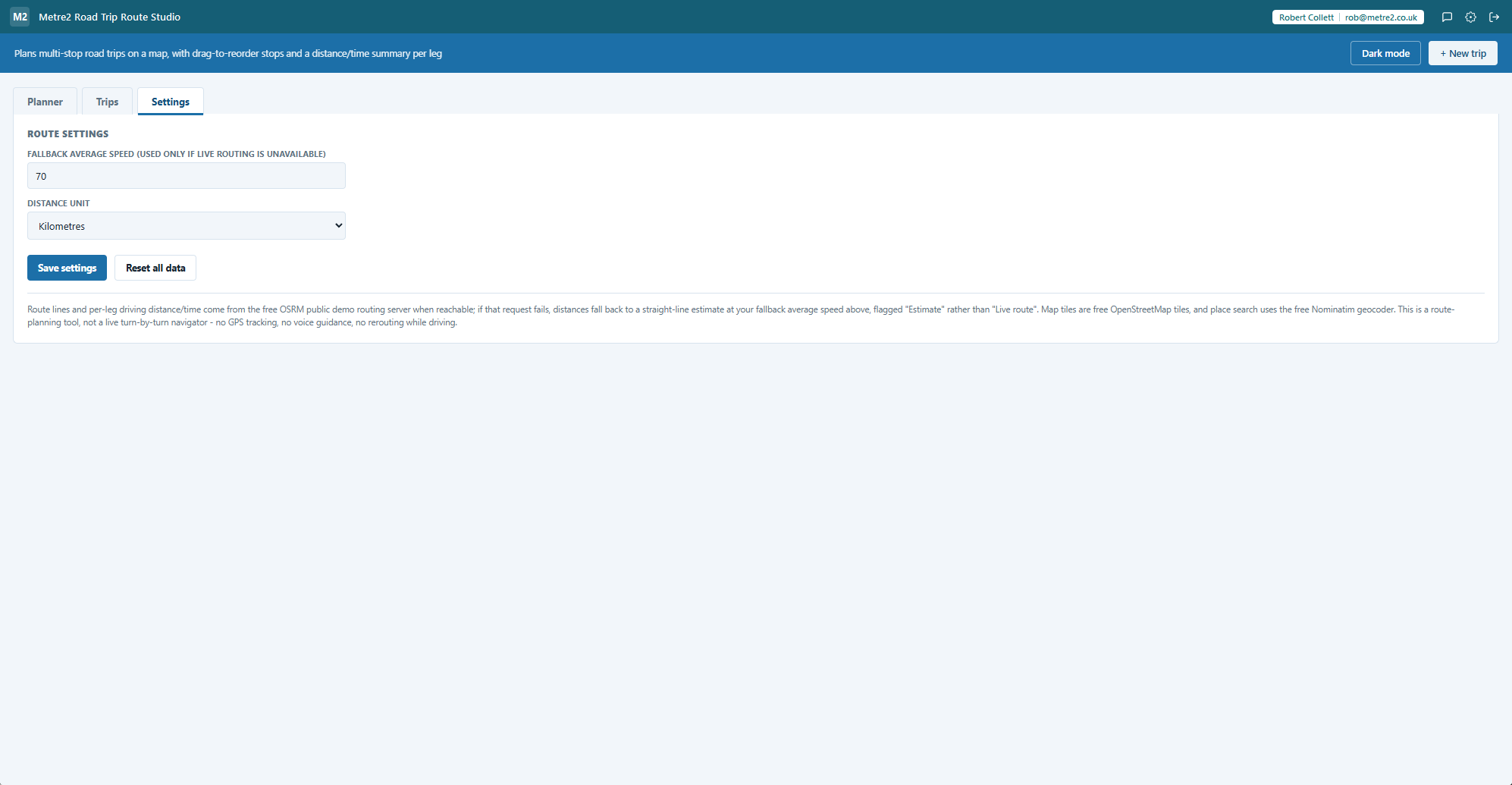
Set a default average speed used whenever a live OSRM time isn't available, choose kilometres or miles, and switch between a light or dark theme that remembers your choice.
Every trip and stop persists in local storage, not on a server. Only map tiles, place search and route calculation go out over the internet - your saved trips are never uploaded anywhere.
No GPS tracking, voice guidance or live rerouting - this is for working out your stops, order and rough timings before you set off, distinct from a turn-by-turn navigation app you'd use while driving.
Most people either juggle a Google Maps list of pins or build their own spreadsheet of stops and guessed timings. Here's how a dedicated multi-stop planner compares.
| Feature | Road Trip Route Studio | Google Maps pins list | A spreadsheet |
|---|---|---|---|
| Pricing model | Free | Free | Free, if you already have one |
| Drag-to-reorder stops | ✓ | ✕ (route order follows how you added stops) | ✓ (cut and paste rows) |
| Live driving distance/time per leg | ✓ (OSRM, real roads) | ✓ | ✕ (you'd type it in yourself) |
| Save and switch between multiple trips | ✓ | ✕ (one list at a time, easy to overwrite) | ✓ (one tab per trip) |
| CSV export of stops and legs | ✓ | ✕ | ✓ (it already is one) |
| Works as a focused planning-only tool | ✓ | ✕ (built for turn-by-turn navigation first) | ✓ |
General comparison as of August 2026. Not affiliated with Google Maps or OSRM.
No - use it straight from your browser, on a phone, tablet or PC, with no sign-up. It works offline once it has loaded, and you can add it to your home screen or desktop like an app. There is also a Windows desktop version in the Microsoft Store if you prefer an installed app.
No. The browser edition needs no account at all. Neither does the Windows app - install it free from the Microsoft Store and start, no sign-in.
Yes. The map is Leaflet with OpenStreetMap tiles, place search uses the free Nominatim geocoder, and driving distance/time per leg comes from the free OSRM public routing server whenever it's reachable. If OSRM can't be reached, the app falls back to a straight-line estimate for that leg and marks it clearly as an estimate rather than a live route.
No. It's a planning tool for working out your stops, order and rough timings before you go - there's no GPS tracking, voice guidance or live rerouting while driving. Use your phone or car's own navigation once you're on the road.
Drag any stop up or down in the list and the map, leg summary and totals all update immediately - including a fresh OSRM route fetch for the new order.
The app is free, and it runs on OpenStreetMap tiles and the free OSRM/Nominatim public services, which have no per-user cost or hard cap for reasonable personal use.
Every trip and stop you save persists on your device via local storage, not on a server. Only map tiles, place search and route calculation go out over the internet - your saved trips themselves are never uploaded anywhere.
Yes. A CSV export gives you every stop's name and coordinates plus the leg-by-leg distance and estimated time, ready to open in a spreadsheet or share.
