Policy & handbook sign-off tracking
Send a policy or handbook update to staff, track who's read and acknowledged it, and chase the ones who haven't - with a per-policy completion board and a full acknowledgement activity log.
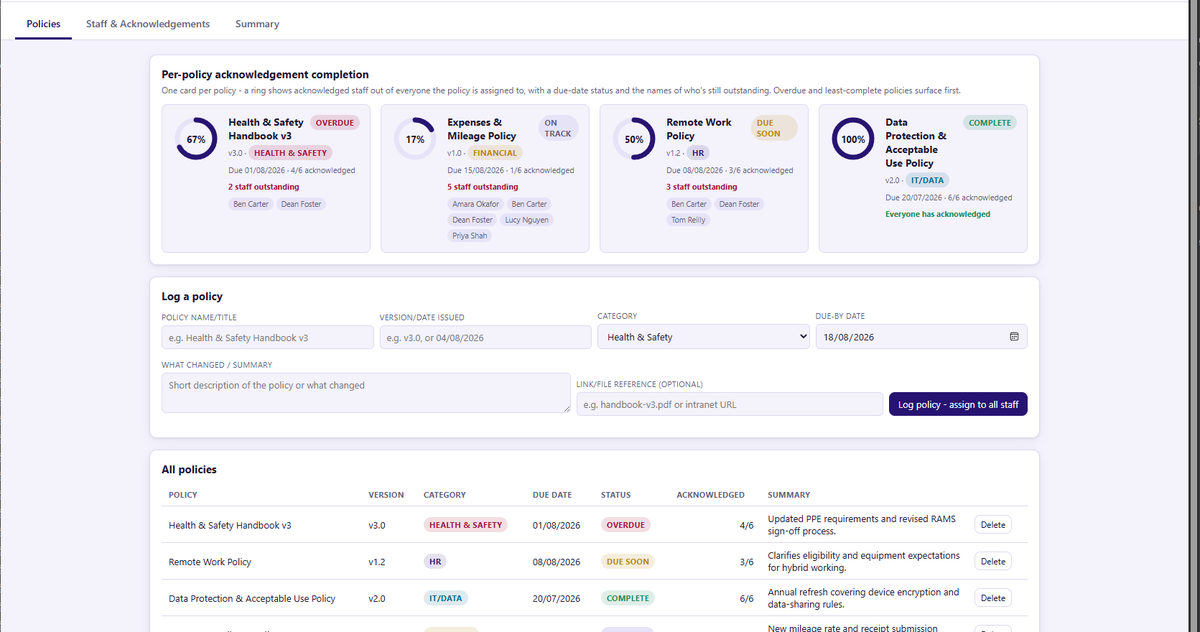
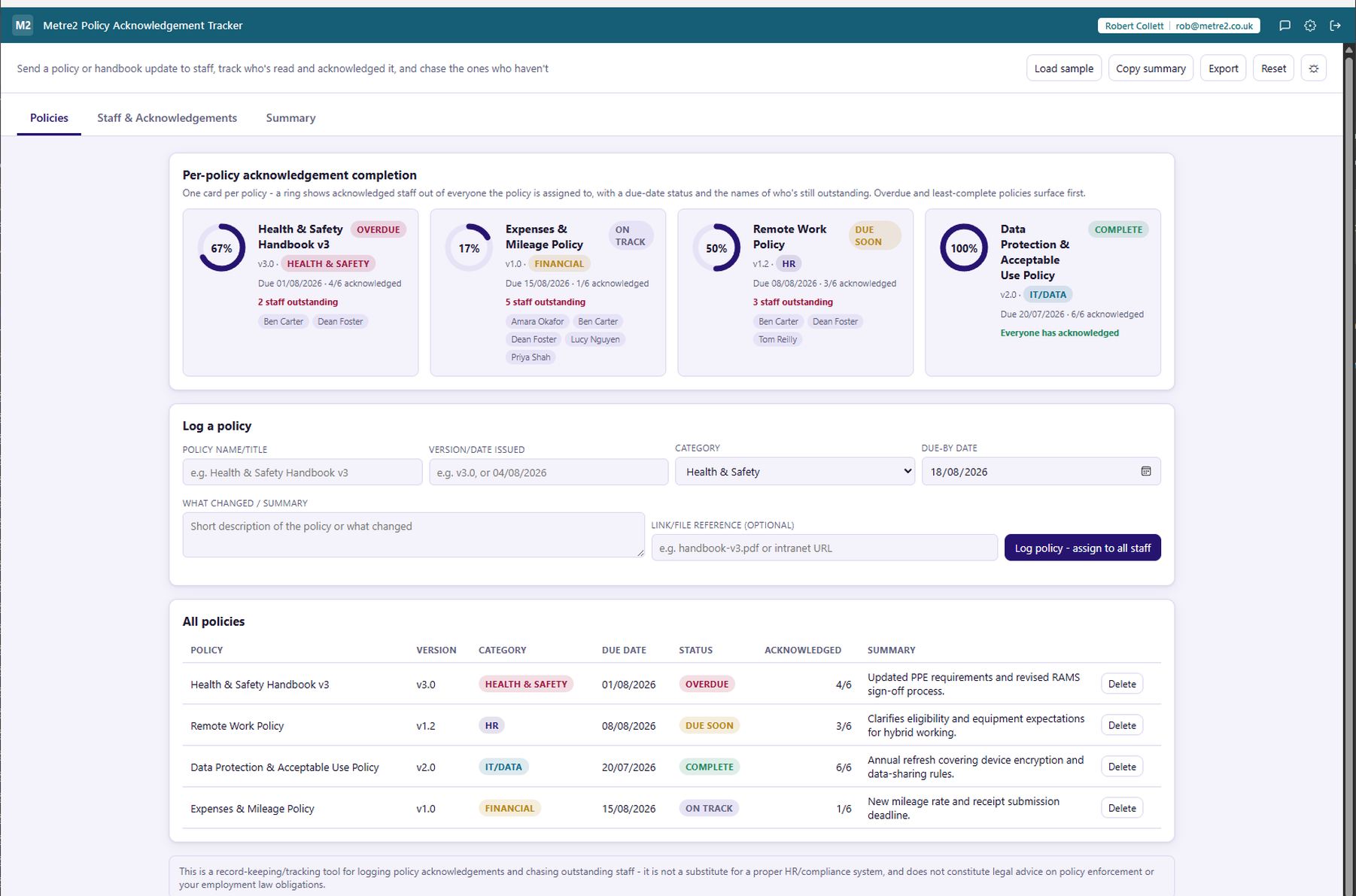
One card per policy: a circular progress ring for acknowledged staff over everyone it's assigned to, a due-date status, and an outstanding-staff chip row, so you can see what needs chasing at a glance.
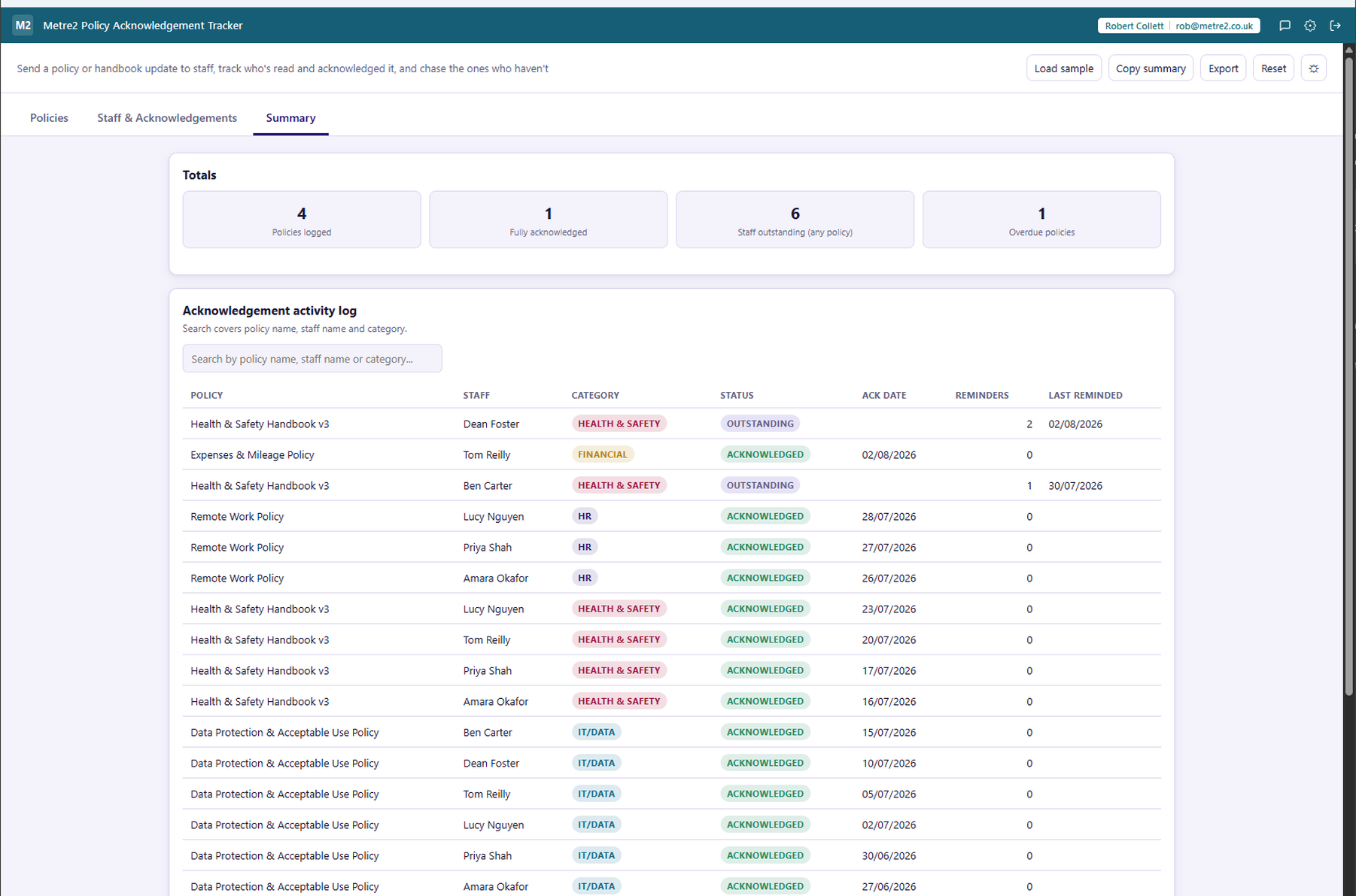
Health & Safety, HR, IT/Data, Financial or Other - pick a category in one click and let the acknowledgement activity log group and search by it automatically.
Search by policy name, staff name or category - so "who hasn't acknowledged the handbook yet" gets an actual answer, not a shrug.
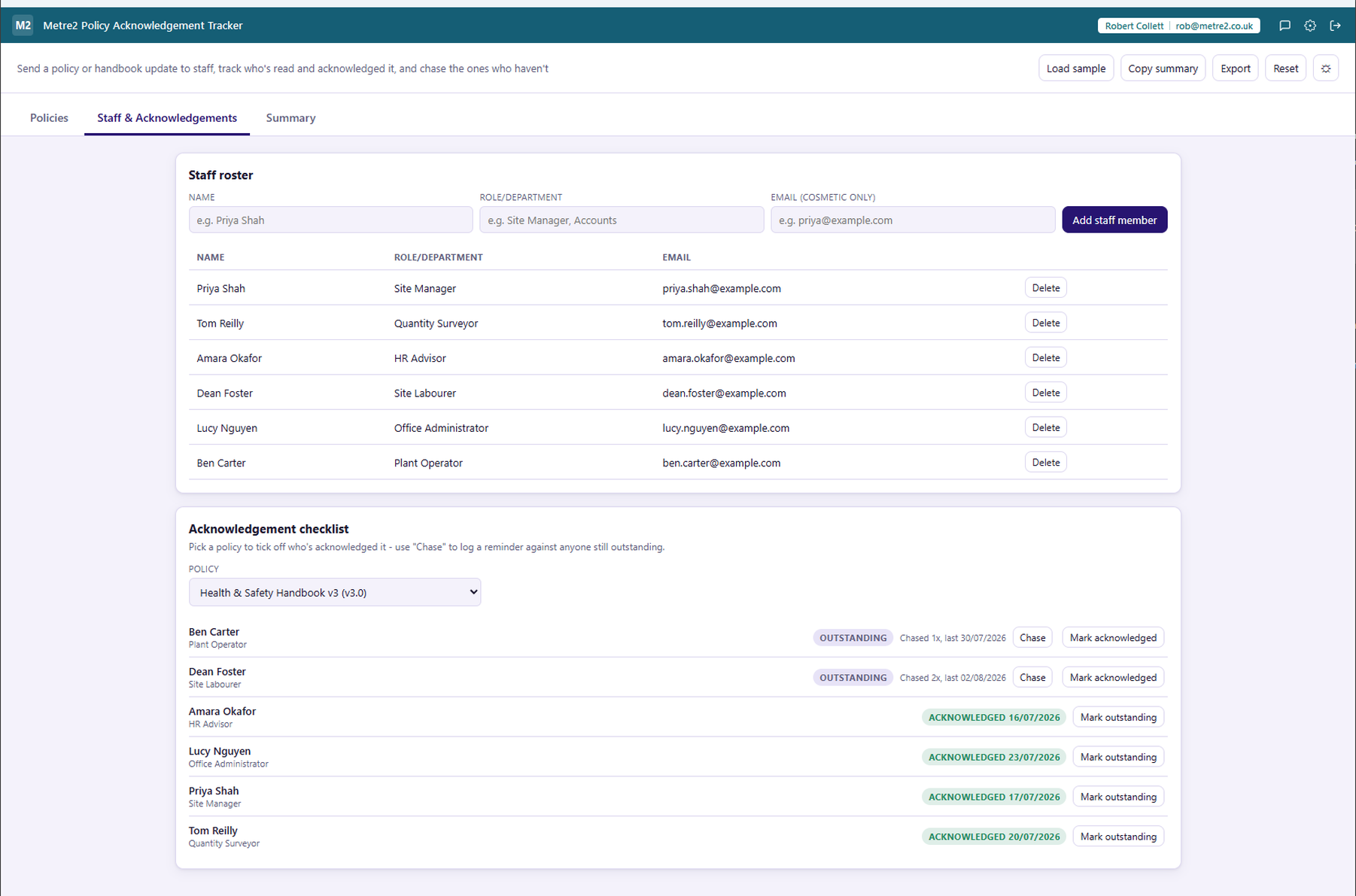
Log a reminder against anyone still outstanding with one click - a counter and a timestamp, so you can see who's already been chased and how many times, without any real email being sent.
Log a policy and it's assigned to your whole current staff list. Add a new staff member later and they're assigned every existing policy, unacknowledged, so nobody falls through the gaps.
Every policy's status is computed live from its due date and current acknowledgement rate - Overdue, Due soon (within 7 days), On track, or Complete once everyone's signed off.
Copy a plain-text summary of totals and the per-policy breakdown to the clipboard, or export a standalone HTML file to keep or share.
Light/dark theme remembers your choice, and two rotating sample policy sets - each spanning several policies with a mix of acknowledged, outstanding and overdue - let you explore the completion board before logging your own.
PolicyTech, part of the NAVEX One GRC platform, is a heavyweight policy and procedure lifecycle management system built for large, regulated organisations. Here's how a focused, one-off desktop tracker compares for a smaller business that just needs staff to acknowledge policy updates and to chase the ones who haven't.
| Feature | Policy Acknowledgement Tracker | PolicyTech |
|---|---|---|
| Pricing model | One-off purchase, free to try | Enterprise subscription, quote-based (pricing not published) |
| Works fully offline | ✓ | ✕ |
| Document authoring, versioning and approval workflow | ✕ | ✓ |
| Per-policy acknowledgement completion board with a progress ring | ✓ | ~ |
| Employee assessments/quizzes on policy content | ✕ | ✓ |
| Native mobile app for staff to acknowledge on the go | ✕ | ✓ |
| Set up and usable in minutes, no sales call required | ✓ | ✕ |
| One account across a whole app portfolio | ✓ | ✕ |
Comparison based on PolicyTech's publicly listed features as of August 2026 (navex.com, softwareadvice.com) - PolicyTech does not publish pricing, so its pricing model is described qualitatively. Features change over time, so check navex.com for current details. PolicyTech is a trademark of its respective owner; this comparison is for informational purposes and isn't sponsored by or affiliated with NAVEX.
One card per policy, each with a circular progress ring showing how many staff have acknowledged it out of everyone it's assigned to, a due-date status (Overdue, Due soon, On track or Complete), and a row of outstanding-staff chips plus an "X staff outstanding" callout. Overdue and least-complete policies surface first, since that's what needs chasing.
A policy name/title (free text), a version or date issued, a short summary of what changed, a category (Health & Safety, HR, IT/Data, Financial or Other), a due-by date for acknowledgement, and an optional link/file reference (a filename or URL - no real file upload).
No. Logging a policy assigns it to every current staff member for tracking purposes, and the "Chase" button logs a cosmetic reminder (a counter and a timestamp) - no real emails are sent by the app.
No. This is a record-keeping/tracking tool for logging policy acknowledgements and chasing outstanding staff - it is not a substitute for a proper HR/compliance system, and does not constitute legal advice on policy enforcement or your employment law obligations.
Yes - Policy Acknowledgement Tracker uses the same shared Metre2 account as Vector, Forma and every other Keystone app. Sign in once and it works everywhere.
Yes - copy a plain-text summary to your clipboard, or export a standalone HTML file with totals and the per-policy breakdown.
It's organised per policy: staff only ever appear nested inside a policy card as an outstanding-chip list, never as the top-level unit, and there's no calendar or leave-date concept anywhere in the app - the focus is which policies have been acknowledged.