Unit conversion for construction
Convert any unit in seconds - fast, accurate and hassle-free. Built for construction professionals who need reliable conversions as part of the daily workflow.
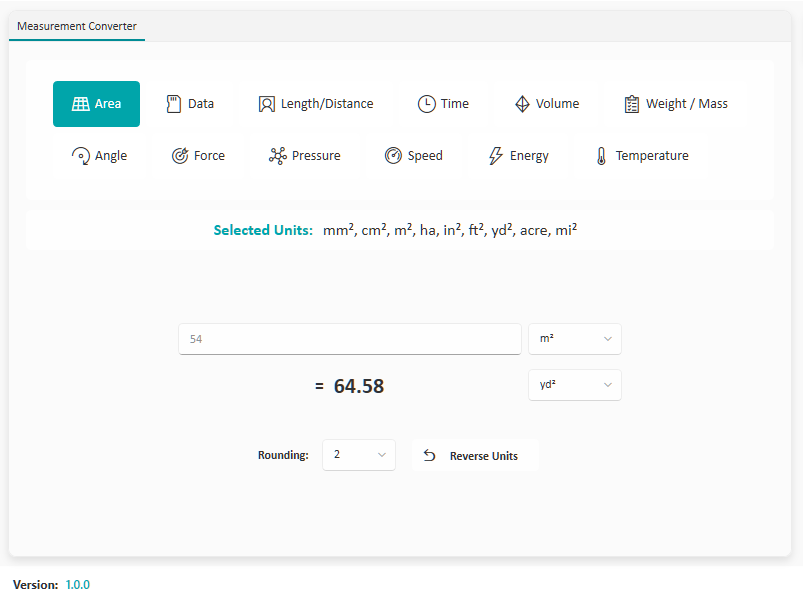
Convert length, area, volume, weight, and more - all in one app.
Includes feet/inches, cubic yards, tonnes, square metres, and other industry-specific units.
Get accurate results as you type. No extra clicks required.
Works without an internet connection. Perfect for on-site use.
Save your most-used conversions and revisit recent calculations.
Minimal design so you can focus on the numbers, not the menus.
Windows 10/11 · Free · Offline · Microsoft Store
A closer look at Measurement Converter in everyday use.
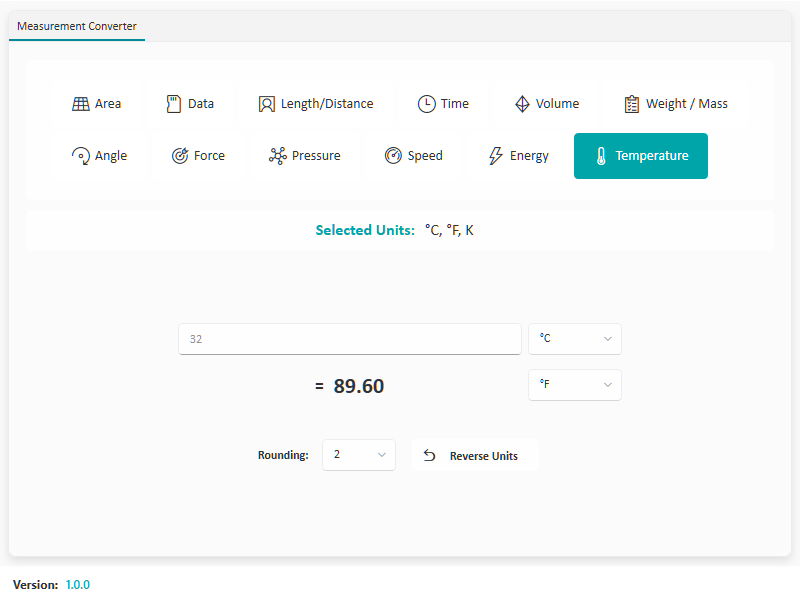
Converting between construction units
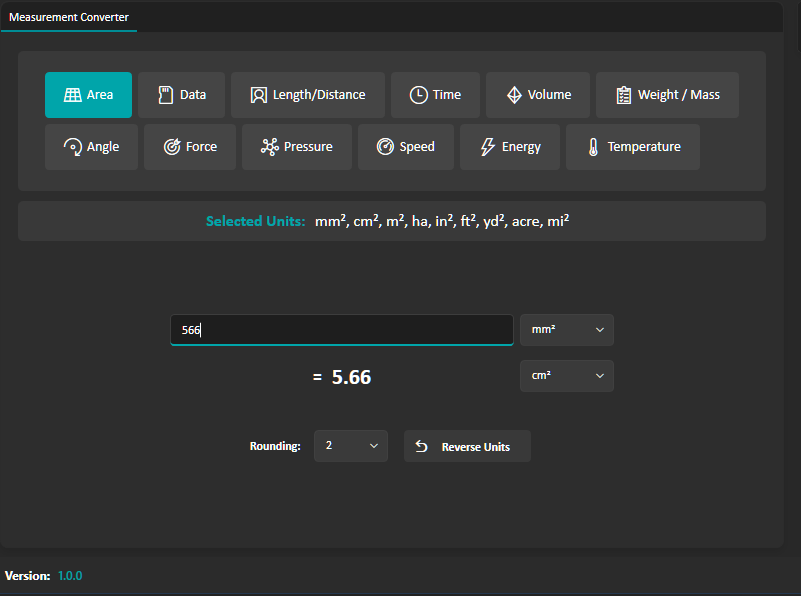
Favourite conversions saved for later
Measurement Converter covers more than 200 units across 16 categories. It also has tools for the sums that come up on site and in the office.
Six formula calculators cover rectangle area, box volume, circle area, triangle area, concrete slab volume and paint coverage. Enter dimensions in metres and each one shows related units underneath. The Construction tab has rebar weights per metre from T10 to T32, UK brick and block counts per m², material densities and pressure conversions.
You'll install Measurement Converter via the Microsoft Store, same as any other Keystone app, and it's free to try.
No. Measurement Converter opens without a sign-in. Registering your copy for update notices is optional.
Estimators, site staff and anyone on a construction team who needs fast, reliable unit conversions, on-site or off.
Yes. Conversions, calculators, favourites and history all work without an internet connection. The only part that goes online is the Currency category, which fetches live exchange rates and falls back to a built-in rate table when you're offline.
Yes. Type an expression such as 5ft + 3in or 2m + 50cm into the From field. The app reads the units, adds them up and converts the total to the unit you choose.
Yes. History can be exported as a CSV file for your records. The Factor Table button downloads a CSV of every unit in the current category converted to every other unit.
