A travel wishlist that reads like a mosaic, not a spreadsheet
Add every place you want to go - and everywhere you've already been - as a card with a category, an excitement rating and notes, laid out in a mosaic grid where your most exciting places stand out. See them all on a real map, filter by wishlist or visited, and export your list any time.
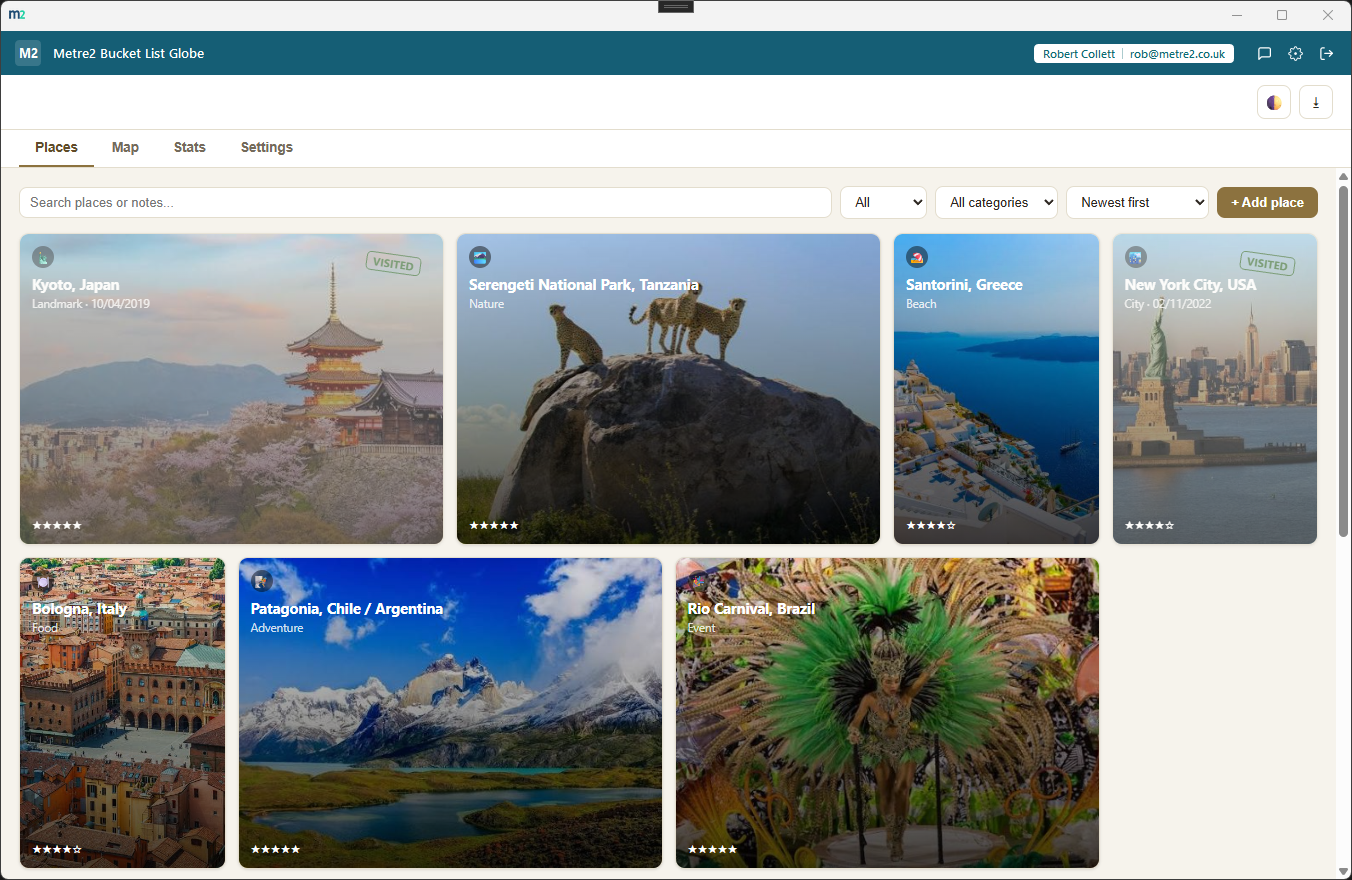

Places default to a card grid, not a map - the most exciting places (5-star) take up more space, so the places you care about most are the ones your eye lands on first.
Search a place name with the free Nominatim geocoder, or click straight on a real OpenStreetMap map (Leaflet tiles) to set a location - no coordinates to look up.
Landmark, nature, beach, city, food, adventure, event or other, plus a 1-5 excitement rating you set yourself - both drive the mosaic layout and the Stats breakdown.
Toggling a place to visited stamps it with a date and keeps it in your list - a growing record of everywhere you've been, sitting right alongside where you're going.
Narrow by wishlist or visited, filter by category, search names and notes, and sort by newest, name or most exciting first.
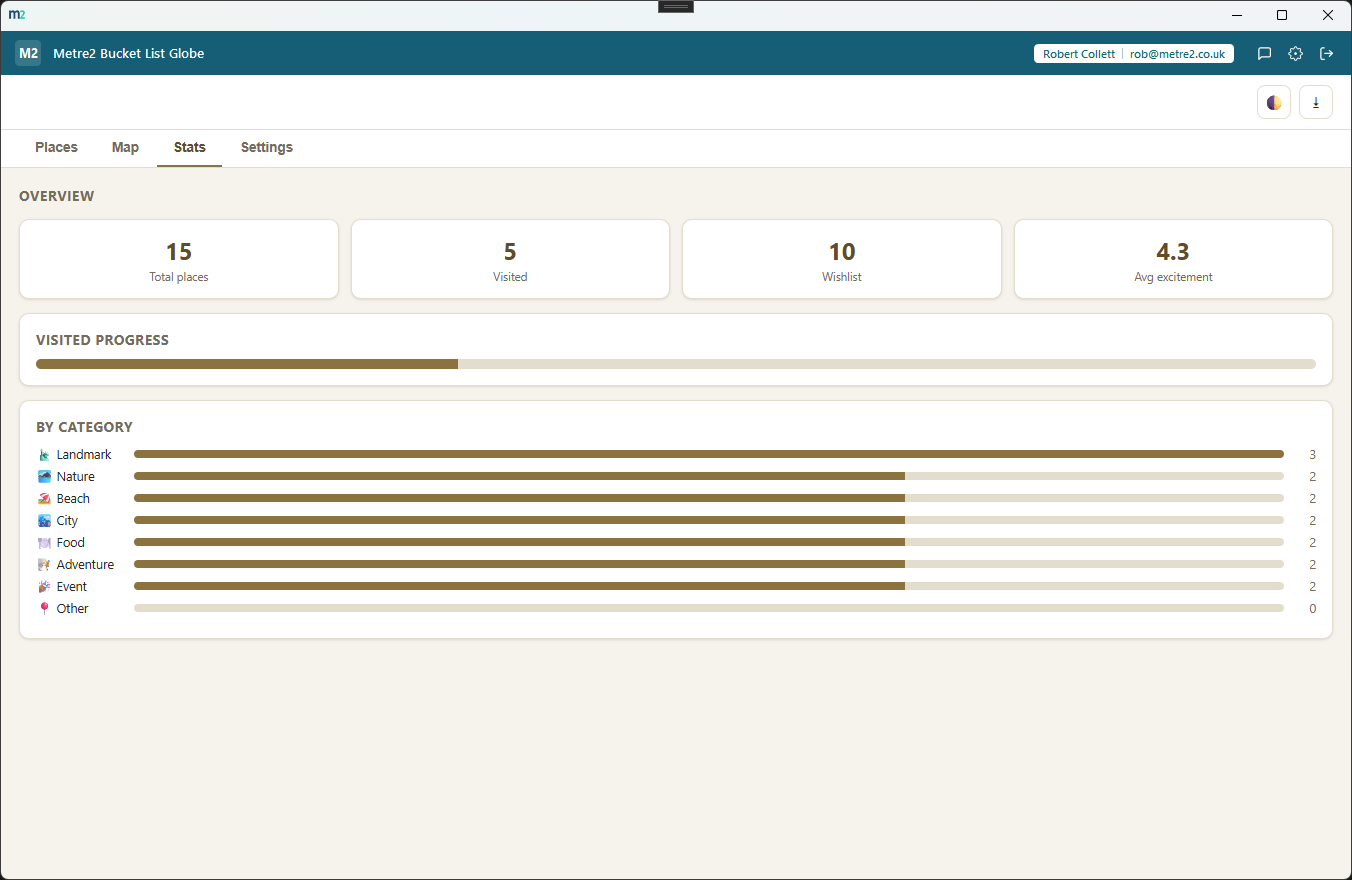
Total, visited and wishlist counts, a percent-visited progress bar, average excitement, and a per-category breakdown so you can see what kind of travel you're drawn to.
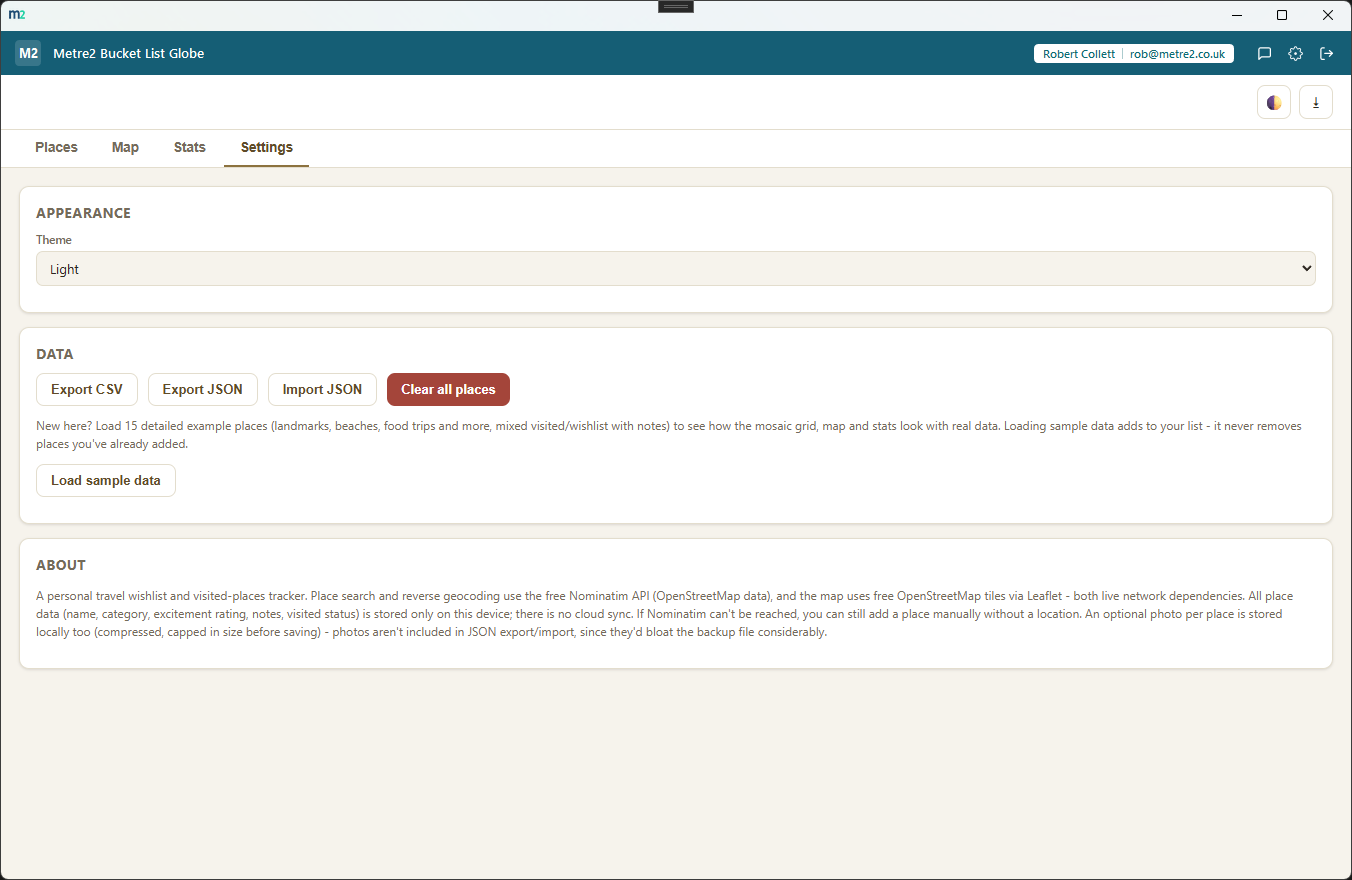
Back up your whole list to JSON, or export a CSV for a spreadsheet - re-import a JSON backup any time to restore it.
Switch between a light or dark theme that remembers your choice, so the app fits wherever and whenever you're planning your next trip.
Every place persists in local storage, not on a server. Only map tiles and place search go out over the internet - your list itself is never uploaded anywhere.
Most travel wishlists live as a scrolling Notes list or a spreadsheet row per place. Here's how a dedicated bucket-list tracker compares.
| Feature | Bucket List Globe | A Notes app | A spreadsheet |
|---|---|---|---|
| Pricing model | Free | Usually free | Free to paid depending on the tool |
| Visual grid that highlights top picks | ✓ (mosaic sized by excitement) | ✕ | ✕ |
| Real map with every place plotted | ✓ | ✕ | ✕ (without manual setup) |
| Visited-date tracking without deleting | ✓ | ✕ (manual) | ✓ (manual) |
| Category and progress stats | ✓ | ✕ | ✓ (with formulas you build) |
General comparison as of August 2026. Not affiliated with any Notes app, spreadsheet tool, OpenStreetMap or Nominatim.
No - use it straight from your browser, on a phone, tablet or PC, with no sign-up. It works offline once it has loaded, and you can add it to your home screen or desktop like an app. There is also a Windows desktop version in the Microsoft Store if you prefer an installed app.
No. The browser edition needs no account at all. The Windows app doesn't need one either - you can register your copy for update notices, but it's optional.
Every place gets its own card with a category, an excitement rating and notes, laid out as a mosaic grid where your most exciting places take up more visual space - so your list reads at a glance instead of as rows of text. A Map tab plots every place with a location on a real OpenStreetMap map.
Yes. Marking a place visited stamps it with today's date (or one you choose) and keeps it in your list, so you build a record of everywhere you've been alongside everywhere you still want to go.
No - a location is optional. Search a place with the free Nominatim geocoder, or click the map to drop a pin, and it fills the latitude and longitude automatically. Places without a location still show in your mosaic grid and stats, just not on the map.
The app is free, with no trial and no in-app purchase.
Every place you add is stored on your device via local storage. Only map tiles and place search go out over the internet - your list itself is never uploaded anywhere. You can export it to JSON or CSV at any time.
