How-to guide

How to give a headline a shadow, outline or 3D effect

Text effects turn an ordinary headline into a poster headline, and the text stays editable.

5 stepsFreeVideo 14 seconds

What you need

Step by step

1

Select the headline

Click the text box with your headline.
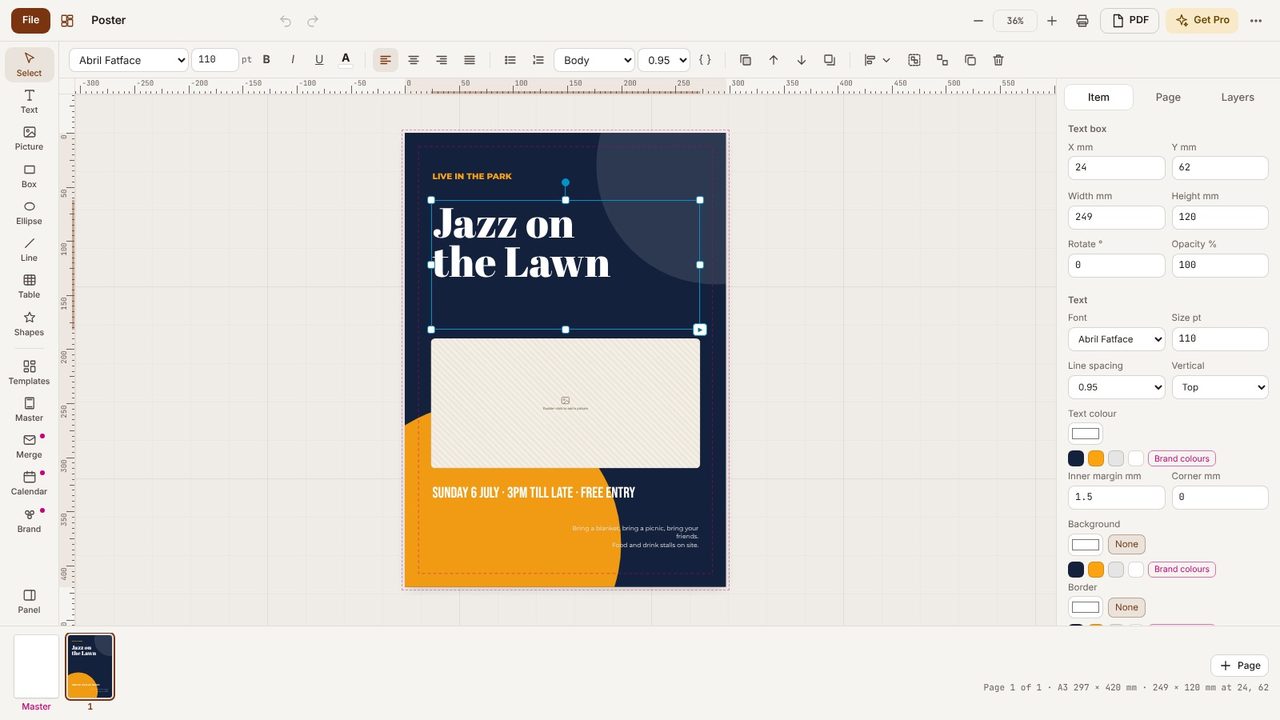
Select the headline - Metre2 Desktop Publishing
2

Pick an effect

In the panel on the right, under Text effect, choose an effect such as 3D block, Shadow, Outline or Glow.
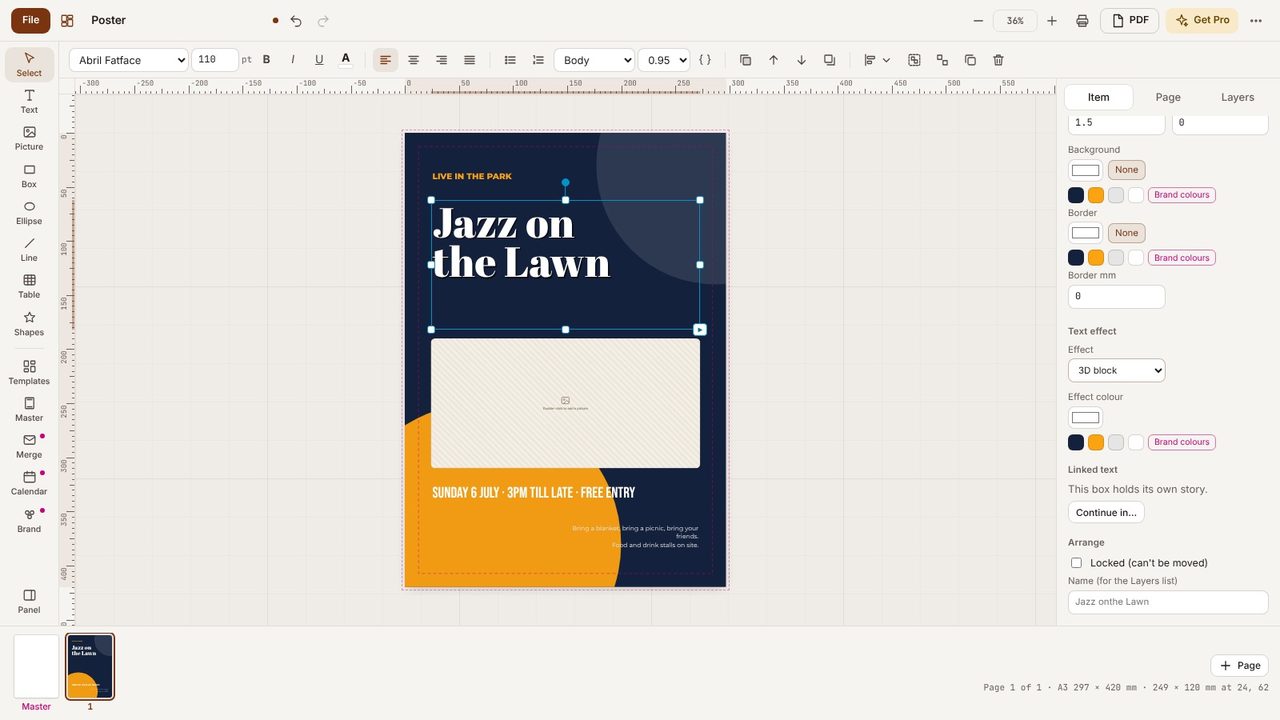
Pick an effect - Metre2 Desktop Publishing
3

Choose its colour

Pick the Effect colour - a brand colour works well.
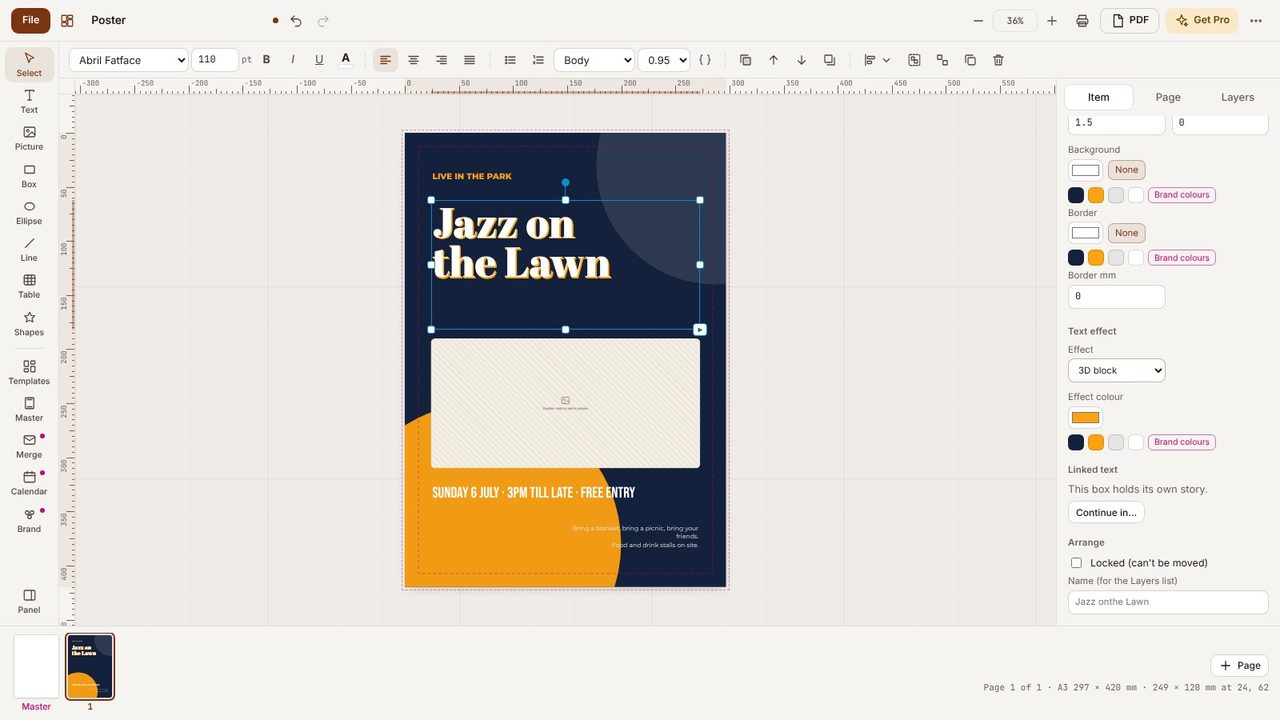
Choose its colour - Metre2 Desktop Publishing
4

Try others

Switch effects as often as you like; the text itself never changes.
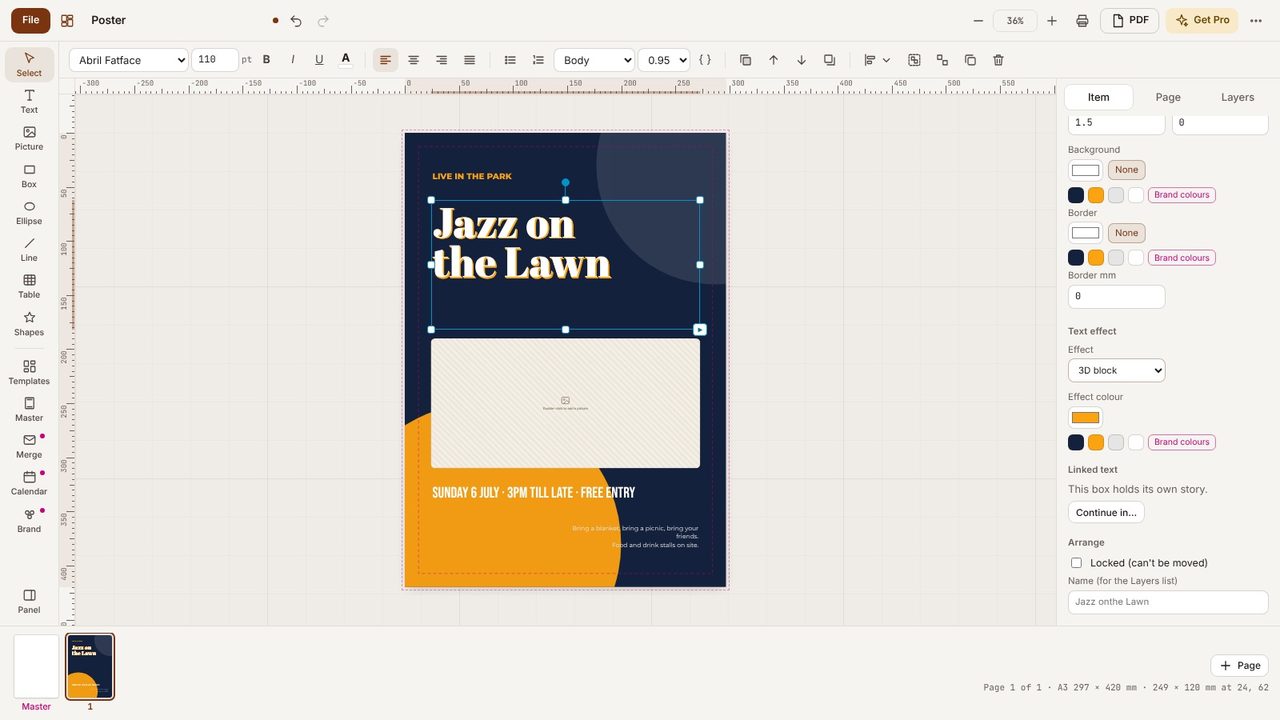
Try others - Metre2 Desktop Publishing
5

Print or export

The effect prints and goes into PDFs and PNGs exactly as you see it.
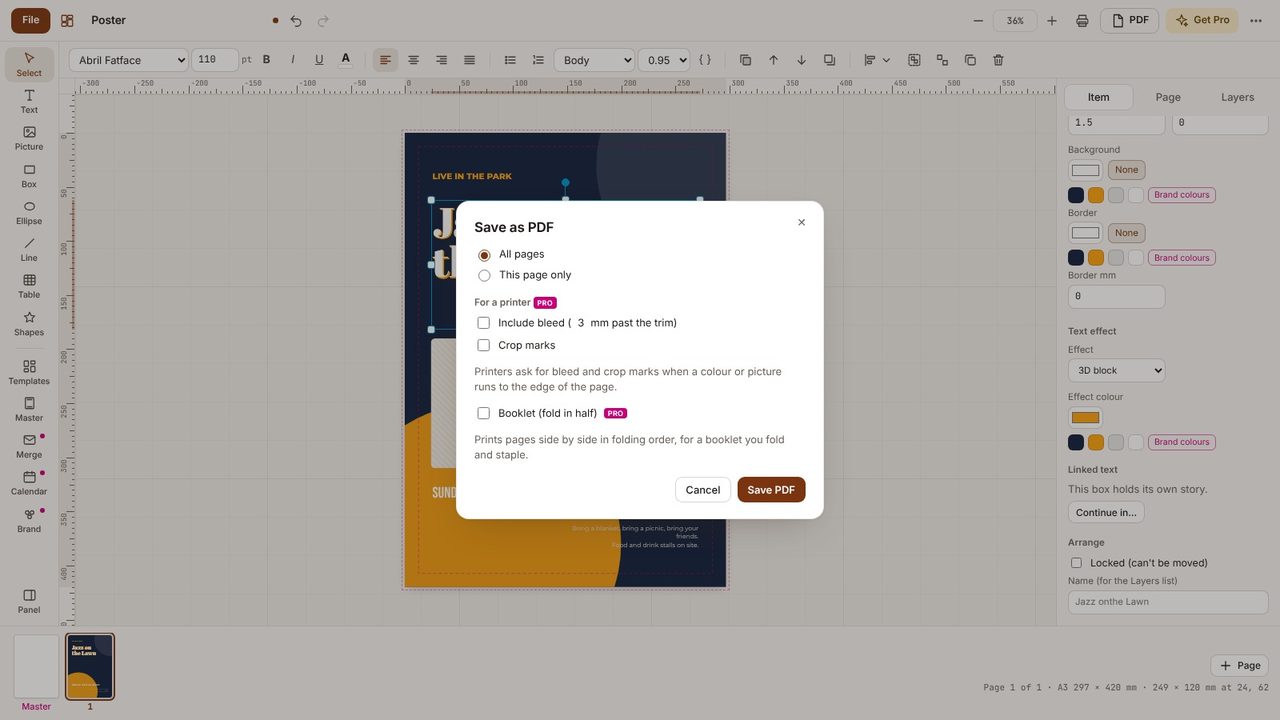
Print or export - Metre2 Desktop Publishing

Tips

Frequently asked questions

Can text curve or arch?

Not yet - straight text only for now.

Is this a Pro feature?

No, text effects are free.

Try Metre2 Desktop Publishing - it's free
