How-to guide
With Calendar Pro, every event can have a reminder. Windows shows it at the time you pick - even when Calendar isn't open.
Click the event, then Edit.
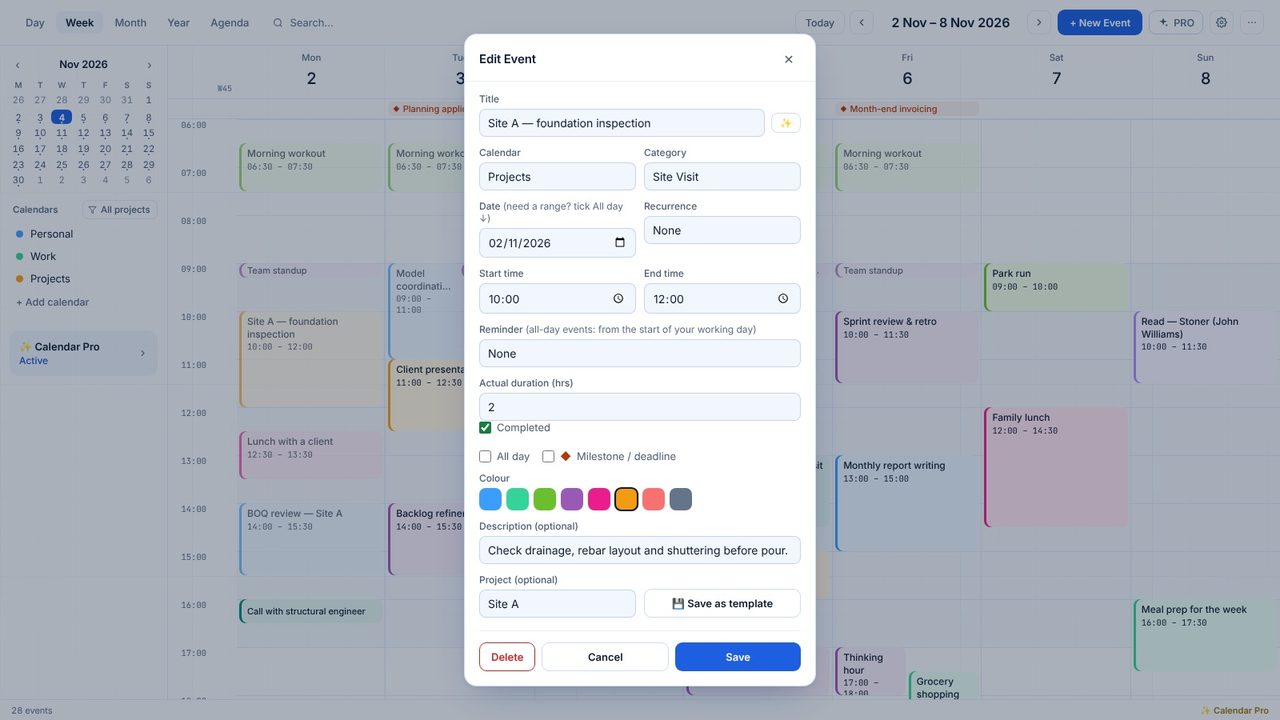
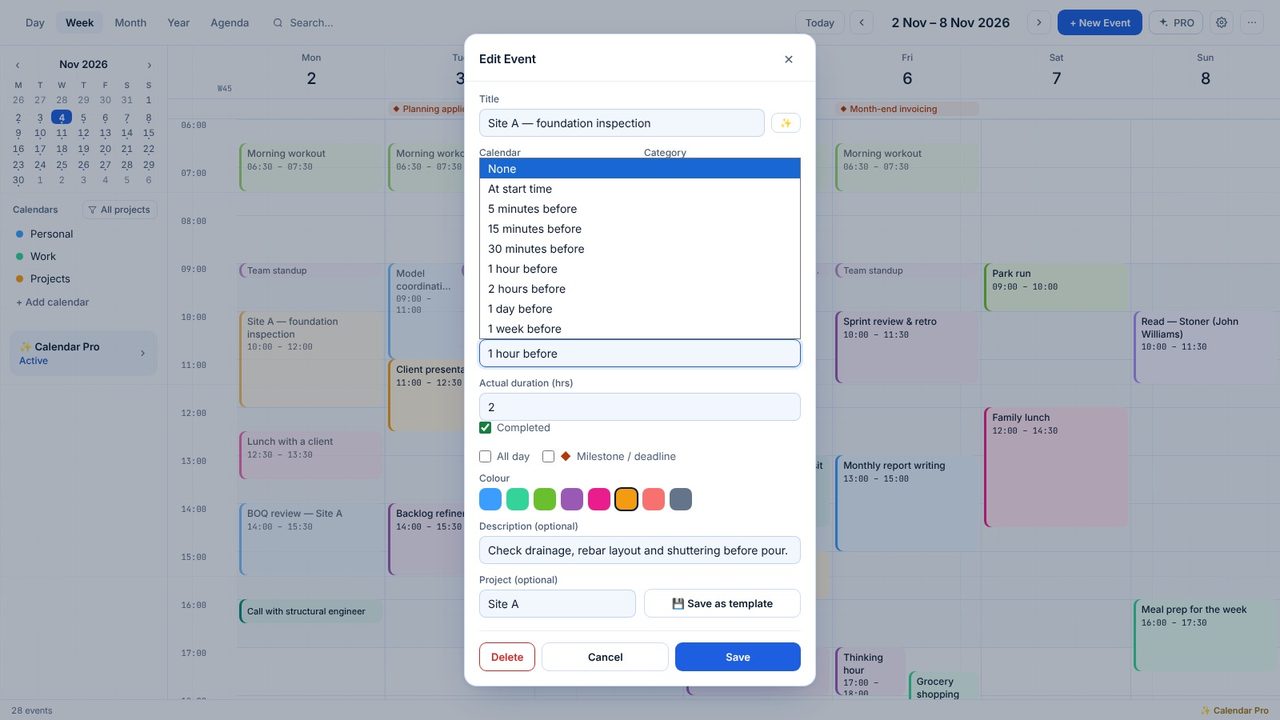
Choose a time in Reminder: at the start, 5, 15 or 30 minutes, 1 or 2 hours, a day or a week before.
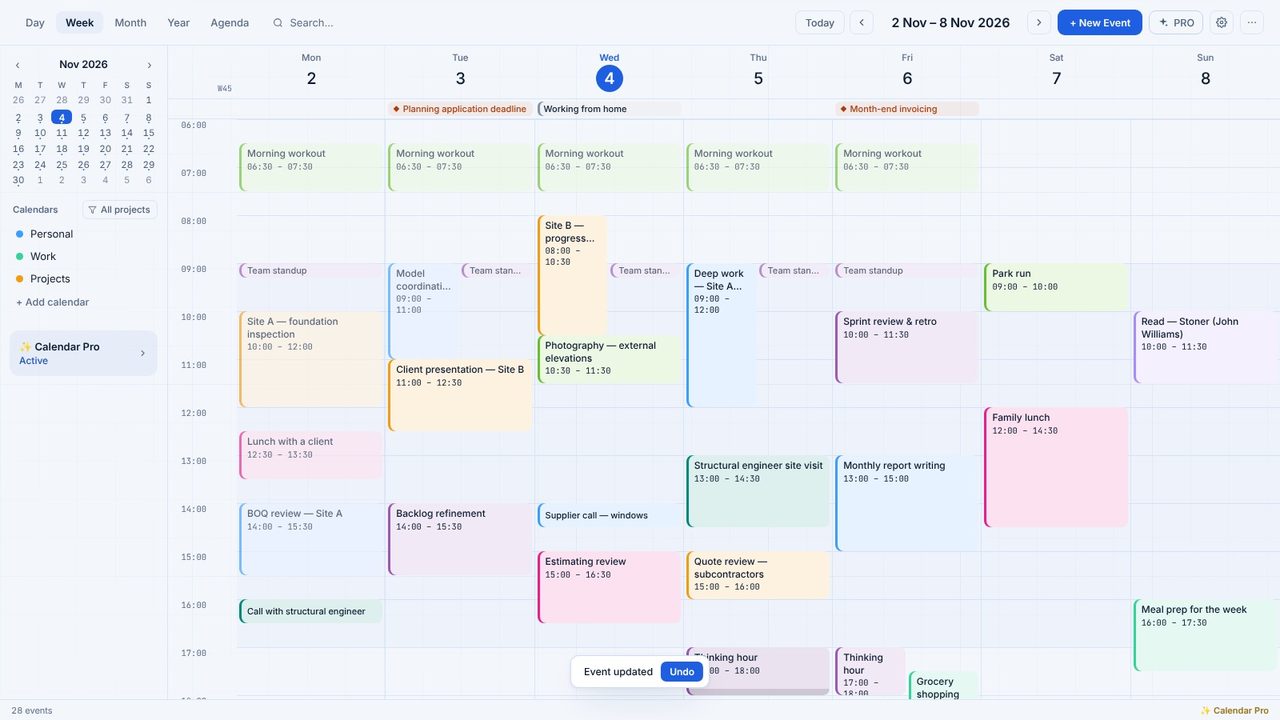
Calendar schedules the next 31 days of reminders with Windows, and updates them whenever you change an event.
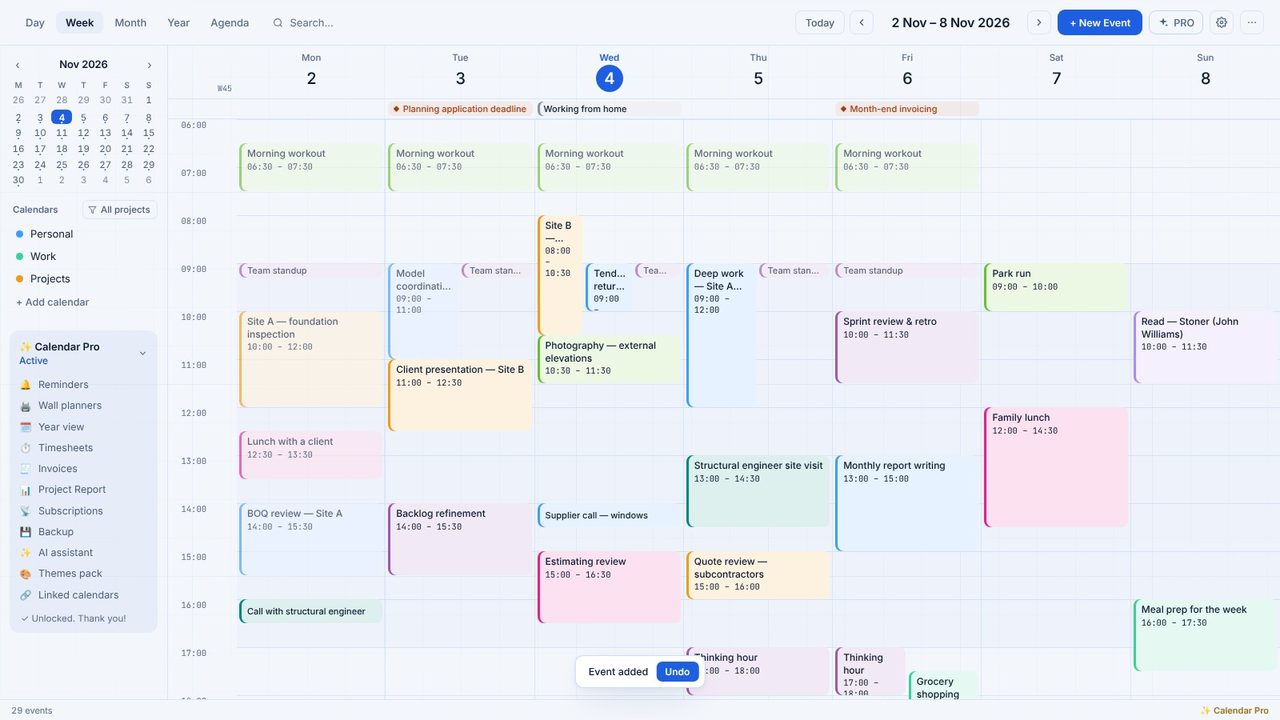
Reminders under Calendar Pro in the sidebar opens a new event at the Reminder field - here a tender return, a day before.
Yes - Calendar Pro has a 7-day free trial in the app, with no payment details.
No. Calendar Pro is a one-off £5.99 through the Microsoft Store.
