How-to guide
The weekly site meeting doesn't need the whole programme: it needs what is starting, running and finishing in the next couple of weeks, who is doing it and what they need. A look-ahead taken from the master programme keeps the two in step instead of a separate spreadsheet drifting away from it. Metre2 Programme Studio Pro filters the programme to the next 2, 3, 4 or 6 weeks from the data date and exports or prints it.
Choose Plan > 2 weeks (or 3, 4 or 6 weeks). The programme shows only the activities in progress or due to start in that window from the data date, with their WBS, and the filter shows in the left panel; click its cross to clear it.
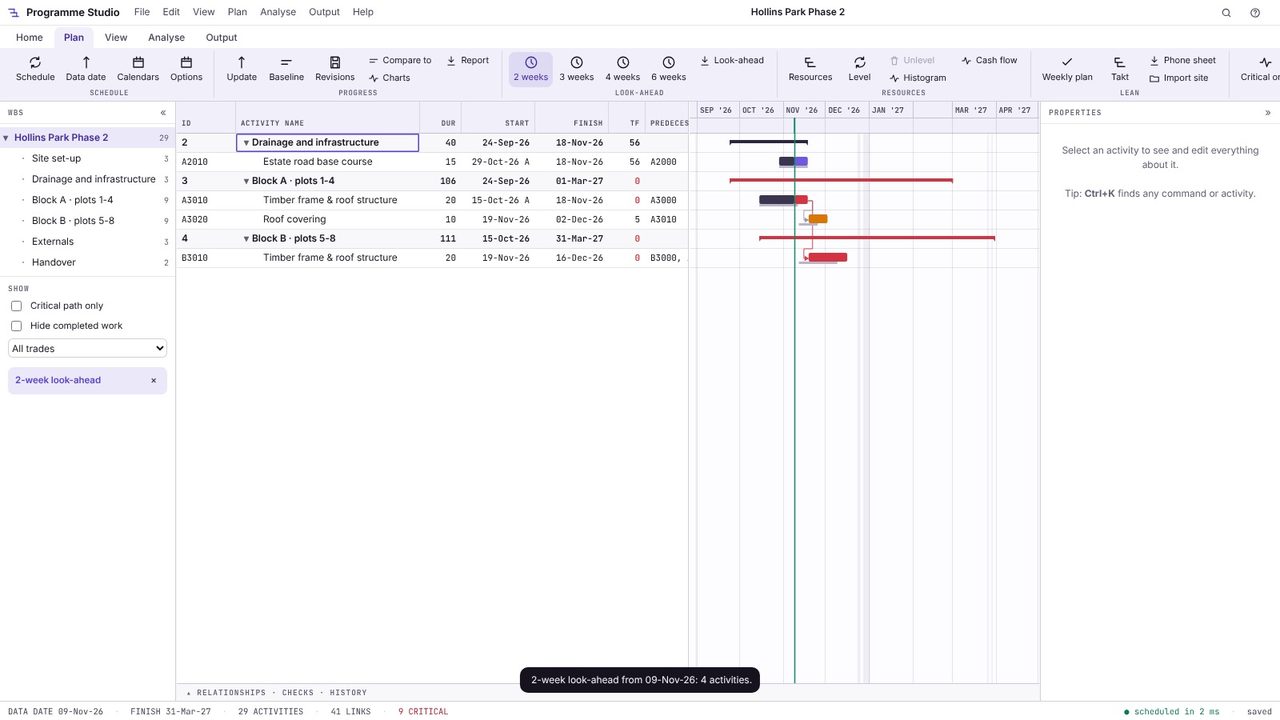
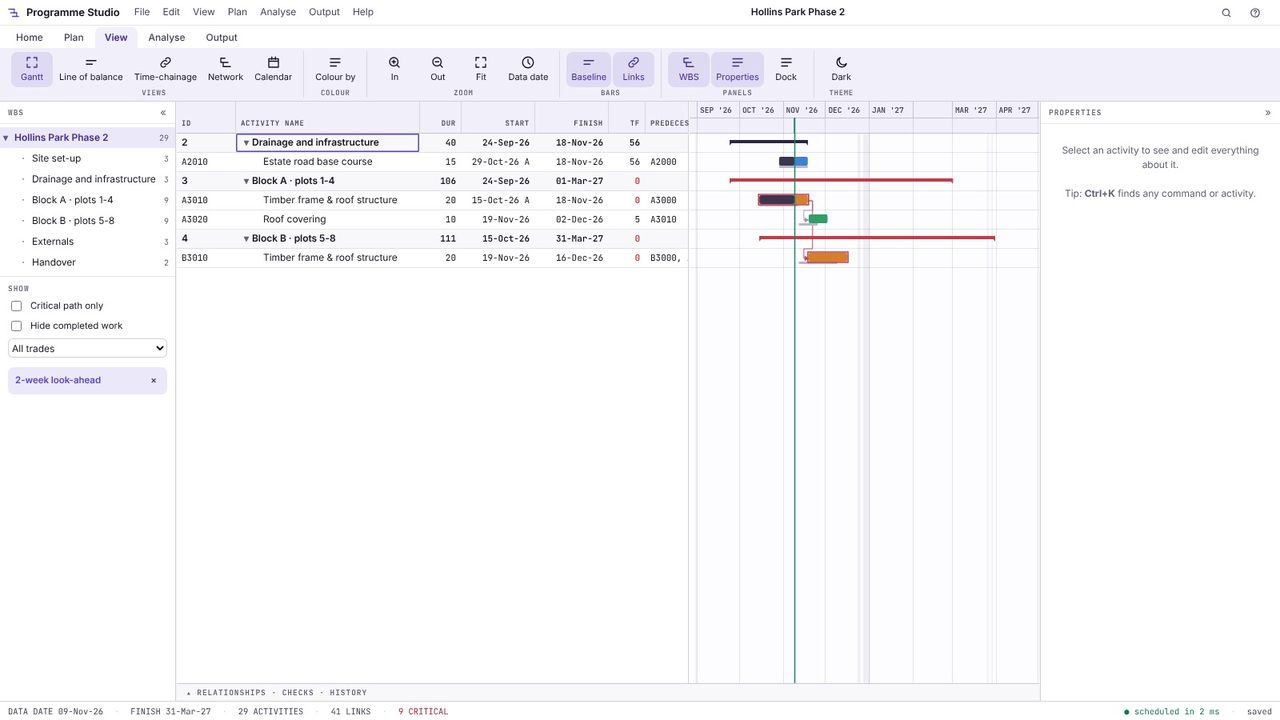
Open View > Colour by and choose Trade so each subcontractor can find their work; critical activities keep a red outline. Add a trade filter from the left panel for a look-ahead for one trade.
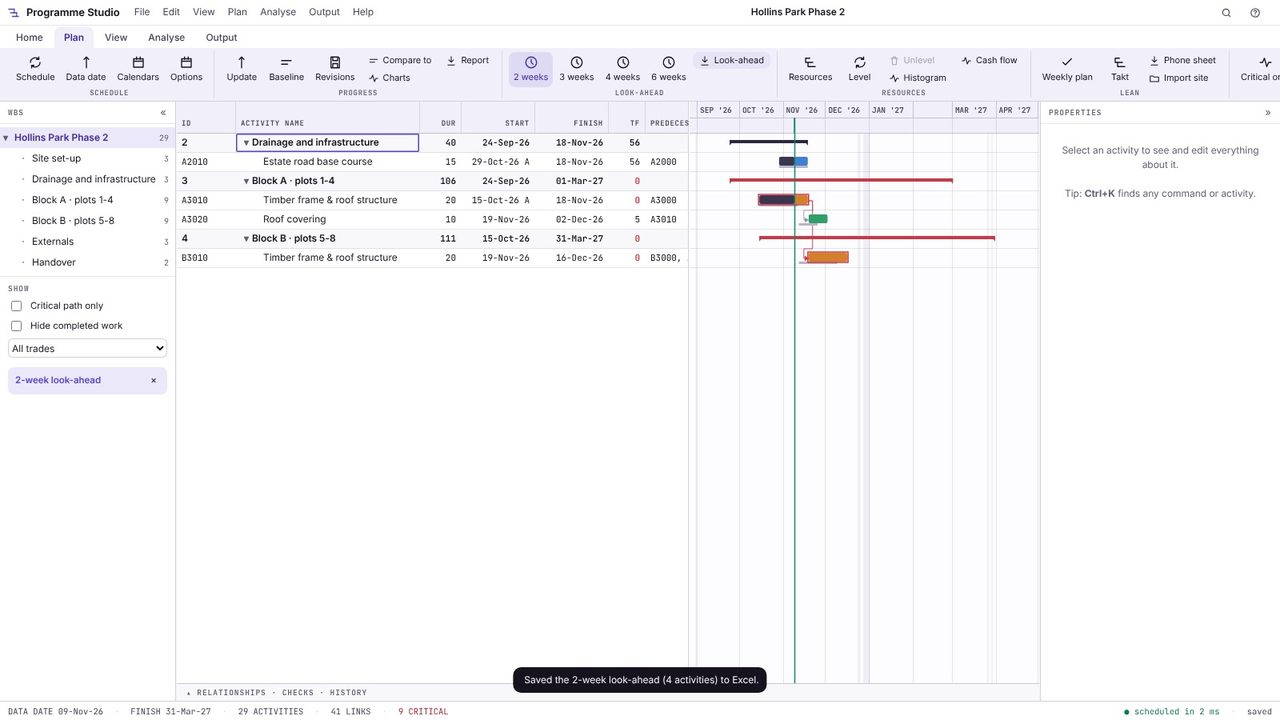
Choose Plan > Look-ahead to save the look-ahead to Excel: one row per activity with its dates, float and trade, ready for the meeting's actions and constraints.
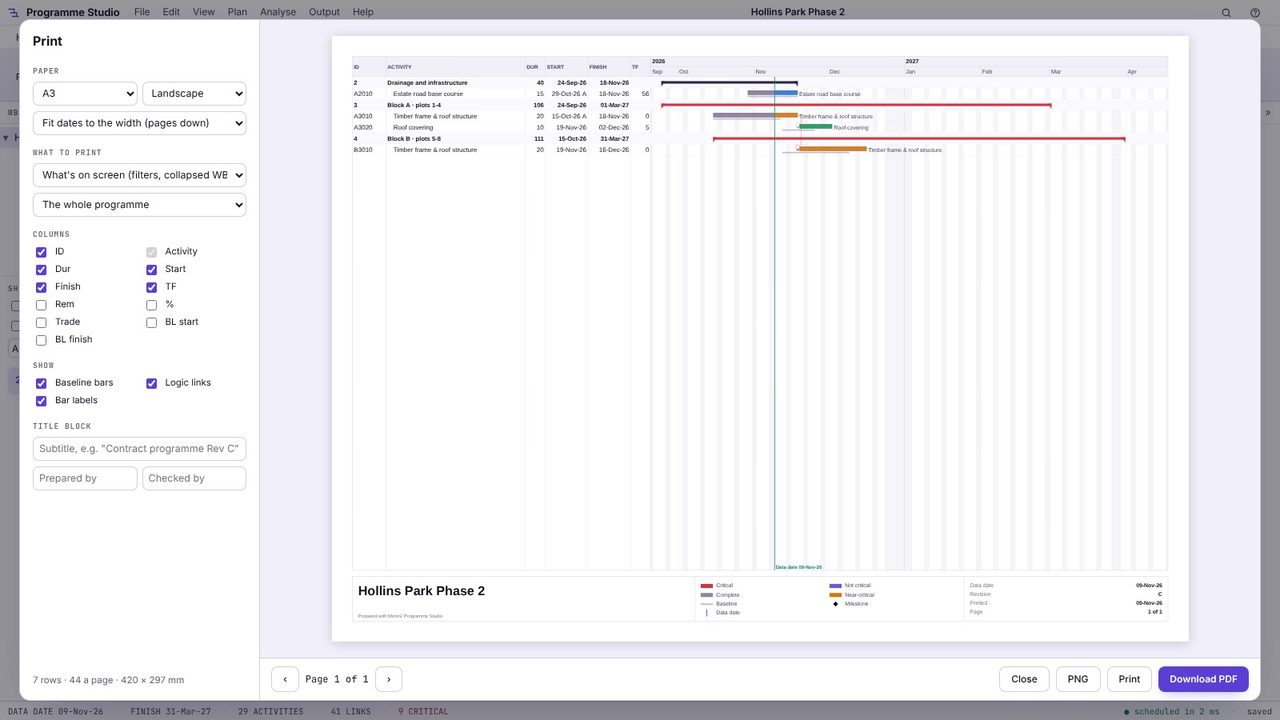
Press Ctrl+P: with What's on screen chosen, the print is the look-ahead, with a title block, on A4 or A3 (A2 to A0 with Pro).
A short-term programme taken from the master programme covering the next few weeks, used at site and subcontractor meetings to plan and coordinate the work in detail.
Two or three weeks is common for weekly site meetings; four to six weeks suits procurement and making sure information and materials are ready. Last Planner uses a six-week look-ahead for removing constraints and a one-week work plan for commitments.
Yes. Open the .xer in Programme Studio Pro, set the data date and choose the look-ahead.
Programme Studio is free to open and view programmes of any size and to build or edit programmes of up to 50 activities. Pro adds this and every other planning tool, with no activity limit, for £29.99 a month or £249 a year. The 7-day free trial needs a Metre2 account but no payment details.
